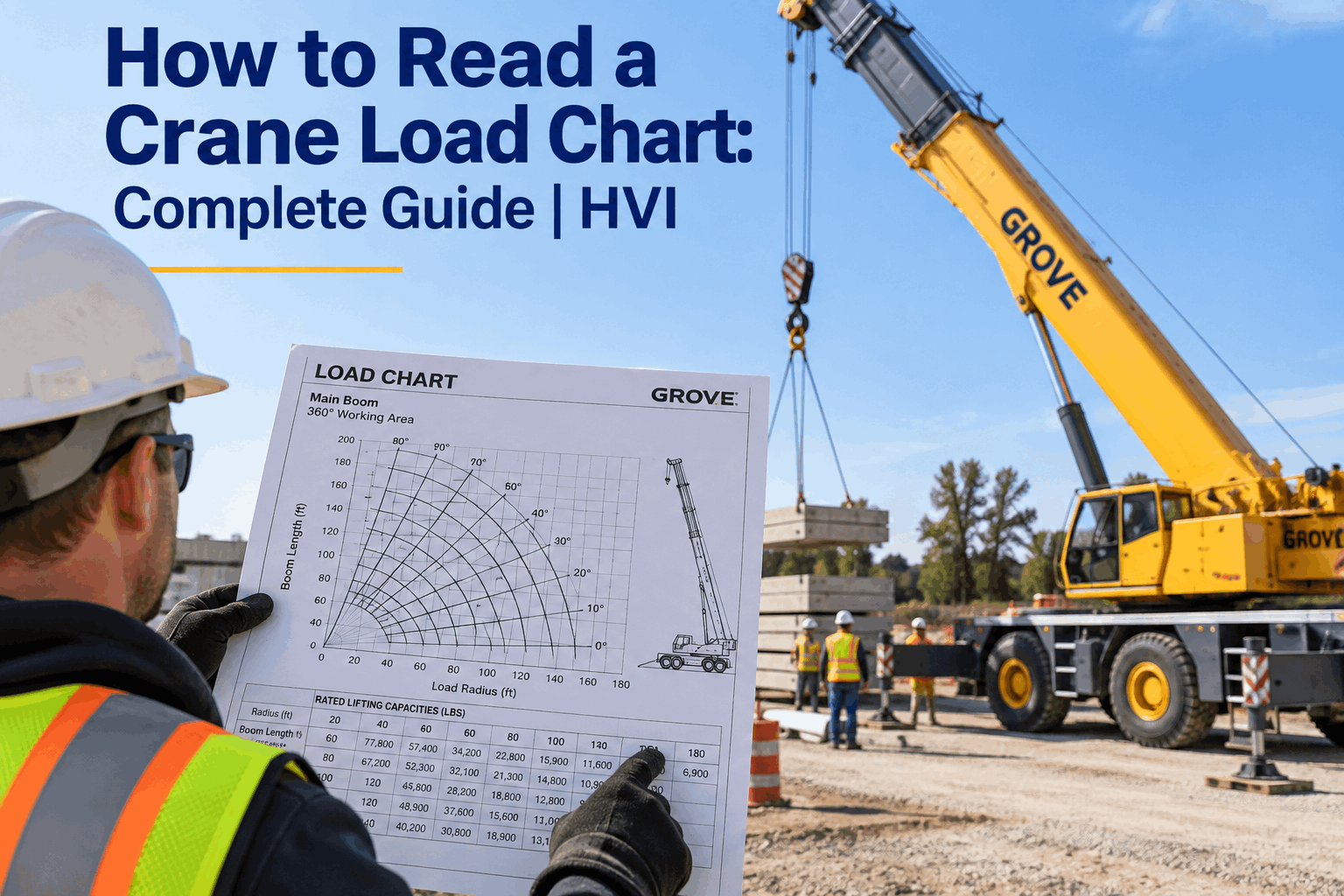
A crane's load chart is the difference between a lift that goes to plan and one that tips the machine — and it trips up more operators than any document in the cab. The headline capacity stamped on a crane is a best-case number, true only at one exact radius and boom setup; move the load out or up and the real capacity can drop by more than half. Learning to read a crane load chart means finding the one number that applies to your exact lift, every time, before the boom moves. This guide breaks it down column by column. Book a demo to see every lift chart logged before the boom moves.
One Crane, Hundreds of Capacities
The number on the side of the crane is the best case — valid at one radius, one boom length, one setup. The load chart is the map to the real number for your exact lift. Read it wrong and the same crane that lifts 100 tons up close can tip at 40.
Here's the mental shift that makes load charts click: a crane doesn't have a lifting capacity — it has hundreds of them. A different number for every combination of radius, boom length, boom angle, and setup. The chart isn't paperwork you sign; it's the tool that tells you which of those hundreds of numbers applies to the lift in front of you.
A Load Chart Is a Map, Not a Number
The single biggest load-chart mistake is treating the crane's rated capacity as the capacity. That headline figure is real, but it only holds at one specific setup — usually the shortest radius with the boom near vertical. Everywhere else on the chart, the number is lower, and often dramatically so.
Close in & high
Short radius, boom near vertical — the load sits close to the crane's center, minimal overturning moment. This is where the headline capacity lives.
Out & low
Long radius, boom extended and lowered — the load is far from center, huge overturning moment. Capacity here can be a fraction of the headline figure.
The physics behind it is simple leverage: the farther the load sits from the crane's center of rotation, the more it tries to tip the machine, so the less it can safely lift. That's why the chart exists — to give you the exact safe number at every point between those two extremes, so you're never guessing where your lift falls. Book a demo to see the right chart pulled for each lift.
The Variables That Change the Number
Four things move the capacity up or down, and you have to nail all four to land on the right number. Get one wrong and you're reading the wrong figure — the classic cause of an overload.
Lifting radius
The horizontal distance from the crane's center of rotation to the load hook. Inverse to capacity: the greater the radius, the lower the safe load. This is the parameter that trips up the most people — measure it, don't estimate it.
Boom length
A longer boom bends more under load and pushes the load out, so a longer boom at the same angle carries less. Extend the boom and the rated capacity drops — sometimes sharply.
Boom angle
A higher (more vertical) angle pulls the load closer, shrinking the radius and raising capacity; a lower angle pushes it out and drops capacity. Angle and radius move together — the chart lists both.
Configuration
Counterweight, outrigger deployment, jib or main boom, over-side vs over-rear — each has its own chart, and capacity can swing 50% or more between them. Use the chart that matches your actual setup, or you're reading a fiction.
Notice that three of the four — radius, boom length, and angle — are interlinked: change one and the others shift. That's why you don't read a load chart with a single lookup; you confirm your exact configuration first, then find the intersection of your real boom setup and your real radius. Start free and record the config behind every lift.
How to Read a Crane Load Chart, Step by Step
Once you know what the variables do, reading the chart is a repeatable sequence. Run it the same way every lift and the right number falls out — here's the order.
Pick the chart for your configuration
Confirm your counterweight, outriggers, boom or jib, and quadrant, then pull the matching chart. A crane has several — the wrong one is the most common first mistake.
Find your boom length and angle
On the chart, boom lengths are the curve family and radius runs along the bottom. Locate the boom length you'll use, and confirm you're within its minimum and maximum angle limits.
Determine the actual lifting radius
Measure the horizontal distance from the center of rotation to the load, don't eyeball it — and remember it can grow as the crane settles or the load swings out. Operating radius governs capacity.
Read the rated (gross) capacity
Find where your radius and boom setup intersect — that cell is the gross rated capacity for those exact conditions. If your radius isn't listed, the crane isn't rated to lift there. Full stop.
Deduct to get net capacity
Subtract the weight of the hook block, rigging, jib, and anything hanging from the boom. What's left is the net capacity — the actual weight you can put on the hook.
The step people rush is the last one, and it's the one that catches them out — which is why it gets its own section next. Get the sequence right, though, and the chart stops being intimidating: it's just a disciplined lookup that ends in a number you can trust. Book a demo to see the chart reading captured per lift.
Gross vs. Net: The Deduction Trap
This is the single most misunderstood thing on a load chart, and the one most likely to hurt you: the numbers on the chart are gross capacity, not what you can actually lift. The load on the hook has to be less than gross by everything hanging off the boom.
The number in the chart cell. It's the maximum total load the crane can carry at that radius and setup — including everything below the boom tip.
- Hook block and headache ball
- Slings, shackles, spreader bars
- Jib — erected or stowed on the boom
- Any auxiliary equipment on the boom
What's left is the weight you can put on the hook. The net load must never exceed this — and the rated load already sits at a fraction of the crane's tipping point for safety.
Skip the deductions and you can read the chart perfectly and still overload the crane, because the rigging weight ate into a capacity you thought was all yours. On big lifts near the limit, those deductions are the margin — and the reason the load weight you verify has to include every sling and shackle. Start free and log the full load weight with rigging.
Why Misreading the Chart Is the Real Danger
Crane tip-overs aren't usually reckless operators heaving too much on purpose. They're careful operators who read the chart wrong — wrong configuration, unmeasured radius, or forgotten deductions — and lifted a load the chart never said was safe.
And the majority of those aren't deliberate overloads — they're misread charts: the wrong configuration chart, a radius that grew as the crane settled, or rigging weight nobody deducted. The load felt within limits because the number the operator read was within limits — it just wasn't the right number for the actual lift. That's what makes chart literacy a safety skill, not a formality: the chart is only protective if it's read correctly, every time.
It's also why the chart reading belongs on the record, not just in the operator's head. A lift planned against a documented chart, config, and verified weight is a lift you can defend — and one where a second set of eyes could have caught the wrong-chart error before the boom moved. Book a demo to see the chart reading verified and logged.
How HVI Turns the Chart Reading Into a Record
Reading the chart right is the operator's skill; proving it was read right is where the safety system comes in. Three capabilities put the load-chart decision on the record before the lift.
Pre-lift chart & config capture
The chart used, configuration, boom setup, and measured radius are logged as a pre-lift step — so the reading is recorded before the boom moves, not reconstructed after an incident.
Weight verification with rigging
Log the load weight including hook block, slings, and shackles, checked against the net capacity — so the deduction trap is closed and a near-limit lift is flagged to weigh, not guess.
Audit trail & crane records
Every lift's chart reading and verification stays on the crane's record, alongside inspection and certification history — a defensible trail that the lift was planned within the chart.
The chart itself stays the operator's tool and the manufacturer's authority — HVI just makes sure the reading behind each lift is captured and provable, next to the crane's inspection and certification history. It's the same safety discipline behind a solid mobile crane pre-lift inspection. Book a demo to see it on your crane fleet.
From a lift supervisor who's caught a wrong-chart error
The scariest near-miss I ever had wasn't a reckless operator — it was a good one reading the fully-outriggered chart when we were only partially set up. The number looked fine; it just wasn't our number. We caught it in the pre-lift check. Now the chart, config, and weight all get logged before the boom moves, and a second person confirms the reading. It turned load-chart literacy into something on the record.
Frequently asked questions
What is a crane load chart?
A crane load chart is a manufacturer-provided table or diagram that shows a crane's rated lifting capacity under different configurations — combinations of lifting radius, boom length, boom angle, counterweight, and outrigger setup. Rather than one capacity, a crane has hundreds, and the chart gives the safe number for each. It's found in the operator manual, usually in the cab, and it's the primary tool for planning a lift within the crane's limits to prevent overloads, tipping, and structural failure.
How do you read a crane load chart?
Work in order: first pick the chart that matches your exact configuration (counterweight, outriggers, boom or jib, quadrant); find your boom length and confirm you're within its angle limits; measure the actual lifting radius from the center of rotation to the load; read the gross rated capacity where your radius and boom setup intersect; then deduct the weight of the hook block, rigging, and jib to get the net capacity you can actually lift. If your radius isn't on the chart, the crane isn't rated to lift there.
What's the difference between gross and net capacity?
Gross (or rated) capacity is the number printed in the load chart — the maximum total load at that radius and setup, including everything hanging below the boom tip. Net capacity is what you can actually put on the hook: gross minus the weight of the hook block, slings, shackles, spreader bars, and jib. The net load must never exceed net capacity. Reading the chart perfectly but forgetting the deductions is a common way to overload a crane that looked within limits.
Why does lifting capacity drop as the radius increases?
It's leverage. The lifting radius is the horizontal distance from the crane's center of rotation to the load, and the farther out the load sits, the greater the overturning moment trying to tip the machine. To stay safely below its tipping point, the crane must lift less as the radius grows. That's why the same crane rated for, say, 100 tons at a short radius with the boom near vertical might only be rated for 30–40 tons at a typical working radius — and why operating radius always governs capacity.
Why do crane tip-overs happen if operators have the chart?
Because most tip-overs are misread charts, not deliberate overloads. Around 42% of lift-equipment tip-overs involve exceeding the rated capacity, and the common errors are using the wrong configuration chart, not measuring the actual radius (which can grow as the crane settles or the load swings), and forgetting to deduct rigging weight. The operator reads a number that's within limits — it's just not the right number for the actual lift. That's why documenting the chart reading and having a second person confirm it catches errors before the boom moves.
Make Every Load-Chart Reading Something You Can Prove
Capture the chart, configuration, measured radius, and load weight with rigging as a pre-lift record, check it against net capacity, and keep it on the crane's history alongside inspections and certifications — so every lift is planned within the chart and defensible after. Live in under two weeks, trusted by 25,000+ users worldwide.
No credit card · No hardware · Crane inspection & lift templates ready on day one







.png)