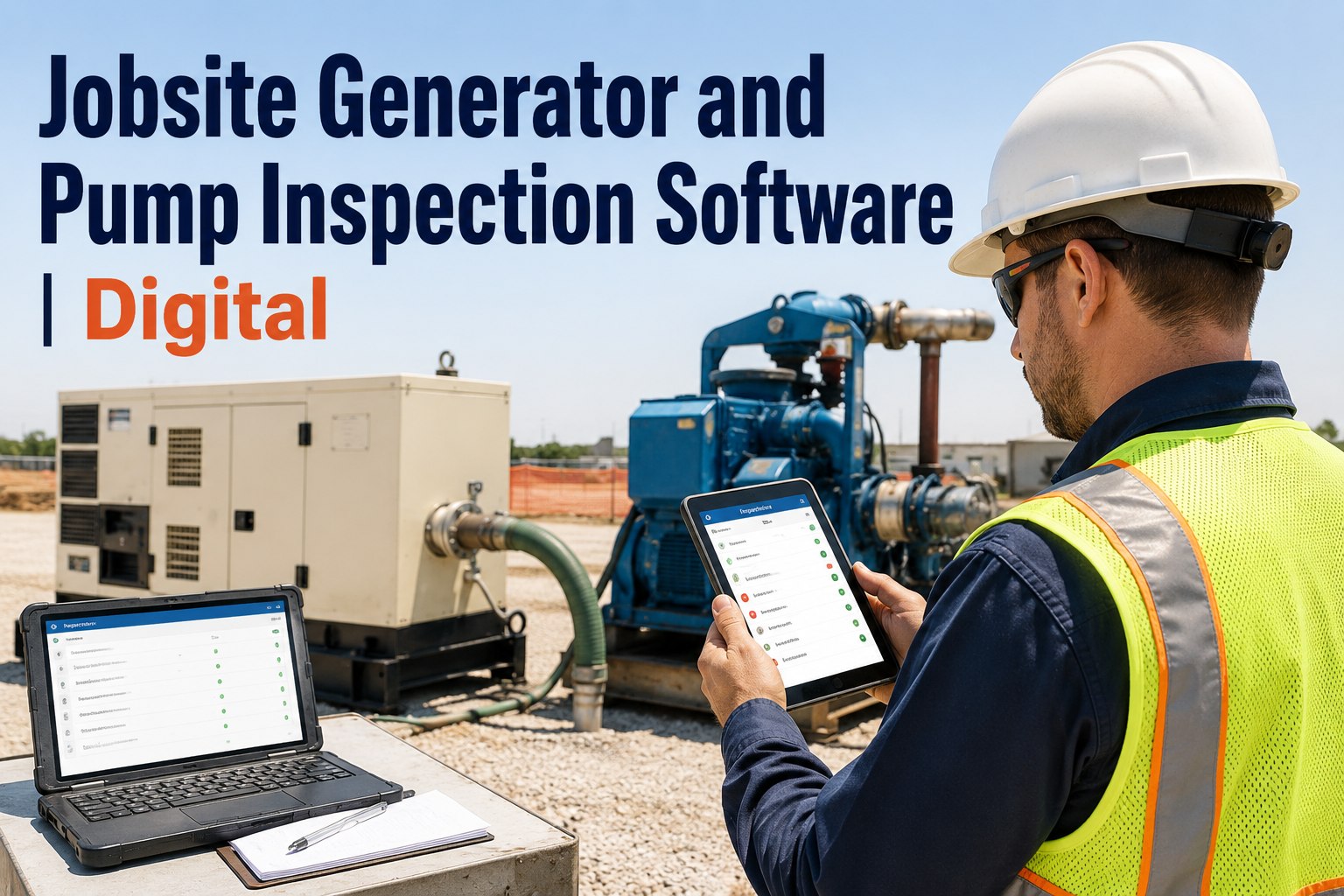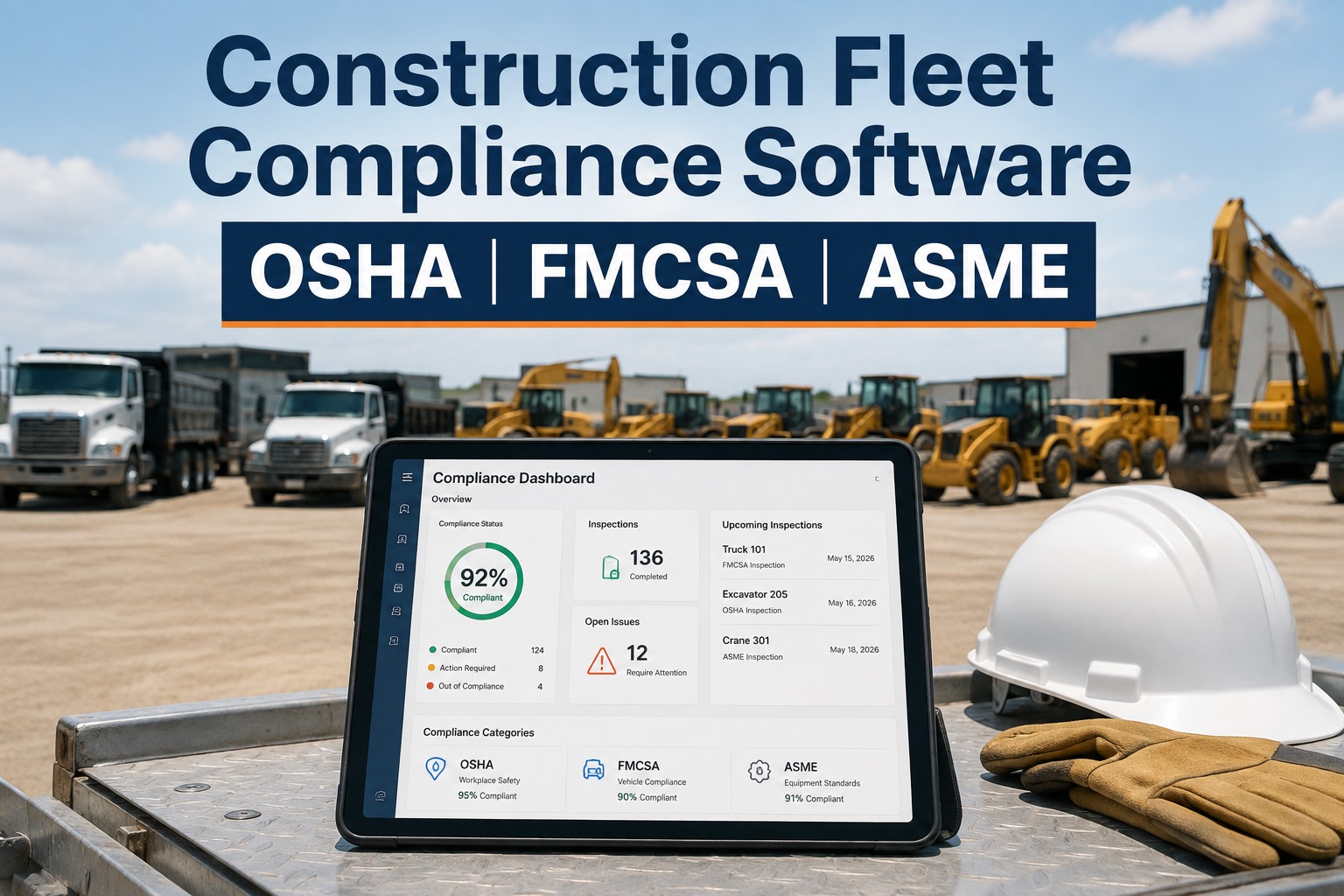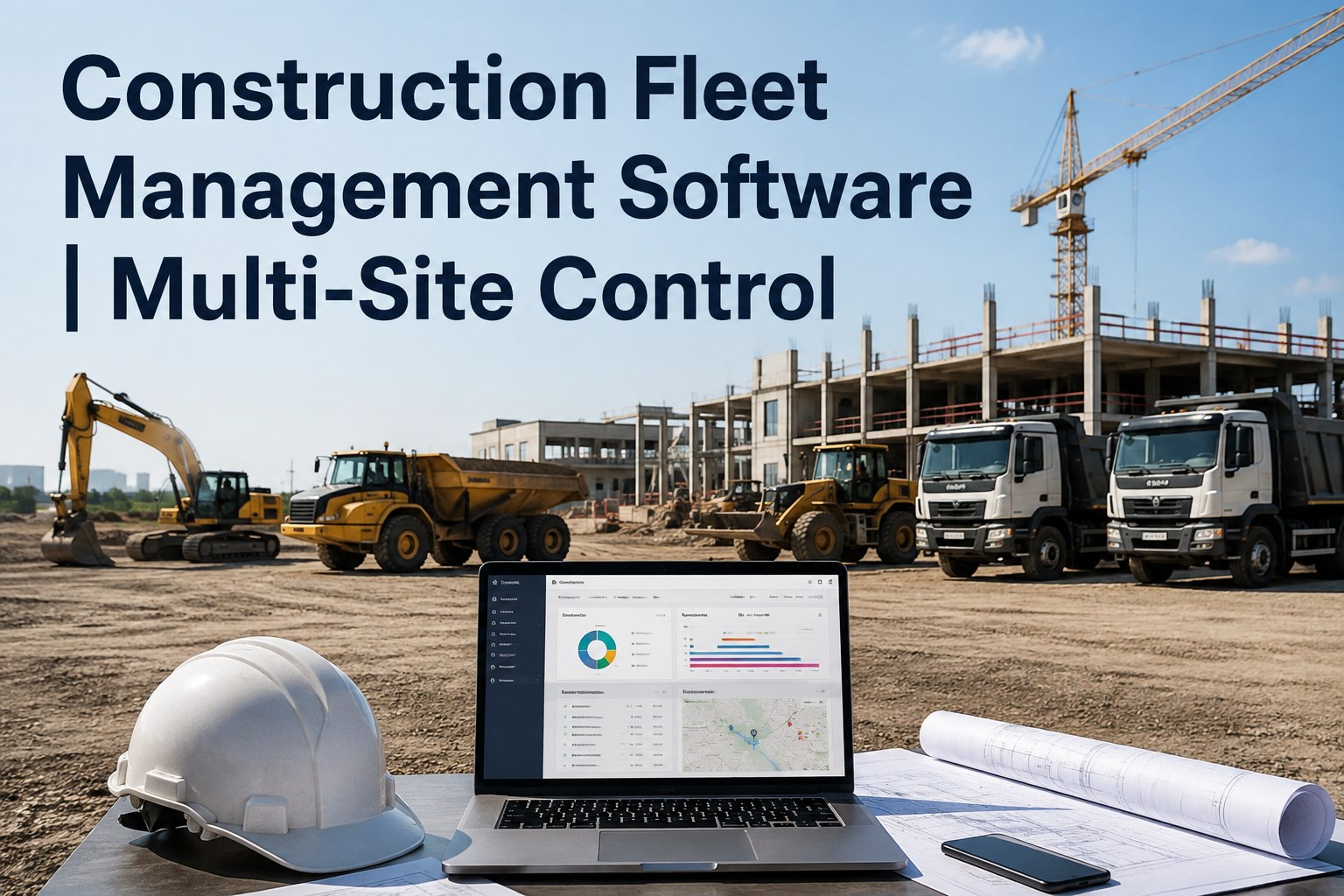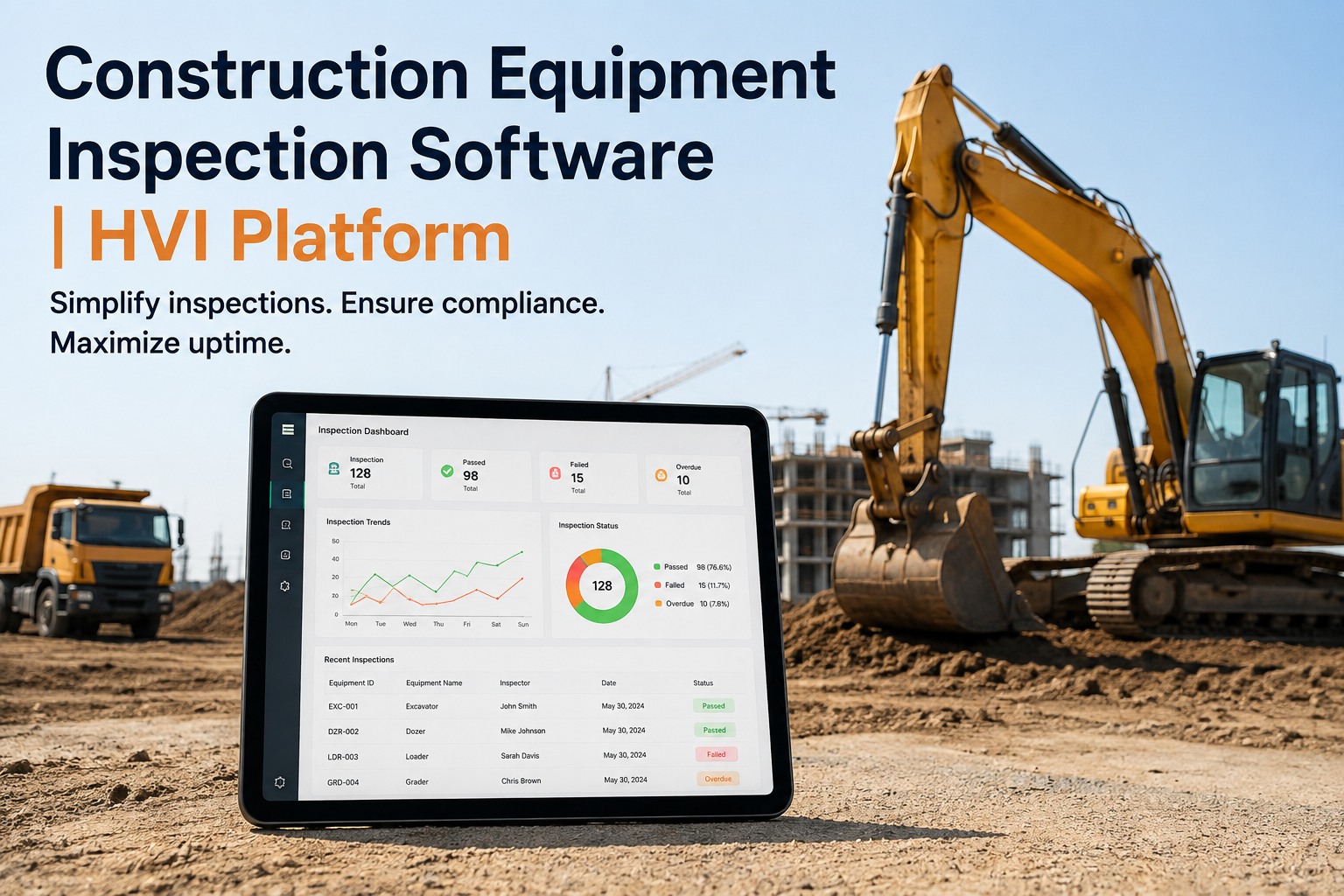
Most contractors we talk to are running four disconnected tools at once — a driver DVIR app on the phones, paper checklists in the foreman's truck, a crane inspection spreadsheet that one person understands, and a filing cabinet in the site office for everything else. Compliance falls through the gaps between those tools, and when an auditor or a client asks for proof, nobody can find it in time. Construction equipment inspection software should fix that by putting every machine, every checklist and every defect on one platform, so the record is built at the machine and ready before you need it. If you want to see how that actually looks on your jobsite, book a 30-minute walkthrough and we'll show you your own equipment loaded in HVI.
ONE PLATFORM FOR EVERY MACHINE
Stop running inspections across four disconnected tools
HVI replaces the DVIR app, the paper checklists, the crane spreadsheet and the filing cabinet with one construction inspection app that works offline on any phone or tablet — and auto-builds the audit trail as your crew inspects.
BUILT-IN TEMPLATES READY TODAY
- Excavator — 40+ inspection items, track and undercarriage
- Mobile crane — 70 items across 7 systems, ASME B30.5 tiers
- Forklift — 62 items across 3 phases, OSHA 1910.178
- Wheel loader & dozer — 35+ and 30+ pre-built items
100%
OFFLINE CAPTURE ON iOS & ANDROID
0
PAPER CHECKLISTS TO FILE
1
DEFECT = ONE AUTO WORK ORDER
THE REAL COST OF DISCONNECTED TOOLS
What four tools actually cost you every month
Running a DVIR app, paper checklists, a crane spreadsheet and a filing cabinet isn't just messy — it's measurable leakage in downtime, violations and audit hours. Here's what that gap typically looks like for a mixed fleet.
6
TRUCK-DAYS LOST PER MONTH
A 40-machine contractor losing six truck-days a month to unplanned downtime is bleeding roughly six days of revenue and hire-in cost — most of it traceable to defects that were spotted but never became a work order.
4
DISCONNECTED TOOLS IN USE
Every extra tool is a place where a defect can hide. When the DVIR app doesn't talk to the crane spreadsheet, the shop doesn't see the issue until the machine stops — or the auditor finds it first.
3+ hr
PER AUDIT SPENT DIGGING
Safety and compliance managers routinely spend three or more hours per audit pulling paper checklists, matching photos to machines and rebuilding timelines that a digital record would have assembled automatically.
1
TEXT-MESSAGE PHOTO = ZERO CONTEXT
A photo of a cracked rim sent in a group chat has no timestamp, no GPS tag, no asset ID and no link to a work order — which means it carries almost no weight with a client, an insurer or a DOT inspector.
WHY GENERIC FORM BUILDERS FAIL
A form builder is not heavy equipment inspection software
Plenty of teams try to build inspections in a generic form builder or a spreadsheet. It works for a week, then it breaks against the reality of heavy machinery on a jobsite.
WHAT A GENERIC FORM BUILDER GIVES YOU
- Blank fields you have to design and maintain yourself
- No OSHA, FMCSA or ASME logic built into the questions
- No concept of shift, monthly and annual inspection tiers
- No defect-to-work-order flow — just a list of answers
- No offline capture with auto-sync when signal returns
WHAT A PURPOSE-BUILT PLATFORM GIVES YOU
- Pre-built templates per machine type, ready to use day one
- OSHA, FMCSA and ASME logic baked into every checklist
- Shift, monthly and annual tiers that trigger automatically
- Every defect auto-generates a work order with photo evidence
- Full offline capture on iOS and Android, auto-sync when back online
A purpose-built equipment inspection platform understands that a forklift has a three-phase OSHA checklist, that a crane has seven systems and three tiers, and that a wheel loader needs its hydraulic lines and bucket pins checked — not just a free-text box that says "inspect machine." If you're weighing the difference, walk through it on your own units and the gap becomes obvious in ten minutes.
THE TEMPLATE LIBRARY
What a purpose-built heavy equipment inspection checklist looks like
HVI ships with templates built around the real inspection logic of each machine type — not blank forms. Here's what's inside the library for the most common construction assets.
Excavator template
Covers track condition and tension, undercarriage wear, hydraulic lines and cylinders, boom and stick pins, bucket teeth and cutting edge, slew ring, operator cab and controls, plus engine and fluid levels.
Crane template (7 systems, 3 tiers)
Seventy items across seven systems per ASME B30.5 — load block and hook, wire rope, boom and jib, outriggers, hydraulics, controls and load moment indicator. Structured in shift, monthly and annual tiers.
Forklift template (3 phases)
Sixty-two items across three phases per OSHA 1910.178 — pre-use, operational and shutdown. Covers forks and mast chain, tyres, brakes, steering, overhead guard, data plate, horn and lighting.
Wheel loader & dozer templates
Wheel loader covers 35+ items including bucket, linkage pins, tyres, transmission, hydraulics and cooling. Dozer covers 30+ items including track group, blade, ripper, undercarriage and final drive.
ONE INSPECTION, THREE STANDARDS
How one inspection satisfies OSHA, FMCSA and ASME at once
Road-going cranes and dump trucks live in two worlds — they're off-road plant on site and on-highway vehicles on the road. HVI's templates are structured so a single walk-around can satisfy OSHA, FMCSA and ASME requirements simultaneously, instead of running three separate inspections.
| Inspection trigger | OSHA coverage | FMCSA coverage | ASME B30.5 coverage | Record built in HVI |
|---|---|---|---|---|
| Pre-shift walk-around on a road-going crane | Workplace equipment safety check | DVIR for on-highway component | Shift-tier crane items (7 systems) | One timestamped record, photo-backed, shared across all three |
| Pre-trip on a dump truck | Not applicable | FMCSA DVIR — brakes, lights, tyres, coupling | Not applicable | DVIR with defect-to-work-order, DOT-ready |
| Monthly crane inspection | Equipment safety documentation | Not applicable (off-road) | Monthly-tier items, logged and signed | Digital signature, GPS, photos, stored to asset history |
| Annual crane inspection | Annual equipment safety record | Annual inspection for road-going unit | Annual-tier ASME B30.5 items | Full annual packet, audit-ready in seconds |
Instead of running a paper DVIR for the road, a separate OSHA checklist for the site and a spreadsheet for the crane, your operator does one walk-around on HVI and the platform splits the record into the right buckets automatically. That's the core payoff of construction equipment compliance software — one capture, three standards satisfied. If you want to see that dual-coverage flow on a road-going crane, see the dual-coverage flow on a demo and we'll walk you through it.
HOW HVI HELPS
How HVI closes the compliance gap on construction fleets
HVI maps four concrete capabilities to the exact problems that paper checklists and disconnected tools create — each one tied to a measurable outcome for your shop.
Offline capture on any phone
Operators inspect on iOS or Android with no signal — photos, GPS and digital signatures are captured locally and auto-sync the moment the device reconnects. Outcome: no more "couldn't submit, no signal" excuses and no paper fallback.
Defect auto-generates a work order
Every defect flagged during an inspection instantly creates a work order with the photo evidence attached — no re-keying, no group chat. Outcome: the shop sees the issue in real time and unplanned downtime drops.
Audit-ready, photo-backed records
Every inspection is timestamped, GPS-tagged and photo-backed, stored against the asset history. Outcome: when a DOT, client, safety or insurance auditor asks for proof, you pull it in seconds instead of three hours.
One platform across every asset
Trucks, trailers, buses, off-road plant and shop equipment all live in one HVI instance with shared parts, PM scheduling and analytics. Outcome: no more siloed logs and no more "the crane spreadsheet lives on Steve's laptop."
SEE IT ON YOUR FLEET
See HVI running on your own equipment — book a 30-minute demo
Share your equipment list and we'll load it into HVI so you can see exactly how inspections, defect-to-work-order and audit records look on your machines.
ROLLOUT TIMELINE
Live in 2–3 weeks, with 90%+ adoption in month one
A common worry is that switching inspection software will eat a month and stall the shop. HVI is built for a fast rollout — most mixed fleets are live in two to three weeks with over 90% of operators and technicians logging inspections by the end of month one.
Equipment load & template mapping
Your equipment list is imported into HVI and the right template — excavator, crane, forklift, loader, dozer, truck — is mapped to each asset. We configure shift, monthly and annual tiers for cranes and PM intervals for everything else.
Crew onboarding & first live inspections
Operators and technicians install the app on their own phones or tablets, run their first live inspections with a supervisor alongside, and the shop starts receiving auto-generated work orders from flagged defects.
Paper retired & audit trail live
Paper checklists and the crane spreadsheet are retired. The filing cabinet stops growing. Every inspection now builds a timestamped, photo-backed record automatically, and your first audit packet is pulled from HVI instead of rebuilt by hand.
If you want a rollout plan mapped to your actual fleet size and mix, get a rollout plan for your fleet on a quick call and we'll show you the week-by-week steps.
WORKED EXAMPLE
What one unplanned breakdown actually costs you
Let's make the payoff tangible. Take a mid-size excavator on a commercial site that goes down for two days because a hydraulic leak was spotted on a paper checklist but never became a work order.
RENTAL / HIRE-IN COST
$1,800
Two days hiring a comparable excavator to keep the crew moving while yours is in the shop.
LOST CREW PRODUCTIVITY
$2,400
Four crew standing or reassigned for half a day each while the swap happens and the machine is recovered.
SHOP OVERTIME
$640
Technician overtime to diagnose and repair the leak outside normal hours so the machine is back for day three.
TOTAL AVOIDABLE COST
$4,840
From a single defect that was already seen but never routed to the shop. HVI's defect-to-work-order flow exists to close exactly that gap.
Now multiply that across the six truck-days a month the typical contractor loses, and the case for a single platform is made in one line. You can start logging inspections free and see the defect-to-work-order flow on your own machines before you commit.
KEY TAKEAWAYS
Construction equipment inspection software: what to take with you
01
Running four disconnected tools — a DVIR app, paper checklists, a crane spreadsheet and a filing cabinet — is where compliance leaks. One platform closes that gap.
02
Generic form builders fail on heavy equipment because they carry no OSHA, FMCSA or ASME logic and no defect-to-work-order flow. Use a purpose-built platform.
03
A single HVI inspection can satisfy OSHA, FMCSA and ASME B30.5 at once for road-going cranes and dump trucks — one capture, three standards.
04
Offline capture with photos, GPS and signatures, plus auto work orders, means defects are seen by the shop in real time — not next week.
05
A 2–3 week rollout with 90%+ month-one adoption is the norm, not the exception. Paper is retired by week three.
06
Audit-ready, photo-backed records turn a three-hour audit dig into a ten-second search — and that's where the real savings compound.
"We had three inspectors using three different methods and none of them talked to the shop. The day a crack in a loader rim sat in a group chat for four days before anyone opened a work order, I'd had enough. We moved to HVI and now a flagged defect is a work order before the operator walks away from the machine. I track unplanned downtime weekly — it's down by a third since we stopped running inspections on paper and text messages."
— Martin Halsey, Site Supervisor, civil contractor running 35 mixed machines
FAQ
Construction equipment inspection software: frequently asked questions
What is construction equipment inspection software?
It's a digital platform built specifically for inspecting heavy machinery — excavators, cranes, dozers, loaders, forklifts and trucks — with pre-built, regulation-aware templates, offline mobile capture and automatic defect-to-work-order routing. Unlike a generic form builder, it carries OSHA, FMCSA and ASME logic and builds an audit-ready record as your crew inspects. You can see it on your own machines in a short demo.
Does the inspection app work offline on a remote jobsite?
Yes. HVI captures inspections, photos, GPS and digital signatures fully offline on iOS and Android, and auto-syncs everything the moment the device reconnects. Nothing is lost when there's no signal, and there's no need for a paper fallback.
Can one inspection satisfy OSHA, FMCSA and ASME at the same time?
For road-going cranes and dump trucks, yes. HVI's templates are structured so a single walk-around satisfies the OSHA workplace check, the FMCSA DVIR for the on-highway component and the relevant ASME B30.5 tier — one capture, three standards, no duplicate paperwork.
How long does it take to roll out HVI on a mixed fleet?
Most mixed fleets are live in two to three weeks. Week one is equipment load and template mapping, week two is crew onboarding and first live inspections, and week three is retiring paper with the audit trail fully live. Over 90% of operators and technicians are logging inspections by the end of month one.
Does every defect automatically create a work order?
Yes. The moment an operator flags a defect during an inspection, HVI auto-generates a work order with the photo evidence, asset ID and timestamp attached. The shop sees it in real time — no re-keying, no group chat, no lost paperwork. You can start logging inspections free to test that flow on your own units.
READY WHEN YOU ARE
Move every machine onto one inspection platform
Book a demo and share your equipment list — we'll load it into HVI and show you inspections, auto work orders and audit records running on your actual assets.
Free to start — Works on any phone — No card needed