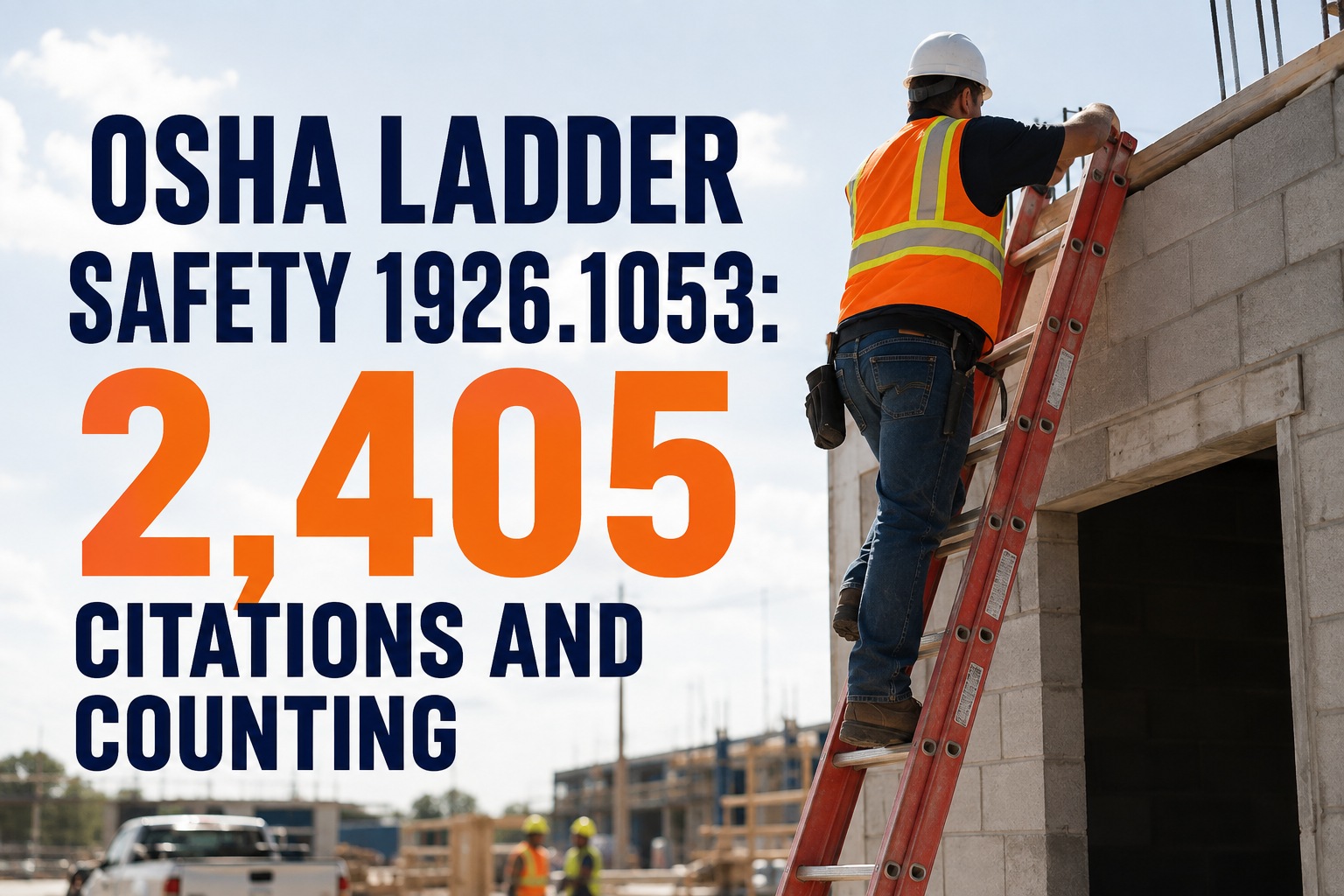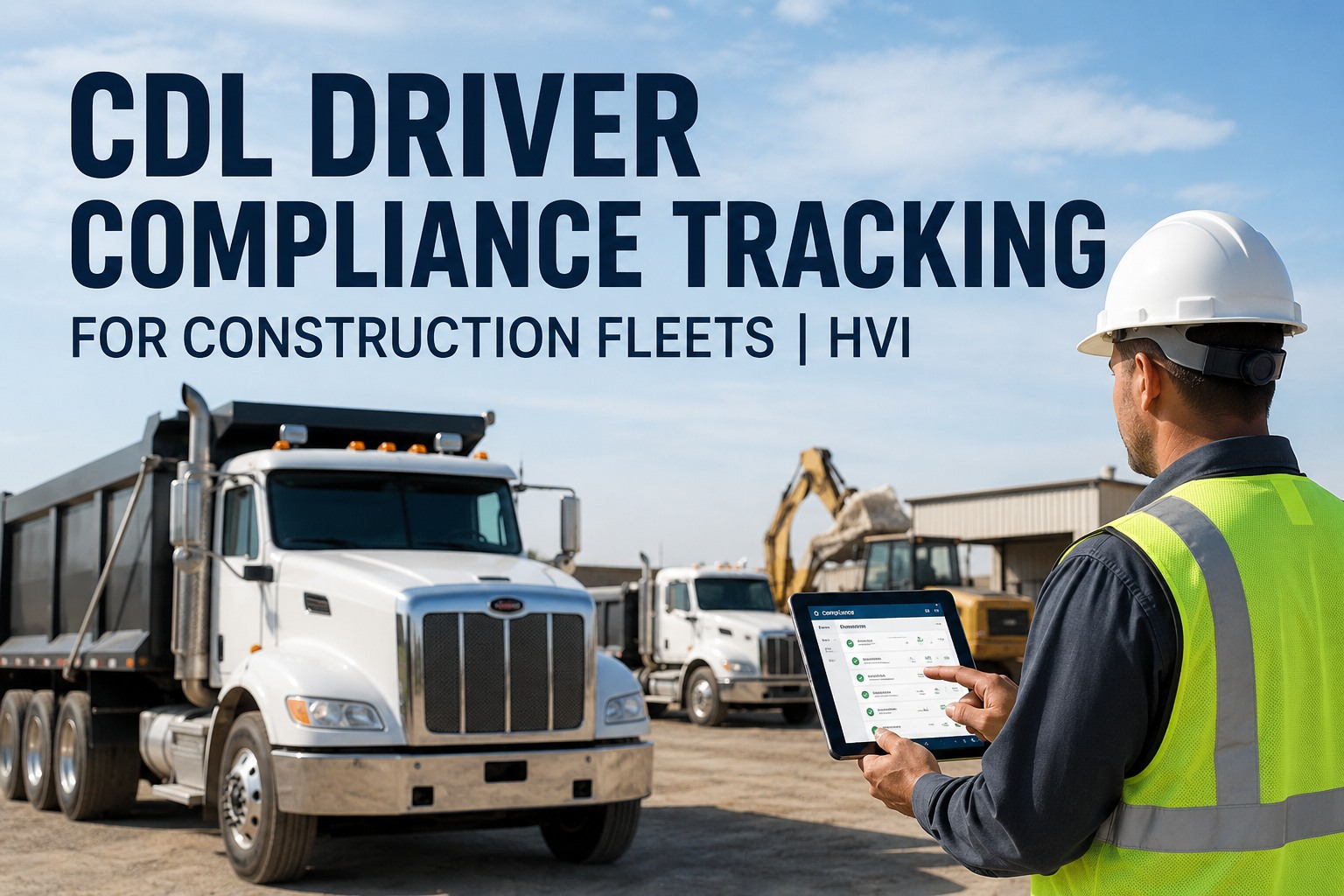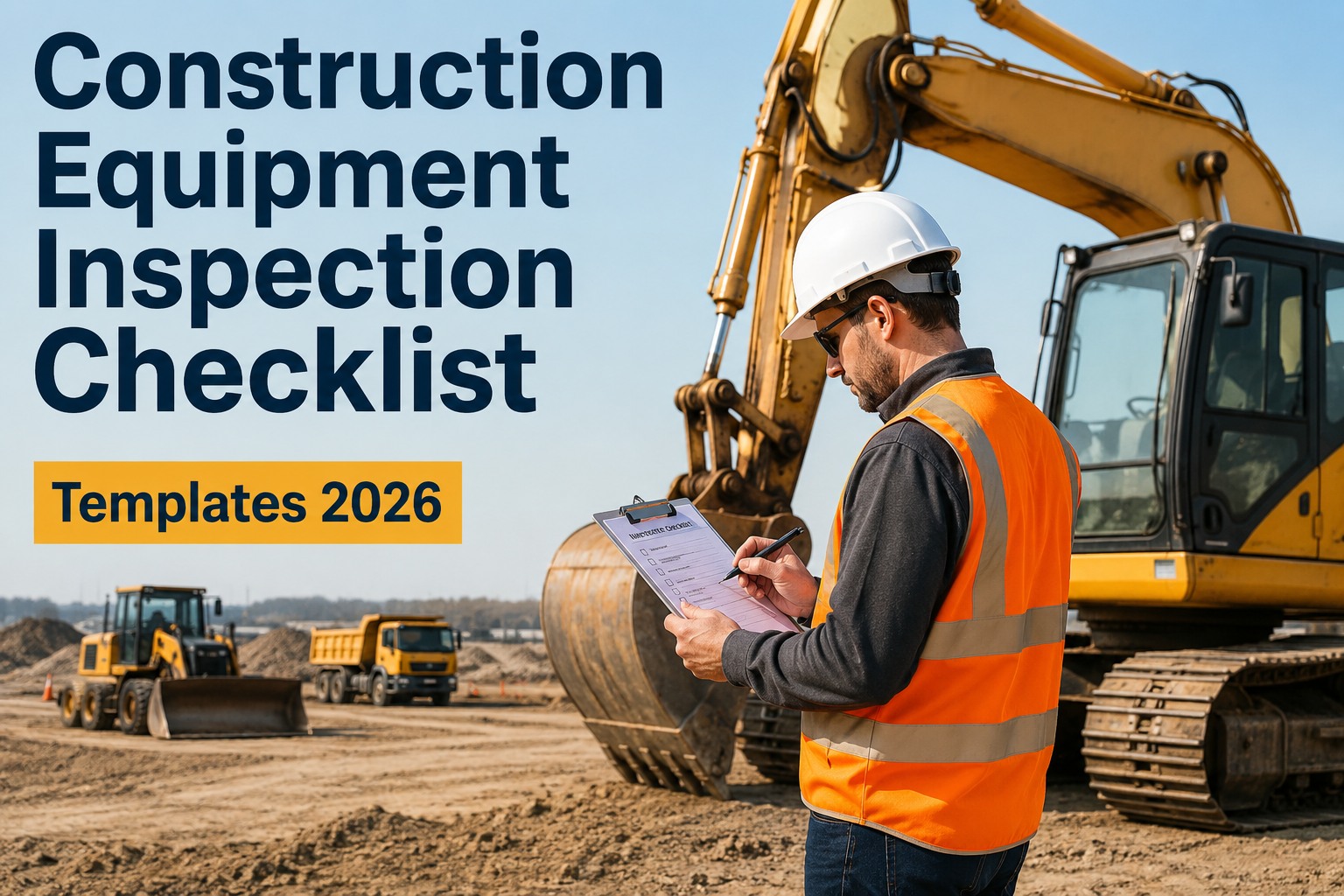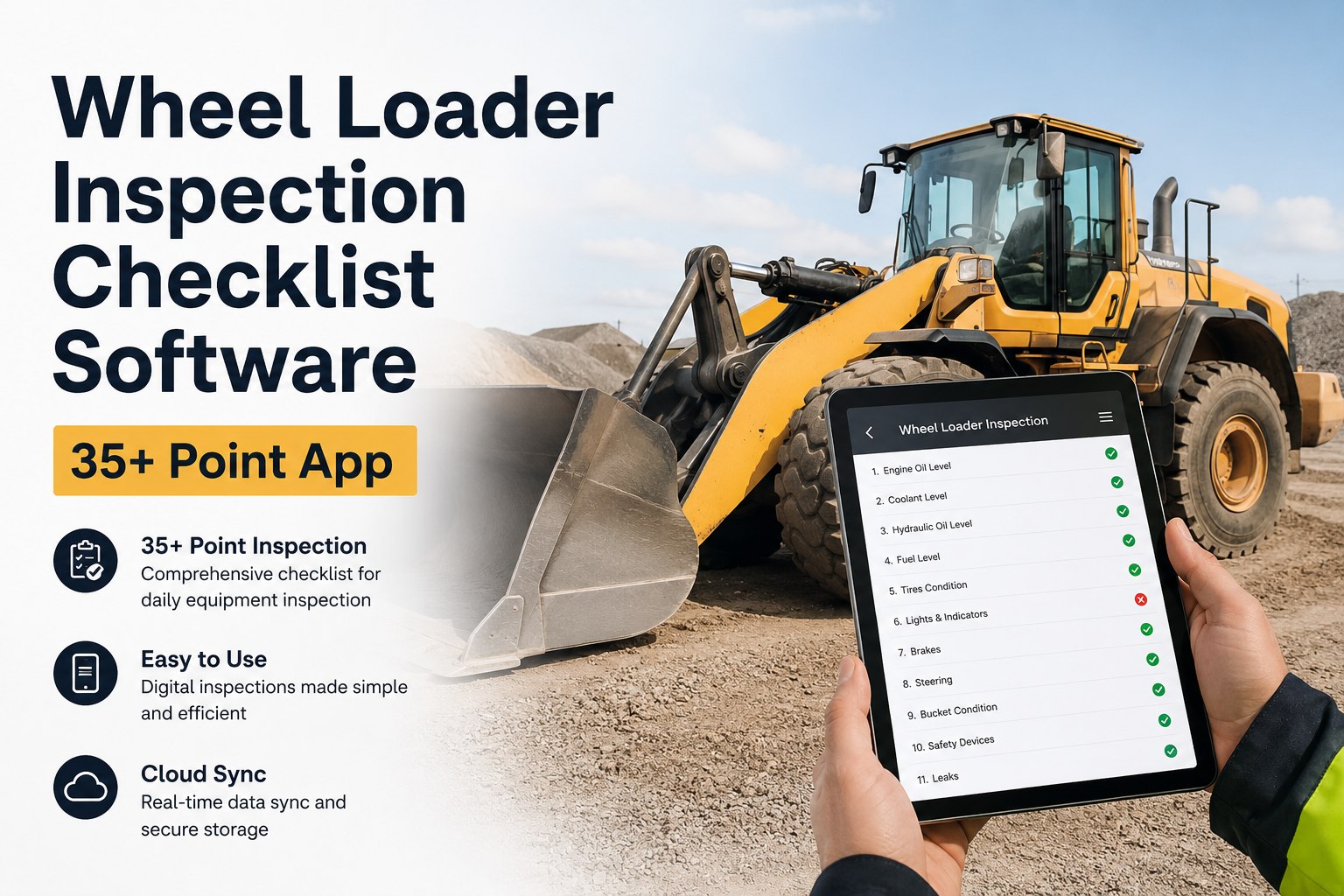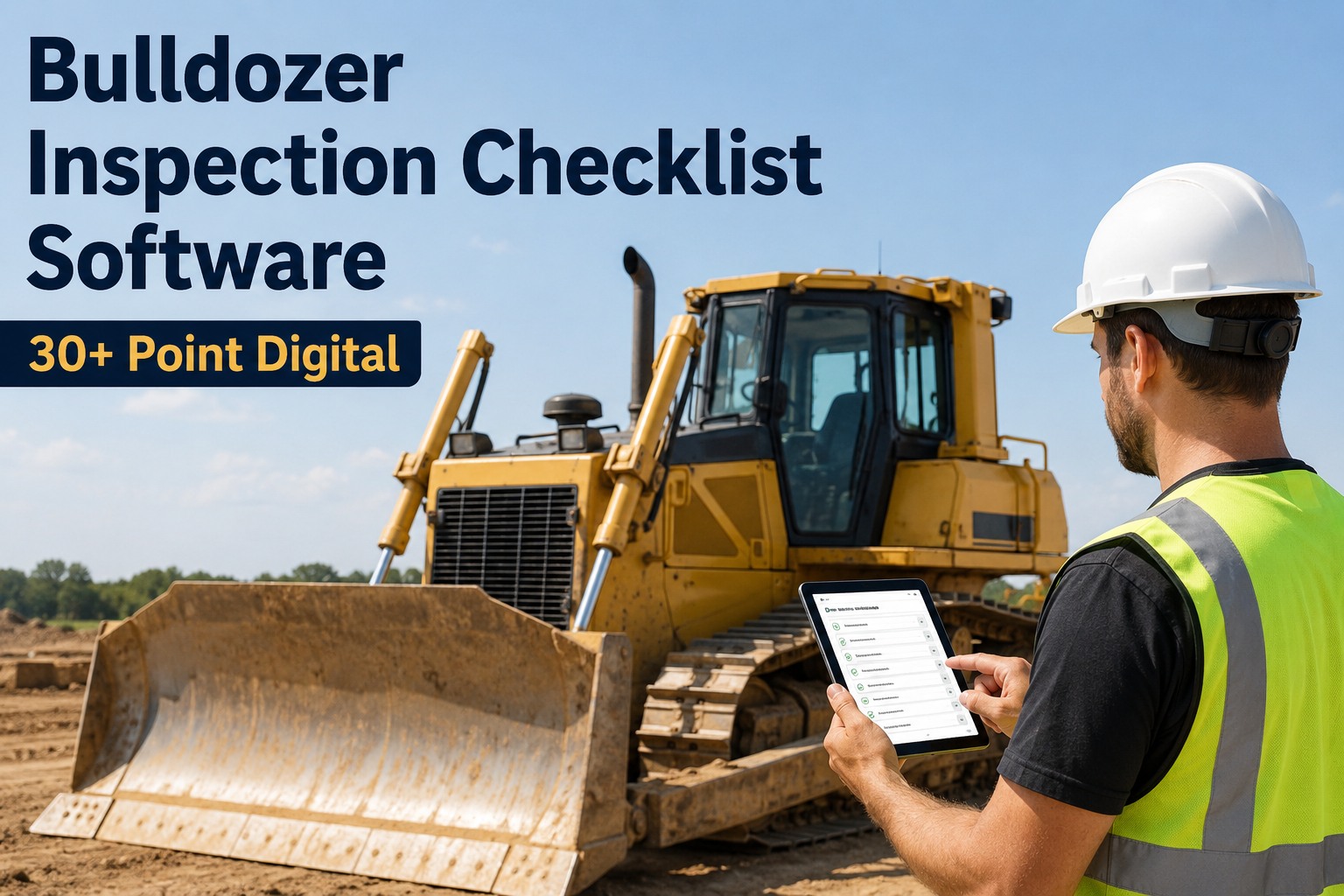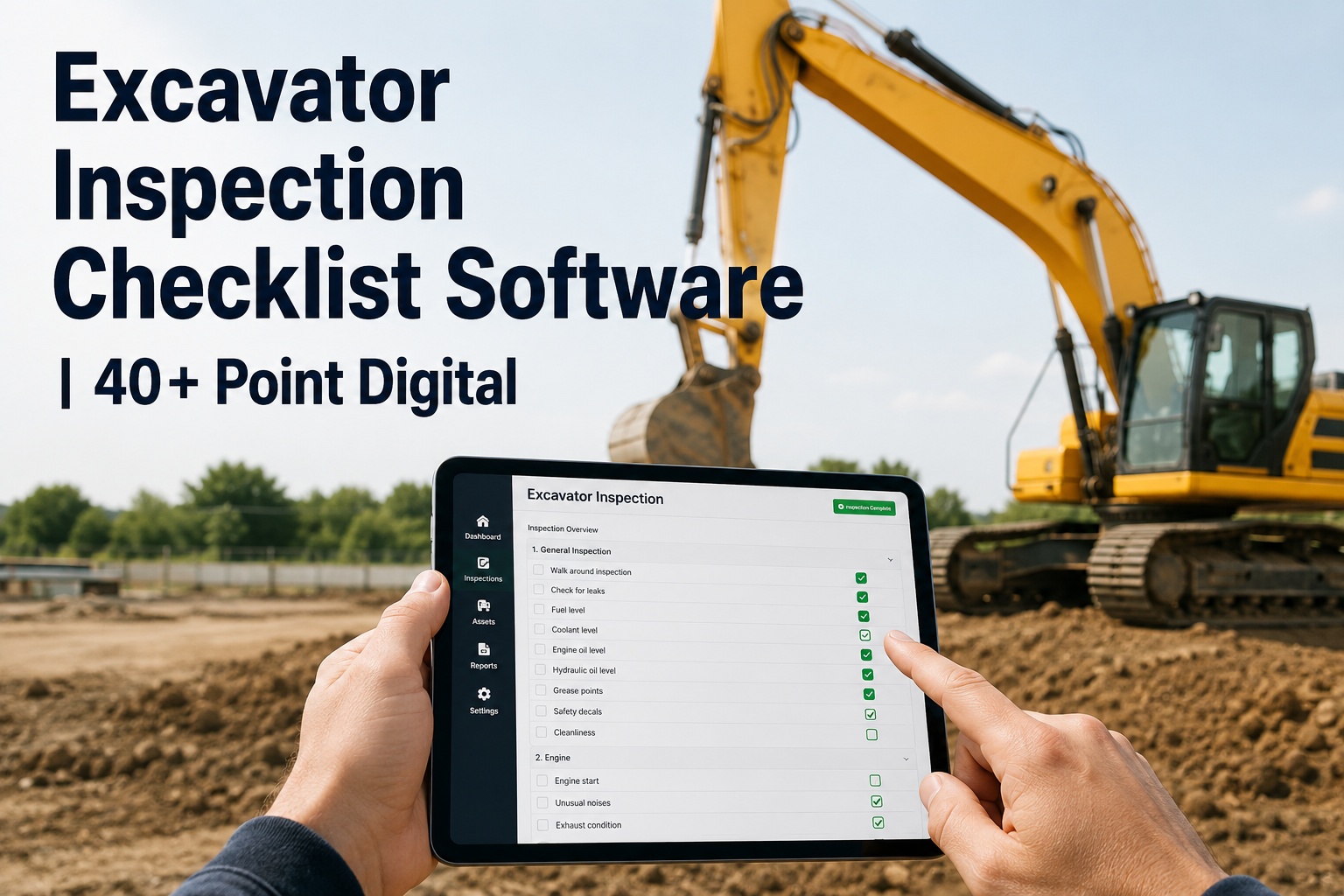
When an OSHA inspector walks onto your site, the question that decides the audit isn't whether your crews inspect the equipment — it's whether you can produce the record, for the machine they point at, right then. Paper checklists in a site trailer rarely survive that moment. Construction OSHA audit checklist software turns every equipment inspection into a timestamped, photo-backed record tied to the asset, so when the inspector names an excavator, you pull its history in seconds instead of digging through a binder. Book a demo to see an audit pull in seconds.
Construction OSHA Audit Checklist Software
Digital equipment checklists, timestamped photos and asset-level records — so an OSHA audit becomes a quick retrieval, not a scramble through paper.
An OSHA audit of a construction fleet almost never fails because the inspections weren't done — it fails because the proof can't be produced. OSHA 1926 expects equipment checked at the start of each shift and defects taken out of service, and an auditor expects to see the evidence that it happened. Construction OSHA audit software exists to make that evidence instant, organized and tied to the exact machine.
The moment the audit is won or lostwhy construction OSHA audit software starts with retrieval, not the checklist
The audit turns on one exchange: the inspector names a machine and asks to see its inspection history. What happens next decides whether you look buttoned-up or exposed. The checklist being done isn't enough — the record has to be findable, complete and tied to that asset.
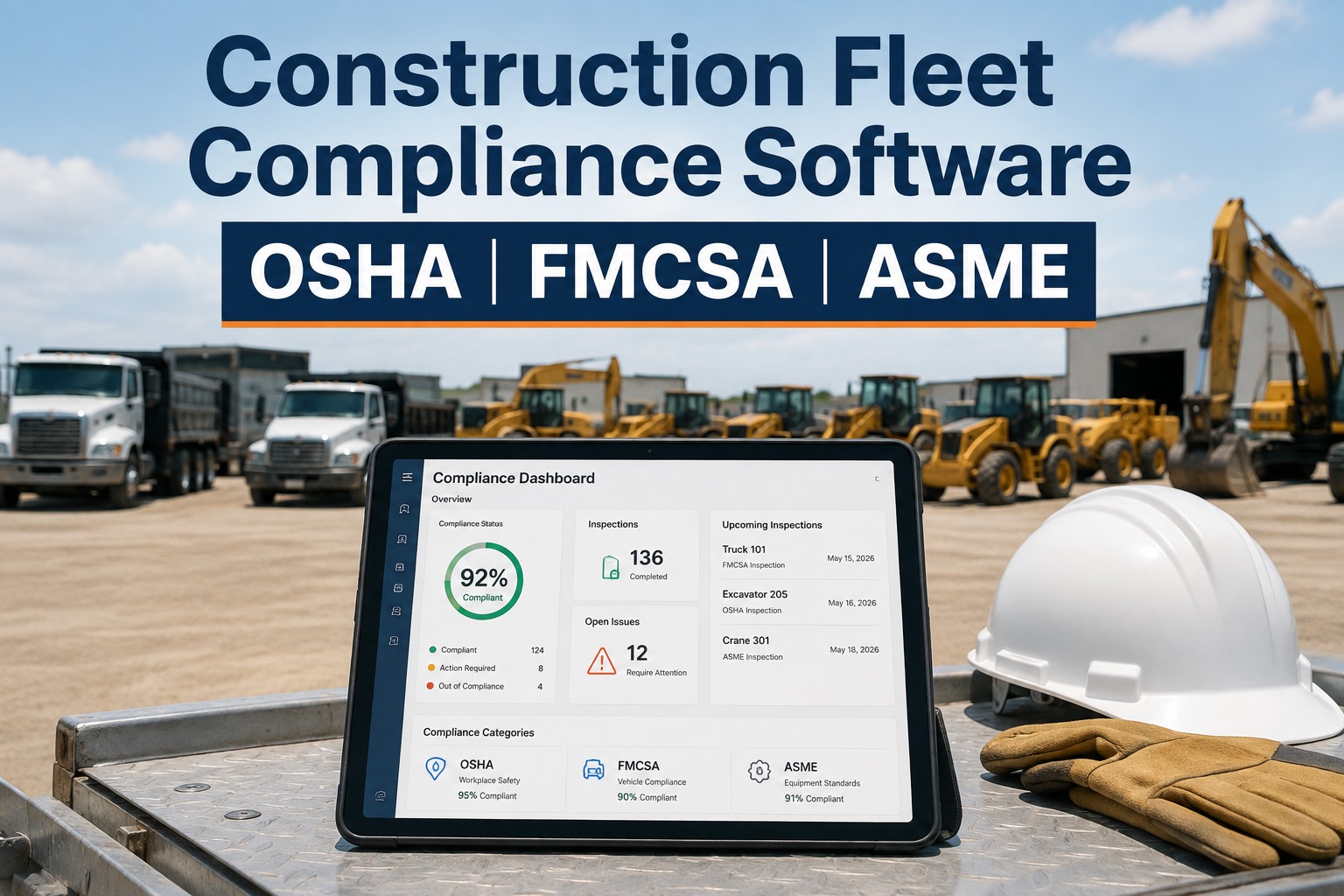
That retrieval is the whole value of digitizing — it's what HVI's digital inspection system is built to deliver, as part of its safety management. If your machines also answer to FMCSA or ASME, our construction fleet compliance software maps the overlap so one inspection satisfies all three.
The OSHA audit-readiness checklistwhat to require of your records, and of any software you evaluate
Run your site — and any platform you're weighing — against this before OSHA does. It's the short list that decides whether your equipment records would hold up in an audit today, or hand you findings you didn't see coming.
If any line is a maybe, that's exactly where an audit finds you — and where digitizing closes the gap. Use this to confirm a platform fits your OSHA needs; HVI's sits alongside its Audit Checklist Manager and the wider construction equipment maintenance it supports. You can start a free trial and run this checklist on your own fleet.
What an audit-ready record holdsthe evidence an OSHA inspection checklist can't be missing
A record only counts if it carries the detail an auditor can trust. It's the missing fields — no timestamp, no photo, no link to the repair — that turn a real inspection into a paper gap. Software should capture every one of these automatically, so the crew can't leave them blank.
Captured this way, a maintenance management workflow ties the defect to its repair automatically — so the record proves not just the check, but the response the auditor is looking for.
Inspection frequency the audit expectswhat OSHA 1926 looks for across your construction equipment
Different machines carry different inspection cadences under OSHA 1926, and an auditor knows which applies to what. Software that holds the right schedule per asset — and flags a missed one — is what keeps the whole fleet audit-ready at once. Here's the general shape; confirm the exact requirement for each machine against the regulation.
| Equipment | Inspection cadence | OSHA reference |
|---|---|---|
| Vehicles & mechanized equipment | Checked at the start of each shift; defects removed from service | 1926.601(b)(14), Subpart O |
| Earthmoving & material handling | Safe condition verified; competent-person inspections | 1926.602, 1926.20 |
| Cranes & derricks | Shift, monthly documented, and annual comprehensive | 1926.1412, Subpart CC |
| All equipment on site | Frequent and regular inspections by a competent person | 1926.20(b)(2) |
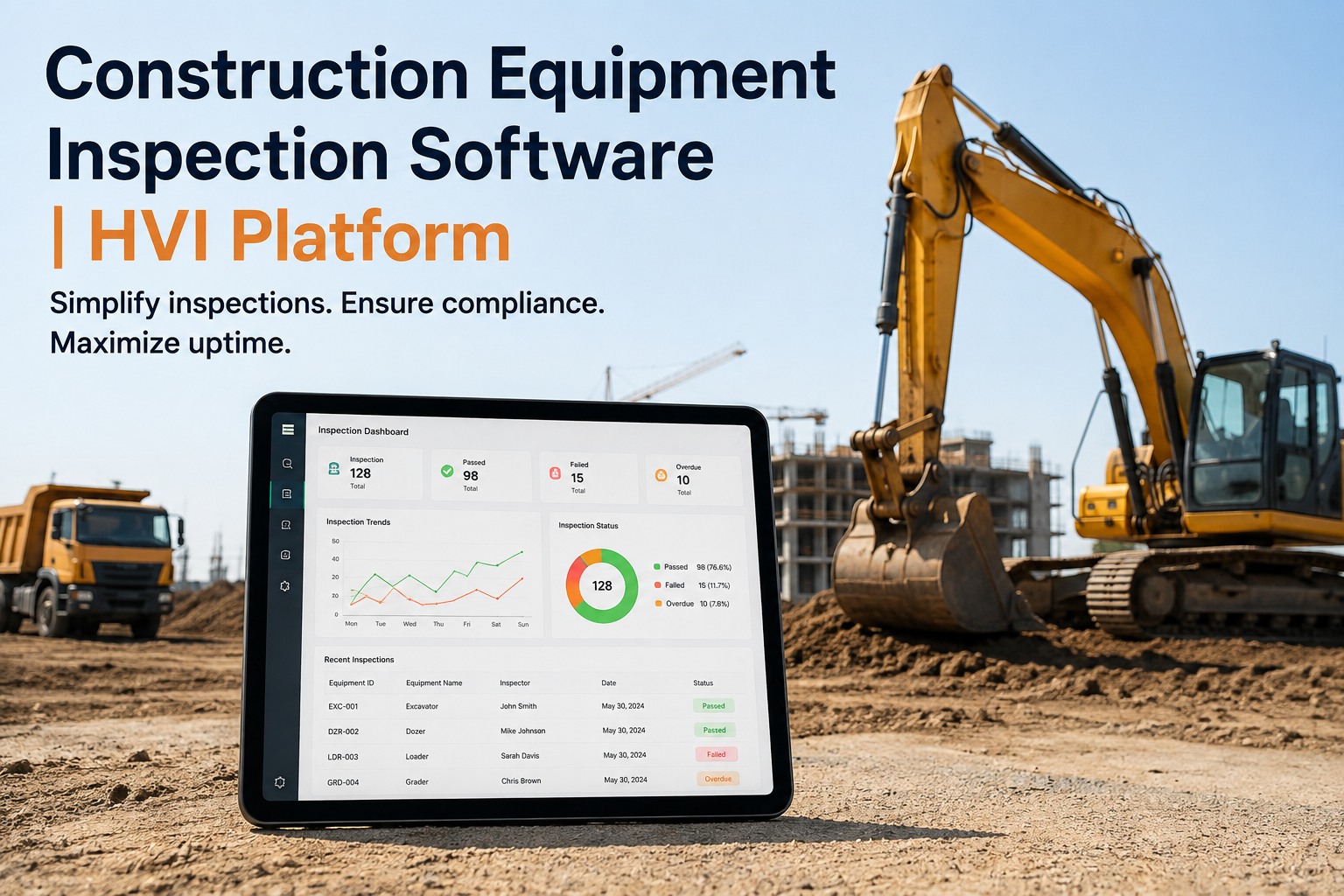
HVI holds the cadence per asset and flags a missed check before it becomes a finding, with the whole fleet visible on an analytics and reporting dashboard. Always confirm the current requirement and penalty exposure for your operation against OSHA 1926 itself.
The record you're actually buyingwhat a machine's audit history looks like inside the platform
What you're evaluating is this view: one machine's inspection history, its photos, its defects and their repairs — the single record a safety manager opens to answer an inspector without reaching for a single sheet of paper.
That full chain — check, defect, repair, re-inspection — is what an auditor wants to see, and it's exactly what the record shows — worth asking to see on a record from your own fleet.
From a construction safety manager on surviving OSHA audits
The last paper audit we did, the inspector asked for one loader's records and I spent twenty minutes in a trailer going through a folder, sweating. Half the sheets were there, a couple weren't signed, and the photos of a repair were on someone's phone. Now I pull the machine up on my tablet and it's all there — the check, the timestamp, the defect, the work order that closed it. The last audit, that same request took under a minute and the inspector moved on. That's the difference between looking organized and looking exposed.
Construction OSHA audit software FAQs
What is construction OSHA audit checklist software?
Does HVI make us OSHA-compliant on its own?
What does OSHA 1926 require for equipment inspections?
Does it keep photos and records tied to each machine?
How long until it's running on our fleet?
Make the next OSHA audit a quick retrieval
Construction OSHA audit checklist software turns scattered paper into one audit-ready record per machine — every check timestamped and photo-backed, every defect traced to its repair, and the whole history one export away. Bring the demo, confirm the fit, and stop dreading the inspector's visit.