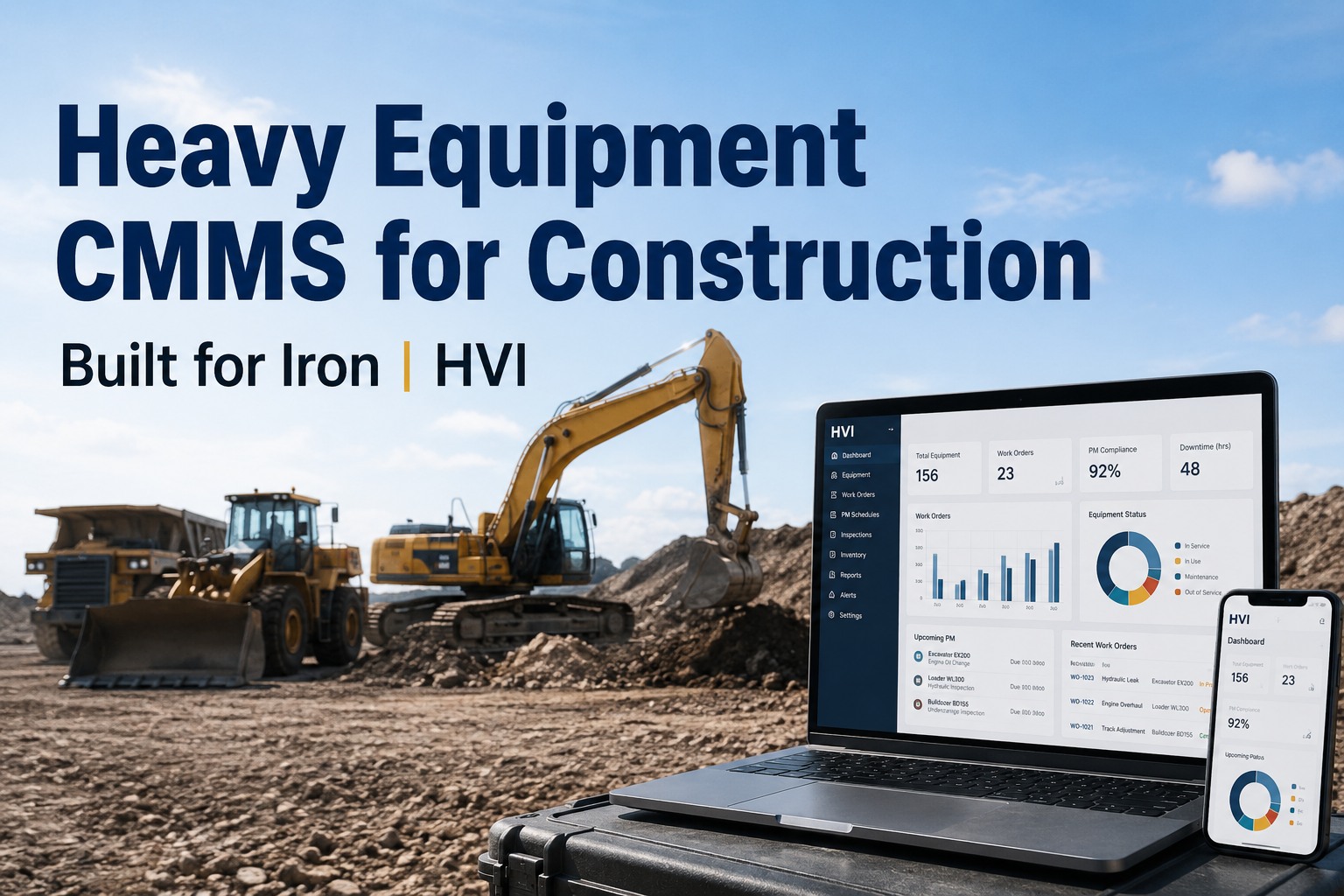
By Friday morning a single excavator has worked three jobsites in two weeks, the low-air warning came on at the second site, and nobody can tell you whether it was ever written up. Construction fleet management software exists for exactly this problem: machines that move between five, ten or fifty sites every week while the paper inspection binder, the maintenance log and the defect photos stay behind at the yard that shipped it. If you have ever chased a foreman at 9 p.m. for a DVIR photo that lives on his personal phone, or lost an audit because a transferred machine's annual certification could not be produced in under an hour, the rest of this page will feel familiar. You can see how HVI handles multi-site control on a live fleet when you book a walk-through on your own units.
Five jobsites. One dashboard. Zero blind spots.
Run inspections, preventive maintenance, defects, fuel and cost per machine across every active site — and let the equipment history follow the machine every time it transfers. Stop managing your fleet out of three spreadsheets and a group chat.
- + Site-level and fleet-wide views in the same login
- + Equipment history travels with every transfer
- + Mobilisation checklist blocks unsafe shipments
What scattered construction fleet operations actually cost you
Every untracked transfer, every missed PM and every defect reported by text message shows up somewhere — usually on the invoice for a tow, a rental replacement or a failed audit. These four numbers are what mixed-fleet contractors report losing before they centralise.
The four visibility layers a construction fleet dashboard must have
Most fleet software was built for a single depot with a fixed list of trucks that leave in the morning and come back at night. Construction does not work that way. A contractor needs four distinct layers of visibility running at once — and they all have to live in the same platform, not stitched together.
Site-level view
Site managers see only the equipment currently assigned to their jobsite — every machine, its open defects, its next PM due date and the operator who last inspected it. If a machine is not on their site list, it does not clutter their dashboard. When a machine transfers out, it drops off their view automatically.
Fleet-wide view
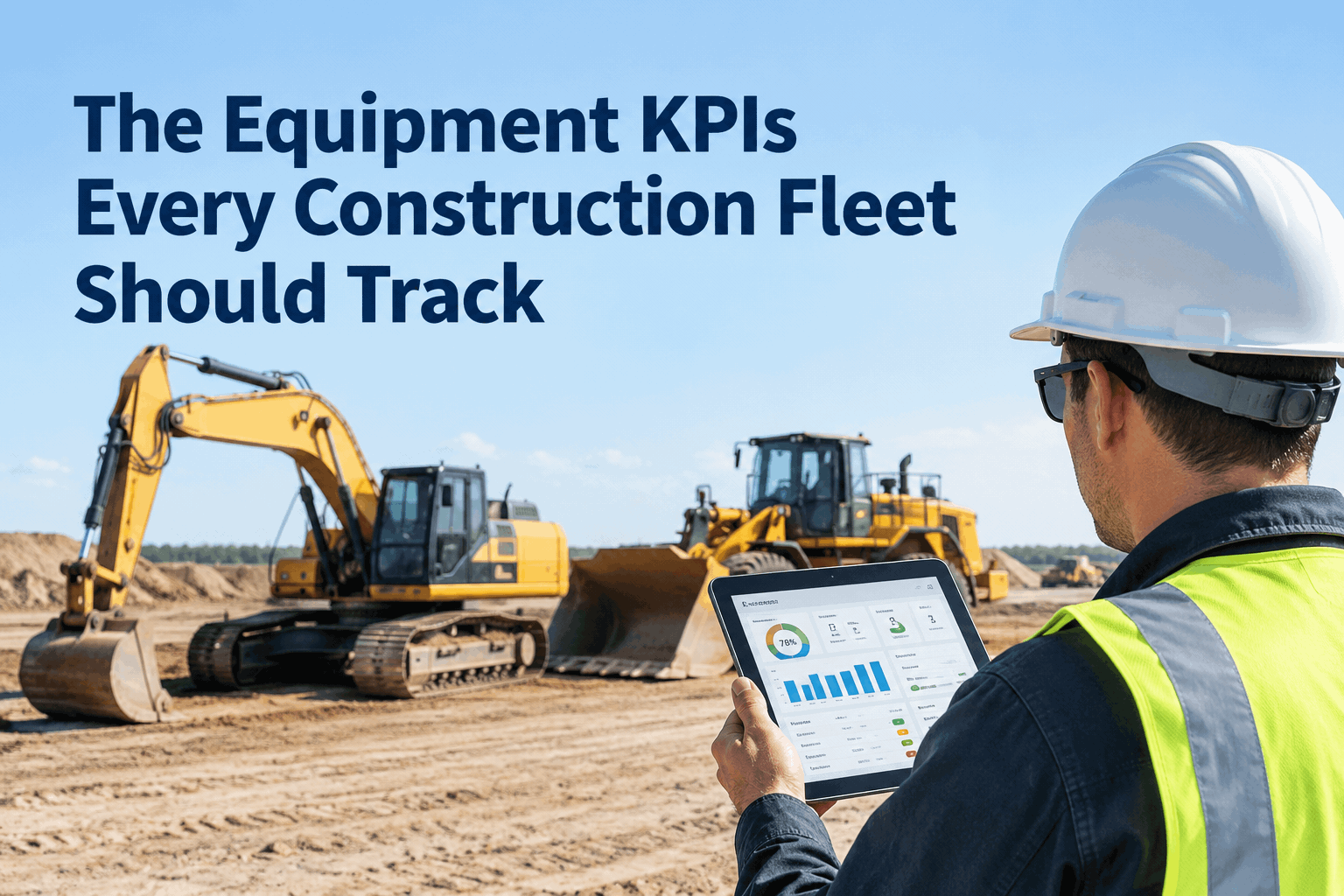
The company view rolls every site into one screen: overall fleet compliance rate, count of overdue inspections, PM completion percentage by site and defect trend lines over the last 30 days. This is where you spot that Site C has not run a proper inspection in four days while Site A is at 96 percent.
Transfer view
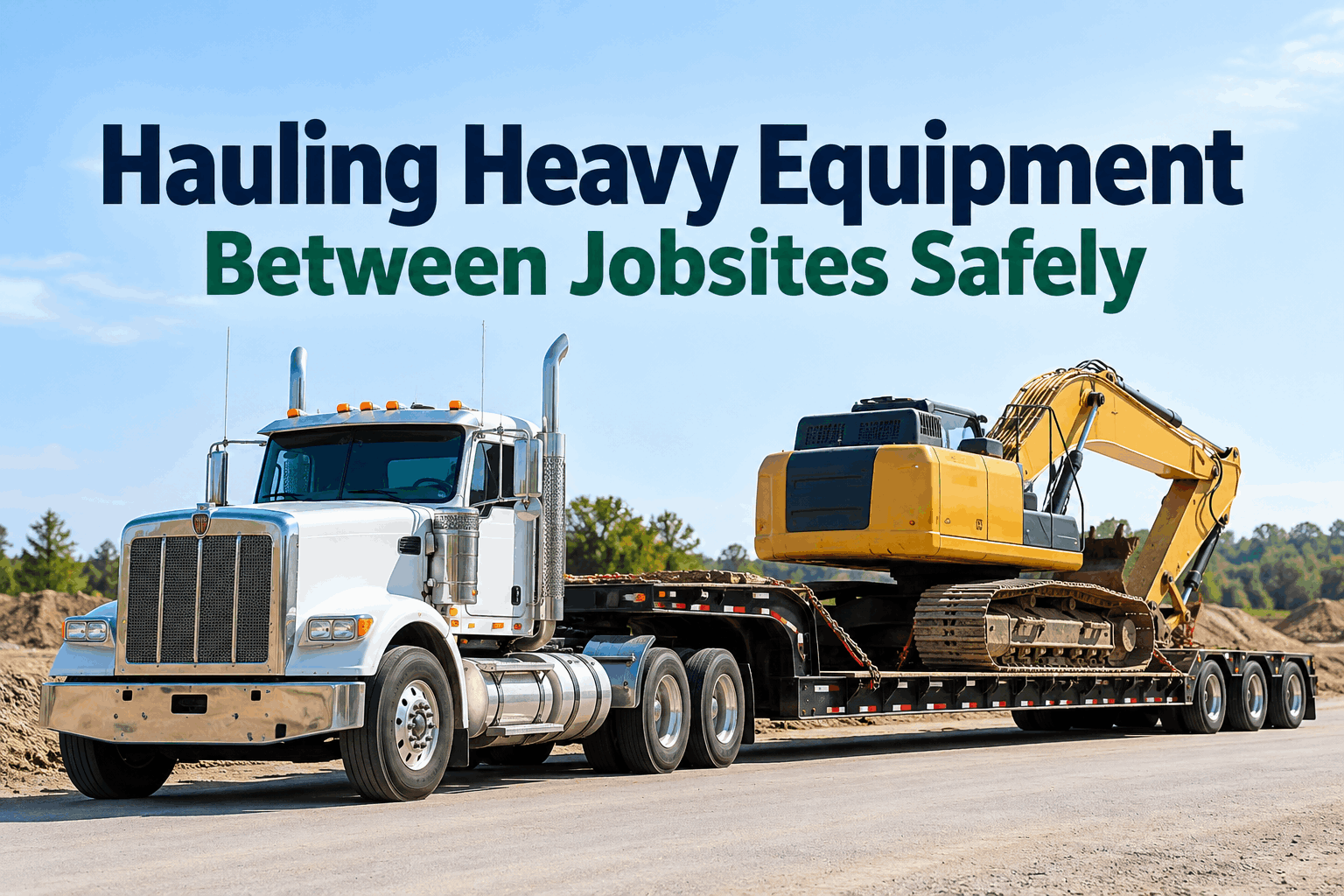
When a machine mobilises from Yard to Site B, its full history moves with it — inspection log, certification status, open and closed work orders, parts replaced, tire history and defect photos. The receiving site manager does not start from zero and the mechanic does not re-inspect a machine that was cleared yesterday. You can see the transfer workflow live in a 30-minute demo.
Role-based access
Operators see their daily inspection form and nothing else. Site managers see their site. Safety directors see compliance and certification across every site. Mechanics see the work order queue and parts. The shop foreman sees what is in the bay. One platform, four views, no spreadsheet forwarding.
Why equipment history must travel with the machine
In construction, the machine is the asset — not the site. A backhoe might spend eight weeks on Site A, transfer to Site B for a pour, then come back to the yard for a 250-hour service. If the inspection history, certification status and maintenance records stay behind at Site A, you have just created a blind spot that will cost you at the worst possible moment.
1. Mobilisation checklist
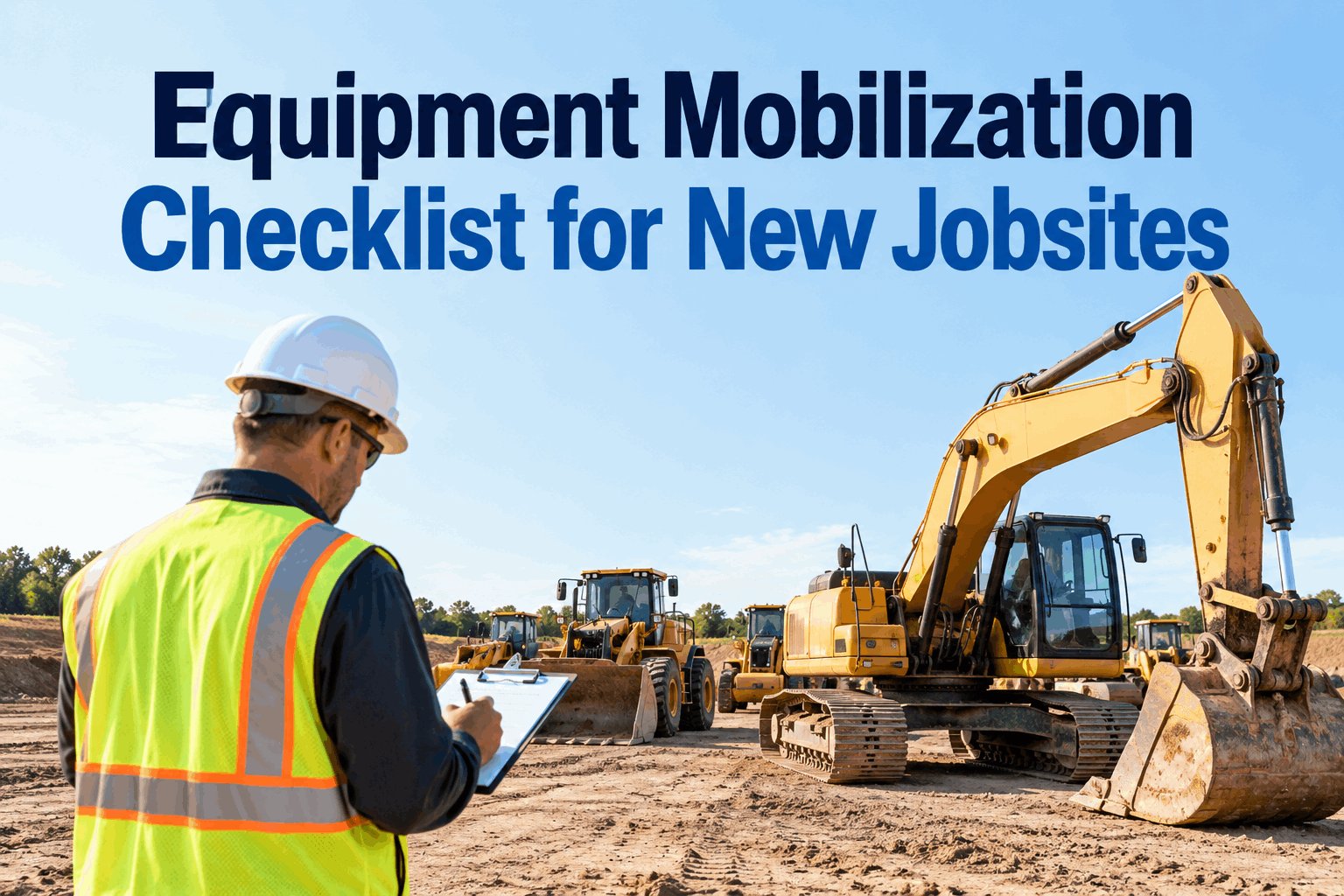
Before a machine leaves the yard, the mobilisation checklist confirms the last inspection is current, no critical defects are open, certifications are valid and PM is not overdue. If any item fails, the shipment is flagged and the site manager is notified before the lowboy arrives.
2. History travels
Inspection history, certification status, work orders, parts replaced, tire history and defect photos all move with the machine to the new site. The receiving foreman sees the same record the yard saw. Nothing is re-keyed, nothing is lost, nothing lives on a personal phone.
3. Audit-ready on arrival
When a client auditor or DOT inspector walks onto Site B and asks for the last inspection on that backhoe, the site manager pulls it up in seconds — timestamped, photo-backed, with the operator's signature. No binder, no phone call to the yard, no scramble.
How to spot a site with compliance gaps before an auditor does
Audits do not fail because the work was not done. They fail because the work was done but the record is missing, late or sitting in someone's truck. The fleet-wide compliance view in HVI lets you see which site is falling behind while there is still time to fix it — and it takes about ten seconds to read.
| What HVI shows | What it means | Action before audit |
|---|---|---|
| Compliance rate by site | Site A at 96%, Site B at 88%, Site C at 71% — Site C is the risk. | Pull Site C's last 7 days of inspections and chase the gaps. |
| Overdue inspection count | 12 inspections overdue across the fleet — 9 of them on Site C. | Notify the Site C foreman; assign missed inspections to operators. |
| PM completion % | Site B is running 3 overdue PMs because the mechanic is on another job. | Reassign PM or schedule a service window before the machine fails. |
| Open defects by age | A brake defect on Site A has been open 6 days — beyond the 24-hour rule. | Escalate to safety director; pull the machine from service. |
| Defect trend (30-day) | Tire defects spiking on Site D — rough ground or wrong tire spec. | Flag to maintenance; schedule tire inspection across Site D fleet. |
If you want to see this view populated with your own site names and machine list, book a demo and we will load your fleet into the dashboard before the call.
Construction equipment management platform, built for multi-site reality
HVI is cloud and mobile inspection, maintenance and work order software that runs on any phone or tablet in the yard, at the roadside or on a remote site. Four capabilities map directly to the way a contractor actually runs equipment across multiple jobsites.
Site-level dashboards
Each site manager sees their own equipment list, open defects and inspection status. The company view rolls every site into one compliance rate, overdue count and PM completion percentage. Outcome: no more blind sites, no more end-of-month surprises.
History travels on transfer
Inspection log, certifications, work orders, parts, tire history and defect photos move with the machine when it transfers. The mobilisation checklist confirms the machine is inspection-current before it leaves the yard. Outcome: zero re-inspections, zero lost records.
Photo-backed DVIR
Operators run digital inspections on their phone with photo and defect capture. A defect becomes a work order instantly — no text-message photos, no paper tickets, no re-keying. Outcome: audit-ready timestamped records producible in seconds.
Cost and uptime analytics
Track cost per asset, uptime percentage, fuel burn and defect trends across every site and every machine class. Compare sites, spot the chronic offender and prove ROI to ownership. Outcome: defensible numbers, not gut feel.
What a 40-machine multi-site contractor actually saves
Take a contractor running 40 mixed machines — trucks, trailers, excavators, loaders and skid steers — across six active jobsites. Here is a realistic month-one and month-three picture after moving from paper and spreadsheets to a centralised construction fleet dashboard.
- 6 truck-days lost per month to breakdowns caught too late
- $4,800 in average roadside service calls per month
- 2 days to produce inspection records for a client audit
- 3 spreadsheets and a group chat tracking defects and PM
- 0 visibility into which site had the worst compliance rate
- 2 truck-days lost — defects caught at morning inspection
- $1,600 in roadside calls — PM and tire issues flagged early
- 10 minutes to produce audit records — pulled from the dashboard
- 1 platform for inspections, PM, defects, parts and transfers
- Full visibility — Site C flagged and fixed before the auditor arrived
That is roughly $3,200 a month in hard service-call savings and four recovered truck-days — before you count the contract you did not lose on a failed audit. If you want the same math run on your fleet size and site count, book a demo and we will work it through live.
Construction fleet management software: what matters, what to ignore
If you are evaluating construction fleet management software for a multi-site operation, the decision comes down to whether the platform was built for machines that move or trucks that return to one depot every night. HVI was built for the first reality.
Demand all four visibility layers
Site-level, fleet-wide, transfer and role-based. If a platform cannot show a site manager only their equipment while rolling compliance up to the company view, it is not built for construction.
History must follow the machine
Inspection logs, certifications, work orders and defect photos travel with the asset on every transfer. If the record stays at the yard, you have a blind spot.
Mobilisation is a control point
A machine should not leave the yard unless its last inspection is current, no critical defects are open and PM is not overdue. That is your safety net, not a formality.
Audit readiness is a daily habit
If it takes more than ten minutes to produce a timestamped, photo-backed inspection record for any machine on any site, the system is not audit-ready — it is audit-hoping.
The 2026 trend line is clear: 68 percent of contractors are planning major technology investment, and the ones who centralise multi-site control first will be the ones who can prove compliance, control cost and win the contracts that demand it. You can start logging inspections free today, or let us show you the full multi-site workflow first.
The thing that killed us was not the breakdowns — it was not knowing which site had the problem. We had three foremen running their own spreadsheets and a safety director chasing paper DVIRs in three different group chats. The week we put every site on one dashboard, we found out Site C had not run a proper inspection in six days. Nobody knew. That was the moment.