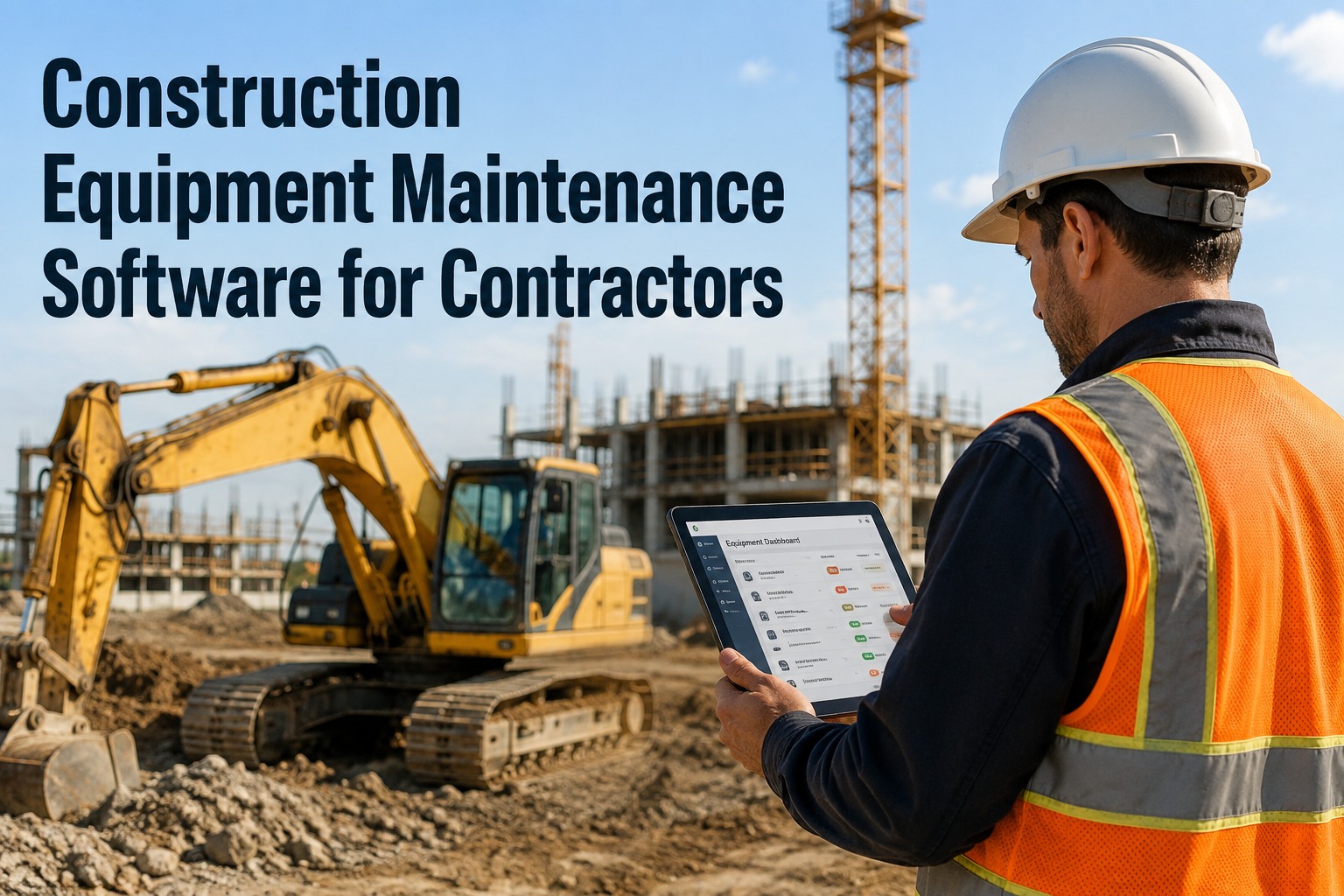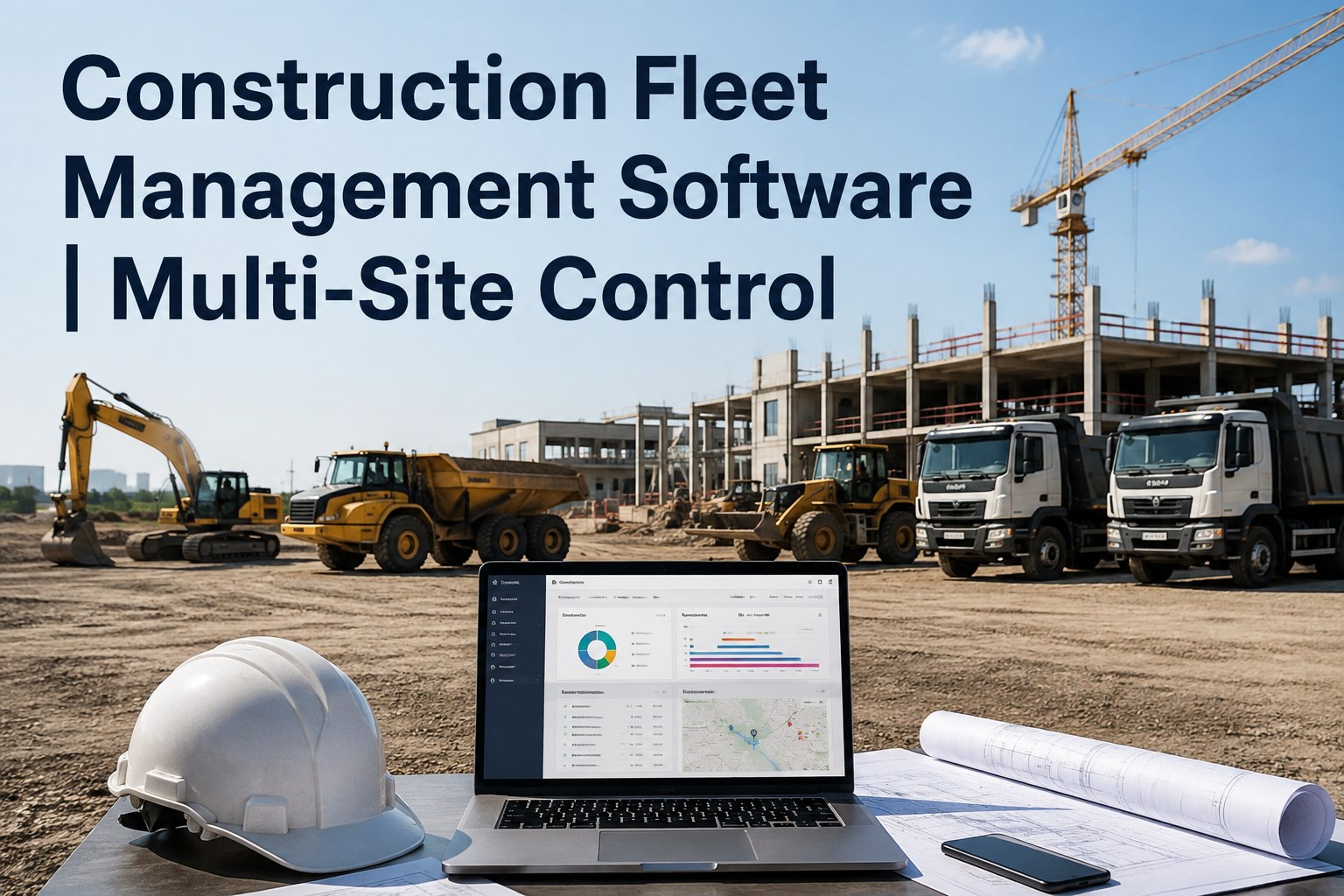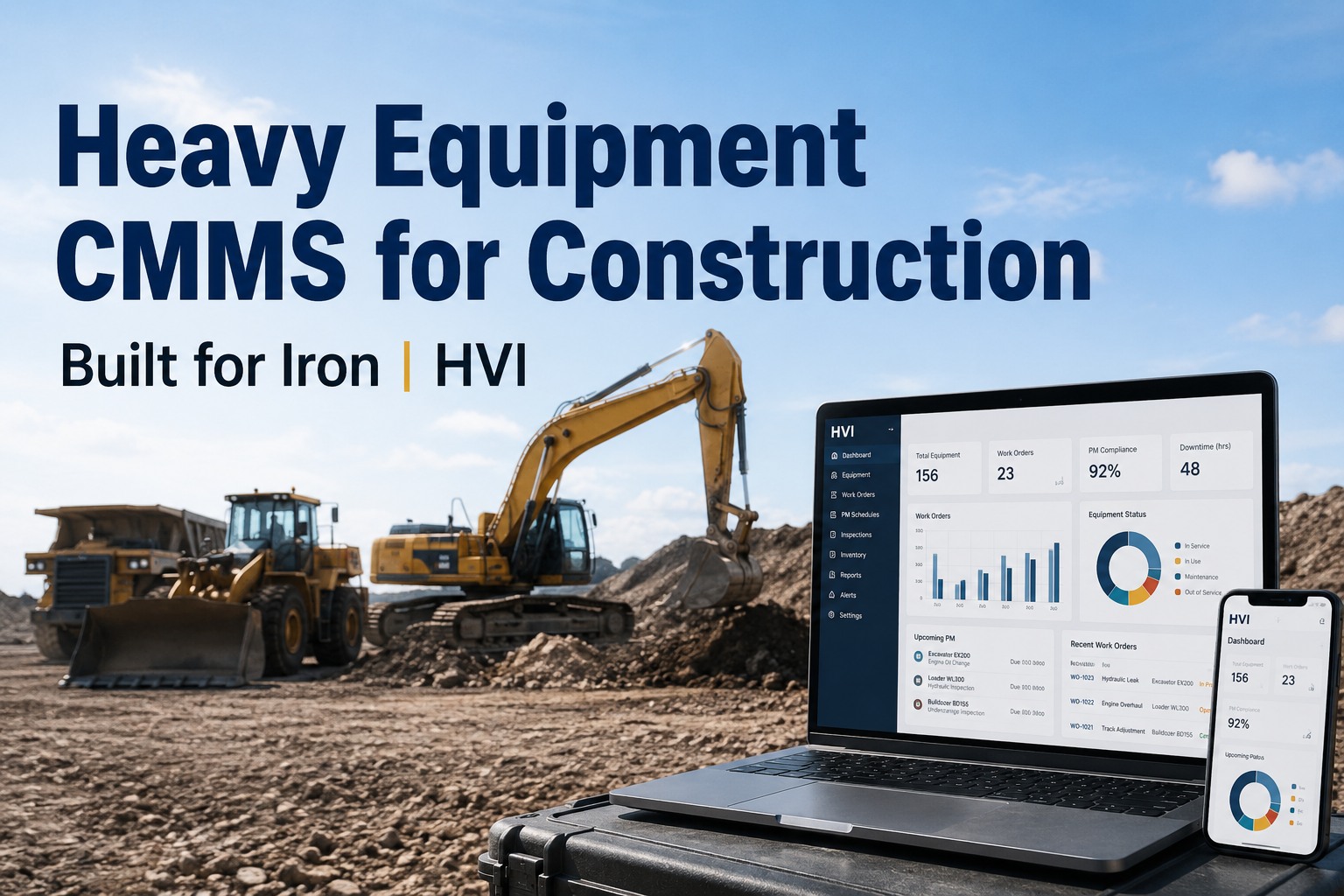
It is 5:47 a.m. on a damp Tuesday and your lead operator just texted you a blurry photo of a cracked hydraulic line on the 35-ton excavator, right before the concrete pour is scheduled to start. Your current CMMS, which was originally built for tracking spare parts on a factory floor, tells you the machine is "due for PM in 200 miles" — which is useless for a piece of iron that never sees a highway. A proper heavy equipment CMMS is built differently from the ground up, using engine hours, service meter readings and jobsite conditions rather than odometer logic, so you can stop the leak before it becomes a seized pump. If you are tired of forcing stationary-asset software to manage mobile iron, you can book a walk-through of the HVI platform to see how it handles excavators, cranes and dozers natively.
Heavy Equipment CMMS for Construction
Most CMMS platforms break on mobile iron — because they were never built for it
General-purpose maintenance software was designed for stationary plant assets, then retrofitted with mobile add-ons. HVI was purpose-built for heavy equipment, handling everything from FMCSA truck DVIRs to ASME B30 crane inspections on a single, connected platform.
0
Hour-meter logic inherited from plant software
2-3
Weeks to full implementation, no hardware install
1
Audit trail across trucks, trailers and off-road plant
The Real Cost of the Wrong Tool
Why retrofitted factory software fails on the jobsite
18 hrs
Average unplanned downtime per piece of heavy equipment each month when PMs are tracked on spreadsheets and group chats rather than hour-meter alerts.
$1,200+
Daily cost of a sidelined excavator or loader when you factor in the operator, the rental replacement and the delayed schedule penalties.
0
Built-in regulatory templates in most generic CMMS setups, leaving your team to manually map OSHA, FMCSA and ASME compliance items from scratch.
30 min
Time it takes to build a fully custom, regulation-ready inspection template in HVI for a specialized asset like a reach stacker or telehandler.
Plant vs. Mobile Iron
What heavy equipment CMMS demands that factory software ignores
| Requirement | Fixed Plant CMMS | HVI Heavy Equipment CMMS |
|---|---|---|
| Meter Logic | Tracks calendar days or fixed runtime; misses idle hours. | Triggers PM by engine hours, fuel burn, load cycles and calendar. |
| Compliance Mapping | Requires you to build OSHA and ASME checklists manually. | Ships with pre-built templates mapped to FMCSA, OSHA and ASME B30. |
| Connectivity | Assumes a constant Wi-Fi connection on the plant floor. | Full offline mode for remote jobsites; syncs automatically when signal returns. |
| Asset Transfers | Assets stay in one bay; no multi-site transfer logic exists. | Tracks equipment moving between yards, quarries and jobsites seamlessly. |
| Defect Handling | Maintenance requests emailed or keyed in hours later. | Instant defect-to-work-order conversion with timestamped photo evidence. |
Built for Iron
Pre-built heavy equipment templates mapped to the actual regulation
Instead of handing you a blank form builder and wishing you luck, HVI ships with inspection and preventive maintenance templates tailored to specific equipment classes. Each template includes the correct inspection items, the right frequencies and the exact regulatory references so your shop foremen are not guessing during an audit.
Excavators & Backhoes
Hydraulic cycle checks, track tension, bucket pin greasing and boom cylinder inspections mapped to OEM intervals and OSHA general industry standards.
Cranes & Hoists
Pre-shift and annual inspection templates aligned with ASME B30.5, covering load charts, wire rope condition, hook latches and anti-two-block devices.
Dozers & Loaders
Undercarriage wear tracking, transmission temp monitoring and blade cutting edge inspections scheduled by aggressive hour-meter intervals.
On-Highway Trucks
FMCSA-compliant Driver Vehicle Inspection Reports with instant defect routing to the shop, replacing paper binders and untraceable text-message photos.
Move Off Spreadsheets
See HVI running on your own fleet — book a 30-minute demo
Stop forcing plant software onto mobile iron. Let us show you how HVI handles your exact mix of trucks, excavators and cranes in one audit-ready system.
From Defect to Resolution
How HVI turns a jobsite defect into a closed work order
Capture on the ground
An operator spots a leaking axle seal on a wheel loader. They open the HVI app on their phone, select the asset, take a photo and tag the defect. The app works fully offline in the quarry.
Instant work order generation
The system automatically converts that tagged defect into a priority work order, checks the parts inventory across your multiple shops, and alerts the site supervisor. No data entry required.
Track, repair and close
The technician fixes the seal, logs the labor and parts, and snaps a completion photo. The record is timestamped and locked, giving you a bulletproof audit trail for client and safety compliance reviews.
To see this workflow mapped to your actual assets, you can schedule a live demo of the defect-to-work-order flow with our team.
How HVI Helps
One platform for trucks, trailers, off-road plant and shop equipment
Eliminate paper DVIRs
Drivers and operators run digital inspections on any phone or tablet. Photo-backed defects route instantly to the shop, killing unread text-message photos and lost paper binders.
Automate PM by engine hours
Preventive maintenance triggers by date, mileage or engine hours. Due and overdue alerts ensure a 500-hour track service never slips through the cracks because the machine was off-road.
Prove compliance in seconds
When a DOT auditor or client safety manager asks for proof, you pull up timestamped, photo-backed records instantly instead of digging through three months of paper files.
Connect the back office
Integrate with SAP, Oracle, QuickBooks, Sage and Microsoft Dynamics via RESTful API. Sync parts costs, labor hours and fuel data without manual double-entry across disconnected systems.
The Payoff
What a heavy equipment CMMS saves a 40-machine contractor
Consider a mid-sized earthmoving contractor running 40 mixed assets — a mix of on-highway end-dumps, excavators and support trucks. They are losing roughly six truck-days a month to unplanned downtime because PM intervals are tracked on a whiteboard and defects are reported via group chat.
At a conservative $1,200 per day of lost utilization, that is $7,200 bleeding out monthly. Add in the parts leakage from double-stocking inventory across two shops without visibility, and the cost climbs past $9,000 a month.
By moving to HVI, the contractor drops that unplanned downtime by catching defects during digital pre-shift inspections before they become roadside or jobsite failures. When a machine goes down, the work order, parts and labor are tracked in one system. The payback is typically under three months.
If you want to map this math to your own operation, you can book a 30-minute demo to review your downtime costs with our team.
Monthly downtime loss
$7,200
Tracked on whiteboards and group chats
Monthly downtime loss with HVI
$1,800
Caught by digital pre-shift inspections
Monthly savings
$5,400
Payback on the platform in under 3 months
Key Takeaways
Stop retrofitting plant software for heavy equipment CMMS
- Factory logic fails mobile iron: Without hour-meter triggers, offline mode and multi-site transfer handling, a generic CMMS will miss critical PM intervals on equipment that never returns to a fixed bay.
- Templates do the heavy lifting: HVI ships with excavator, crane, dozer and loader inspection templates mapped to OSHA, FMCSA and ASME B30, so your team starts day one with a compliant framework.
- One audit trail across everything: Consolidating trucks, trailers and off-road plant into a single construction maintenance management system eliminates the blind spots between paper DVIRs and shop whiteboards.
- Fast implementation: A 2-3 week rollout with no hardware install means your operation is live and capturing timestamped records before the next major project phase begins.
You can start logging inspections free today to see how the platform handles your specific assets.
We spent two years trying to make a standard CMMS work for our dozers and excavators. It tracked calendar dates fine, but it completely ignored engine hours. We had machines hitting 500-hour services at 700 hours. HVI matched our actual meter logic from day one, and I can prove every crane inspection to the client in about ten seconds.
Frequently Asked Questions
Heavy equipment CMMS questions, answered
What makes a heavy equipment CMMS different from standard factory software?
How long does it take to implement the HVI construction CMMS software?
Does HVI include pre-built inspection templates for specific equipment classes?
Can HVI integrate with our existing accounting and ERP systems?
How does the system handle inspections in areas without cell service?
Built for Iron
Ready to run your heavy equipment on a system that actually fits?
Join the contractors who moved off paper binders and factory CMMS tools. Book a 30-minute demo to see HVI on your own excavators, cranes and trucks.
Free to start — Works on any phone — No card needed