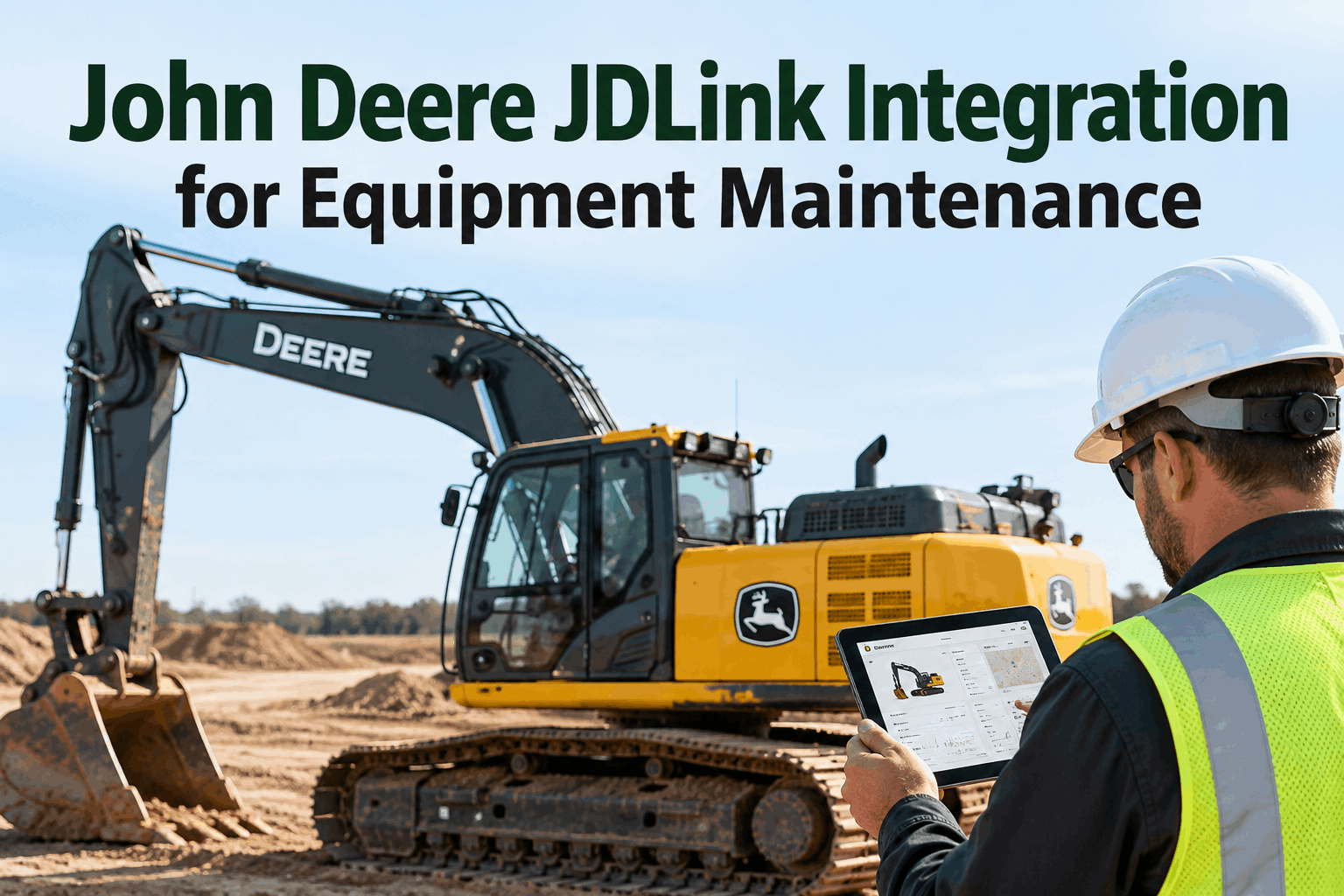
A John Deere JDLink integration turns a fleet of connected machines into a single maintenance picture. JDLink already streams hours, utilization and alerts off every Deere unit to the Operations Center — but a maintenance manager doesn't need twelve machine dashboards, they need one ranked list of what to service next. That's the gap an integration closes. Book a demo to see JDLink data drive equipment maintenance in HVI.
Twelve Machines Reporting. One Maintenance Queue.
JDLink streams hours, utilization and alerts off every Deere machine. HVI turns that stream into one prioritised maintenance list — so the fleet gets serviced by need, not by whoever shouts loudest.
Telematics gave every machine a voice — and then left a maintenance manager to listen to all of them at once. JDLink reports faithfully, machine by machine, but a fleet isn't managed one dashboard at a time. The decision that matters is comparative: of everything running right now, which unit needs attention first? Answering that means pulling the stream into one place and ranking it.
Per-Machine Data, No Fleet View
JDLink shows you each machine beautifully. The blind spot is the one nobody's screen shows: the whole fleet, side by side, in priority order.
- Each machine's hours and status
- Utilization and alerts per unit
- A dashboard, one machine at a time
- All machines ranked by what's due
- Alerts turned into assigned work
- One queue the whole team works from
Bridging per-machine data to a fleet decision is the whole job of an integration. HVI pulls OEM telematics and diagnostic data into one place through its integrations layer, so the fleet view finally exists. Book a demo to see the fleet view.
The JDLink Readings That Rank the Queue
A priority queue is only as good as the signals feeding it. These are the JDLink readings that decide where a machine lands on the list.
Total operating hours against each unit's service interval — the backbone of PM timing.
How hard a unit runs, so two machines at the same hours don't rank the same.
Available fault and warning signals that push a machine up the queue immediately.
Each reading moves a machine up or down the list, and hours-based preventive maintenance turns the top of that list into scheduled service. Sign up free and rank your Deere fleet.
How JDLink Data Keeps the Queue Current
The queue isn't a one-time sort. As JDLink keeps reporting, the list re-ranks itself — and completed work feeds the next decision.
Because the loop runs on live data, the list is always current and every closed job stays in the machine's maintenance record. Book a demo to see the loop run.
JDLink Alone vs. JDLink in One Queue
Same data off the same machines. What changes is whether a manager can act on the whole fleet at once instead of chasing it one screen at a time.
- One dashboard per machine to check
- No fleet-wide priority order
- Alerts missed in the volume
- Service by whoever flags it loudest
- Data stops at the Operations Center
- Whole fleet ranked on one list
- Priority set by hours, use & alerts
- Alerts become assigned work orders
- Service by real need across the fleet
- Data ends in completed maintenance
This same approach works across mixed fleets — for the Volvo side of the yard, see our Volvo CareTrack integration guide; HVI's analytics and reporting keep one record behind them all. Book a demo to see the ranked fleet queue.
A Maintenance Manager's Take
JDLink was great at telling me about any single machine. The trouble was I run a mixed Deere fleet and my morning question was never about one machine — it was "which three do I touch today?" The data couldn't answer that; it just gave me twelve answers to twelve questions I wasn't asking.
Once the hours and alerts landed in one ranked list, the morning got simple. I look at the top of the queue, assign it, done. Same telematics I already paid for — finally pointed at a decision instead of a dashboard.
Maintenance ManagerMixed-fleet grading contractor
John Deere JDLink Integration FAQs
What is a John Deere JDLink integration with HVI?
It connects the machine data JDLink streams — hours, utilization and alerts across your Deere fleet — with equipment maintenance in HVI. Instead of checking each machine's dashboard separately, the data flows into one maintenance system where it supports PM scheduling and can trigger work orders.
What JDLink data supports equipment maintenance?
JDLink reports data such as machine hours, location, utilization and available alerts, streamed to the John Deere Operations Center. Machine hours drive PM timing, utilization weights service to real workload, and alerts can push a machine up the maintenance priority list — turning readings into scheduled action.
Does HVI have a pre-built JDLink connector?
HVI connects to OEM telematics and diagnostic platforms across major equipment manufacturers, pulling engine data, diagnostic codes and service information into HVI. Where a specific feed like JDLink isn't a named pre-built connector, HVI's team helps configure the connection. A demo confirms the fit for your Deere fleet.
Why connect telematics to a maintenance system?
Telematics only prevents downtime if someone acts on it across the whole fleet. Per-machine dashboards make it hard to see what's most urgent, so alerts slip. Connecting the data to the maintenance system produces one ranked queue and turns the top of it into work orders — without checking each machine by hand.
How does HVI help with John Deere equipment maintenance?
HVI combines equipment data, preventive maintenance scheduling and service history, and connects to OEM telematics sources. That lets Deere fleets rank machines by real hours and alerts, raise and assign work orders from the top of the queue, and keep an audit-ready maintenance record for every unit.
Turn JDLink Data Into One Maintenance Queue
Bring John Deere JDLink hours, utilization and alerts into HVI, rank the fleet by real need, and raise work orders from the top of the list — so telematics ends in serviced machines, not scattered dashboards.
No credit card · See JDLink-to-maintenance in a short demo