A site supervisor leaves, but their login still opens equipment records. An excavator's inspection photos live on a personal phone. A breakdown happens, and nobody can find the latest service history.Construction data security starts with these everyday gaps—not just hackers. Here is how to protect the records your crews depend on, and what to ask before trusting a fleet software provider.
Protect the records behind every machine, repair and decision.
From the first inspection photo to the final repair record, keep equipment information organized, and make access, continuity and accountability part of your everyday workflow.
A clearer view of your equipment information, from the jobsite to the office.
One machine. Many records. Multiple points of exposure.
A single excavator can generate inspection photos, defect notes, service history and operator records. Protecting that information starts by seeing how these pieces connect.
Where construction equipment data is most vulnerable
Your risk often grows where site activity, office processes and outside vendors meet. Review the full record lifecycle—not only where files are stored.
Crews share one account, so you cannot reliably tell who changed a record.
Inspection photos and equipment documents remain on unmanaged phones.
Former employees or subcontractors keep permissions after a job ends.
Work orders and inspection evidence are spread across inboxes and drives.
Telematics, accounting and other tools exchange more data than expected.
Everyone assumes records can be restored, but nobody has tested a recovery.
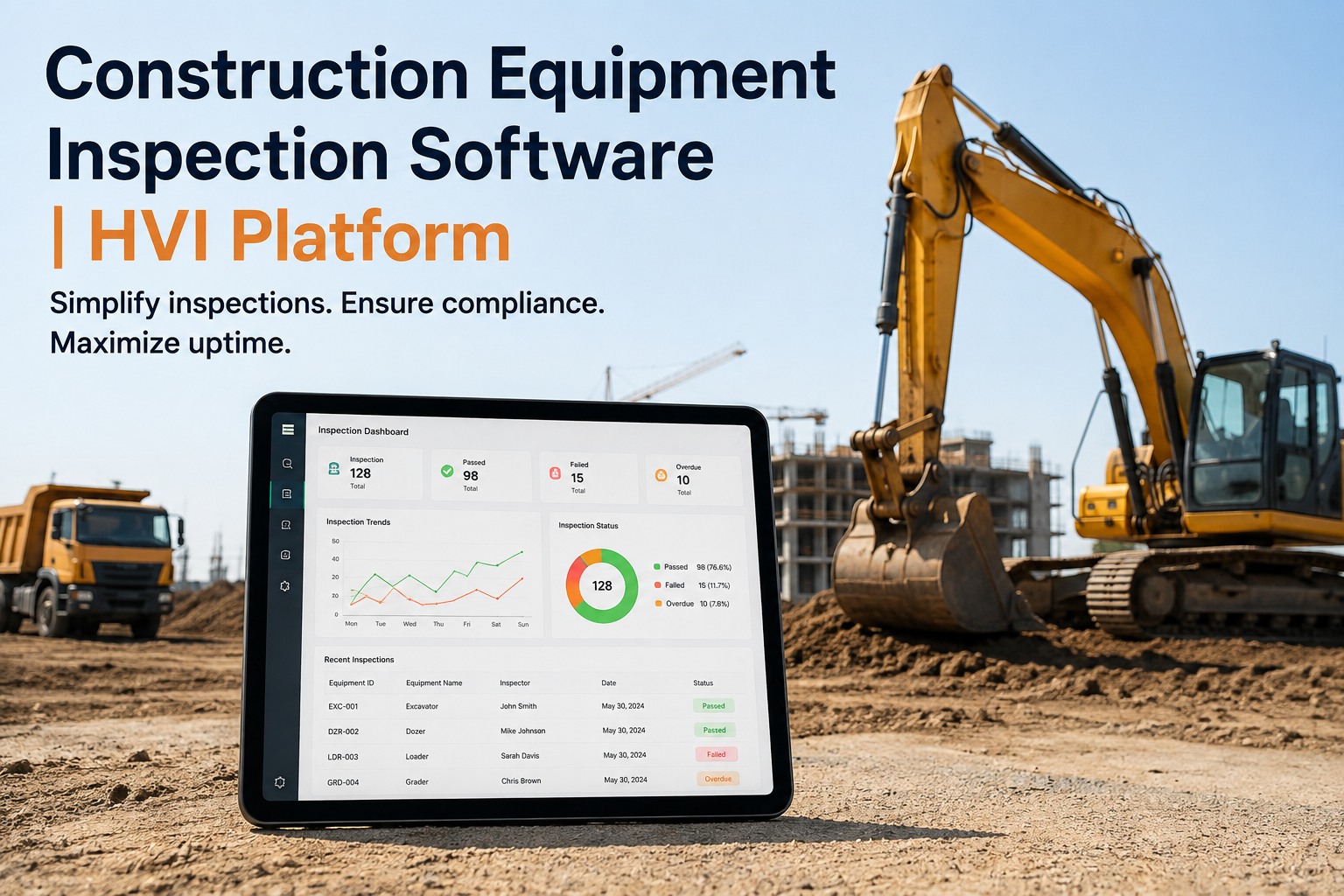
HVI's digital inspection and maintenance management workflows help organize operational records. Book a demo to see how those records are managed; review the security options relevant to your team.
The five layers of construction data security
Use this layered model to turn a broad cybersecurity concern into concrete responsibilities for your IT, fleet and site teams.
Identify the data
Inventory equipment IDs, inspection photos, work orders, operator information and integrations. Assign an owner to each data set.
Limit access
Use unique accounts, multifactor authentication where available, appropriate permissions and timely removal of access.
Watch for unusual activity
Review available sign-in, account-change and export logs; investigate unexpected access or large data transfers.
Prepare your response
Know who contacts the vendor, who contains access, who preserves evidence and who informs affected stakeholders.
Test recovery
Document backup coverage, recovery time objectives and a realistic restore exercise for critical maintenance records.
For fleet records, book a demo to review HVI's operational data workflow alongside your IT team's security checklist.
See your inspection-to-maintenance process in one place.
Explore how HVI connects equipment inspections, defects and maintenance history. Bring your security requirements to the demo for verification.
Construction fleet software security: what to verify before buying
A polished dashboard does not answer whether your information is protected. Use these questions in procurement and ask for documentation or a live demonstration.
Who can access records?
Can you configure permissions by job role, site or responsibility? How are former users disabled?
Ask for: permission walkthroughHow are accounts protected?
Which authentication methods are available? Are MFA and identity integrations supported?
Ask for: authentication documentationWhere does data live?
Ask about hosting locations, encryption in transit and at rest, subprocessors and retention policies.
Ask for: hosting and security overviewWhat happens during an outage?
Understand backup frequency, recovery targets, incident communications and restore testing.
Ask for: continuity and recovery detailsCan you retrieve your information?
Confirm which records can be exported, in what formats and what happens after contract termination.
Ask for: sample export and exit termsHow are integrations governed?
Review API access, third-party connections, vendor responsibilities and permission revocation.
Ask for: integration security scopeHVI supports digital inspections, maintenance records and fleet workflows. Review available security measures and request documentation for requirements that matter to your company. Book a demo and bring this checklist.
A realistic 30-day construction data protection rollout
Don't wait for a perfect security program. Start with the records most likely to disrupt a jobsite if they are lost or exposed.
Map
List every place equipment inspections, repair photos and service documents are stored. Identify record owners.
Restrict
Remove stale accounts, reduce unnecessary access and establish an employee/contractor offboarding checklist.
Standardize
Set a consistent process for mobile inspections, defect follow-up and equipment maintenance histories.
Exercise
Test a record retrieval, an account disablement and a restore scenario with the people responsible.
HVI can help centralize the operational side of this plan through preventive maintenance and inspection workflows. Sign up to explore equipment record management while your IT team validates the security requirements.
What to do when construction fleet data may be exposed
If a device disappears, a shared account is compromised or a supplier reports an incident, speed and clarity matter more than improvisation.
Disable affected access and isolate impacted systems with IT guidance.
Keep relevant logs, records and communications for investigation.
Determine what data and parties may be affected; seek legal advice on notifications.
Recover validated data, monitor for recurrence and update the response plan.
Centralized maintenance histories can reduce the scramble to locate operational records, but they do not replace incident response or backup controls. Book a demo to discuss HVI's record workflows.
Construction data security FAQs
What is construction data security?
It is the protection of construction project and equipment information against unauthorized access, alteration, loss and disruption. For fleets, that includes inspection results, maintenance records, equipment identifiers, operator information and data shared with vendors.
What construction equipment data should be protected first?
Prioritize records needed to operate safely and recover quickly: active equipment status, open defects, inspection evidence, repair history, employee information and critical vendor or integration credentials. Classify other records by sensitivity and business impact.
Does cloud fleet software automatically make records secure?
No. Centralizing records may improve consistency and retrieval, but security depends on the provider's documented controls and the customer's own account management, device policies, configuration and response procedures.
What security questions should I ask a fleet software vendor?
Ask about authentication, access permissions, encryption, hosting and data residency, backups and recovery testing, audit logs, incident response, integrations, data ownership and export. Request evidence rather than relying on marketing statements.
How does HVI fit into a construction data security plan?
HVI supports digital equipment inspections, maintenance records and related fleet workflows. These can help organize the operational information that a security plan must govern. Buyers should confirm HVI's specific security controls, contractual terms and export capabilities during evaluation.
Make your fleet records easier to find, manage and review.
Construction data security requires good technology and good operating discipline. See how HVI handles inspection and maintenance information, then evaluate the security controls against your company's standards.
The best construction data security program protects the information your crews actually use—not just the files your IT team sees. Begin with access, record ownership, vendor evidence and tested recovery. HVI can support more organized inspection and maintenance workflows; verify the platform's security fit before rollout.