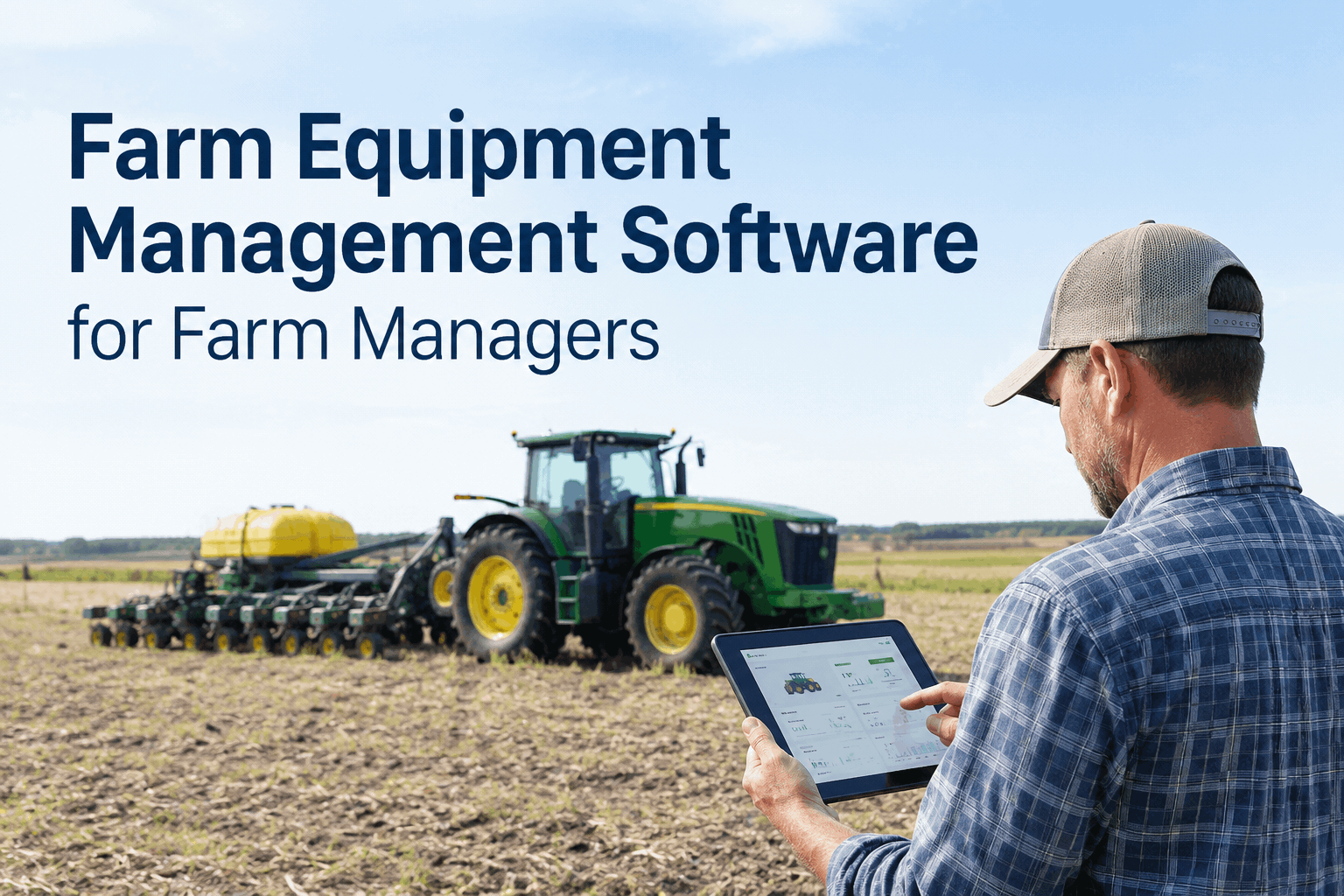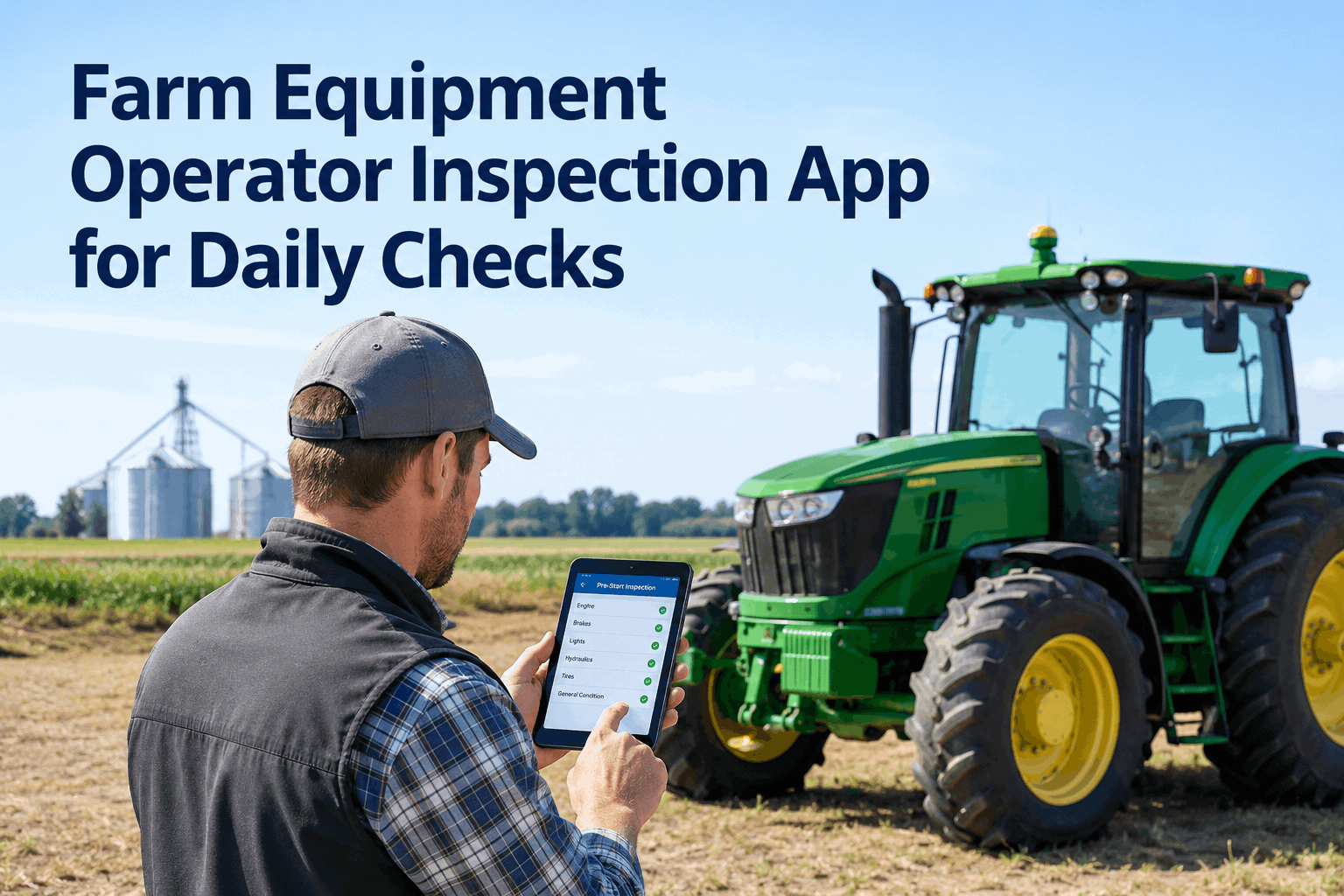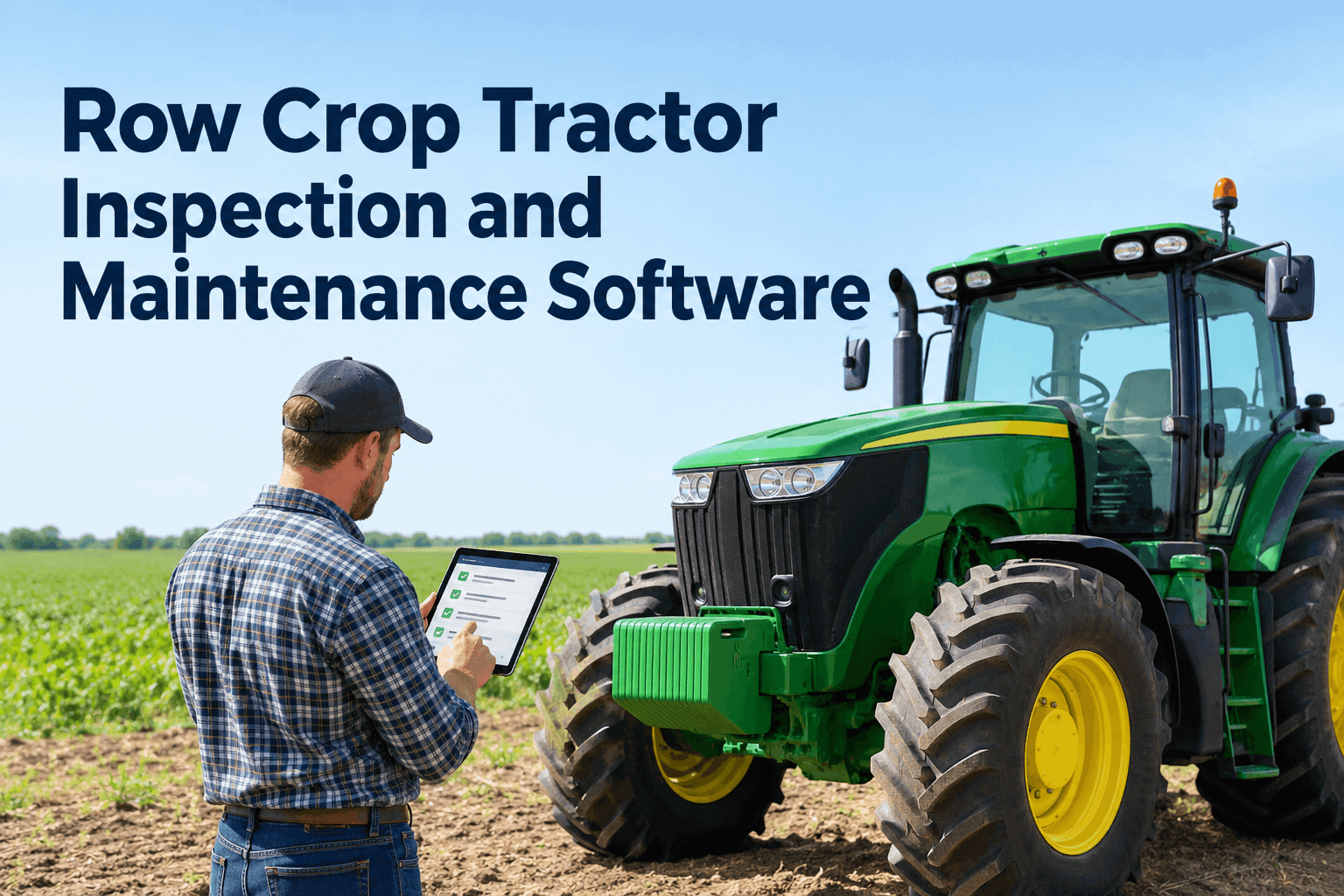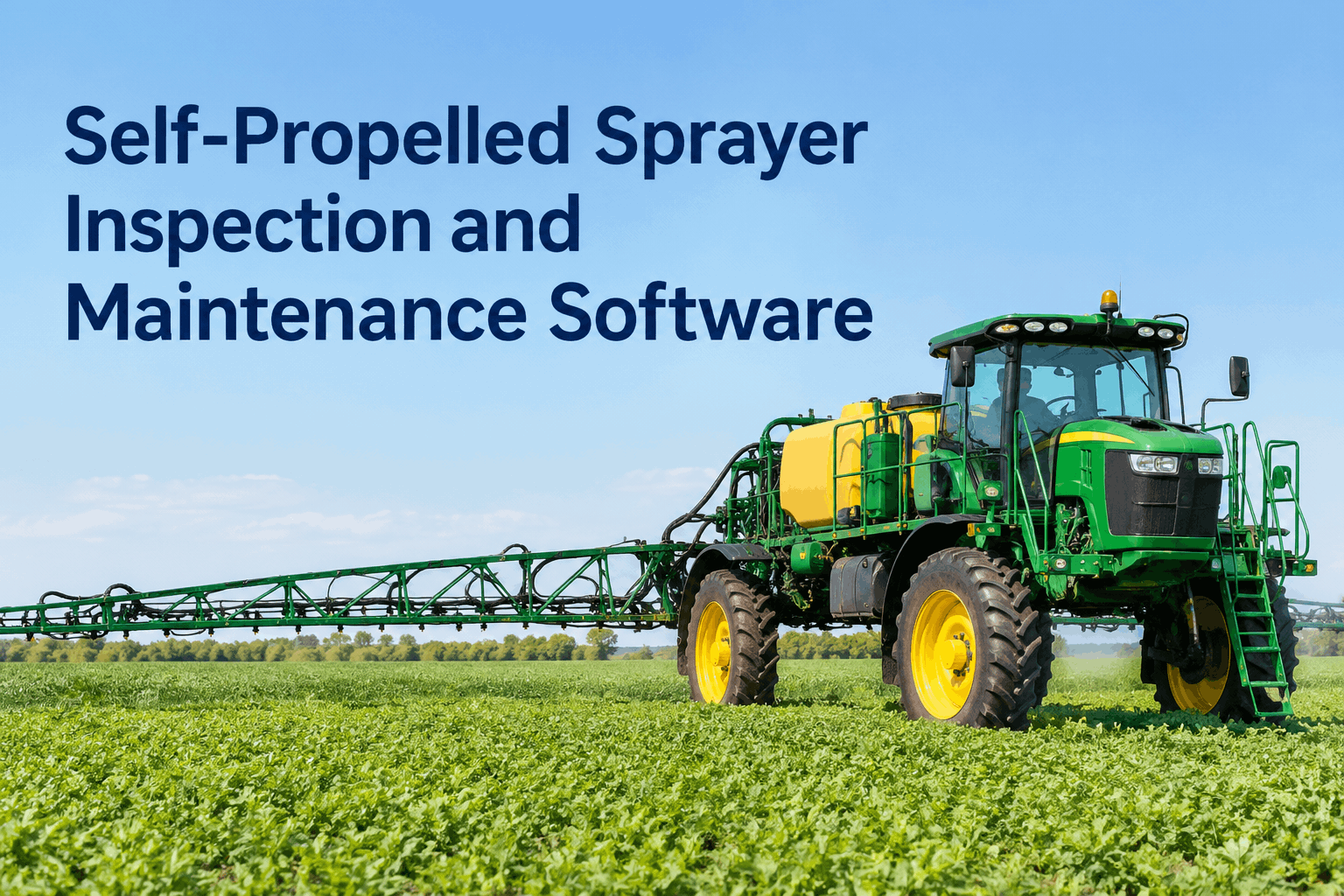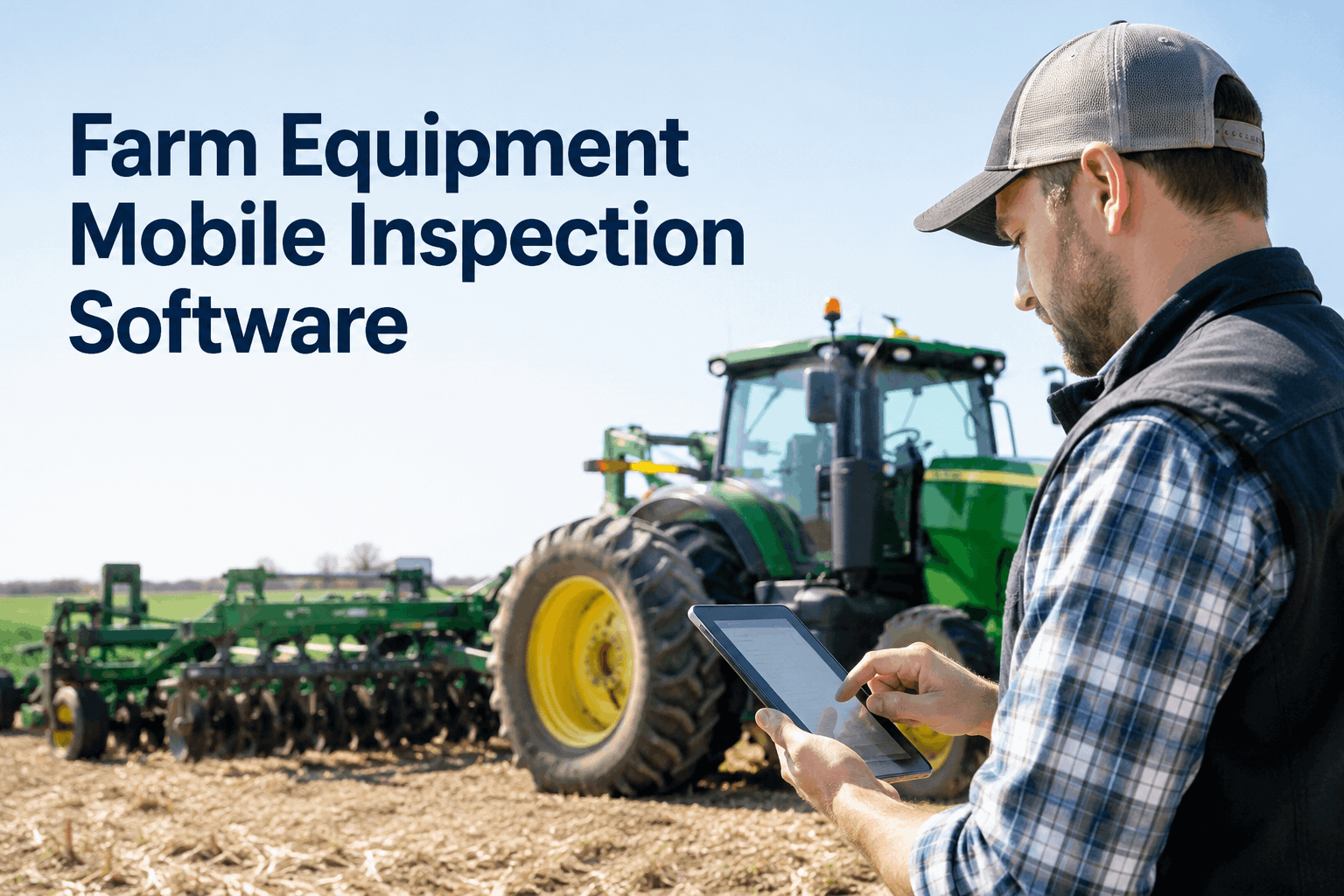
First light, mud on the gloves, a cracked hydraulic line just spotted — and the only tool for logging it is a paper sheet on the shed wall nobody reads until Friday. Farm equipment mobile inspection software fixes that moment: the operator taps the item, snaps a photo, adds a voice note, and the defect is on the manager's phone before the cab door shuts. Here is how it works in the field — and book a demo of the mobile inspection app.
Farm Equipment Mobile Inspection Software for Operators
Mobile checklists, photos and voice notes captured right at the machine — defects, work orders and maintenance in one platform, not five apps and a paper binder.
A farm inspection is not a form-filling exercise — it is a 30-second decision an operator makes with dirty hands next to a running engine. Software only helps if it survives that moment. This page is about the platform side of farm equipment mobile inspection: capture in the field, the record across every machine, and the office getting the alert in real time. For the hands-on daily routine itself, see the operator's five-minute pre-start walkthrough — this page is the system that walkthrough feeds into.
Three taps, no typinghow an operator captures a farm inspection on a phone
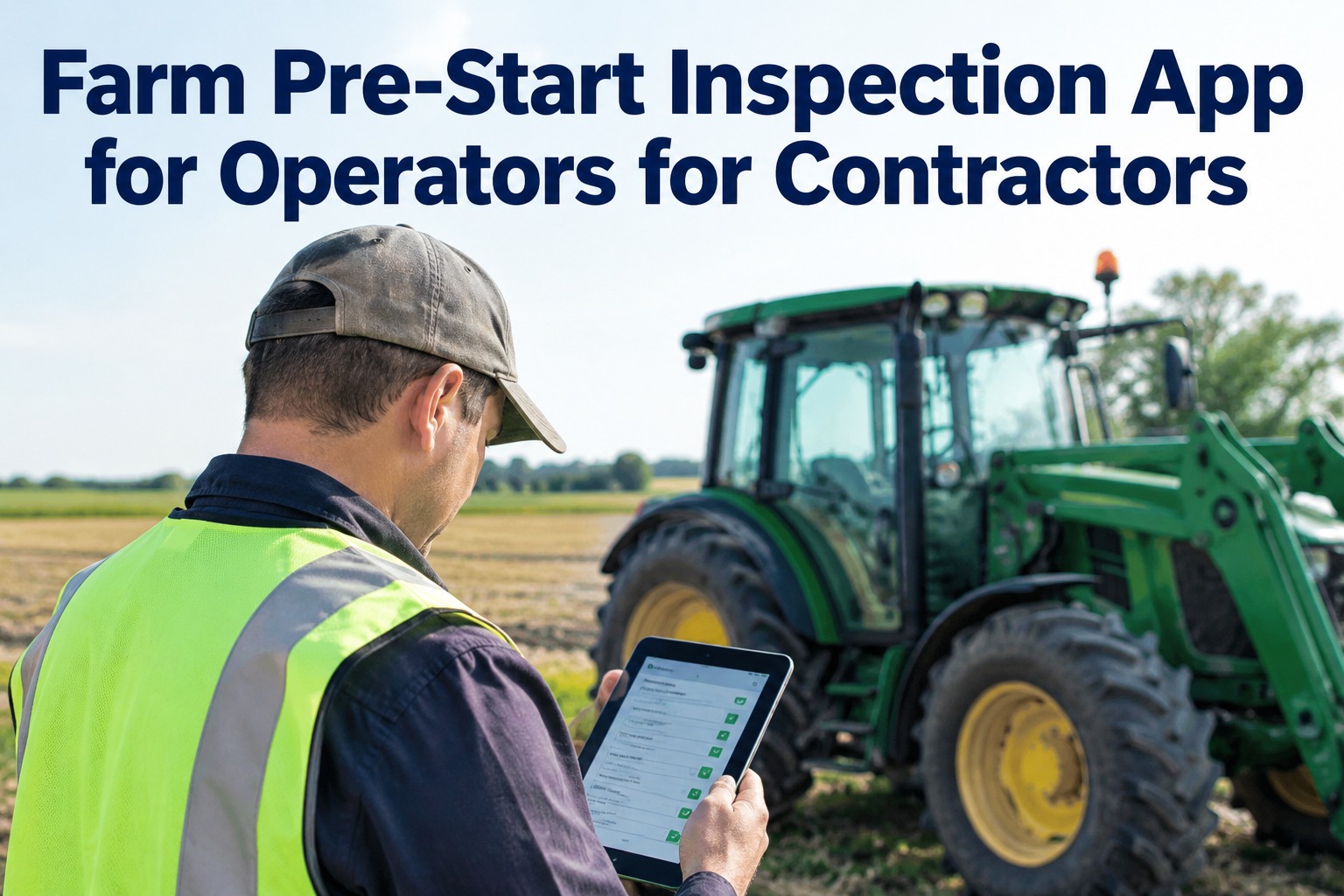
Gloves on, engine running, light fading — the capture has to be faster than reaching for a pen. Mobile inspection software gives three ways to record what matters, and none of them is thumb-typing on a cracked screen.
Tap pass or flag
Every checklist item is one tap — green for good, amber to flag. The operator walks the machine once, in order, and the status is logged against the unit and engine hour instantly.
Snap a photo
A cracked weld or a worn tire gets a photo attached to that exact item — so the manager sees the real thing, not a vague "something's off," and the proof lives on the machine's record.
Add a voice note
Too muddy to type? The operator talks. A few seconds of voice captures what a tick box can't — "it was fine yesterday, started knocking this morning" — with zero gloves-off fumbling.
That is the whole capture step, and it is deliberately boring to use — which is exactly why it actually gets done every shift. Explore daily operator reporting to see the field-capture side in detail, or book a demo to watch a flag reach the office live.
Every machine, one viewa farm fleet that checks tractors, combines and sprayers alike
A paper system treats each machine as a separate pile of sheets. A platform treats the whole yard as one list you can scan in ten seconds — which unit was checked, which has an open defect, which is overdue for service.
This is the breadth a single-machine checklist app never gives you: tractors, combines, sprayers, loaders and trucks on one screen, each with its own template and its own history. Explore the fleet inspection feature that drives the roster above.
Flag to fixedwhat happens to a farm equipment defect after the tap
Capturing the defect is only useful if it goes somewhere. On a connected platform, one flag at the shed door moves through four stages on its own — no re-typing, no lost sticky notes.
Flagged in the field
Operator taps flag, adds a photo and voice note. The defect carries the unit ID, the engine hour and the timestamp automatically.
Work order drafted
The flag becomes a work order routed to the manager or mechanic — with the photo and voice note attached, before the machine even moves.
Part & schedule linked
Needed parts pull from inventory; the repair is scheduled around the work window. Recurring issues surface in the machine's history, not the operator's memory.
Closed & on record
The fix is logged against the machine — a permanent, photo-backed service history for resale, warranty and the next audit.
That is the difference between an inspection app and a connected CMMS: the check does not dead-end at a flag. Explore maintenance management to see the defect-to-work-order flow end to end.
What each item capturesthe farm machinery inspection checklist, mobile-first
A digital checklist is not just tick boxes — each line can demand the right kind of proof. Here is what a mobile farm inspection checklist captures on a typical machine, and the evidence the app can require at each step.
The template flexes per machine type — a combine, a sprayer and a tractor each get their own version. Sign up free and build your farm checklist in a few minutes, or copy a ready-made one.
Field to office, instantlywho sees the farm inspection, and when
The real value of mobile inspection software is not the operator's screen — it is that the right people see the right thing the moment it is captured, each with access scoped to their role.
Operator
Runs the check on a phone, flags with photo and voice. Sees only the machines assigned to them — no clutter, no admin screens.
Manager
Gets the flag in real time, approves the work order, and sees the whole yard's status on one screen — which unit is ready, which is held.
Owner / admin
Pulls audit-ready history, cost and downtime reports across every machine and site — the proof a paper binder could never produce on demand.
One capture, three views, zero re-entry — that is the platform doing the coordination a stack of clipboards never could. Book a demo to see role-based farm inspection access on your own fleet.
From a farm maintenance manager who runs it daily
Half my operators won't type a thing — but they'll all tap a button and hold the phone up to a leak. The voice notes were the surprise: a guy describing a noise in ten seconds tells me more than any form ever did, and I get it before the machine leaves the yard. We stopped losing defects between the field and my desk. That alone paid for it.
Farm equipment mobile inspection software, answered
What is farm equipment mobile inspection software?
It is an app that lets operators run equipment checks on a phone — tapping pass or flag, adding photos and voice notes — with every result landing on the machine's record and flagged defects reaching the manager instantly. Book a demo to see it in the field.
Can operators add photos and voice notes to an inspection?
Yes — both, on any checklist item. A photo attaches the real fault to the flag, and a voice note captures what's hard to type with gloves on. Explore daily operator reporting or book a demo to try the capture flow.
Does it work across different machines, not just tractors?
Yes. Tractors, combines, sprayers, loaders and trucks each get their own template and history, all on one fleet view. Explore the fleet inspection feature or book a demo for your mixed fleet.
Does it work in the field with no cell signal?
Yes — inspections, photos and voice notes capture offline and sync automatically when signal returns, so a check in a back paddock is never lost. Book a demo to see the offline flow.
How fast can we get our farm onto the app?
You can sign up, add a machine and build a checklist in a few minutes, then run the first inspection on a phone the same day. Most farms rebuild their paper sheet digitally inside a demo. Sign up free to set up your first machine.
Run every farm inspection from a phone
Mobile checklists, photos and voice notes captured at the machine — defects, work orders and maintenance in one platform, across every machine and operator. No paper, no lost flags.
Free to start · Works on any phone · No card needed
- Mobile checklists with photos & voice notes
- Instant defect alerts to the manager
- One-tap defect-to-work-order with parts
- Every machine on one audit-ready record