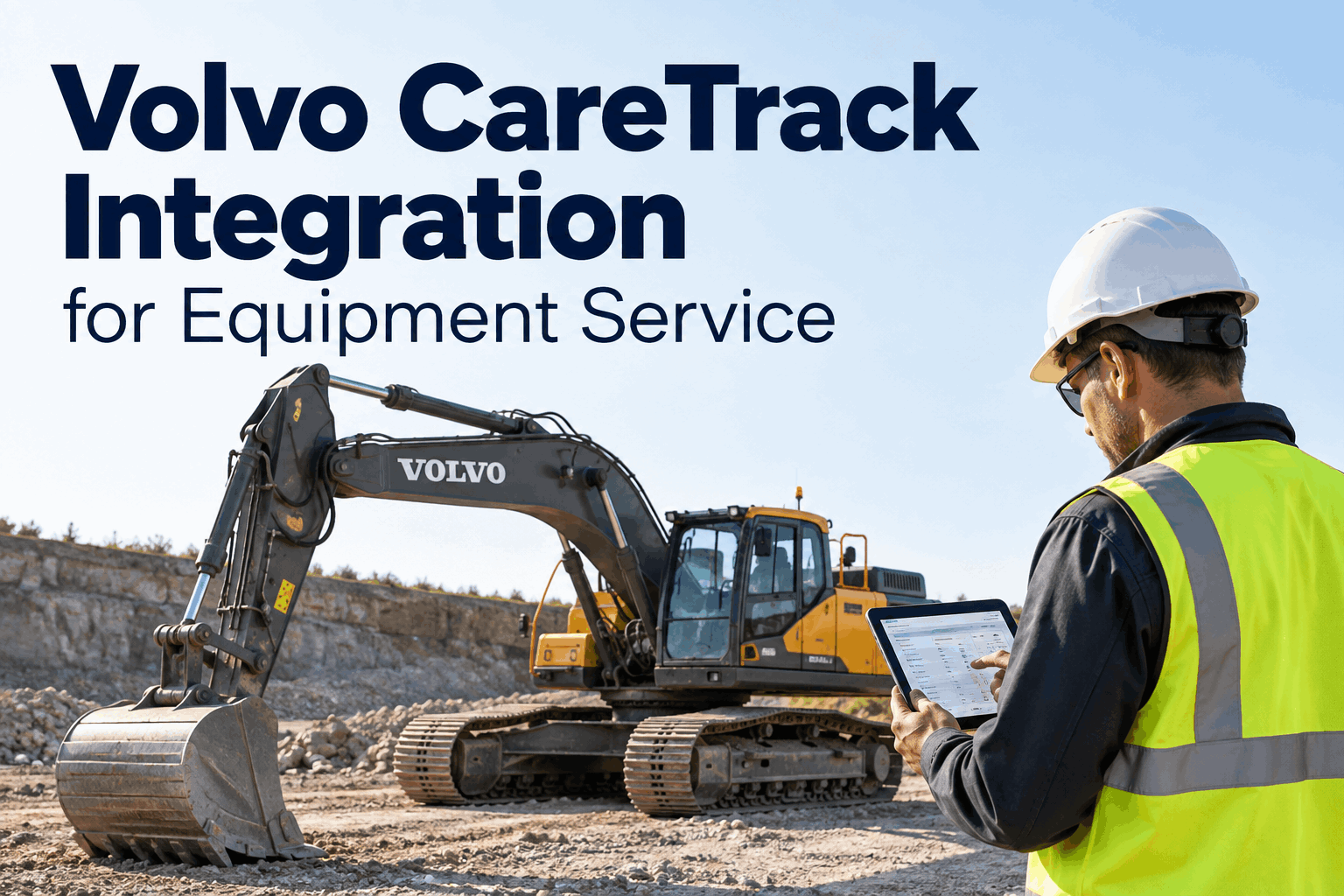
A Volvo CareTrack integration answers the question that makes telematics worth paying for: when the machine reports a problem, does anything actually happen? CareTrack already tracks hours, utilization and alerts for your Volvo fleet — but data sitting in a portal nobody opens doesn't service a machine. The value is turning that signal into a work order. Book a demo to see CareTrack data drive equipment service in HVI.
CareTrack Sees the Problem. HVI Turns It Into a Service Job.
Machine hours, utilization and alerts from CareTrack flow into equipment service — so a telematics signal becomes a scheduled work order, not another notification nobody opens.
Telematics was supposed to end surprise breakdowns. On most sites it just added another screen. CareTrack faithfully records that an excavator hit its service hour or threw an alarm — but if acting on that still means someone remembering to check a portal and open a job by hand, the data isn't preventing anything. A CareTrack integration matters only when the signal lands as action inside the system your team already works in.
Why Telematics Data Alone Doesn't Service a Machine
CareTrack does its job — it reports. The breakdown happens in the gap between the alert and the wrench, where the data has to become a decision and a task. That gap is where machines slip through.
Close that gap and telematics finally earns its keep. HVI connects OEM telematics and diagnostic data directly into service so the signal doesn't wait on someone's memory, which is exactly what HVI's integrations are built to do. Book a demo to see the gap closed.
What Each CareTrack Data Type Drives in Service
CareTrack reports several things. Each one does real work once it lands in a maintenance system — here's what each signal becomes.
The point isn't the data — it's the action each signal sets off. Paired with hours-based preventive maintenance, CareTrack's machine hours stop being a number on a dashboard and start triggering the right service. Sign up free and connect your Volvo fleet's data.
How a CareTrack Signal Becomes Completed Service
When the integration is live, every signal runs the same path — automatically, from the machine to a closed work order.
The signal never waits on someone noticing it. HVI keeps the resulting service and work-order records against each machine, building the history the next decision relies on. Book a demo to see the path end to end.
CareTrack Alone vs. CareTrack Connected to Service
The hardware and the data are the same either way. What changes is whether the signal reliably ends in a serviced machine.
- Alerts live in a separate portal
- Someone must check it and act manually
- Service hours missed when no one looks
- No work order, parts or assignment attached
- Telematics value stops at the dashboard
- Signals land in the service system in use
- Work orders raised without manual checking
- Service triggered on real hours and alerts
- Parts, bay and due date attached to the job
- Telematics value ends in a serviced machine
For the matching Volvo service intervals those triggers follow, our Volvo PM schedule guide lays out the 250/500/1000/2000-hour tasks; HVI's analytics and reporting keep the record behind every one. Book a demo to see connected equipment service.
A Fleet Technology Manager's Take
We had CareTrack on the whole Volvo fleet and genuinely good data coming off it. The problem was nobody lived in that portal — the alerts piled up and we'd find out a machine hit its service hours when it was already overdue.
Getting those signals into the system our techs actually use changed the behaviour, not just the reporting. The hour trigger now opens a job on its own. We didn't buy better data; we finally did something with the data we already had.
Fleet Technology ManagerCivil & earthworks contractor
Volvo CareTrack Integration FAQs
What is a Volvo CareTrack integration with HVI?
It connects the machine data CareTrack produces — machine hours, utilization and alerts — with equipment service workflows in HVI. Instead of alerts sitting in a separate telematics portal, the data supports maintenance planning and can trigger work orders inside the system your maintenance team already uses.
What CareTrack data can support equipment service?
CareTrack reports data such as total machine hours, machine status, fuel and utilization, plus alarms and alerts on supported machines. Machine hours drive PM timing, utilization weights service to real workload, and alerts can prompt a work order — turning telematics readings into scheduled maintenance actions.
Does HVI have a pre-built CareTrack connector?
HVI connects to OEM telematics and diagnostic platforms across major equipment manufacturers, pulling engine data, diagnostic codes and service information into HVI. Where a specific feed like CareTrack isn't a named pre-built connector, HVI's team helps configure the connection. A demo is the best way to confirm the fit for your Volvo fleet.
Why connect telematics data to a maintenance system?
Telematics only prevents downtime if someone acts on it. Left in a standalone portal, alerts get missed and service slips. Connecting the data to the maintenance system means an hour threshold or alert becomes a work order automatically — with parts, a bay and a due date — instead of relying on someone remembering to check.
How does HVI help with Volvo equipment service?
HVI combines equipment data, preventive maintenance scheduling and service records, and connects to OEM telematics and diagnostic sources. That lets Volvo fleets trigger service on real machine hours and alerts, raise and assign work orders, and keep an audit-ready history of every machine's service over time.
Turn CareTrack Data Into Serviced Machines
Bring Volvo CareTrack machine hours, utilization and alerts into HVI, trigger service on real usage, and raise work orders automatically — so telematics ends in a serviced machine, not an unread alert.
No credit card · See CareTrack-to-service in a short demo