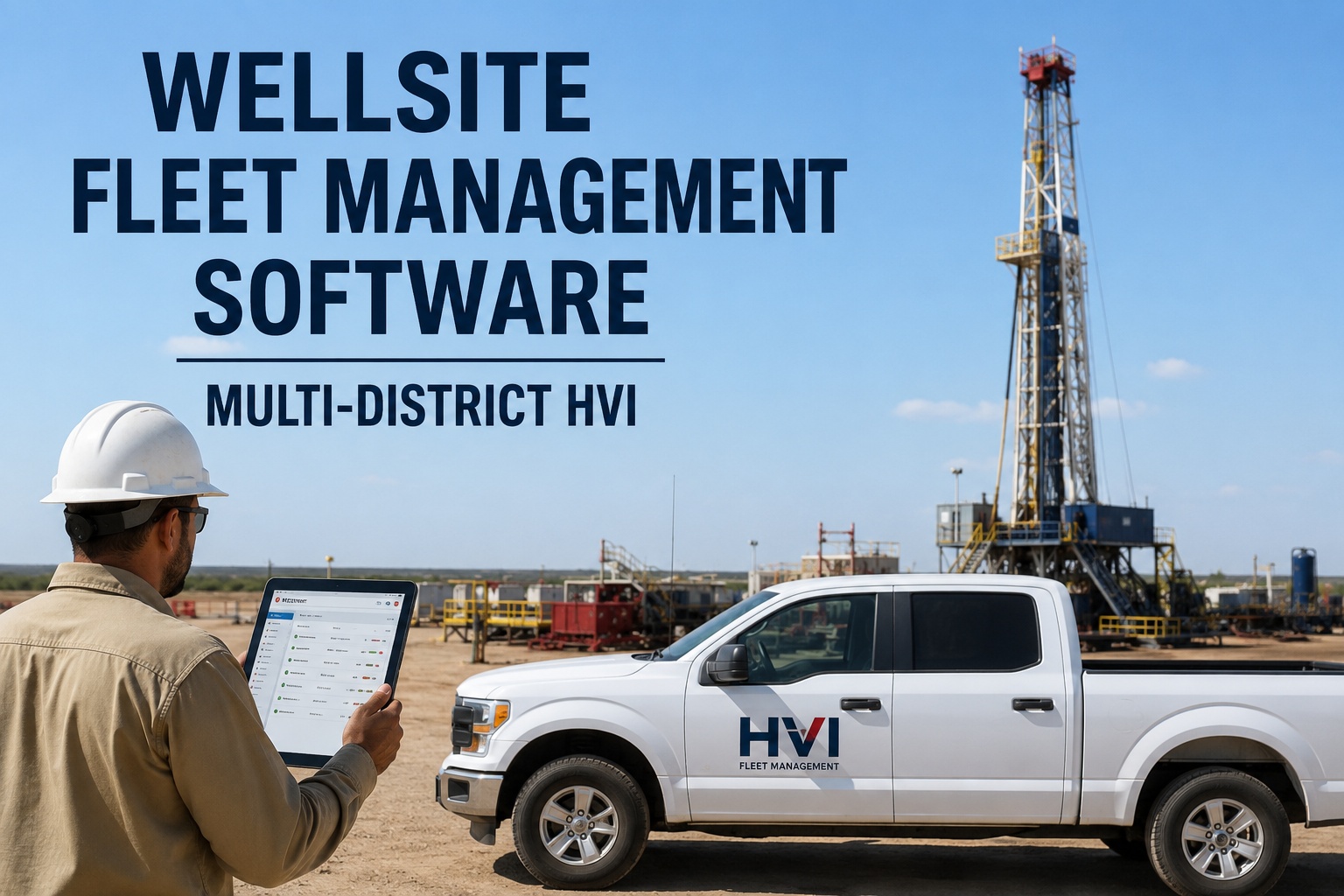
It's 6:40 a.m. and your phone is already hot. A vac truck in the north district needs a hydraulic hose, a service truck two leases over is three days past its PM, and dispatch in the south district swears that unit was fixed last week — but nobody can find the work order. This is the daily reality that multi-district oilfield fleet software exists to end: one live view of every unit across every lease, pad and district, instead of five phone calls and three spreadsheets before coffee. HVI gives your head office that single dashboard while your operators keep working from the mobile app at the wellsite. If you want to see it on your own units before committing to anything, you can walk through a live multi-district setup in a 30-minute demo and judge it against your own morning.
Every district. Every unit. One screen.
Service trucks, vac trucks, workover rigs and frac equipment — all on one dashboard with live status: operational, on location, in repair, PM due, or out of service. Field crews use the mobile app at the wellsite; your coordinators run the Web Portal from the office.
The price of running districts on phone calls and spreadsheets
Industry data from bodies like ATRI and TMC keeps landing on the same conclusion: unplanned downtime and poor visibility are the two biggest controllable cost leaks in a heavy fleet. Spread that fleet across districts and both leaks get wider.
What a live cross-district fleet view actually shows you
A real district fleet dashboard isn't a map with dots. It's a decision tool. Every unit carries one of five live statuses, set by the people touching the equipment — not by someone updating a spreadsheet at 4 p.m.
Operational
Unit is inspected, PM is current, no open defects. Ready to dispatch to any district without a phone call to confirm.
On location
Working at a wellsite right now. You see which lease, which district, and which operator completed the last inspection on it.
PM due
Meter-based preventive maintenance triggered by engine hours or mileage — even if the unit crossed districts twice this week.
In repair
An open work order is attached. You see the defect photos, the assigned tech, the parts on order, and which shop has it.
Out of service
Flagged unsafe or non-compliant. It cannot be quietly dispatched in another district because the status follows the unit, not the yard.
Because the status travels with the unit, a service truck that leaves District 2 on Monday and arrives at a District 4 pad on Tuesday never falls into a reporting gap. That's the core of centralized oilfield fleet management: the record moves with the machine.
How oilfield operations software for multiple sites keeps field and shop in sync
The biggest failure in multi-district operations isn't breakdowns — it's the gap between the person who finds the problem and the person who can fix it. HVI closes that gap in four steps, at every location, on any phone.
Operator inspects at the wellsite
The operator opens the HVI mobile app — on any phone or tablet, even at a remote pad — and runs the digital inspection with photo and defect capture. No paper DVIR blowing across a lease road.
Defect becomes a work order in one tap
A blown hydraulic line or a cracked mirror doesn't sit in a text message. One tap converts the defect into a work order with photos attached, routed to the right shop in the right district.
Coordinator sees it on the Web Portal
Back at the office, your field superintendent or coordinator watches the unit flip to "in repair" on the Web Portal, assigns a tech, checks parts inventory across shops, and plans a replacement unit — before dispatch even asks.
Unit returns to service, cost logged
The tech closes the work order, parts and labour attach to the unit's cost history, and the status flips back to operational. The whole loop is timestamped and audit-ready. If you want to see this loop run on your own districts, book a 30-minute walkthrough with the HVI team.
Stop guessing which district is eating your maintenance budget
When costs live in five spreadsheets and a fuel card statement, "which district costs more to run?" is an argument, not a report. HVI rolls cost reporting up per unit, per district, or across the whole operation — delivered weekly, without chasing dispatch.
Per unit
Every inspection, work order, part and litre of fuel against one asset. Spot the vac truck that's cost more in repairs this quarter than it's worth.
Per district
Compare cost per operating hour across districts. If District 3 runs 40% higher, you can see whether it's terrain, age of units, or a PM discipline problem.
Whole operation
One weekly roll-up for head office: uptime, compliance rate, open work orders and spend — the numbers a Director of Maintenance actually puts in front of leadership.
A worked example: the six-truck-day leak
Take a 60-unit oilfield services fleet across three districts. If poor visibility and missed PMs strand just six truck-days a month — a unit waiting on a hose nobody ordered, a PM discovered overdue only when it won't start — at a conservative $500 per down day, that's $3,000 a month, $36,000 a year, in pure downtime. Add the emergency parts freight and the callout you had to subcontract, and most fleets find the real number is double. Catching even half of it pays for a centralized oilfield fleet platform many times over. You can start a free account and log your first district's units today to test the math on your own numbers.
Centralized oilfield fleet management vs. the way most districts run today
Most multi-district operations don't have a process problem — they have five different processes that drifted apart. Here's what changes when every district runs the same system.
| Daily question | Spreadsheets, paper and group chats | HVI multi-district dashboard |
|---|---|---|
| Where is unit 214 and can it work? | Call two districts, wait for a callback, hope the answer is current | Live status on one screen: operational, on location, in repair, PM due or out of service |
| Is that truck's PM current? | Check the yard whiteboard in a district you're not standing in | Meter-based PM by engine hours or mileage follows the unit across every district |
| Did anyone order the part? | Search a group chat, phone the shop, order it twice or not at all | Work order shows parts status and inventory across all shops in real time |
| What did District 2 cost last month? | Three spreadsheets, a fuel card export and a weekend of reconciliation | Weekly roll-up per unit, per district or whole operation, delivered automatically |
| Can you prove that inspection happened? | Dig through a binder in a conex box at the yard | Timestamped, photo-backed records retrievable in seconds for DOT, client, safety or insurance audits |
If several rows in the left column felt familiar, that's the signal. Most teams book a demo with their own district structure in mind and see within half an hour how the right column would look on their operation.
Getting a multi-district fleet onto one system in days, not quarters
The fear with any fleet maintenance software is the six-month implementation. HVI is built for yards, not boardrooms — bulk Excel import loads your entire multi-district fleet fast, and crews need minimal training because the app works the way they already work.
Bulk import your fleet
Upload your unit list by Excel — trucks, trailers, rigs, off-road plant and shop equipment — tagged by district. No manual data entry marathons.
Set PM schedules and inspection forms
Configure preventive maintenance by date, mileage or engine hours per unit class, and standardize one inspection form across every district so "inspected" means the same thing everywhere.
Crews go live on their phones
Operators download the app and run their first digital inspection at the wellsite. Most are fluent within a shift — it replaces the paper they already carried.
First weekly cost roll-up lands
Head office gets the first per-district report without asking anyone for it. From here, integrations with GPS and telematics, fuel cards and accounting deepen the data automatically. Ready to map this onto your calendar? Grab a demo slot and plan your rollout with someone who's done it for fleets like yours.
See every district on one screen this week
Bring your unit count and district list — we'll show you your own operation on the HVI dashboard in 30 minutes.
Four HVI capabilities built for cross-district oil and gas fleets
HVI (Heavy Vehicle Inspection & Maintenance, by JRS Innovation Inc.) is a cloud + mobile CMMS built for fleet-heavy operations. These four capabilities do the heavy lifting for multi-district oilfield work.
Digital inspections & DVIR
Photo-backed, timestamped inspections from any phone at any wellsite. Kills paper DVIRs and text-message photos, and gives you audit-ready proof for DOT, client and insurance reviews in seconds.
Meter-based preventive maintenance
PM triggers by engine hours, mileage or date, with due and overdue alerts that follow the unit — so a truck moving between districts daily never quietly skips a service. Fleets that stay ahead of PM consistently cut unplanned downtime.
One-tap work orders
Defect-to-work-order conversion keeps field and shop in sync in every district. Parts and inventory across multiple shops attach to the job, so nothing gets ordered twice and nothing waits on a part nobody bought.
Analytics & cost roll-ups
Uptime, cost per asset and compliance rate by unit, district or whole operation, delivered weekly. GPS, telematics, fuel card and accounting integrations mean the data builds itself while your crews just work.
What one view of a multi-district oilfield fleet is really worth
I used to start every Monday with six phone calls just to find out what was actually running. Now I open one screen before my coffee's done and I already know District 4 has two units in repair and a vac truck due for service Thursday. The number I watch is down days per district — we went from losing whole weekends of work to catching stuff on Tuesday before it strands a crew on Friday. My only gripe is I didn't have it three years ago.
Multi-district oilfield fleet software: what managers ask before switching
What is multi-district oilfield fleet software?
How does preventive maintenance work when units move between districts every day?
Can field crews use it at remote wellsites with poor connectivity?
How long does it take to get a multi-district fleet set up?
How do I see costs per district without chasing dispatch for reports?
One operation. One dashboard. Every district accounted for.
See HVI running on your own multi-district fleet — book a 30-minute demo and bring your toughest "where is that unit?" question.
Free to start — Works on any phone — No card needed