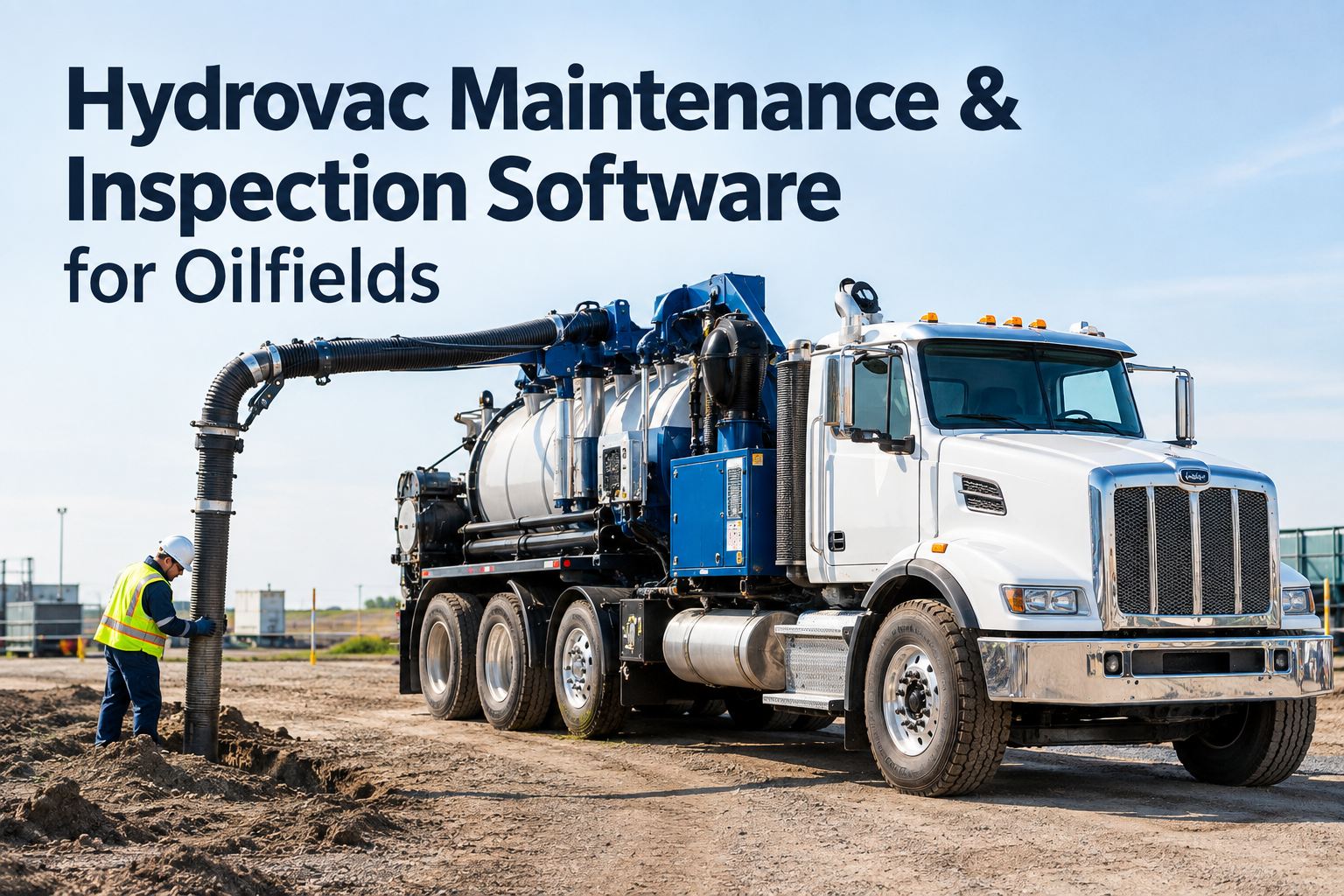
It is 2 a.m. on a remote pad site, the vac truck has been running for 19 straight hours, and somewhere back at the shop a whiteboard says its 500-hour pump service was due last Tuesday. That is the moment oilfield preventive maintenance software pays for itself: instead of a service slipping because nobody checked the hour meter, the system watches engine hours, pump hours and mileage on every unit and raises the work order the second a threshold is hit. For fleets running service trucks, workover rigs and frac equipment around the clock, that difference is measured in call-outs kept, not lost. If you want to see how this looks on your own units, you can walk through a live PM schedule in a 30-minute demo before changing anything in your shop.
Oilfield PM automation for 24/7 fleets
Meter-based PM that fires the work order, not the reminder you forget
HVI tracks engine hours, pump hours and mileage on every unit and auto-creates the work order at 250, 500 or 2,500 hours — so services stop depending on a whiteboard in a shop your trucks only visit once a week.
What a missed service actually costs
The numbers behind oilfield PM automation
Continuous run time
Oilfield units regularly run double shifts between wellsites, so an hour-based interval arrives far sooner than a calendar reminder suggests.
Per day a truck sits
Industry downtime estimates for a sidelined commercial truck start in the high hundreds per day — before you count a missed call-out or a lost day-rate.
Reactive vs planned cost
A failed pump or turbo repaired on location typically costs several times the planned service, once you add call-out labour, towing and expedited parts.
To set the schedule
Bulk Excel fleet import means your units, meters and intervals are live the same afternoon — no week-long data-entry project.
Engine hour PM scheduling, end to end
How meter-based PM works in an oilfield fleet
Five steps replace the clipboard, the whiteboard and the group chat. Each one happens automatically once your intervals are set.
Import every unit and its meters
Bulk-import service trucks, vac trucks, workover rigs and frac spreads from Excel with current engine hours, pump hours and odometer readings. Each unit carries its own interval set — a 250-hour grease, a 500-hour pump service, a 2,500-hour overhaul, or anything custom.
Meters update as units work
Hours flow in from operator check-ins, telematics and GPS integrations, or a quick daily entry on any phone. Units that move between wellsites daily keep feeding their meters no matter which district they wake up in.
Threshold hit, work order created
The moment a unit crosses 500 pump hours, HVI opens the work order with the exact task list attached — filters, fluid samples, packing inspection — and notifies the mechanic in the app. Nothing waits for someone to notice.
PM coordinated across districts
Because units rotate between pads and districts, HVI routes the work order to the right shop or field mechanic based on where the unit actually is. Fewer missed call-outs, less deadhead driving, less lost revenue.
Every service logged with cost
Labour hours, parts and cost per unit roll into weekly reports for operations and finance. You see cost per operating hour by asset, not a shoebox of invoices. If you want this mapped to your own districts, book a walkthrough with your fleet list in hand.
Pump hour maintenance intervals
A sample oilfield PM schedule you can copy
Every operation sets its own numbers, but this tiered structure is how most oilfield fleets organise hour-based intervals. In HVI each tier is a template you attach to a unit class once.
A-Service — Grease & Inspect
- Grease all zerks, check fluid levels
- Inspect belts, hoses and air lines
- Check tire condition and pressures
- Photo-log leaks or damage in the app
B-Service — Pump & Fluids
- Engine oil, filters and fuel filters
- Pump oil change and packing check
- Hydraulic fluid sample drawn
- PTO and driveline inspection
C-Service — Overhaul Window
- Pump fluid-end rebuild assessment
- Valve and seat replacement check
- Full chassis and suspension inspection
- Cost-per-hour review before sign-off
| Unit type | Primary meter | Typical A-service | Typical B-service |
|---|---|---|---|
| Service / lube truck | Engine hours + mileage | 250 hrs | 500 hrs |
| Vac truck | Pump hours | 250 hrs | 500 hrs |
| Workover rig | Engine hours | 250 hrs | 500 hrs |
| Frac pump unit | Pump hours | 100–250 hrs | 500 hrs |
| Water hauler | Mileage | 10,000 km / 6,000 mi | 20,000 km / 12,000 mi |
Whiteboard vs oilfield preventive maintenance software
What changes when PM stops living on a whiteboard
Before — manual tracking
- Hour meters checked when someone remembers, often weeks late
- Service due dates live on a shop whiteboard trucks rarely visit
- Mechanic finds out about a 500-hour service from a breakdown call
- Costs reconstructed from invoices at month-end, if at all
- Unit down on location while parts are expedited at a premium
After — HVI meter-based PM
- Meters update daily from the field, on any phone or tablet
- Work order auto-created the moment a threshold is crossed
- Mechanic gets an app notification with the full task list attached
- Labour, parts and cost per unit logged into weekly reports
- Service planned between call-outs, so units stay on location
A worked example from a 25-unit fleet
Say you run 25 units across two districts and each misses just one planned service per quarter. If even four of those misses turn into on-location failures at a conservative $2,500 each in call-out labour, towing and rush parts, that is $10,000 a quarter — $40,000 a year — spent on repairs that a 500-hour work order would have prevented. Fleets that start tracking meters in HVI free typically find the missed intervals in the first week, because the overdue list builds itself.
See your own overdue list in the first 10 minutes
Book a 30-minute demo, bring your unit list, and we will build your 250 / 500 / 2,500-hour schedule live on the call.
How HVI helps
Four capabilities built for 24/7 oilfield operations
Multi-meter PM scheduling
Track engine hours, pump hours and mileage on the same unit with separate interval sets. Due and overdue alerts fire before the threshold, not after the failure — cutting unplanned downtime on units that never stop moving.
Automatic work orders
The instant a unit hits 500 pump hours, the work order exists with the task list, parts and priority attached. The mechanic sees it in the app the same minute — no phone tree, no whiteboard, no missed call-outs.
Cross-district coordination
Units moving between wellsites daily get routed to the nearest shop or field mechanic automatically. PM follows the asset, not the depot, so a vac truck working three districts away still gets serviced on the hour.
Cost-per-unit reporting
Every completed service logs labour, parts and cost against the unit, rolling into weekly reports for operations and finance. You finally see cost per operating hour by asset — and which units are eating your margin. See these reports on a demo call.
Key takeaways
The short version for busy maintenance managers
Hours, not calendars
Oilfield equipment lives by the hour meter. Oilfield preventive maintenance software that triggers on engine hours, pump hours and mileage catches services a date-based reminder never will.
Work orders, not reminders
A reminder still needs a human to act. HVI creates the work order itself, with tasks and parts attached, and notifies the mechanic — the difference between a plan and a hope.
PM follows the unit
When units move between wellsites daily, district-level coordination keeps services on schedule regardless of where the asset parks tonight. Fewer missed call-outs, steadier revenue.
Live in an afternoon
Bulk Excel import gets your fleet, meters and intervals loaded in minutes. You can sign up free and import your unit list today, or have the team build it with you on a call.
The fleets that keep units on location are not the ones with the best memory — they are the ones whose PM system never sleeps. Set the intervals once, and let the meters do the remembering.
I used to start every Monday walking the yard with a notepad, writing hour meters off the dash of whatever trucks happened to be home. Half my fleet was never home. Now the overdue list is just there on my phone, and the one number I watch is cost per operating hour — when a unit creeps past our average, I know before finance does. We have not had a pump go down on location from a missed service in over a year.
Dale Merrick — Maintenance Manager, oilfield services & vac truck operator
Common questions
Oilfield preventive maintenance software FAQs
What is meter-based PM and why does it matter in oil and gas?
How does HVI collect engine hours from units at remote wellsites?
Can I set different intervals for pumps, engines and chassis on the same unit?
How long does it take to set up an oilfield PM schedule?
Does it work for mixed fleets with trucks, rigs and frac equipment?
Stop losing call-outs to services that slipped
Put every unit on meter-based PM this week — auto work orders, district coordination and cost-per-unit reporting included from day one.
Free to start — Works on any phone — No card needed