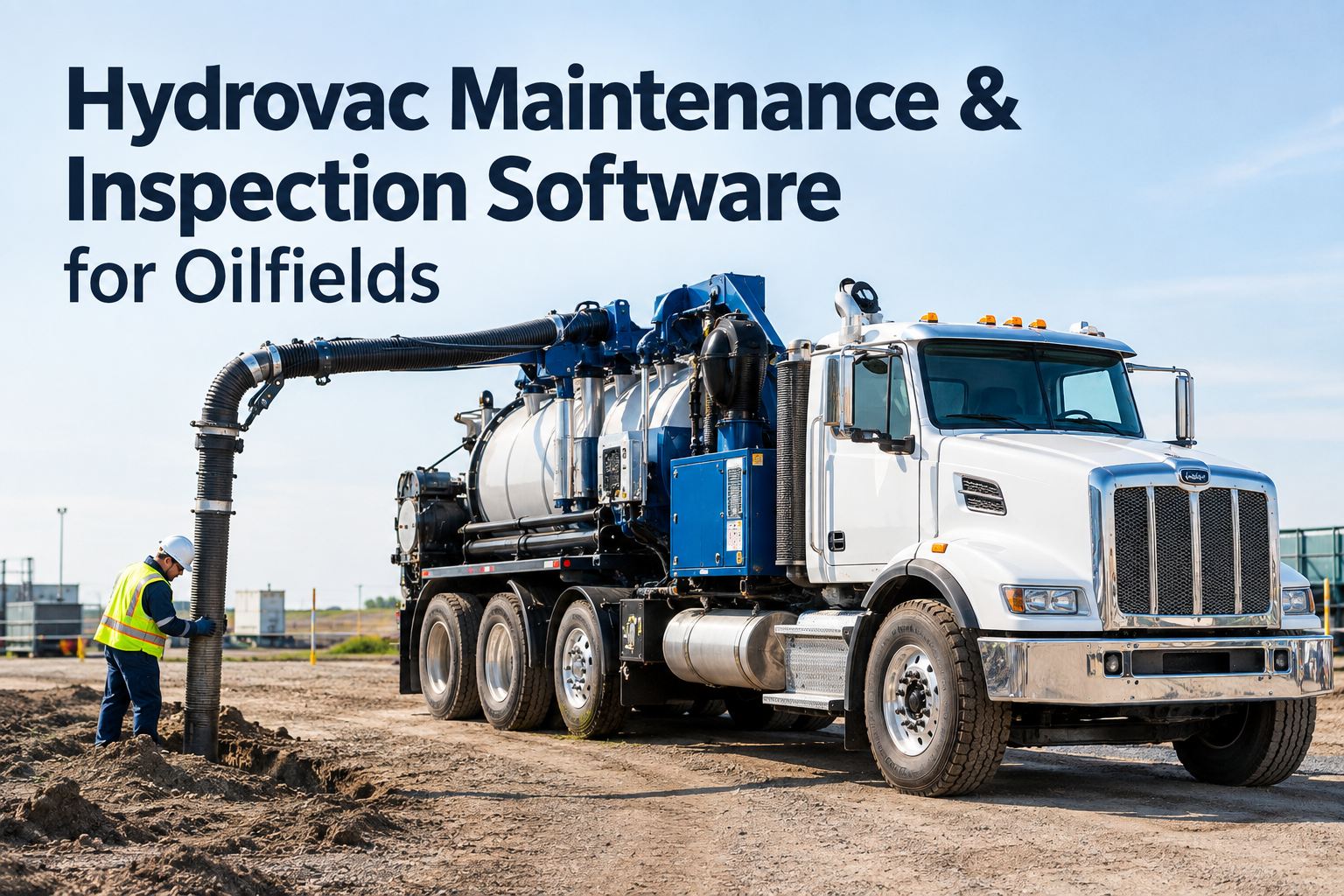
It's 5:40 a.m. and dispatch is already calling: the water truck that was supposed to be on Pad 12 is actually two districts away, nobody knows if its PM is due, and the only record of last night's inspection is a photo buried in a group chat. That is the daily reality wellsite fleet management software has to solve — trucks, light plants, loaders and service rigs moving between pads, leases and districts around the clock while the office tries to keep one accurate picture. HVI puts every unit on a single dashboard — operational, on location, in repair, PM due or out of service — with inspections, work orders, fuel and cost rolled up per unit, per district or across the whole operation. Operators run it on any phone in the field; the shop and head office work from the web portal. If you want to see that view on your own fleet, you can book a 30-minute walkthrough and bring your messiest district with you.
Every pad. Every lease. Every district. One dashboard.
Stop chasing dispatch for unit status. HVI unifies inspections, PM, fuel, parts and daily operator logs so your field superintendents and fleet coordinators see the same live picture — from the wellsite to head office.
What dispersed assets really cost when nobody has the full picture
Industry downtime benchmarks for heavy trucks and oilfield equipment routinely run from hundreds to thousands of dollars per unit per day once you count lost production, rental substitutes and crew standby. These are the four leaks a multi-district operation bleeds through every week.
The oilfield fleet dashboard: unit status at a glance
Every asset in HVI carries one of five live statuses, updated by the people touching the unit — not by a coordinator updating a whiteboard at the end of shift. Here is what each state means and who moves it.
Operational
Inspection passed, no open defects, PM in window. Ready for dispatch to any pad or lease in any district.
On Location
Working on a named pad or lease. Daily operator logs, fuel entries and hour-meter readings attach to that location automatically.
In Repair
Open work order in the shop or with a field mechanic. Parts, labour hours and cost accumulate against the unit in real time.
PM Due
Meter-based preventive maintenance triggered by engine hours, mileage or date — even if the unit changed districts twice this week.
Out Of Service
Safety defect or failed inspection locks the unit from dispatch until the repair is verified and signed off — your audit trail is automatic.
How a defect moves from a remote pad to a closed work order
The gap between the field finding a problem and the shop fixing it is where oilfield fleets lose days. HVI closes that gap to minutes with a four-step loop that works on any phone, even on a pad with one bar of signal.
Operator inspects on the pad
The operator runs the digital DVIR on their phone before shift — photos, defect notes, hour-meter reading. No paper form to lose in the glovebox, no photo lost in a text thread.
Defect becomes a work order in one tap
A flagged defect converts instantly to a work order with the photos attached. The shop foreman sees it the moment it is raised — not at the end of a 12-hour tour.
Shop repairs, parts and cost tracked
The mechanic logs labour and pulls parts from inventory — stock levels update across every shop and district. The unit's cost history grows with every wrench turn.
Unit returns to service, record sealed
Sign-off flips the unit back to Operational with a timestamped, photo-backed record. When a client, insurer or DOT auditor asks, you pull it in seconds. See this loop live on a demo call with one of your own units as the example.
Wellsite fleet management software built for dispersed operations
Four capabilities that matter most when your assets relocate daily and your districts are hours apart.
Multi-district dashboard
Filter by district, pad, lease or unit type. Superintendents see their patch; directors see the whole operation. One source of truth ends the morning phone tree.
Meter-based PM scheduling
Services trigger on engine hours, mileage or date with due and overdue alerts. Units relocating between districts never outrun their PM schedule again.
Fuel and cost roll-ups
Fuel entries, parts and labour roll up per unit, per district or company-wide, delivered as a weekly report. Spot the truck burning 15% more fuel than its twins before it fails on location.
Excel fleet import in minutes
Bring your entire unit list — trucks, trailers, light plants, loaders — straight from the spreadsheet you already have. No six-month implementation project, no consultants.
What one missed PM costs across three districts
Run the numbers on a realistic scenario: a 60-unit operation spread across three districts, where one vacuum truck misses its 500-hour service because the spreadsheet lived in another district's office.
A scheduled 500-hour service on that truck costs roughly $450 in parts and labour. That is a 26:1 payback on catching one interval — and meter-based alerts catch every interval, on every unit, in every district. Start tracking your meters free and the first overdue alert usually pays for the conversation.
See every unit in every district — before your next morning call
Bring your toughest district to a 30-minute demo. We will load a sample of your fleet and show you the dashboard, the PM alerts and the weekly cost roll-up on your own numbers.
Multi-district tracking: the old way vs the HVI way
Most oilfield fleets do not lack effort — they lack a system that travels with the asset. Here is how the daily reality compares.
| Daily task | Spreadsheets, paper and group chats | HVI multi-district platform |
|---|---|---|
| Morning unit status | Phone calls to each district; answers stale by 9 a.m. | Live dashboard: operational, on location, in repair, PM due, out of service |
| Inspection records | Paper DVIRs in gloveboxes; defect photos lost in text threads | Timestamped, photo-backed digital DVIRs stored per unit, searchable in seconds |
| PM scheduling | Date-based spreadsheet misses units that relocate and rack up hours | Engine-hour, mileage and date triggers follow the unit across districts |
| Cost reporting | Month-end scramble merging fuel receipts and shop invoices | Automatic weekly roll-up per unit, per district or company-wide |
| Client or DOT audit | Days hunting binders across three offices | Audit-ready records pulled by unit, date range or district in one click |
If your current system is three spreadsheets and a whiteboard, walk through the alternative on a demo — most coordinators see the difference inside the first ten minutes.
Live in a week, not a quarter: how deployment works
Oilfield operations cannot pause for a software project. HVI rolls out district by district while trucks keep moving — most fleets are fully live inside five working days.
Import your fleet from Excel
Your existing unit list — unit numbers, types, districts, meter readings — loads in minutes. Nothing to retype, nothing lost.
Set PM schedules and inspection forms
Configure service intervals by hours, miles or date per unit class, and tailor DVIR checklists for trucks, trailers and off-road plant.
Operators and shop go live
Operators download the app and inspect on their phones; the shop works from the web portal. Training takes minutes, not days — if they can use a phone camera, they can use HVI.
First weekly roll-up lands in your inbox
Cost, uptime and compliance per unit and per district, delivered automatically. Sign up free and start day one today — your first district can be live before Friday.
Wellsite fleet management software: what to remember
Dispersed assets need one live picture
When units move between pads, leases and districts daily, any system that depends on phone calls or a spreadsheet in one office is already out of date. Five live statuses per unit end the guessing.
Meter-based PM survives relocation
Date-only schedules fail in oilfield work because hours accumulate wherever the unit is working. Engine-hour triggers with due and overdue alerts keep services on track across every district.
Cost roll-ups expose the leakers
Weekly per-unit and per-district cost reports surface the truck burning excess fuel, the district over-stocking parts and the asset costing more to keep than to replace.
The payback is measured in days
One caught PM interval can save $11,000-plus against a field failure. Wellsite fleet management software is not an admin cost — it is downtime insurance that reports its own ROI. Book a demo and run the maths on your fleet.
I used to spend the first hour of every day phoning three districts to find out what I actually had. Now I open the dashboard with my coffee and I know before dispatch does. The number I watch is PMs overdue — it used to sit around fourteen units, and these days it's usually zero or one. That's the whole story, really.
Dale Mercer — Fleet Coordinator, oilfield services company running 80+ units across four districts
Wellsite fleet management software: frequently asked questions
What is wellsite fleet management software?
How does HVI handle units moving between districts?
Does the mobile app work on remote pads with poor signal?
How long does it take to get a multi-district fleet set up?
Can I report cost per unit and per district automatically?
Run every district from one dashboard
Join the fleet coordinators, superintendents and maintenance managers who stopped chasing unit status by phone. See HVI on your own fleet in 30 minutes — or start free and import your units today.
Free to start — Works on any phone — No card needed