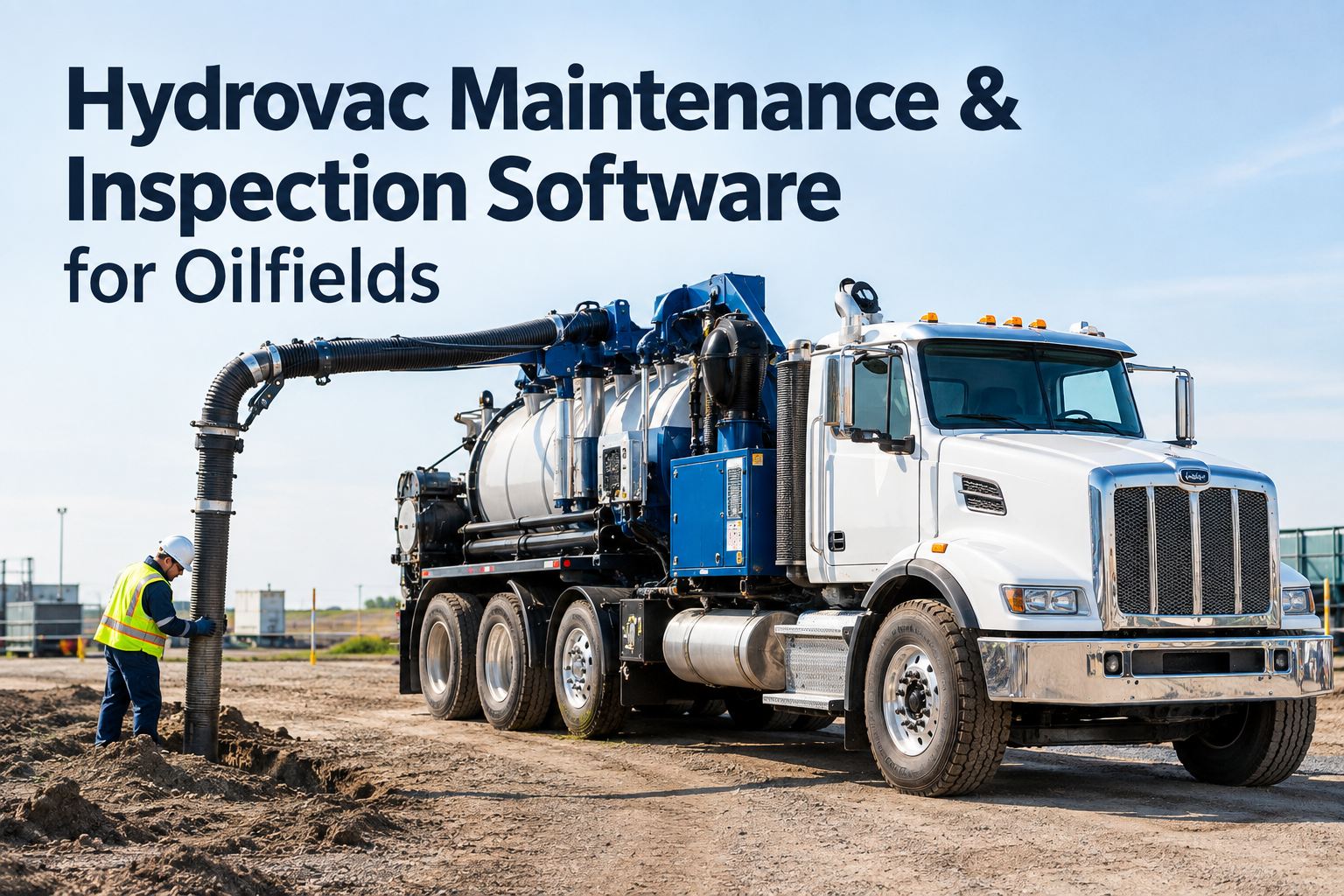
It's 5:40 a.m. at the lease road gate, and your vac truck operator is doing the "flashlight walk-around" — kicking a tire, glancing at the hoses, scribbling on a crumpled form that may or may not make it back to the office. That is exactly where an oilfield pre-trip inspection checklist earns its keep: five focused minutes per unit that catch the weeping PTO seal, the chafed hydraulic line and the missing fire extinguisher before the truck is 90 kilometres down a gravel road. HVI replaces the clipboard with a guided digital checklist built for the exact unit being taken out — vac truck, service truck, hot shot or workover rig — with photo defects, a signed HSE-ready PDF and instant supervisor alerts. You can see it running on your own units in a 30-minute demo before your next shift change.
Oilfield Pre-Trip, Done Right
Five minutes per unit. Zero paper. A permanent record for every truck that leaves the yard.
HVI walks each operator through a unit-specific digital checklist — engine, brakes, PTO, pump, hoses, safety gear — with photo and voice-note defects, a signed PDF the moment they finish, and an instant alert to the field superintendent when something is flagged.
- Unit-specific templates — vac truck, service truck, hot shot, workover rig
- Repair / Replace flags with photo and voice note on every checkpoint
- Signed, timestamped PDF stored in the cloud — HSE and audit ready
- One tap turns a flagged defect into a tracked work order
What a Missed Check Actually Costs
The real price of a clipboard pre-trip
Paper forms fail quietly. The truck still leaves, the box still gets ticked — and the defect shows up later as a roadside shutdown, a failed client audit or a repair bill that is ten times what it should have been. These are the numbers that matter to your day.
5 min
Target time for a full guided digital pre-trip per unit — fast enough that operators actually do it, thorough enough that nothing generic gets skipped.
$760+
Typical cost of a single day of unplanned downtime for a working oilfield truck once you count lost revenue, crew idle time and rescheduling.
1 in 5
Roughly one in five vehicles inspected at roadside enforcement blitzes is placed out of service — most often for brakes, tires and lights a pre-trip should have caught.
1 tap
From flagged defect to assigned work order in HVI — no photo texts, no lost sticky notes, no "I told someone about that last week."
Unit-Specific Checklist Grids
What goes on an oilfield pre-trip inspection checklist?
A hot shot and a combo vac unit do not share the same failure points, so they should never share the same form. HVI templates are built per unit type, so your operators check exactly what matters for that equipment — and nothing generic gets skipped. Here is how a typical oilfield template tiers out.
Every unit, every trip
- Engine oil, coolant, fuel and visible leaks under the unit
- Service and parking brakes, air pressure build-up and warning buzzer
- Tires, wheels and lug indicators — including the spare
- Lights, reflectors, beacon and slow-moving signage
- Horn, mirrors, wipers, glass and cab controls
Oilfield equipment add-ons
- PTO engagement, driveline guards and hydraulic oil level
- Pump, valves and manifold — weeping seals, cracked fittings
- Hoses and couplings — chafing, bulges, worn cam-locks
- Tank integrity, manway gaskets, ladder and catwalk condition
- Load securement — chains, binders, winches and headache rack
Safety and HSE items
- Fire extinguisher charged, tagged and mounted
- Spill kit, first-aid kit and eyewash present and stocked
- H2S monitor calibrated and bump-tested where required
- Grounding straps, wheel chocks and warning triangles
- Operator tickets, insurance and journey management confirmed
Every checkpoint in HVI is answered with a simple Pass / Repair / Replace tap. Repair and Replace force a photo and an optional voice note, so the shop sees the actual chafed hose — not a checkbox with no context. If you want to walk through a vac-truck template on a live demo, bring your current paper form and we will rebuild it on the call.
Paper vs Digital Pre-Trip
Why the clipboard never survives the lease road
Most oilfield fleets already "do" pre-trips. The problem is what happens to the record afterwards — or more accurately, what does not happen. Here is the honest comparison.
| Step of the process | Paper checklist | HVI digital pre-trip |
|---|---|---|
| Completing the check | Same generic form for every unit; pencil-whipped in the cab | Unit-specific guided list; cannot finish without answering every item |
| Reporting a defect | Verbal handoff or a photo texted to a personal phone | Repair / Replace flag with photo and voice note, timestamped |
| Supervisor visibility | Form surfaces days later — if it surfaces at all | Instant alert to the field superintendent on any flagged defect |
| Getting it fixed | Sticky note on a shop whiteboard; no owner, no status | One tap converts the flag to a tracked work order with parts and labour |
| Audit or incident review | Digging through binders and gloveboxes for a missing page | Signed, searchable PDF per unit, per trip, pulled in seconds |
The gap is not effort — your operators are not lazy. The gap is that paper has no feedback loop. A digital DVIR-style workflow closes it: defect found, defect assigned, defect verified fixed, record kept. That loop is what client HSE auditors and insurers actually ask to see.
From Flag to Fix
How a digital pre-trip flows through HVI
One inspection, four steps, zero re-keying. This is the workflow your operators and your shop follow on every unit, every day.
Operator opens the unit's checklist
They scan the unit or pick it from their assigned list, and HVI loads the template built for that equipment type — a workover rig sees rig-up and BOP-adjacent items, a hot shot sees load securement and deck condition. Works on any phone or tablet, in the yard or at a remote wellsite with no signal; everything syncs when coverage returns.
Checkpoints answered with Pass / Repair / Replace
Each item is a single tap. Anything flagged Repair or Replace requires a photo, and the operator can add a 10-second voice note — "number three suction hose weeping at the cam-lock" — instead of typing with gloves on. Nothing generic gets skipped because the app will not submit an incomplete form.
Signed PDF generated, superintendent alerted
On completion the app produces a signed, timestamped PDF stored in the cloud — HSE-ready for client audits, insurance reviews and internal safety files. If any defect was flagged, the field superintendent and the shop get an instant alert with the photos attached, while the truck is still at the gate.
One tap converts the defect to a work order
The flagged item becomes a work order with an owner, a priority, parts from your inventory and a status the operator can see. When the hose is replaced, the repair closes against the original inspection — a complete chain from defect found to defect fixed. You can start logging inspections free and run this loop on your first unit today.
Worked Example
What five minutes actually buys you: a quick calculation
Take a 25-unit oilfield fleet — vac trucks, service trucks and hot shots — running six days a week. Here is how the arithmetic looks when a digital pre-trip catches defects at the gate instead of at kilometre 90.
Without a working feedback loop
- Say 6 truck-days a month lost to roadside or on-location breakdowns that a pre-trip would plausibly have caught
- At roughly $760 per truck-day in lost revenue, idle crew and rescheduling, that is about $4,560 a month
- Add emergency callout rates, towing off a lease road and one failed client audit finding, and the real figure climbs fast
With HVI pre-trips closing the loop
- 5 minutes per unit per day is about 2.5 operator-hours a week across the whole fleet — less than one smoke break per shift
- Catching even half of those 6 truck-days saves roughly $2,280 a month, before counting avoided enforcement hits
- Every inspection doubles as audit evidence — no more binder archaeology before a client HSE review
Industry downtime studies consistently put a single out-of-service day for a working truck in the high hundreds of dollars once all costs are counted — the five-minute pre-trip is the cheapest insurance your fleet will ever buy. If you want the numbers run against your own fleet size, book a demo and we will model it with you.
How HVI Helps
Built for oilfield fleets, not adapted from a delivery van app
Four capabilities that turn your pre-trip from a paper exercise into a maintenance and compliance system.
Unit-specific templates
Build a template per equipment type in the Web Portal — vac truck, service truck, hot shot, workover rig — so operators check exactly what matters. Kill the generic form that everyone pencil-whips.
Photo and voice-note defects
Repair / Replace flags demand evidence. The shop sees the actual leaking seal and hears the operator's note, cutting diagnosis time and killing the blurry text-message photo thread.
Instant superintendent alerts
Flagged defects reach the field superintendent and the shop before the truck leaves the gate. Decide to hold the unit or dispatch a backup while it is still cheap to do so — that is how you cut unplanned downtime.
Audit-ready records, forever
Every completed pre-trip is a signed, timestamped PDF in the cloud, searchable by unit, operator or date. Prove any inspection during a client, DOT-style or insurance audit in seconds — and link it to the work order that closed the defect.
See your own checklists running in HVI
Bring one of your current paper pre-trip forms to a 30-minute demo and we will rebuild it as a guided digital template — unit-specific, photo-backed, HSE-ready — before the call ends.
Rollout Reality
Getting crews to actually use it
The best checklist in the world fails if the night shift ignores it. Fleets that make digital pre-trips stick tend to do three things — and none of them involve more paperwork.
Start with your worst unit type
Pick the equipment that generates the most breakdown calls — for most oilfield fleets that is the vac trucks — and digitise that template first. Early wins on a problem unit convert sceptics faster than any memo. Most fleets have their first template live in the Web Portal the same day they create a free account.
Close the loop visibly
When an operator flags a hose and sees it actually replaced before his next shift, the checklist stops feeling like a suggestion box. HVI's defect-to-work-order status makes that visible to the person who reported it — the single biggest driver of honest reporting.
Keep training to one shift
If an operator can use a smartphone camera, they can run an HVI pre-trip. Rollout is typically a toolbox talk and one supervised run-through per crew — no week-long training program, no IT project. If you would rather see the operator experience first, grab a demo slot and try it from the driver's seat view.
Key Takeaways
The short version
- An oilfield pre-trip inspection checklist should take five minutes and leave a permanent, signed record — anything slower gets skipped, anything paper gets lost.
- Unit-specific templates beat generic forms: a vac truck and a hot shot fail in different places, and your checklist should know the difference.
- The money is in the feedback loop — photo-backed defects, instant alerts and one-tap work orders are what turn a checklist into avoided downtime.
- Every completed inspection doubles as HSE, client and insurance audit evidence, searchable in seconds instead of buried in a binder.
You do not need to digitise the whole fleet this quarter. Pick your highest-pain unit type, build one template, and let the results make the case. When you are ready, a short demo is the fastest way to see it on your own equipment.
My gripe was never getting operators to do the circle check — it was finding out about a weeping pump seal three days later from a breakdown call instead of from the form. Now the flag hits my phone before the truck clears the gate, and I track one number every Monday: how many flagged defects closed before the unit's next dispatch. Last month it was 19 out of 21. The two that slipped are on me, not the system.
Dale Merrick — Field Maintenance Supervisor, oilfield services and fluid-hauling fleet
Common Questions
Oilfield pre-trip inspection checklist FAQ
What should an oilfield pre-trip inspection checklist include?
Start with the standard vehicle items — engine fluids, brakes, tires, lights, mirrors, horn — then add the oilfield layer: PTO and driveline guards, pump and manifold condition, hoses and couplings, tank and manway integrity, and load securement. Finish with HSE items like the fire extinguisher, spill kit, first-aid kit and H2S monitor where required. HVI templates are built per unit type, so each operator sees only what applies to the equipment they are taking out.
How long should a digital pre-trip take per unit?
About five minutes for a well-built template. The guided list keeps the operator moving in a logical walk-around order, and Pass / Repair / Replace taps are faster than writing anything by hand. If your current form takes 20 minutes, it is overloaded — split rarely-failing items into a weekly or monthly preventive maintenance check instead.
Does the app work at remote wellsites with no cell coverage?
Yes. HVI runs offline on any phone or tablet: the operator completes the full checklist, takes photos and signs at the wellsite, and everything syncs to the cloud automatically when coverage returns. The timestamp and signature are captured at the point of inspection, so the record is still audit-grade. You can sign up free and test offline mode on your own route before rolling it out.
Will a digital pre-trip record satisfy client HSE and safety audits?
In practice, digital records are stronger than paper for audits: every completed inspection is a signed, timestamped PDF with photo evidence, searchable by unit, operator or date range. Instead of digging through binders before a client HSE review, you pull the exact record in seconds — including the work order that proves each flagged defect was actually repaired.
How do I build unit-specific templates for a mixed oilfield fleet?
In the HVI Web Portal you create one template per equipment type — vac truck, service truck, hot shot, workover rig — by adding checkpoints, setting which ones require photos, and assigning the template to the relevant units. Most fleets build their first template in under an hour by copying their existing paper form. If you want a hand, book a demo and we will build one of yours live on the call.
Retire the clipboard before the next breakdown does it for you
Load your own pre-trip checklists into HVI, put them on your operators' phones, and get a signed, HSE-ready record from every unit that leaves the yard — starting this week.
Free to start · Works on any phone · No card needed