A driver notes a brake imbalance on a pre-trip paper DVIR, slips it into the seat-back pocket, and rolls out because the dispatcher is waiting. Three days later, that sheet is still sitting in the cab when a roadside inspector puts the truck out of service for the same defect. This is the gap truck work order software is built to close — the distance between a defect being reported and a mechanic actually knowing about it. Digital fleet defect management collapses that gap from days to under a minute, turning a paper liability into a routed, timestamped repair task. If you are running mixed trucks and trailers and still bridging inspection and shop with clipboards and group chats, book a walkthrough to see the closed loop on your own fleet.
Stop Losing Defects Between the Cab and the Shop
A paper DVIR noting a safety defect sits in the cab until someone collects it — sometimes for days. Meanwhile, the truck keeps rolling. Digital defect routing puts that report in front of maintenance before the driver finishes their coffee, and builds the audit trail you need to prove the repair happened.
What the Paper Gap Actually Costs You
Every defect that sits unread in a cab is a bet that nothing will go wrong before someone finds the sheet. These four numbers frame what that bet is really worth.
Why Paper DVIRs Break the Maintenance Workflow in Trucking
The paper DVIR was designed for compliance, not for maintenance execution. It proves an inspection happened, but it does nothing to make sure the defect gets fixed — and that is where breakdowns and violations start.
Defect stays in the cab
- Driver fills out a carbon-copy sheet and leaves it in the seat pocket or drops it in a tray at the fuel island.
- Dispatcher cannot see the defect, so the truck is dispatched again the next morning with an unresolved brake or lighting issue.
- Shop gets a stack of paper two or three days later. A cracked mirror and a brake adjustment defect sit in the same pile with no priority attached.
- Repair is done, but the paperwork is filed separately from the DVIR. Next driver signs the blank sheet — the loop is never certified.
Defect hits the shop in real time
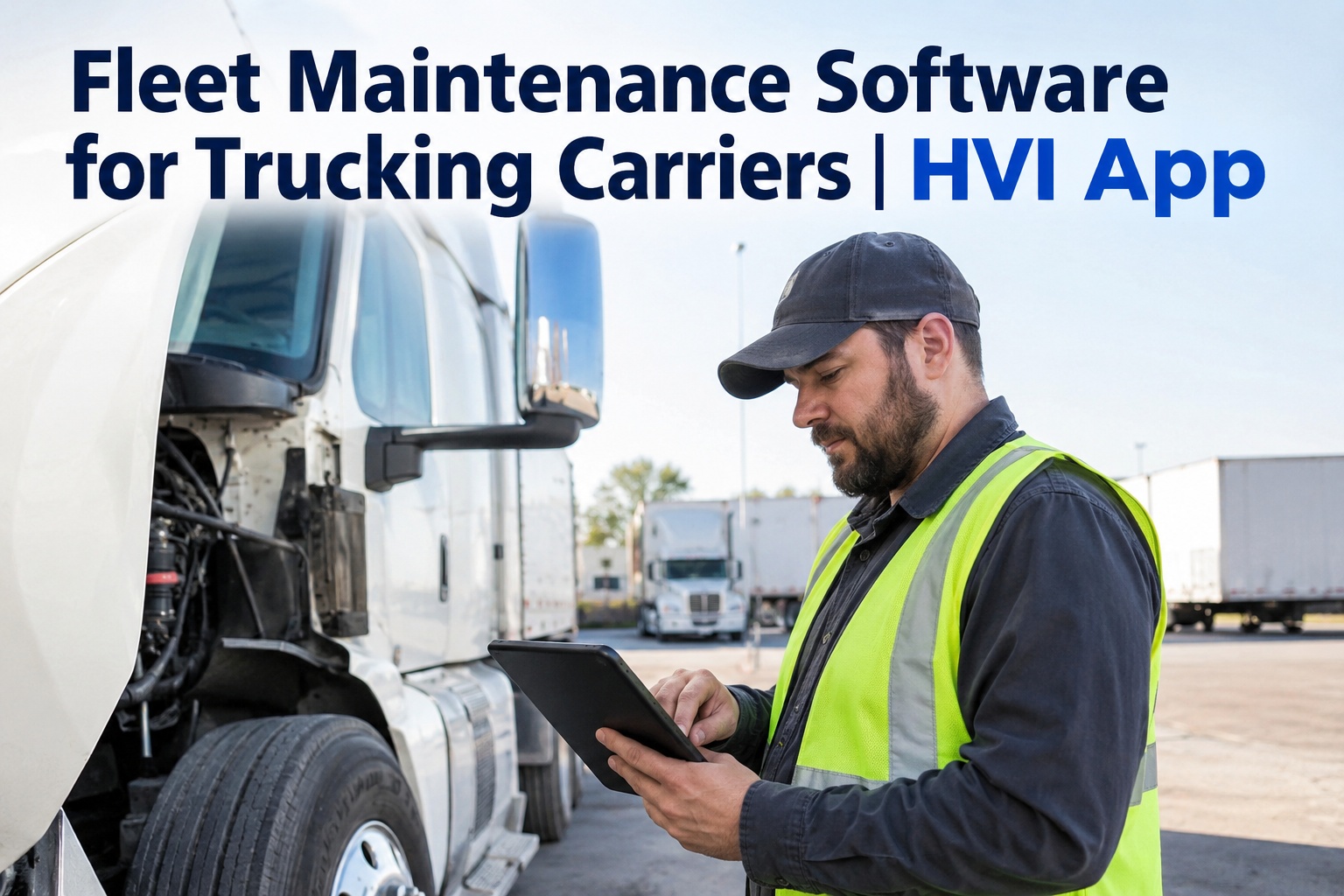
- Driver taps the defect on the app, attaches a photo, and submits. The report is timestamped and GPS-located instantly.
- Shop work order truck system generates a task automatically. Severity tags route brake and lighting defects to the front of the queue.
- Mechanic assignment happens inside the platform. Parts are pulled, repair is logged, and the record is locked to the original defect.
- Driver's next DVIR shows the certified repair. They acknowledge it with a tap — the closed loop the regulation actually expects.
The difference is not just speed. It is liability. When a vehicle with an unresolved safety defect goes out, you are carrying both a compliance failure and a physical risk on the road. A quick demo on your own defect types shows how that liability collapses when the loop closes automatically.
The Inspection-to-Repair-to-Certification Loop Regulators Expect
DOT, FMCSA, DVSA and NHVR rules all describe the same closed loop: a defect is reported, a repair is made, and the next driver acknowledges that repair before operating the vehicle. Paper makes that loop theoretical. Digital defect resolution DVIR makes it visible.
Inspection and defect capture
Driver completes a digital DVIR on their phone. Tapping a defective item opens a capture screen for photo, note and severity. Submission is timestamped and cannot be backdated.
Defect-to-work-order conversion
The platform creates a shop work order truck task linked to the asset and the inspection record. No re-keying, no lost emails, no text-message photos that disappear when someone upgrades their phone.
Mechanic assignment and repair
Shop foreman assigns the task. Mechanic logs labour, parts and cause. Repair tracking trucking updates are visible to dispatch and the safety team in real time, so everyone knows when the truck is ready.
Repair certification and next-driver acknowledgment
The repair record is attached to the original DVIR. The next driver's pre-trip shows the certified repair. They acknowledge it with a tap — closing the loop the regulation describes and you can prove it in seconds.
Not Every Defect Belongs in the Same Shop Queue
A cracked mirror and a brake adjustment defect cannot sit in the same pile. Defect severity routing separates safety-critical items from minor defects the moment they are reported, so the shop works on what can put a truck out of service — or put it in a ditch — first.
| Defect example | Severity | Routing rule | Dispatch action |
|---|---|---|---|
| Brake chamber leak, air pressure below threshold | Critical | Work order created instantly, shop foreman paged, asset flagged red | Vehicle must not move. Dispatch blocked until repair certified |
| Headlight or brake light out | Critical | Work order created instantly, parts checked for bulb or harness in stock | Vehicle held until repaired — roadside will flag this immediately |
| Cracked mirror glass, minor body damage | Minor | Work order queued for next available shop window | Vehicle may operate — repair scheduled within 24–48 hours |
| Worn wiper blade, faded reflector tape | Minor | Batched into next preventive maintenance visit | Vehicle may operate — logged for PM resolution |
| Steering play exceeding tolerance | Critical | Work order created instantly, asset grounded, safety manager notified | Vehicle must not move. Tow or on-site repair required |
Without severity routing, a mechanic can spend two hours on a mirror while a brake defect waits in the same stack. That is how a minor shop delay turns into a roadside out-of-service order the next morning. If you want to see how severity rules map to your own inspection forms, book a 30-minute demo and we will build them live.
See HVI Close the Defect Loop on Your Fleet
Watch a defect route from a driver's phone to a mechanic's work order to a certified repair record — all on your own asset types and inspection forms.
How HVI Manages Truck Fleet Work Orders and Defects
HVI is built for the gap this page is about — the distance between a reported defect and a certified repair. These are the four capabilities that collapse it.
Instant defect-to-work-order routing
A driver taps a defect on the app and HVI creates a work order before they put the phone down. Severity rules route safety-critical items to the front of the queue. No paper, no re-keying, no group chat.
Audit-ready, photo-backed repair records
Every defect, photo, work order, labour entry and part issue is linked in one timeline. When DOT or a client auditor asks for proof, you export the full chain in seconds — not a binder from the back office.
One platform for trucks, trailers and off-road plant
Run inspections and work orders across the whole mixed fleet — day cabs, reefers, end dumps, loaders, buses and shop equipment — on the same forms, the same severity rules and the same repair records.
Preventive maintenance that prevents breakdowns
Schedule PM by date, mileage or engine hours. When a defect is repaired, HVI checks the PM schedule so you are not pulling the truck in twice. Overdue alerts keep intervals from slipping — and keep trucks on the road.
A 40-truck carrier losing six truck-days a month to paper delay and unresolved defects is burning roughly $7,600 a month in avoidable downtime — before you count the tow bill on a roadside failure. HVI is built to recover those days. You can start logging inspections free and see the routing on day one, or walk through it on your own units with our team before you commit.
What Defect Closure Tracking Saves a 40-Truck Contractor
Take a mid-sized contractor running 40 power units across construction and regional haul. Here is what the paper gap costs them, and what defect closure tracking recovers when the loop closes in real time.
On paper DVIRs
With HVI digital routing
The $9,500 monthly swing does not include the tow bills, the customer service failures, or the hours the safety manager spends reconstructing a paper trail for a DOT review. Work order cost tracking inside HVI makes that recovery visible — you can see the spend per asset, per defect type and per shop, and adjust from there.
Blocking Dispatch on Unresolved Safety Defects
This is both a rule and a liability position. A vehicle with an unresolved safety defect must not go out. HVI enforces it at the platform level so the dispatcher does not have to remember — and so the audit trail shows the decision was made.
Critical defect — dispatch blocked
Brake, steering, lighting or tire defects flagged critical are locked to the asset. The dispatcher sees a red flag on the board. The truck cannot be assigned until the repair is certified inside HVI.
Minor defect — dispatch allowed with repair scheduled
Mirror, wiper or cosmetic defects are logged, work-ordered and scheduled — but the truck can run. The dispatcher sees amber, not red, and the repair window is already on the shop calendar.
Observation — logged for PM, no dispatch impact
Wear items and early-stage notes are attached to the asset and batched into the next PM visit. The record exists for the auditor, but the truck keeps earning.
If a dispatcher overrides a block, that override is logged with a name and a timestamp. That is the liability position — you can prove the decision and who made it, rather than arguing from memory six weeks later. See how dispatch blocks work on a live board in a 30-minute demo.
What Truck Fleet Work Order and Defect Management Should Do
Close the loop — don't just collect paper
The regulation expects a defect to travel from inspection to work order to certified repair to next-driver acknowledgment. If any link is manual, the loop is theoretical. Truck work order software makes every link visible and timestamped.
Route by severity — not by stack order
Brake and lighting defects must skip the queue. Defect severity routing puts safety-critical items in front of the mechanic immediately and keeps minor defects in a scheduled lane where they belong.
Block dispatch on open safety defects
A vehicle with an unresolved critical defect is a compliance failure and a road risk. The platform should block assignment automatically and log any override with a name and timestamp.
Prove the repair in seconds — not binder dives
Every defect, photo, work order and part issue should sit in one timeline per asset. When an auditor or a client asks, you export the chain — not a reconstruction from three different systems.
The worst one I ever saw was a steer-tire bulge sitting on a paper DVIR for four days because the sheet got wedged behind the seat. Driver kept rolling because nobody told him not to. Now I can see every open defect on my phone before the driver leaves the yard — and the mechanic is already working on it. That is the only way I sleep at night.
Marcus HenleyMaintenance Manager, 38-unit mixed fleet — regional haul and construction
Truck Work Order and Defect Management — Your Questions
How does truck work order software turn a DVIR defect into a repair task?
What is defect severity routing and why does it matter?
Can HVI stop a dispatcher from sending out a truck with an open safety defect?
How long does it take to move a fleet off paper DVIRs onto HVI?
Does HVI work across trucks, trailers and off-road equipment?
Close the Defect Loop on Your Fleet Today
See HVI route a defect from a driver's phone to a certified repair record — on your own trucks, your own forms and your own defect types. Book a 30-minute demo or start free.
Free to start — Works on any phone — No card needed