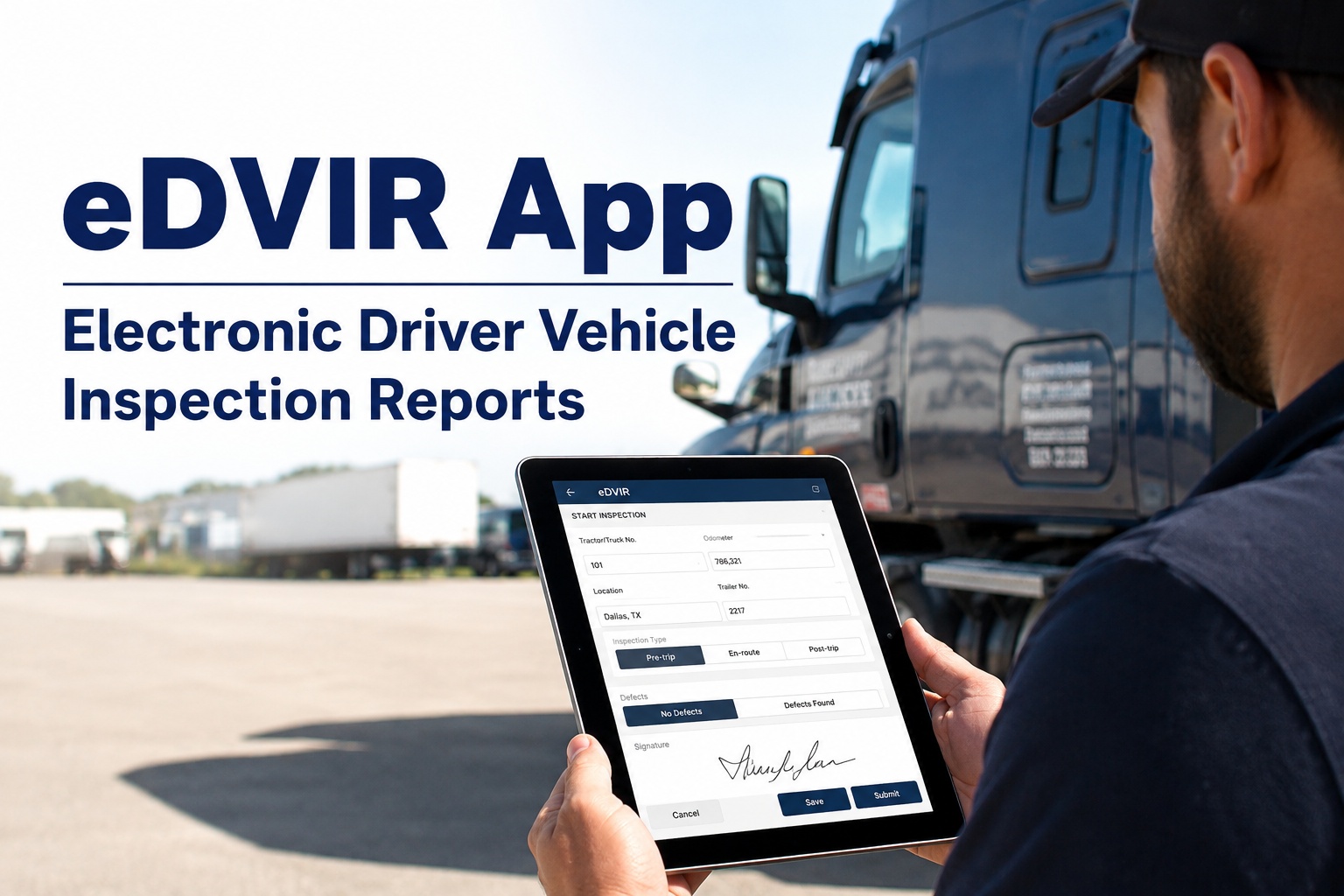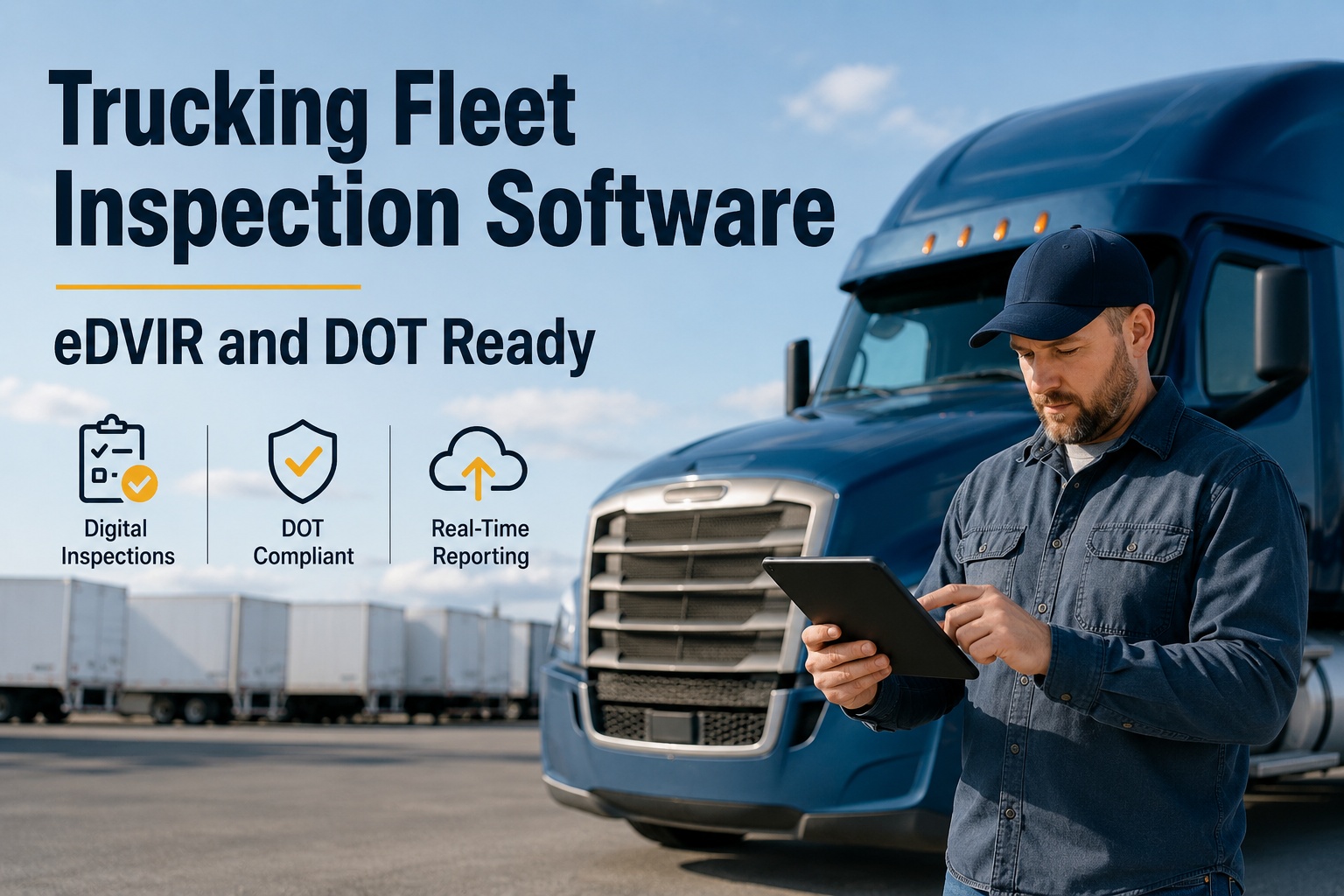
You know the feeling: the DOT auditor asks for last Tuesday's DVIR on Truck 47, and somewhere between the cab, the shop floor and a filing cabinet there is a torn, coffee-stained sheet with two of the three required signatures missing. Trucking fleet inspection software exists to make that scene impossible. An enforced eDVIR workflow captures the driver defect report, the mechanic repair certification and the next-driver acknowledgement in one unbreakable chain, timestamped and photo-backed, retrievable in seconds instead of days. If you want to see exactly how that plays out on your own units, book a walk-through of HVI here.
Kill the Paper DVIR Before It Fails Your Next Audit
Ninety-three percent of motor carriers fail their DOT audit with at least one violation, averaging six violations per audit. The largest source is not mechanical defects — it is the paperwork chain around them. HVI replaces binders and text-message photos with an enforced digital workflow that locks dispatch until every repair is certified and acknowledged.
What Paper DVIRs Actually Cost Your Carrier
Paper Driver Vehicle Inspection Reports are the single largest source of documentation gaps in a DOT audit — not because drivers are dishonest, but because a sheet of paper has no enforcement. There is no prompt, no lock, no automatic chain, and no way to retrieve it on demand. Here is what that gap looks like in numbers a Fleet Manager actually feels.
Consider a 40-truck carrier running a mix of day-cabs and sleepers. If even fifteen percent of DVIRs are incomplete or missing each week, that is six reports with a broken chain — six violations waiting to be cited. At roadside, a single missing or unsigned DVIR can escalate a Level I inspection into a driver-vehicle violation, tanking your CSA score and, in the worst case, placing a unit out of service. The paper binder does not warn you. The first time you hear about the gap is when the auditor opens the file.
The 3-Signature Chain — and Why Paper Breaks It
Under FMCSA rules 396.11 and 396.13, a defect is not closed when the mechanic finishes the wrench. It is closed when three specific people have acted in sequence. Missing any one of the three is among the most cited audit violations. The chain is simple; keeping it intact on paper is not.
Driver Reports the Defect
The driver completes the pre-trip or post-trip inspection and notes a defect — a leaking air line, a cracked brake pad, a marker light out. On paper, this is a box ticked and a scribbled note that may or may not be legible by the time it reaches the shop.
Mechanic Certifies the Repair
A technician repairs the defect and signs to certify the work was completed and the vehicle is safe. On paper, this signature lives on a different clipboard, in a different building, sometimes days later. The link between the defect and the repair is a hope, not a record.
Next Driver Acknowledges
Before the next trip, the next driver reviews the prior defect report and the repair certification and signs to acknowledge they have seen it. This is the step that most often disappears on paper, because nobody prompts the driver and the paper may still be in the shop.
When any link is missing, the auditor sees an unreported or unrepaired defect — a direct hit to your compliance score. A digital DVIR app makes each link a required, timestamped action: the driver cannot submit without reporting, the mechanic cannot close without certifying, and in HVI the next driver cannot receive the truck without acknowledging. The chain is enforced by the software, not by memory.
Paper DVIR vs Trucking Fleet Inspection Software
The difference between a paper binder and an enforced eDVIR workflow is not just convenience. It is the difference between proving compliance and hoping someone remembers. Here is a side-by-side of what changes when a carrier moves off paper and chat photos onto a fleet inspection app. You can see the live comparison on your own fleet in a 30-minute demo.
| Capability | Paper DVIR Binder | HVI eDVIR App |
|---|---|---|
| Signature chain | Three signatures across separate sheets, easily lost or unsigned | Enforced 3-signature chain, all three required to close the defect |
| Retrieval time | Hours or days of digging through file cabinets | Audit-ready records pulled in seconds by unit, date or driver |
| Defect to work order | Driver notes defect, shop may or may not hear about it | Defect auto-generates a work order with photos in under 60 seconds |
| Dispatch protection | Truck dispatched on hope; defect may still be open | Dispatch lock until repair is certified and acknowledged |
| Photo evidence | Phone photos in group chats, unattached to the report | Photos embedded in the inspection record, timestamped and tagged |
| Audit readiness | Scramble and reconstruction when the auditor arrives | Complete, photo-backed history ready for DOT, client and insurance |
What a Single Missing Signature Costs a 40-Truck Carrier
Run the math on one illustrative carrier. A mixed fleet of 40 power units runs six days a week. On paper, assume fifteen percent of DVIRs have a broken or missing signature chain — roughly six reports per week with a documentation gap. Here is what that gap looks like when it surfaces, whether in a roadside inspection or a compliance review.
Now add the downtime dimension. A defect that slips through a broken paper chain — say, a worn brake chamber that was noted but never certified — becomes a roadside breakdown. One unplanned tow and a lost load on a 40-truck fleet can cost several thousand dollars in a single afternoon, before you count the CSA hit. That is the real price of a clipboard. If you want to stop paying it, you can walk through the HVI workflow with your own unit numbers and see the gap close in real time.
An Enforced eDVIR Workflow That Closes Every Gap
HVI is built to make the paper binder and the group-chat photo obsolete. Every capability below maps directly to a documentation failure that fails audits and triggers roadside violations — and to the measurable outcome of eliminating it.
Automated 3-Signature Chain
HVI enforces the full 396.11 and 396.13 chain: driver reports, mechanic certifies, next driver acknowledges. No link can be skipped, and every action is timestamped. The result is a defect record that survives an audit without reconstruction.
Dispatch Lock Until Certified
A truck with an open defect cannot be dispatched in HVI until the repair is certified and acknowledged. This single rule kills the most common violation pattern — a unit rolling with a known, unverified defect — and protects your CSA score.
Defect to Work Order in Under 60 Seconds
When a driver logs a defect with a photo, HVI auto-generates a work order, routes it to the right shop, and attaches the image — no re-keying, no phone calls. The shop sees the problem before the truck reaches the bay, and parts can be pre-staged.
Audit-Ready Retrieval in Seconds
When the auditor asks for a record, you search by unit, date or driver and pull a complete, photo-backed history in seconds. No file cabinets, no scramble, no reconstruction. The record is already built and already complete.
Beyond the inspection itself, HVI ties the DVIR into the full maintenance loop — preventive maintenance scheduling by mileage, hours or date, parts and inventory across multiple shops, tire and fuel tracking, and analytics on uptime, cost per asset and compliance rate. One platform covers the truck, the trailer, the bus and the off-road plant in the same yard. To see how that fits a fleet like yours, book a 30-minute demo of HVI and we will run it on your own unit list.
See HVI Running on Your Own Fleet
Book a 30-minute demo. We will load your units, walk the eDVIR chain end to end, and show you the audit retrieval that takes seconds instead of hours.
The eDVIR Final Rule and What It Changes for Carriers
The March 2026 eDVIR final rule made electronic Driver Vehicle Inspection Reports explicitly compliant under 396.11 and 396.13. For carriers still weighing whether a digital DVIR app is “allowed,” that question is now settled — eDVIRs are not just permitted, they are the format regulators expect to see. The rule also arrives alongside a CSA change that makes DVIR quality visible in its own score, meaning the condition of your inspection records now feeds directly into the safety rating clients and insurers see.
The practical takeaway is this: the carriers who move to enforced eDVIR software before the rule lands are the ones who show up to their next audit with a complete, photo-backed, timestamped chain already in place. The ones who wait are the ones still reconstructing paper in the parking lot. If you are ready to move, you can start logging inspections free and feel the workflow before the deadline.
Before and After: Moving Off Paper DVIRs
The Filing Cabinet Audit
- Driver scribbles a defect on a paper DVIR and drops it in a tray.
- Shop gets a phone call or a text photo, unattached to any record.
- Mechanic fixes the truck and signs a separate repair sheet.
- Nobody prompts the next driver to acknowledge — the sheet is lost.
- Auditor arrives; three hours of matching, reconstructing, apologising.
The Phone-Out Audit
- Driver completes the pre-trip on the app; defect captured with photo.
- Work order auto-generates in under 60 seconds and routes to the shop.
- Mechanic certifies the repair in-app; timestamp and parts logged.
- Dispatch locked until the next driver acknowledges the chain.
- Auditor asks for a record; you pull it in ten seconds, photos embedded.
Why Trucking Fleet Inspection Software Pays for Itself
The argument for moving off paper DVIRs is not really about technology — it is about the cost of the gap. Ninety-three percent of carriers fail their DOT audit with at least one violation, and the largest source is not a broken part but a broken paper trail. A trucking fleet inspection app like HVI closes that gap with an enforced 3-signature chain, a dispatch lock that stops uncertified trucks from rolling, and audit-ready retrieval that turns a three-hour scramble into a ten-second search. When you add the downtime avoided — the roadside breakdowns that never happen because a defect was certified before the truck left the yard — the payback is measured in weeks, not quarters.
For a Fleet Manager, Safety and Compliance Manager or Director of Maintenance running a mixed fleet, the question is no longer whether eDVIR software is compliant. With the March 2026 final rule, it is the expected format. The question is whether you want to be the carrier who is already audit-ready, or the one still digging through the binder. To see the workflow on your own units, book a live demo of HVI and we will walk the full chain end to end.
The audit used to be three days of hell. We would find a defect sheet from two weeks ago with the mechanic signature missing and the driver off rotation. Now the app just will not let you skip a step. Last review, the auditor asked for a unit's history and I had it on my phone in ten seconds. She actually said it was the cleanest DVIR file she had seen this year.
Trucking Fleet Inspection Software — Common Questions
Is eDVIR software compliant with FMCSA DOT inspection rules?
What is the 3-signature chain on a DVIR?
How fast can a defect become a work order in HVI?
Can HVI stop a truck from being dispatched with an open defect?
Does HVI work on any phone or tablet in the yard?
Be Audit-Ready Before the Auditor Arrives
Stop reconstructing paper DVIRs. Move to an enforced eDVIR workflow with a complete 3-signature chain, dispatch lock and 60-second defect-to-work-order. Book a demo or start free today.
Free to start — Works on any phone — No card needed