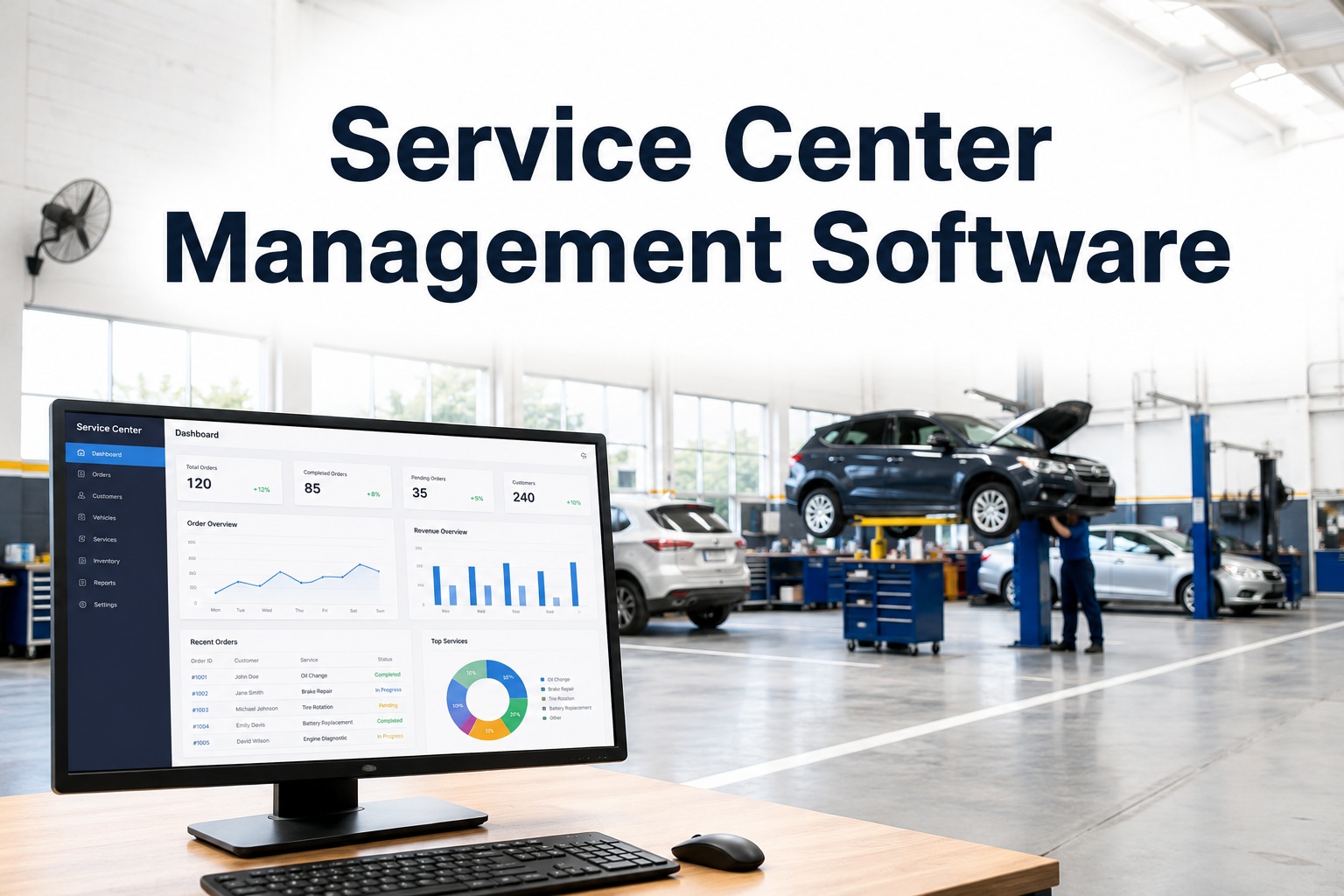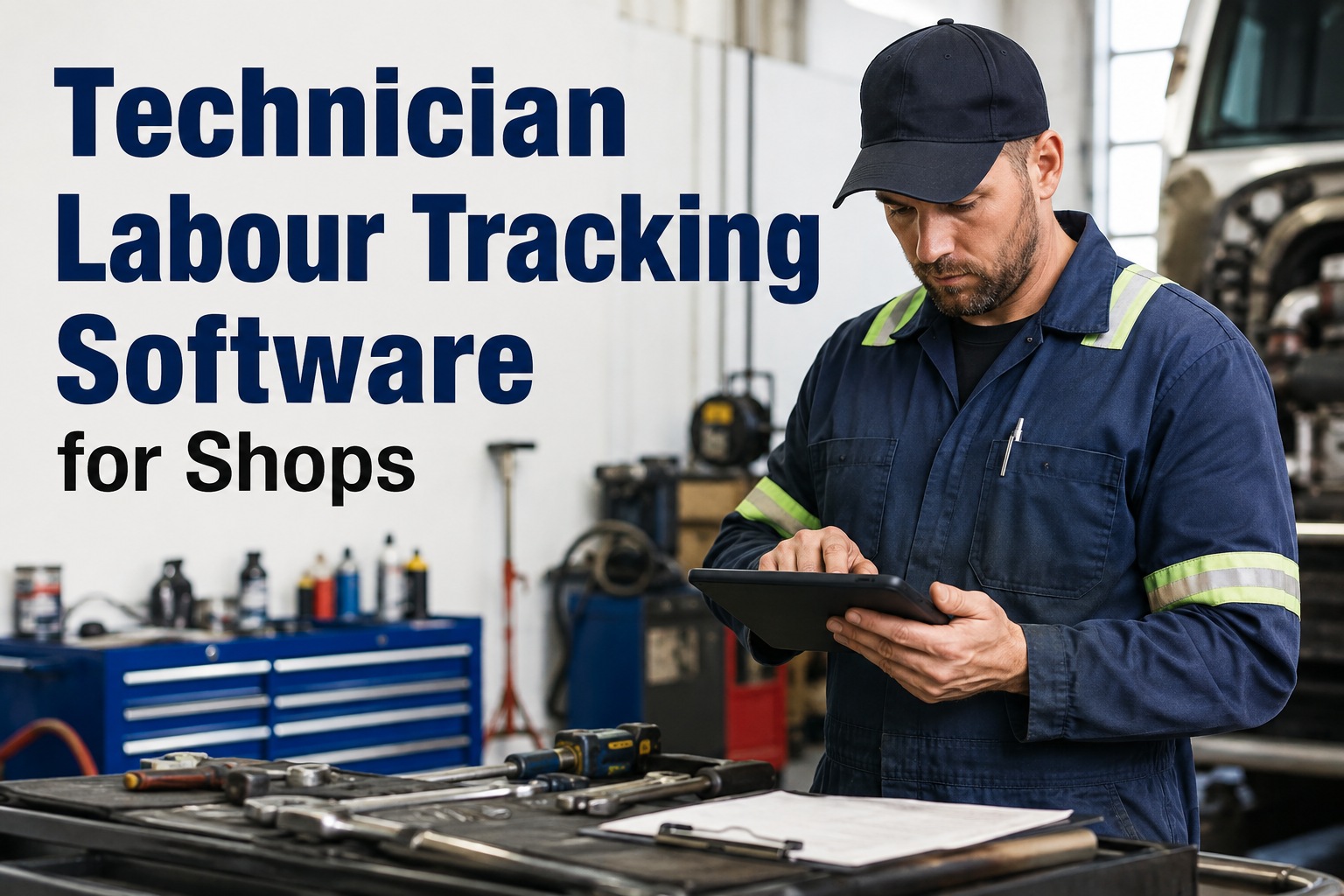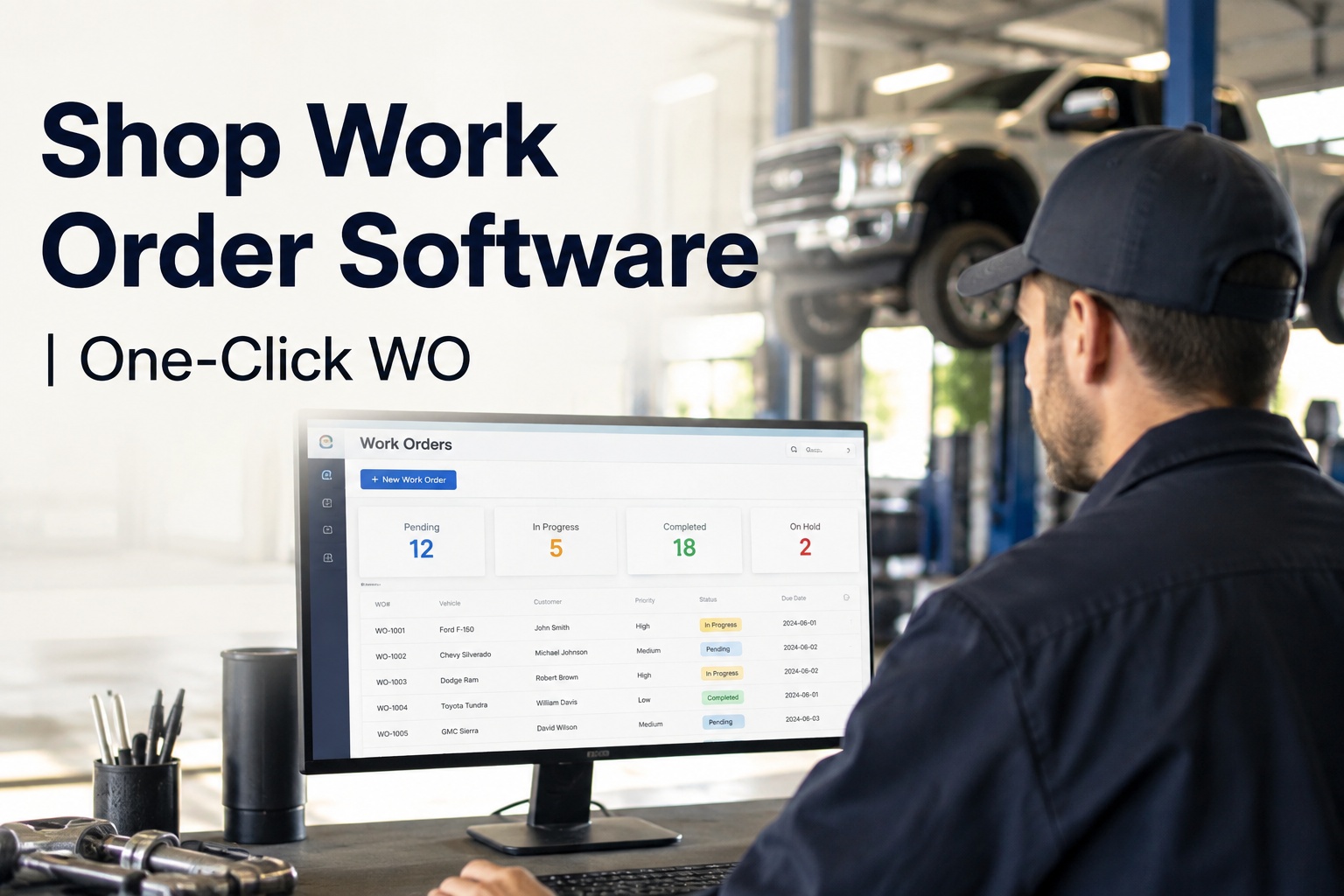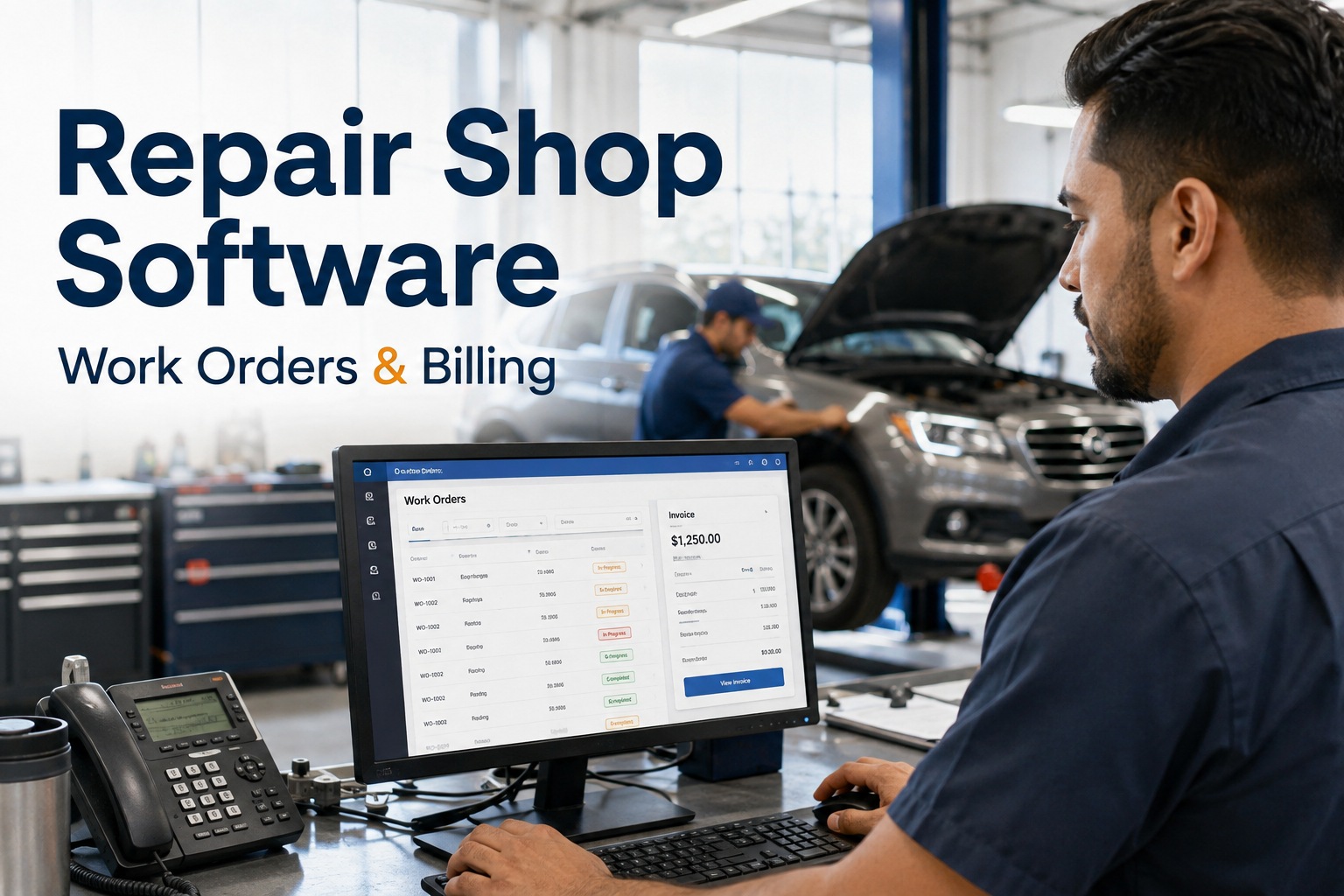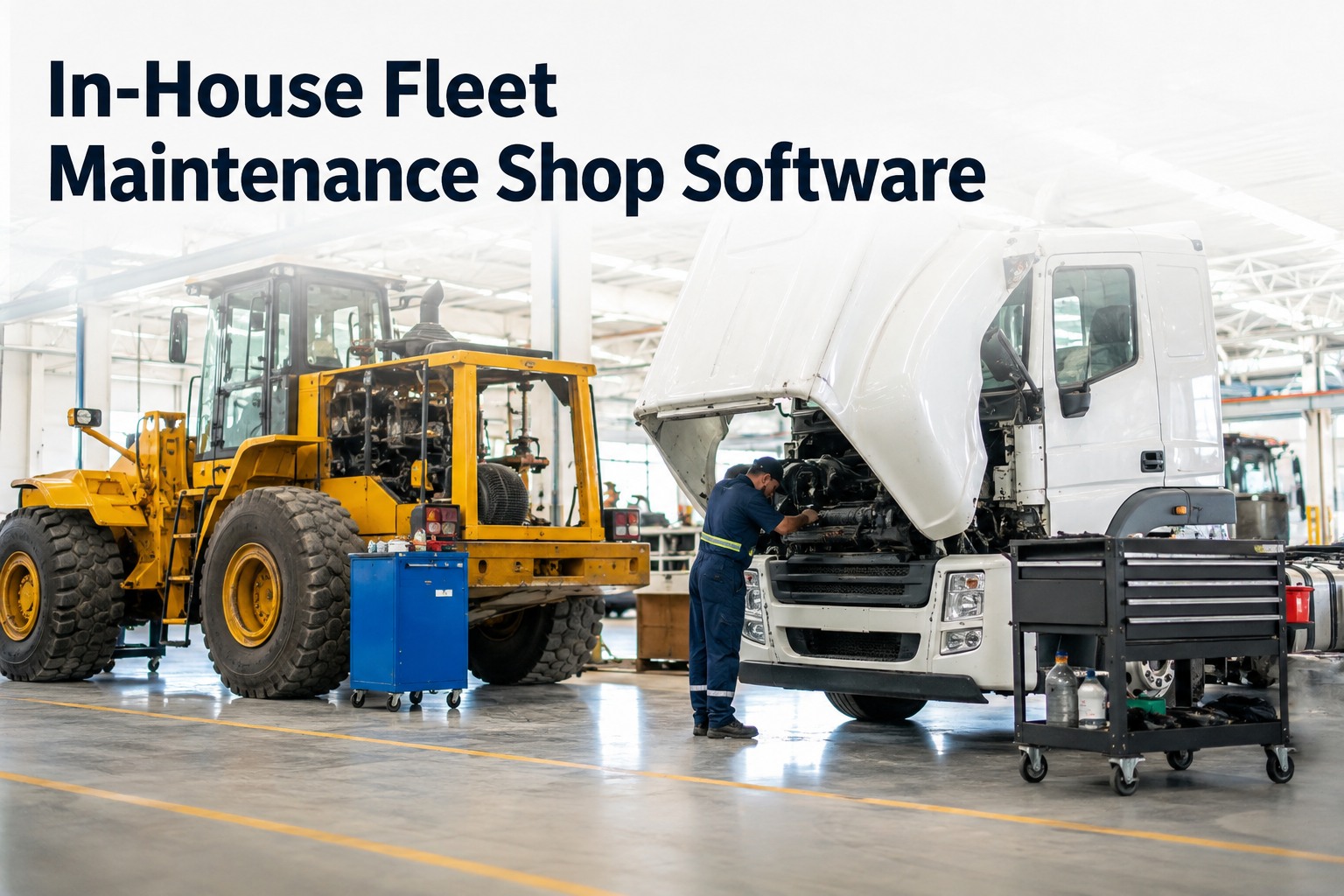
Your shop foreman swears the fleet is on PM. The parts room says inventory is fine. Then a truck drops a turbo on the highway, the tow bill lands, and you find the same repair was "done" six months ago with no record of the labour hours or parts used. That is the reality of running an internal shop without in-house fleet maintenance software — you are paying for a cost center you cannot measure. HVI turns your in-house shop into a managed operation: technicians run intake and PM inspections on mobile, findings become one-click work orders, parts auto-deduct from inventory, and labour hours log per tech and per job. You see cost per vehicle and cost per job across the whole fleet, so you know your true maintenance spend and can benchmark it against outsourcing. If you want to see this running on your own units, book a 30-minute walkthrough and bring your messiest work order.
Stop guessing what your shop costs. Start running it like a profit center.
Track labour, parts, and cost per vehicle in one place. Keep every unit on PM. Know your true spend before you decide whether to keep the shop or outsource it.
Unplanned breakdowns do not just cost the repair. They cost the tow, the missed delivery, the driver hours, and the customer call you have to make. Planned PM through HVI prevents the cascade.
What an unmeasured in-house shop actually costs you
Four numbers that tell you whether your internal shop is efficient or leaking money.
A roadside breakdown runs three to nine times the cost of the same repair done on schedule in your bay. PM compliance is the cheapest insurance you can buy.
Without auto-deduct on work orders, filters, brake shoes, and sensors walk out or get used without being logged. That is pure cost with no asset history attached.
Handwritten work orders, texted photos, and end-of-week data entry steal wrench time. Mobile intake and digital DVIRs give those hours back to the bay.
When a DOT auditor, insurance adjuster, or client asks for proof, you should not be digging through binders. Timestamped, photo-backed records should be instant.
How in-house fleet maintenance software runs your shop day to day
From the moment a unit rolls in to the moment it rolls out, every step is captured, costed, and tied to the asset.
Mobile intake and PM inspection
The technician opens the unit on a phone or tablet, scans the VIN or asset tag, and runs the intake or PM checklist. Photos, defect notes, and severity are captured on the spot — no paper, no end-of-shift typing.
One-click work order from findings
Any failed item becomes a work order with one tap. The defect, the photo, the technician note, and the priority are already attached. No re-keying, no lost sticky notes, no "I thought someone else wrote that up."
Parts auto-deduct and labour logging
As parts are pulled, they deduct from inventory automatically and attach to the work order. Labour hours log per technician and per job, so you see exactly what each repair consumed in parts and time.
Cost per vehicle and cost per job roll up
Every completed work order feeds the asset record. You see cost per vehicle, cost per job type, and total fleet spend in real time — the numbers you need to decide whether to keep the shop, expand it, or outsource.
In-house shop vs outsourcing: the comparison you cannot make without data
Most fleets cannot answer "should we keep the shop?" because they do not know what the shop actually costs. Here is what you need to measure.
| Metric | In-House Shop (with HVI) | Outsourced Vendor |
|---|---|---|
| Labour rate visibility | Exact cost per tech, per job, per hour logged | Blended shop rate, often with markup hidden in parts |
| Parts cost control | Auto-deduct from inventory, no shrinkage, real usage per asset | Vendor parts markup, no visibility into actual part cost |
| Downtime per repair | Unit stays on site, priority set by your dispatch, no transport delay | Transport to vendor, queue time, transport back — often 1–2 extra days |
| PM compliance | Mileage, hour, and calendar triggers with due and overdue alerts | Vendor PM schedule may not match your duty cycle or OEM intervals |
| Audit readiness | Full history, photos, timestamps, and signatures in seconds | Vendor records may be incomplete, delayed, or in their system not yours |
| Cost per vehicle | Known to the dollar, benchmarked across the fleet | Known only as a monthly invoice total, not per unit or per repair type |
The point is not that in-house always wins. The point is that without labour, parts, and per-vehicle cost tracking, you are making the decision blind. HVI gives you the numbers to make it with confidence — and if you do keep the shop, it makes the shop worth keeping. See how the cost-per-vehicle dashboard works on a live demo.
Where internal shops lose money without realising it
These are the five cost leaks we see most often in shops that run on paper, spreadsheets, and memory.
Unlogged labour
A tech spends 45 minutes chasing a wiring fault but writes "electrical repair" on a paper ticket. The hours vanish, the cost per job is wrong, and you cannot see which units are eating your shop's time.
Parts that walk
Without auto-deduct tied to a work order, filters, bulbs, and hardware get used without being logged. Inventory counts drift, reorder points are wrong, and the shrinkage shows up as unexplained cost at year end.
Missed PM intervals
A unit comes in for a breakdown and you discover it is 3,000 miles past its oil service. The breakdown was preventable. The tow, the downtime, and the expedited parts were not.
Repeat repairs
The same unit comes back for the same fault three times in six months, but nobody connects the dots because the history is in three different places. A full asset timeline makes repeat failures impossible to miss.
Audit scramble
A DOT audit, an insurance claim, or a client due-diligence request turns into a week of digging through binders and calling technicians. Timestamped, photo-backed records should take seconds, not days.
See your true cost per vehicle in the first week
Start free, run your next PM through HVI, and watch labour, parts, and cost per job appear on the dashboard. No per-user fees, onboarding included.
What one prevented breakdown pays for
A 40-truck mixed fleet running an in-house shop. Here is the math on a single prevented roadside failure.
That is a $3,750 swing on one repair. If PM compliance prevents just two of those a month, the software pays for itself many times over — and that is before you count the parts shrinkage, the unlogged labour, and the audit time you get back. Start your free trial and run your next PM through it.
Four capabilities that turn your shop into a managed operation
Mobile inspections and DVIR
Technicians run intake and PM checklists on any phone or tablet. Photos, defect severity, and notes are captured at the unit — no paper, no re-keying, no lost tickets.
Work order management
Every finding becomes a work order with one click. Labour hours log per tech and per job, parts auto-deduct from inventory, and cost per vehicle rolls up in real time.
Preventive maintenance scheduling
PM triggers by date, mileage, or engine hours with due and overdue alerts. Telematics and OEM connectors pull meter readings automatically so nothing slips past interval.
Cost and uptime analytics
See cost per vehicle, cost per job type, PM compliance rate, and uptime across the whole fleet. Benchmark your shop against outsourcing with real numbers, not gut feel.
What to remember about in-house fleet maintenance software
An unmeasured shop is a cost center. Without labour, parts, and per-vehicle cost tracking, you cannot tell whether your internal shop is efficient or leaking money — and you cannot benchmark it against outsourcing.
PM compliance is the cheapest repair strategy. Emergency work runs three to nine times the cost of planned work. Mileage-, hour-, and calendar-based PM schedules with alerts prevent the breakdowns that wreck your budget.
Parts and labour must attach to the asset. Auto-deduct inventory and per-tech labour logging turn every work order into a cost record. That is how you find repeat failures, parts shrinkage, and the units that are eating your shop.
Audit-ready history is a competitive advantage. Timestamped, photo-backed records that pull in seconds protect you in DOT audits, insurance claims, and client due diligence — and they prove the shop is doing its job.
HVI runs on iOS, Android, and Web with pre-built telematics and OEM connectors. No per-user fees, onboarding included, and your technicians can be running mobile inspections the same day. Book a demo and bring your toughest shop problem — we will show you how it works on your units.
"I used to find out about parts shrinkage at year end, when the inventory count did not match the purchase orders. Now I watch it live on the dashboard. Last quarter we caught a tech using premium filters on units that spec'd standard — that one habit was costing us about $400 a month. The system paid for itself before we even got to the PM side."
In-house fleet maintenance software: what fleet managers ask
What is in-house fleet maintenance software?
How does it track labour and parts cost per vehicle?
Can it handle PM schedules for mixed fleets?
How long does it take to move off paper and spreadsheets?
Does it work for DOT, insurance, and client audits?
Run your shop like you mean it
Track labour, parts, and cost per vehicle. Keep every unit on PM. Know your true spend — and prove it in any audit. Start free or book a 30-minute demo and see it on your own fleet.
Free to start — Works on any phone — No card needed