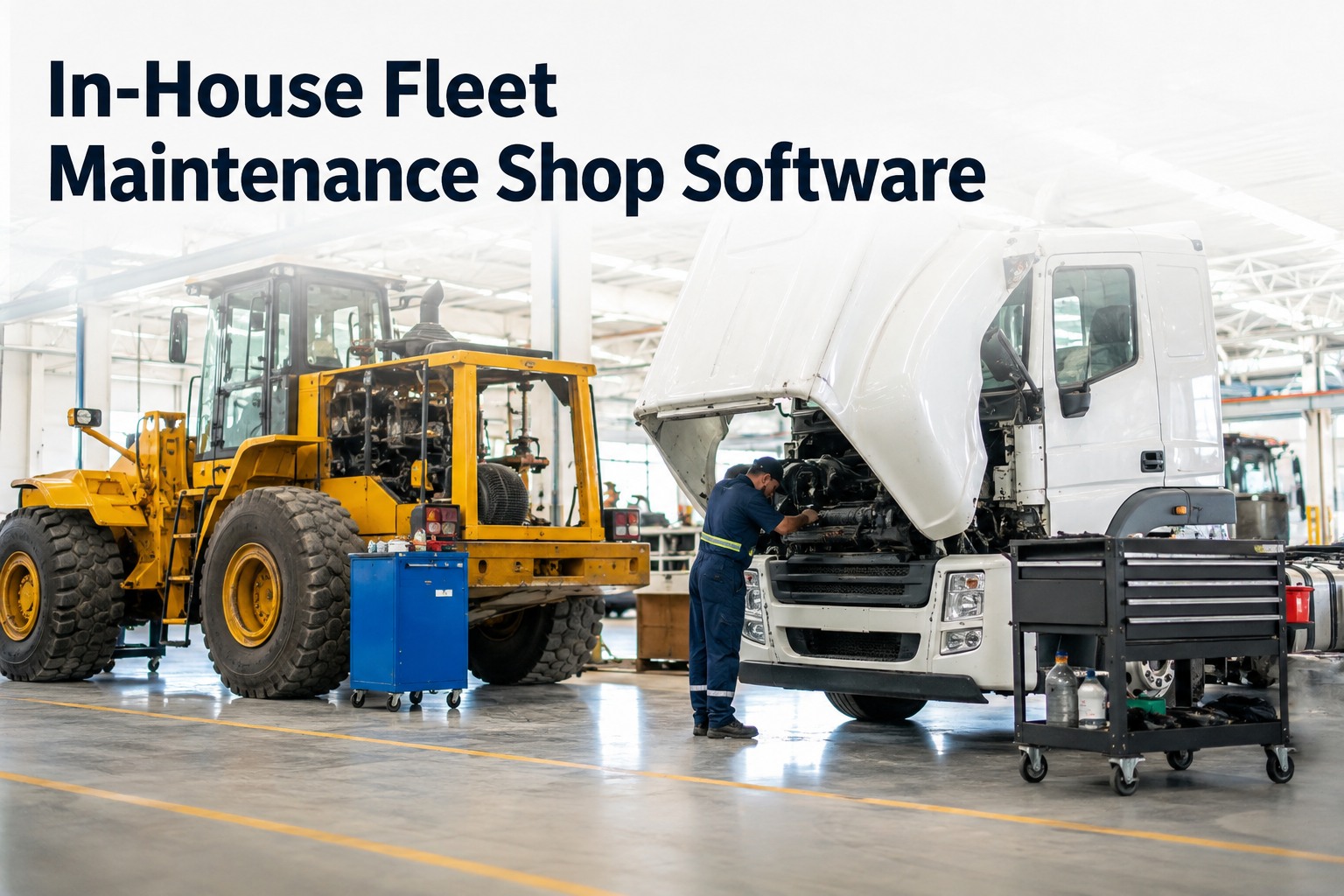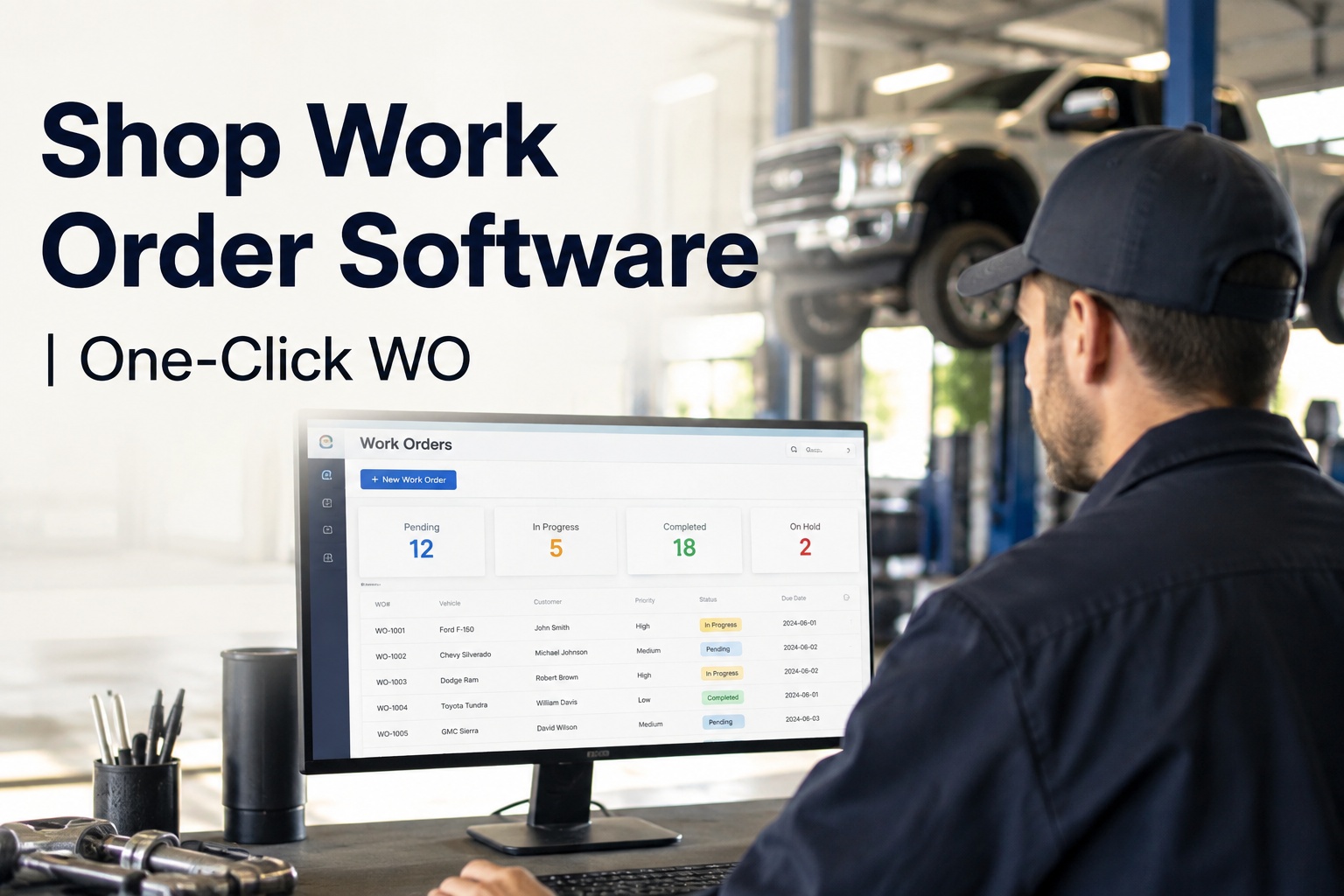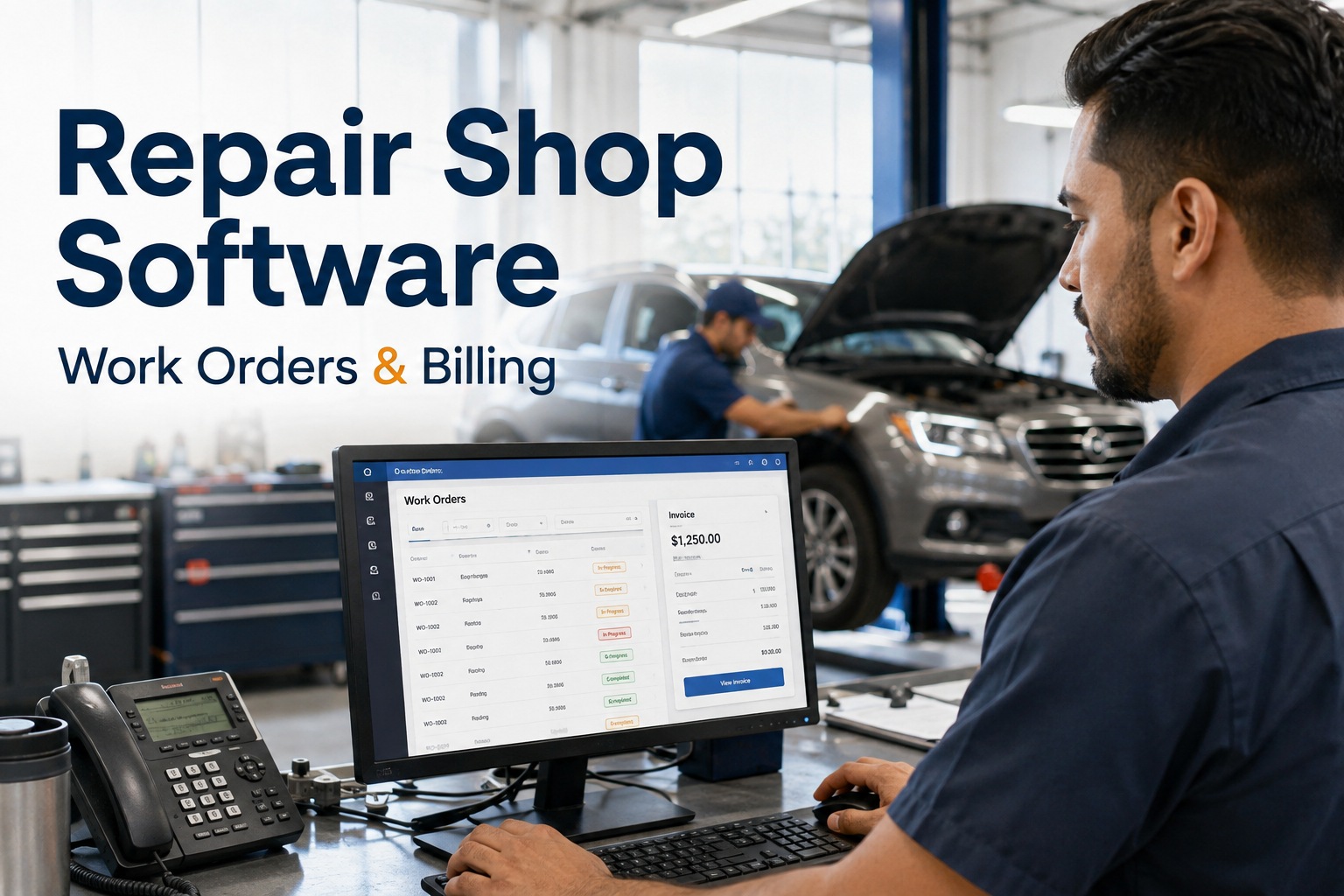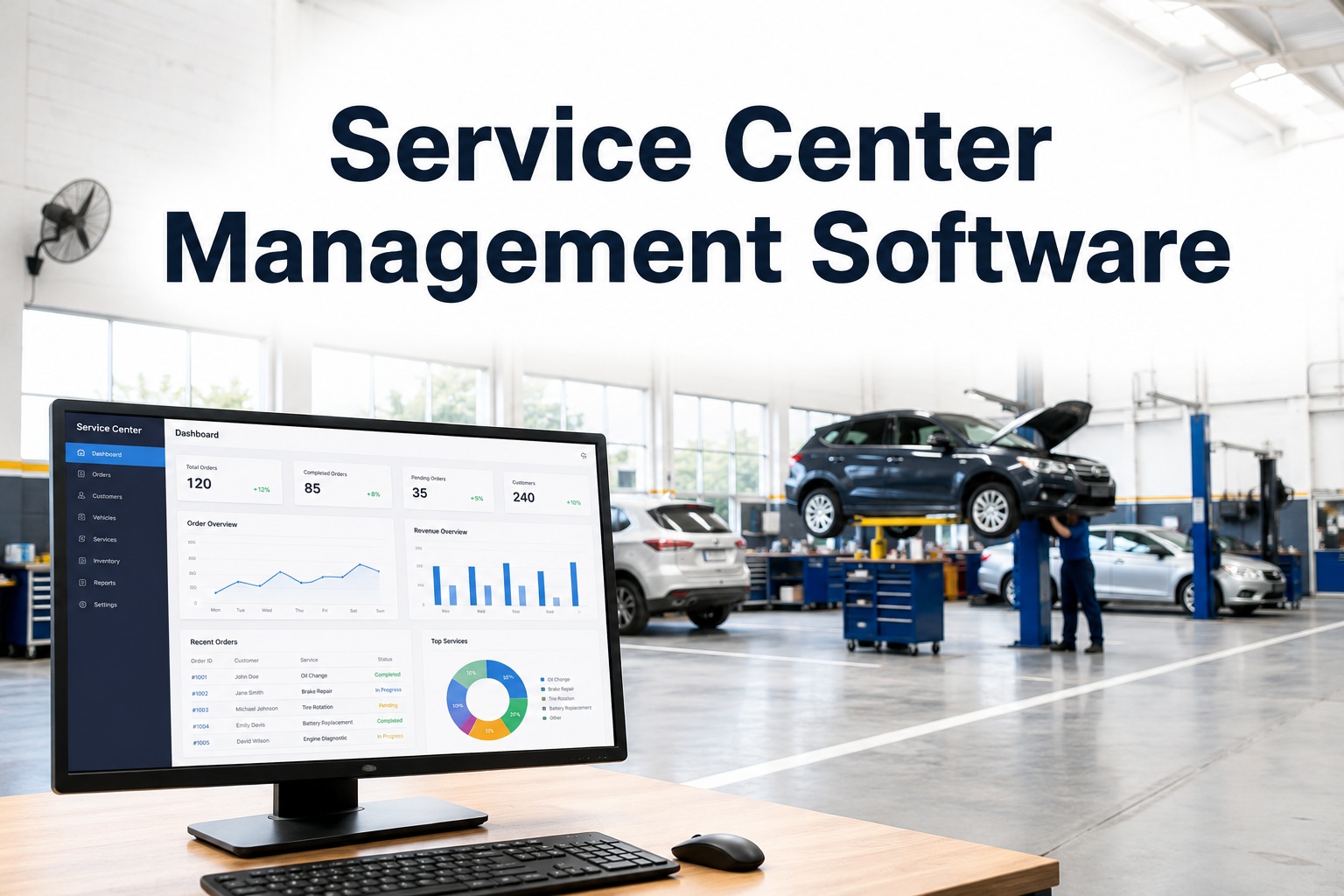
It's 7:40 on a Tuesday morning. Three trucks are waiting at the counter, a technician is hunting for a part that "should be on the shelf," and a customer is calling for an update nobody can give. If that sounds familiar, you don't have a people problem — you have a coordination problem, and it's exactly what service center management software is built to fix. HVI connects your front counter, your bays, your parts room and your accounting in one system, so every job, every part and every labour hour is visible in real time. You can see it running across your own bays in a 30-minute demo before you change a single process.
Service Center Management Software
Every Bay, Every Job, Every Dollar — One Live Picture
Stop chasing job status across whiteboards, text messages and spreadsheets. HVI gives your whole shop — intake, technicians, parts and billing — the same real-time view, so jobs move faster and margins stop leaking.
What Disorganisation Actually Costs
The Four Leaks Draining Your Service Center's Margin
Most shops don't lose money on one big mistake. They lose it in small, repeated leaks that never show up on a single invoice but compound every week.
How the Work Actually Flows
From Intake to Invoice in Five Connected Steps
The reason most shops feel chaotic isn't volume — it's that each stage of a job lives in a different place. HVI chains them together so nothing falls between the counter and the bay.
Guided Mobile Intake
A technician or service writer walks the unit with a phone or tablet, following a guided inspection template. Photos, defect notes and severity ratings are captured on the spot — no clipboard, no re-typing at a desk later. The record is timestamped and attached to the vehicle from the first minute.
One-Click Work Orders
Every finding from the intake inspection converts to a work order line with a single click. Labour estimates, assigned technician and required parts attach automatically. Approvals route to the right person digitally, so a job never sits in limbo because a signature is on someone's desk.
Live Bay Dashboard
The service manager sees every bay on one screen: completed, in progress, waiting on parts, pending approval. Across one location or ten. When a customer calls for an update, the answer is on the dashboard — not at the end of a radio call to the shop floor.
Parts Auto-Deduct
When a technician logs a part against a work order, inventory deducts automatically. Stock levels update in real time, reorder alerts fire before you run dry, and the true parts cost lands on the job — not in a monthly variance nobody can explain.
Costed, Closed, Reported
Labour hours close against the job per technician. The completed order carries its full cost — parts, labour, sublet — and rolls into a weekly profitability report you can export straight to accounting. You see margin per job, not just revenue per month.
Repeat Business on Autopilot
Preventive Maintenance Scheduling That Fills Your Bays
The most profitable work in a service center is scheduled PM work — predictable, plannable and margin-friendly. The problem is remembering to chase it. HVI does the chasing for you.
Mileage Triggers
Set PM intervals by odometer — every 10,000 miles, 25,000 km, whatever the OEM or your own schedule calls for. When a customer vehicle crosses the threshold, your shop gets notified. You call them before they call a competitor.
Engine Hour Triggers
For off-road plant, generators and equipment that doesn't rack up road miles, schedule by engine hours. HVI tracks hours via telematics feed or manual entry and flags units approaching their service window automatically.
Calendar Triggers
Annual inspections, quarterly safety checks, seasonal services — anything date-based runs on a calendar trigger with due and overdue alerts. Nothing slips because someone forgot to check a spreadsheet tab.
Worked example: a 6-bay truck service center running 40 PM slots a month at an average ticket of $850. If automated due-date reminders recover just 5 of those slots that would otherwise have gone to a competitor or been delayed, that's $4,250 in recovered monthly revenue — before you count the follow-on repair work those inspections uncover. Walk through this on your own service schedule to see what it recovers for you.
The Numbers That Matter
Service Center Reporting: Know Your Margin Per Job, Not Just Per Month
Revenue tells you how busy you were. Margin tells you whether it was worth it. Most shops only see the first number. HVI shows you both, per job, every week.
| What You Track | Without a System | With HVI |
|---|---|---|
| Labour cost per job | Estimated from timesheets, if at all | Logged per technician, per task, automatically |
| Parts cost per job | Reconciled monthly, often with variances | Deducted at point of use, costed to the job |
| Job status | Whiteboard, group chat or walking the floor | Live dashboard across every bay and location |
| PM follow-ups | Spreadsheet reminders someone has to check | Automatic alerts by mileage, hours or date |
| Weekly profitability | Accountant's report, weeks after the fact | Exportable margin report, every week, per job |
| Multi-location view | Phone calls between site managers | One dashboard, all locations, real time |
The difference isn't just convenience. When you can see that a certain job type consistently runs over on labour, or that one location's parts spend is 15% higher than the others for the same work, you can act on it. Book a demo and bring your own job mix — the HVI team will show you what the reporting looks like with your numbers, not a sample dataset.
See Your Whole Shop on One Screen
Book a 30-minute demo and we'll walk through your bays, your job flow and your reporting — on your own vehicle types, not a generic template.
Built for Shops Like Yours
How HVI Helps Service Centers Run Tighter
Four capabilities, each mapped to a problem you deal with every week — and the measurable outcome it delivers.
Digital Inspections & DVIR
Guided intake inspections on any phone or tablet, with photo capture, defect severity and instant defect-to-work-order conversion. Outcome: no more paper forms lost between the yard and the office, and no more re-keying findings into a work order at the end of a shift.
Work Order Management
Create, assign, approve and close work orders digitally, with labour hours tracked per technician and per task. Outcome: jobs stop stalling in approval limbo, and you see exactly where technician time goes — billable versus lost.
Parts & Inventory Across Shops
Parts deduct from inventory the moment they're consumed on a work order, across one stockroom or ten locations. Outcome: the 2–5% annual parts shrinkage most shops write off becomes visible, trackable and recoverable.
Integrations That Stay Out of the Way
Pre-built connectors for QuickBooks, Caterpillar, Geotab and Samsara keep your existing accounting, telematics and OEM feeds in place. Outcome: no double-entry, no ripping out systems that already work, and no IT project to get started.
HVI works on any phone or tablet — in the bay, in the yard, at a remote site or on the roadside. There's no per-user fee, no implementation charge, and onboarding is included. If you want to start logging inspections and work orders free, you can be live before your next shift change.
Multi-Location, One System
Running Multiple Shops? Stop Managing Them by Phone Call
The jump from one location to two or three is where most service center operations break. What worked with a whiteboard and a good memory doesn't scale. HVI gives every location the same system, the same templates and the same live data.
What Breaks at Two Locations
- Parts ordered twice because neither shop can see the other's stock
- Technicians idle at one site while the other is buried
- PM schedules tracked in separate spreadsheets that don't match
- Profitability visible only after the accountant merges two sets of books
- Customer history scattered — a unit serviced at one site is unknown at the other
What HVI Replaces It With
- Shared parts inventory with live stock levels across all locations
- One dashboard showing every bay, every job, every site in real time
- Unified PM schedules triggered by mileage, hours or calendar — regardless of which shop sees the unit
- Weekly margin reports per job, per location, exportable to one accounting system
- Complete vehicle history that follows the unit, not the building
Whether you run a single 4-bay shop or a network of service centers across three states, the system is the same. Book a demo and see your locations side by side — most multi-site managers tell us this is the moment it clicks.
The Bottom Line
What Good Service Center Management Software Actually Delivers
Strip away the feature lists and it comes down to four things: jobs move faster, parts stop disappearing, you know your real margins, and repeat business shows up without chasing it.
Faster job throughput. When intake, approval, parts and labour tracking are connected, a job that used to take three days of back-and-forth closes in two. Across a month, that's bays freed up for revenue work.
Parts leakage stopped. Auto-deduct on consumption means every filter, every seal, every litre of oil lands on a job. The 2–5% annual shrinkage most shops absorb becomes a number you can see and act on.
Real margin visibility. Weekly cost-and-margin reports per job replace the monthly guesswork. You find out which work is profitable and which is quietly costing you — while you can still do something about it.
PM work that comes to you. Automated triggers by mileage, engine hours or calendar mean your shop calls the customer when service is due — not the other way around. That's repeat revenue without a single cold call.
If any of these four gaps sounds familiar, the fastest way to close them is to sign up free and run your first intake inspection today, or book a demo to see the full workflow across your bays and locations.
"I used to spend the first hour of every Monday calling both shops to figure out what was actually in progress, what was waiting on parts, and what was just sitting. Now I open one dashboard with my coffee and I know more than I used to learn in a full morning of phone calls. The number I watch is jobs waiting on approval — it used to average nine. It's two now. That's the one that tells me the system is working."
— Dale Brennan, Maintenance Manager, regional mixed-fleet service operation, 3 locations
Common Questions
Service Center Management Software — Answered
What is service center management software?
It's a platform that connects every part of a service center — intake inspections, work orders, technician scheduling, parts inventory, billing and reporting — into one system. Instead of tracking jobs on whiteboards, spreadsheets and group chats, everyone from the front counter to the bay to accounting works from the same live data. HVI is built specifically for heavy vehicle and fleet service centers, so it handles trucks, trailers, buses and off-road plant in one place.
How does service center software handle parts inventory?
When a technician logs a part against a work order, HVI deducts it from inventory automatically. Stock levels update in real time across every location, reorder alerts fire before you run dry, and the parts cost attaches to the job for accurate margin reporting. This eliminates the monthly reconciliation headache and the 2–5% annual shrinkage most shops absorb without realising it.
Can it schedule preventive maintenance on customer vehicles?
Yes. HVI triggers PM schedules by mileage, engine hours or calendar date. When a customer vehicle approaches its service window, your shop gets an automatic alert — so you call them to book the work instead of waiting for them to call you, or worse, a competitor. It's the most reliable way to keep bays full with planned, profitable work. Book a demo to see how PM triggers work with your own service intervals.
Does it work across multiple shop locations?
Yes. HVI gives you a single dashboard showing job status, parts stock, technician workload and PM schedules across every location in real time. Vehicle history follows the unit regardless of which shop services it, and weekly profitability reports break down margin per job and per site. There's no per-location fee structure — the system scales with you.
What does it cost and how long does setup take?
HVI has no per-user fees and no implementation charges — onboarding is included. Most shops are running their first digital intake inspection within a day, and full work order flow within a week. You can sign up free to test it on your own units, or book a 30-minute demo to see it configured for your shop's workflow before you commit to anything.
Your Bays Are Busy. Your Margins Should Show It.
See HVI running on your own fleet, your own bays and your own job mix — in a 30-minute demo built around your operation, not a slide deck.
Free to start — Works on any phone — No card needed