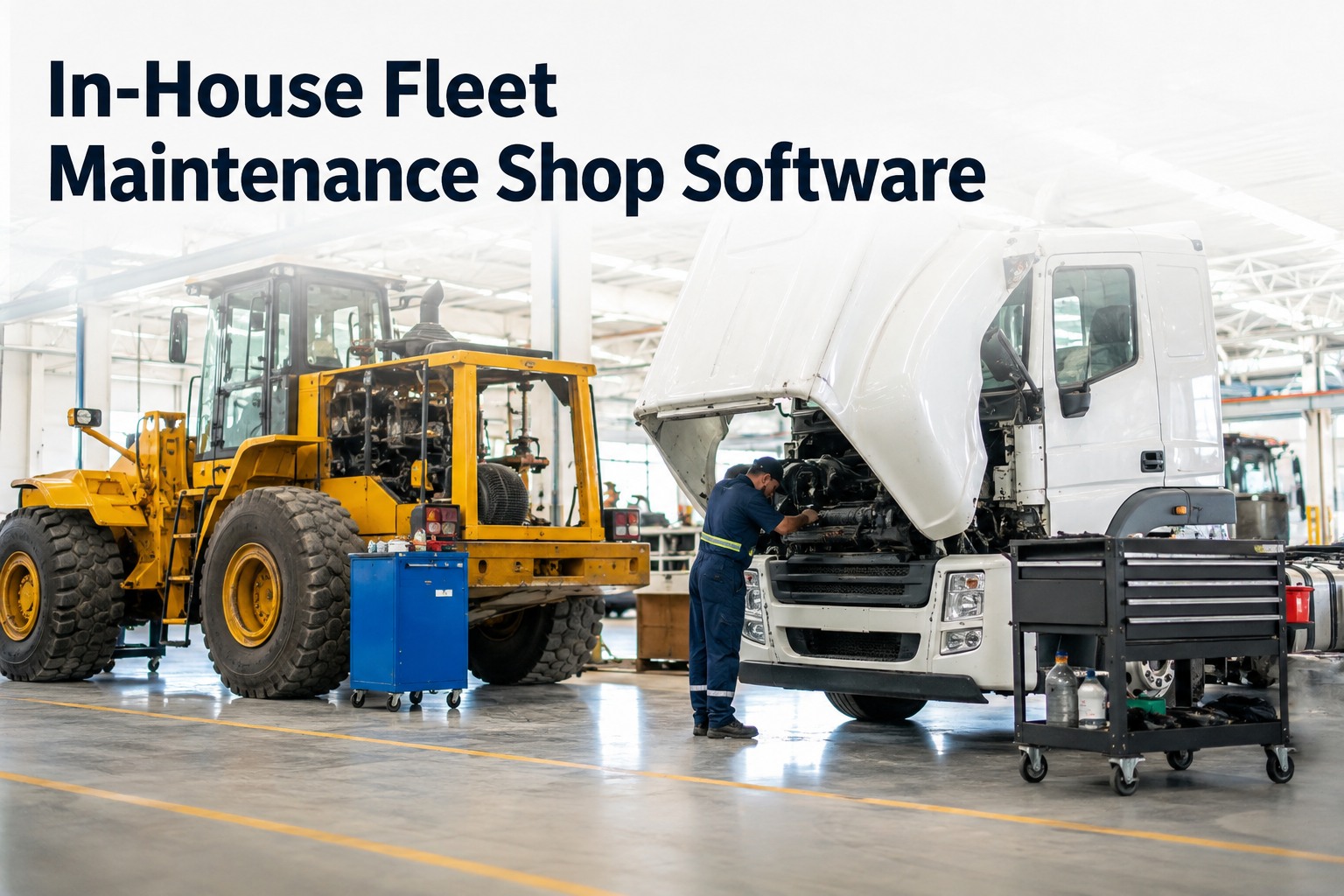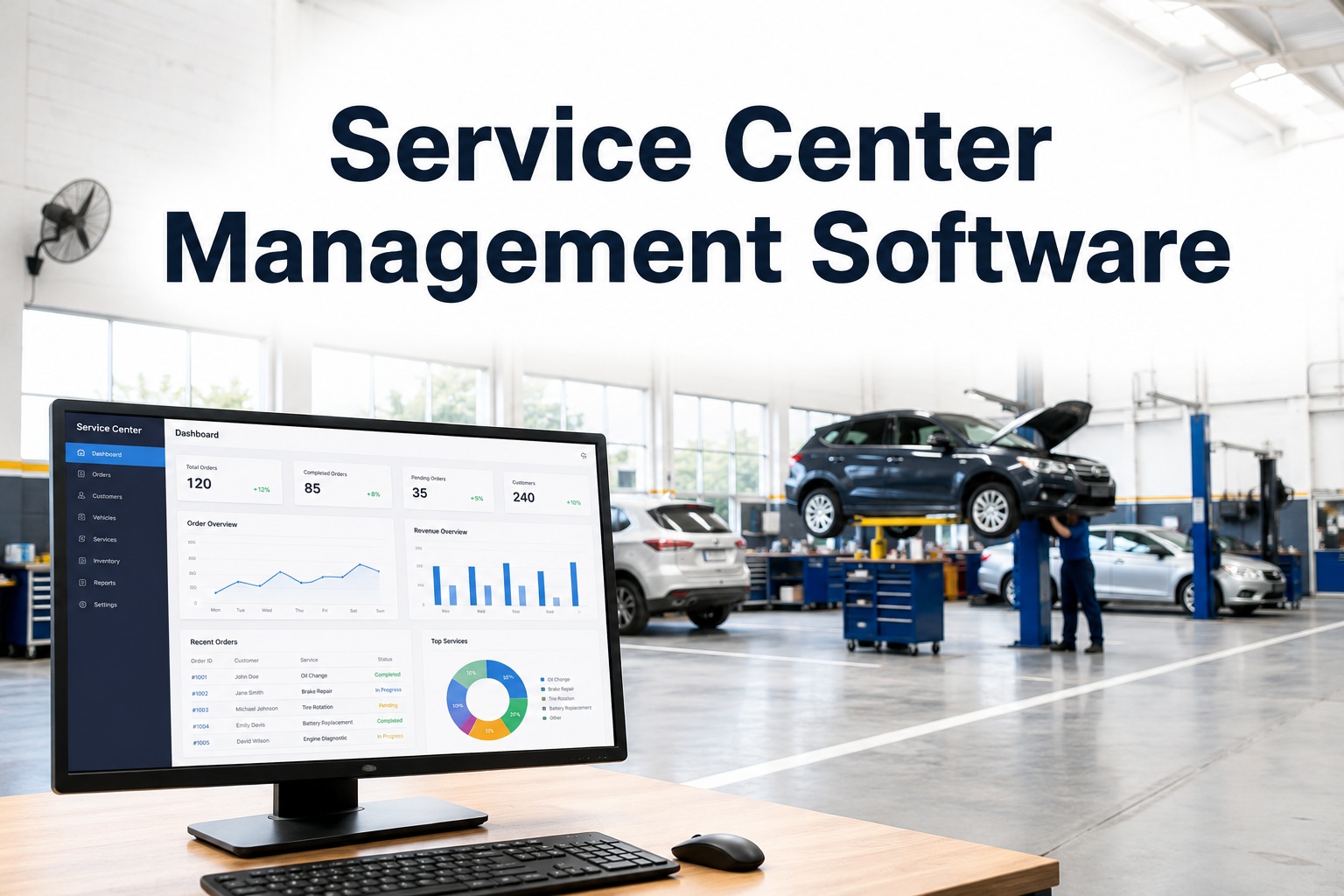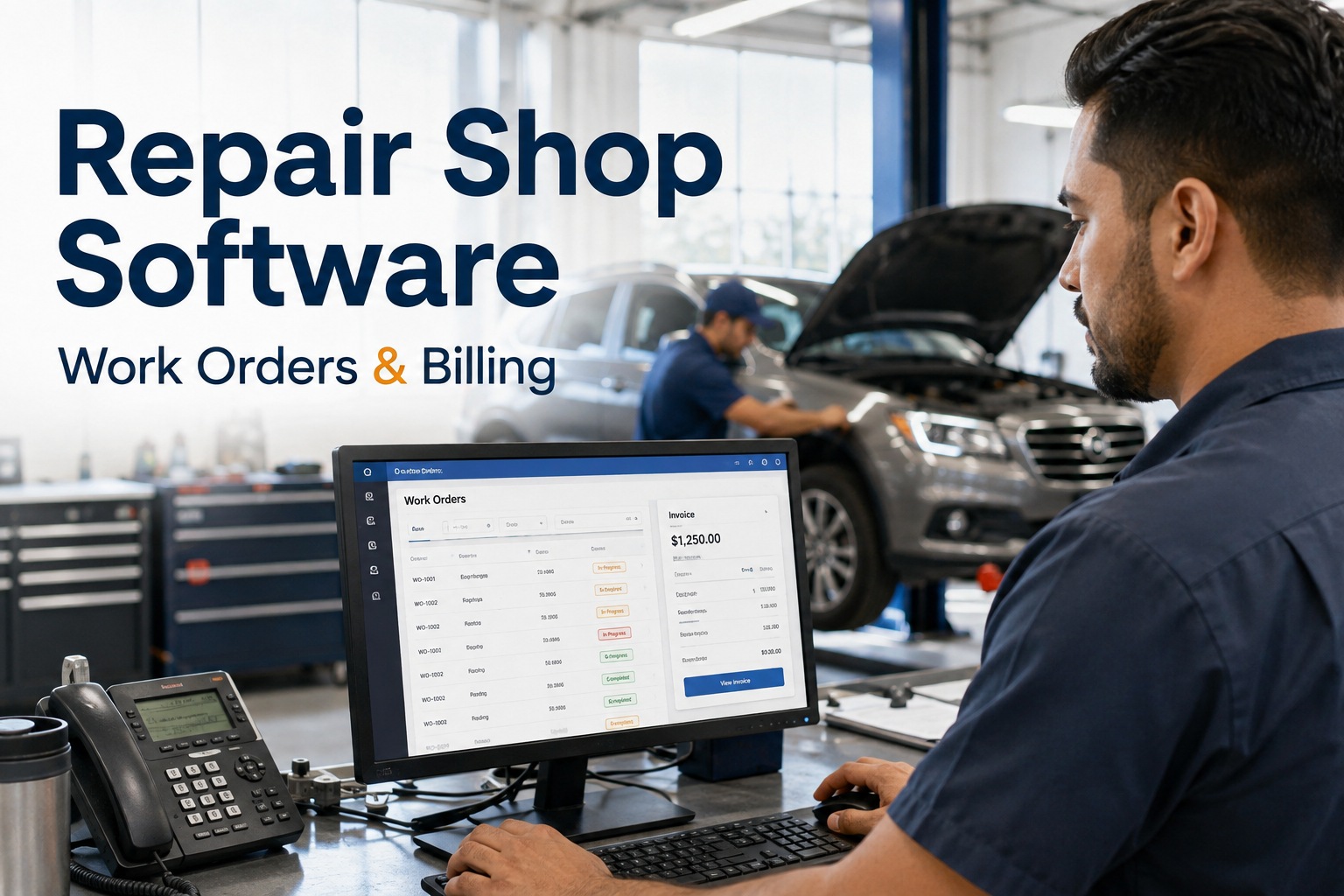
It's 4:40 on a Friday afternoon, a truck is sitting on bay two with a new turbo fitted, and nobody can find the job card. The tech swears he wrote his hours down somewhere. The parts came off the shelf but never got logged. The customer is on the phone asking for a price, and your best answer is a guess. If that scene feels familiar, you already know why repair shop software exists: the two biggest profit leaks in any shop are unbilled labour hours and untracked parts, and a whiteboard plus paper job cards guarantees both. HVI closes those leaks by turning every inspection finding into a billable, trackable work order in one tap — and you can see it running on your own bays in a 30-minute demo before you change a single process.
Repair shop software for heavy vehicles
Where does your shop's profit actually go?
Most shop owners can't answer that with real numbers. Paper job cards lose hours, shelves lose parts, and the invoice goes out light. HVI tracks every labour minute and every part against the job — so you stop guessing your margin and start knowing it.
The paper shop
- Tech hours written on cards that vanish
- Parts pulled from stock, never billed
- Customer disputes with no photo proof
- Margin per job type: unknown
The HVI shop
- Clock-in to close-out labour tracking per job
- Parts auto-deducted from inventory on issue
- Signed photo condition report sent to customer
- Real margin per work order, weekly
What the leaks cost you
The four numbers every repair shop should know — but most don't
Industry surveys of independent and fleet shops consistently point to the same pattern: shops that don't track labour and parts at the job level leave double-digit percentages of revenue unbilled. Here's where it goes.
5–10%
Of labour hours typically never make it to an invoice in paper-based shops
2–4%
Of parts inventory value walks out unbilled or untracked each year
$800+
Per day is what a downed Class 8 truck can cost a customer — slow approvals lose you the job
1 tap
To convert an inspection finding into a priced, assigned work order in HVI
Run the maths on your own shop: a four-tech shop billing $120/hour that loses just 45 minutes per tech per day bleeds roughly $90,000 a year in labour alone — before you count a single unbilled filter, seal or brake chamber. If you want to check those numbers against your own bays, book a walkthrough and bring your real figures.
The workflow
How shop work order software should run a job — from intake to invoice
Six steps, no paper, nothing billed from memory. This is the flow HVI enforces on every unit that rolls into your bay, whether it's a tractor, a trailer, a forklift or a wheel loader.
Guided intake inspection
The technician walks the unit with a configurable checklist on any phone or tablet — brakes, tyres, lights, leaks, suspension, body damage. Each item is marked OK, Repair or Replace, with photos and voice notes attached at the point of inspection, not reconstructed at the desk later.
Signed condition report to the customer
A timestamped PDF condition report goes straight to the customer or fleet manager for sign-off. Approvals that used to take a day of phone tag now come back in minutes — and pre-existing damage is documented before your shop touches the unit, which ends most disputes before they start.
One-tap defect-to-work-order
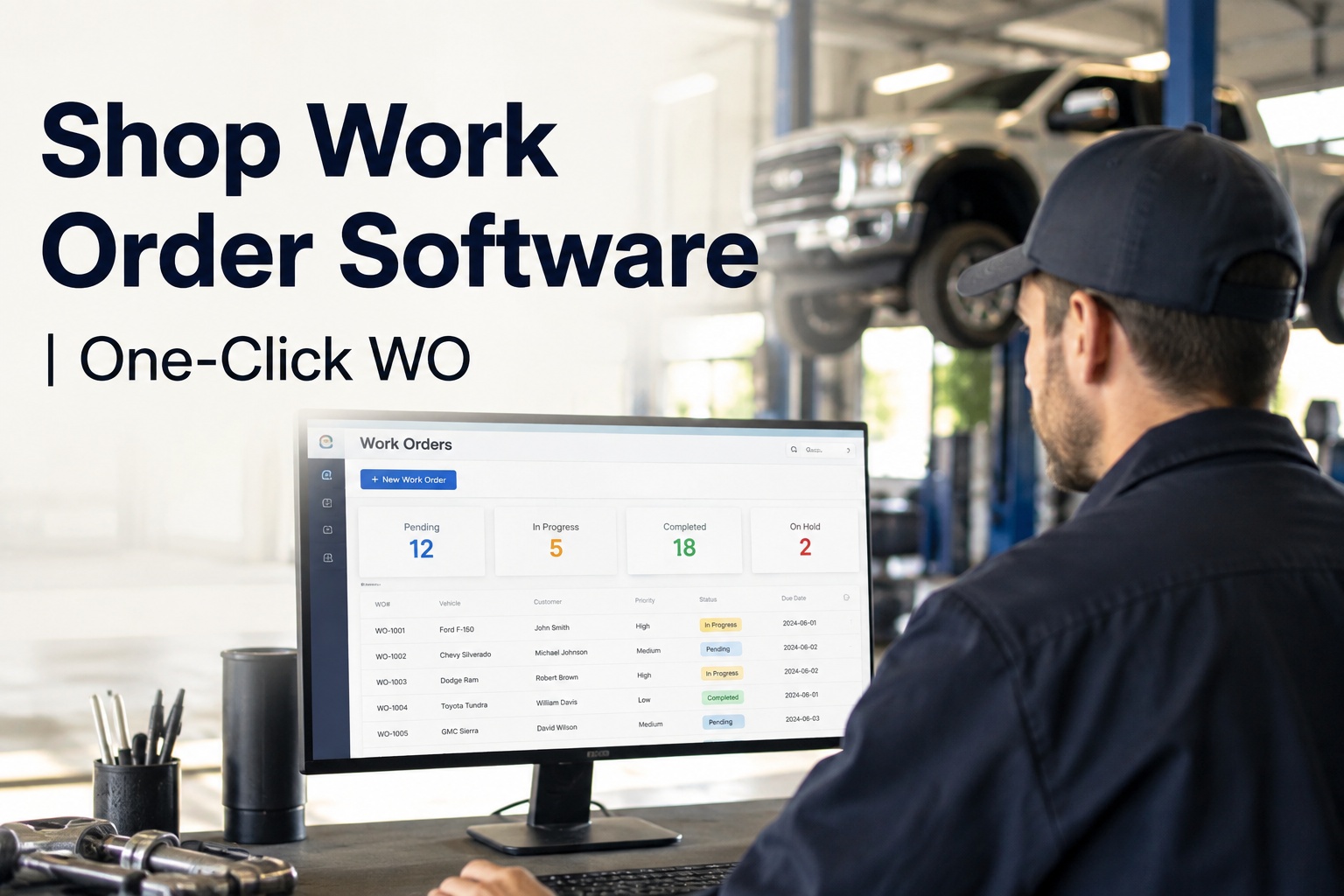
Any finding becomes a work order with a single tap. The defect description, photos and technician notes carry over automatically — no retyping, no lost context, no "what did he mean by this?" at the front counter.
Assign, schedule and track labour
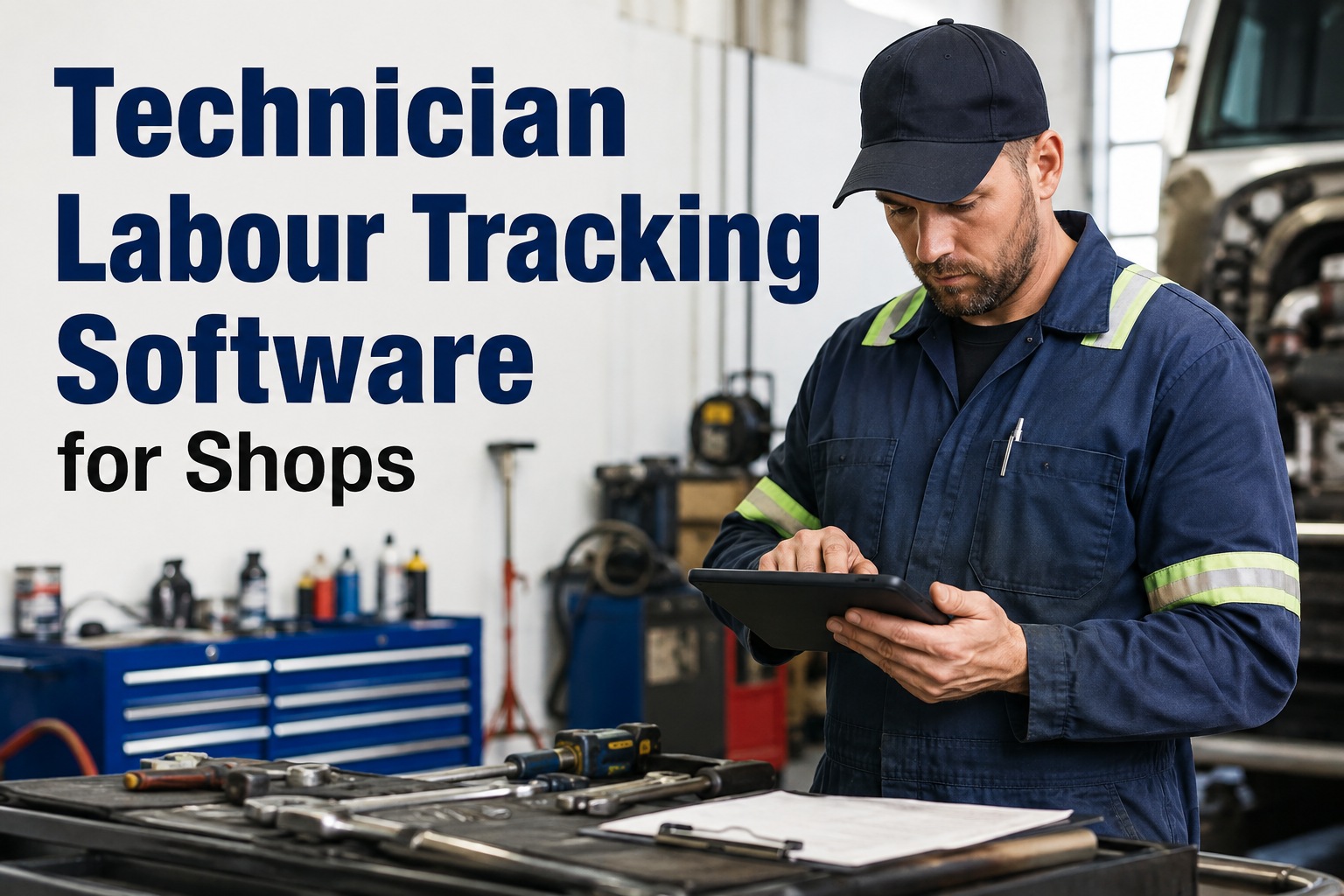
The job is assigned to a tech, who clocks in on the work order from the bay. Hours accrue against that job from clock-in to close-out — per technician, per task. Breaks and comebacks are visible, so your labour reporting reflects what actually happened.
Parts pulled and auto-deducted
Parts are issued against the work order and deducted from inventory in real time — across one shop or several. Stock levels, reorder points and cost-per-part stay accurate, and every gasket, drum and litre of oil lands on the right invoice. Many shops start with a free account and import their parts list from Excel on day one.
Close, bill and report margin
At close-out, every labour minute and every part is already captured against the job. Weekly reports show your real margin per work order and per job type — brakes vs. PMs vs. diagnostics — so you know which work actually makes money and which quietly loses it.
A worked example
What one brake job looks like on paper vs. in HVI
Take a routine air-brake overhaul on a semi-trailer: two axles, shoes, drums, chambers and slack adjusters. Same job, same tech, same parts — two very different outcomes for your margin.
| Stage | Paper job card | HVI work order |
|---|---|---|
| Intake & approval | Customer called twice, approves next morning — unit sits a day | Photo report signed on the customer's phone in 20 minutes |
| Labour capture | Tech writes "6 hrs" from memory; actual time was 7.5 | Clock-in to close-out: 7.5 hours logged automatically |
| Parts | Chambers and hardware pulled, slack adjusters never billed | All 8 line items issued to the job, stock auto-deducted |
| Dispute protection | Customer questions drum condition — no photos, you eat it | Timestamped photos of worn drums attached to approval |
| Invoice accuracy | Estimated, sent 3 days later, roughly $260 light | Generated at close-out, every dollar captured |
That $260 gap on one trailer job, repeated across a busy shop doing 15 jobs a week, is over $200,000 a year in revenue you did the work for but never collected. If you'd like to trace this exact job through the system, a demo walks it end to end on a unit like yours.
How HVI helps
Repair shop management built for heavy vehicles, not cars
Generic auto repair shop software assumes service writers and flat-rate books. HVI is built for shops that turn around trucks, trailers, plant and mixed fleet equipment — with the front counter on the Web Portal and techs on mobile in the bay, synced in real time.
Configurable templates per asset type
Trucks, trailers, heavy equipment, forklifts and fleet vehicles each get their own intake and inspection templates. A reefer unit check and a telehandler check are different jobs — your software should know that.
Labour hour tracking per job
Techs clock in on the work order from the bay floor. You see hours per job, per tech and per task — the foundation of honest billing and real efficiency numbers, with no end-of-week timesheet reconstruction.
Parts inventory that bills itself
Every part issued against a work order is deducted from stock and added to the job cost automatically, across multiple shop locations. Reorder alerts stop the Friday-afternoon "we're out of 4515 shoes" scramble.
Margin reporting per job type
Weekly reports break down revenue, labour cost and parts cost per work order and per category. You finally see that warranty work is eating your PM margin — or that trailer work is your most profitable line.
Beyond the bay
Preventive maintenance and scheduling that fill your bays with profitable work
The most profitable shops don't wait for breakdowns to phone in — they schedule PM work by date, mileage or engine hours and keep the bays loaded with planned, high-margin jobs. HVI's preventive maintenance scheduling does exactly that, and it plugs straight into your work order flow.
Due and overdue alerts
PM intervals tracked by odometer, engine hours or calendar for every unit you've ever serviced. When a customer's truck is 1,000 miles from a B-service, you know before they do — and you book the bay instead of losing the work to a breakdown on the highway.
Repair shop scheduling without the whiteboard
Open work orders, assigned techs and bay status in one live view. When a job finishes early, you see it immediately and pull the next unit in — dead bay time is invisible on a whiteboard and obvious on a dashboard.
Fleet customers get their own portal view
Fleet managers approve estimates, see inspection history and download compliance records without ringing your counter. For shops serving carriers, that transparency is a genuine competitive edge — ask to see the customer approval flow in a demo and judge it yourself.
Full unit history, audit-ready
Every inspection, DVIR, repair and part ever fitted to a unit lives on one timeline — timestamped and photo-backed. When a fleet customer, insurer or DOT auditor asks for records, you produce them in seconds, not a weekend of digging through filing cabinets.
See your own shop's numbers in HVI
Book a 30-minute demo and we'll load a real work order flow — intake inspection, labour tracking, parts deduction and margin report — using your asset types. No slides, just the system working.
Getting started
Moving your shop off paper in one week — a realistic rollout
The fear with any shop management system is a painful switch-over. In practice, shops running HVI are typically live within days, because the system mirrors how a bay already works instead of forcing a new religion on your techs.
Import your assets and parts
Vehicles, trailers and equipment come in from Excel — unit numbers, makes, models, meter readings. Your parts catalogue imports the same way, with costs and stock levels. Onboarding is included, so you're not doing this alone with a help article. Most shops create a free account and have their fleet loaded the same afternoon.
Configure templates and run first inspections
Set up intake checklists per asset type — your brake inspection, your PM-A, your trailer annual. Techs run their first guided inspections on phones they already carry. If a tech can send a text message, they can complete an HVI inspection; training is measured in minutes, not days.
Go live on work orders and billing
Defects start converting to work orders, labour clocking goes live in the bays, and parts issue against jobs. By the end of week one you're looking at your first real margin report — and the whiteboard becomes a coat rack. If you'd rather have someone walk your foreman through it first, book a demo and bring your whole counter team.
The takeaway
Repair shop software isn't about going digital for its own sake — it's about billing for work you already did. Every unlogged hour and every unbilled part is money your shop earned and gave away. HVI captures both at the moment they happen, proves condition with signed photo reports, and shows you margin per job so you can price with confidence. The shops that tighten this up don't just stop leaking — they win fleet contracts, because they can prove every inspection and every repair. That's what a proper repair order software should do, and it's exactly what HVI is built for.
I used to close the month by chasing techs for hours and counting brake drums on the shelf. Now I check one number every Monday: margin per work order, split by job type. Last quarter it told me our trailer PM work was priced 12% under cost — we'd never have caught that on paper. The bit I didn't expect? The techs like it. Photos mean nobody argues about what a spring hanger looked like when the unit rolled in.
Marcus Delaney — Maintenance Manager, regional truck & trailer repair group, 3 shops
Common questions
Repair shop software FAQs
What is repair shop software and what does it actually do?
How is truck repair shop software different from auto repair software?
How does labour hour tracking work for technicians?
Can HVI handle parts inventory across more than one shop?
What does repair shop software cost — and are there per-user fees?
Stop billing from memory. Start billing from data.
Every hour and every part, captured against the job — with signed photo proof your customers can't argue with. See it on your own units, or jump in and try it today.
Free to start — Works on any phone — No card needed — Onboarding included