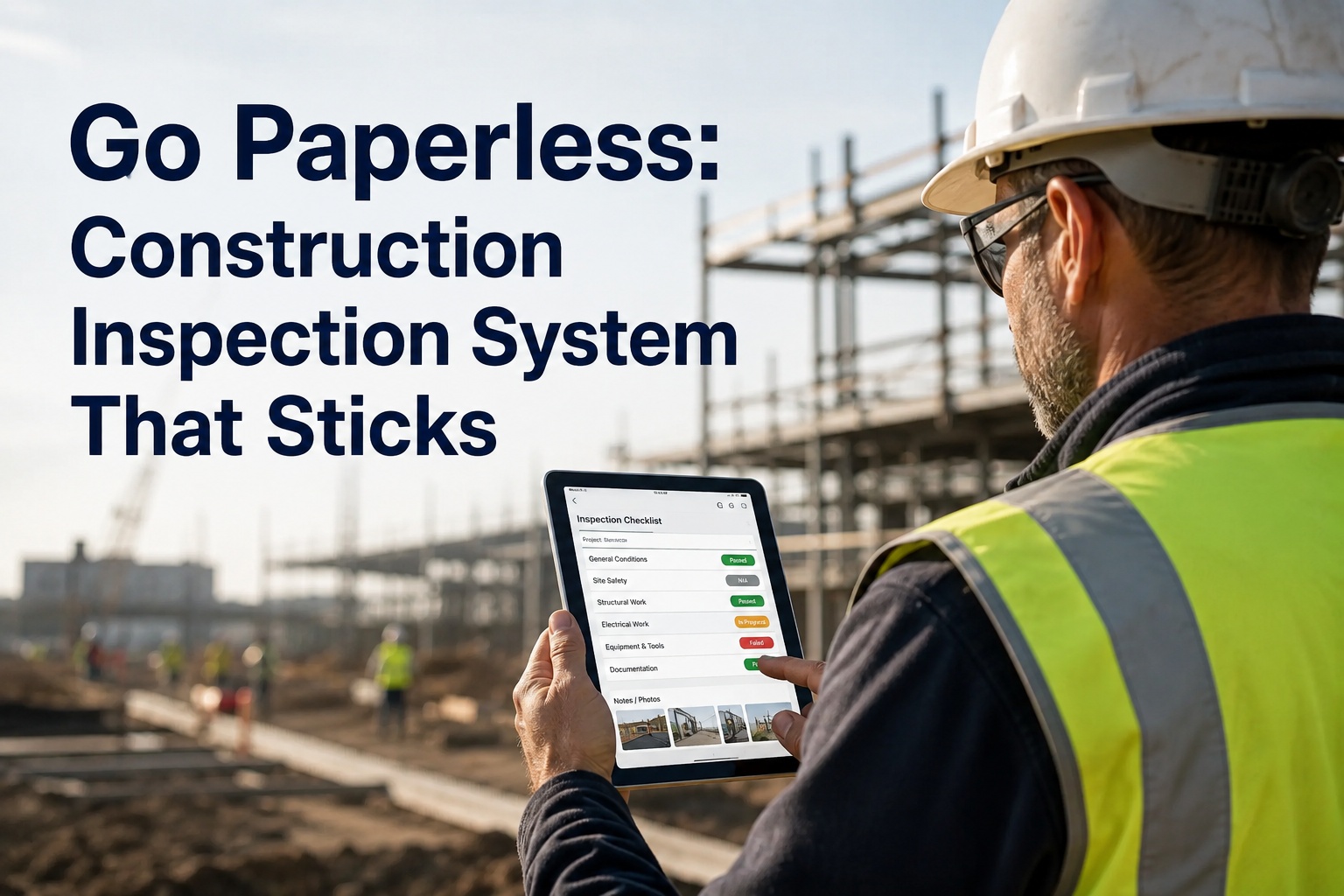
It is 6:40 in the morning and an operator is standing next to a 30-tonne excavator with a clipboard, a pen that barely works in the cold, and a checklist that has been photocopied so many times the defect boxes are grey smudges. He fills it in because he has to, drops it in the site office tray, and by Friday that sheet is in a filing cabinet nobody will open again until an auditor or a lawyer asks for it. That is the real problem with paper inspections: not that paper is old-fashioned, but that the information on it dies the moment it is filed. Going to a paperless construction inspection system fixes this, but only if the rollout actually sticks at crew level - and most do not. This guide walks through why digital inspection rollouts stall, how to counter each failure point, and a week-by-week migration plan that gets you from clipboards to searchable records in about a month. If you want to see the whole thing running on your own machines before you commit, you can book a 30-minute walkthrough with the HVI team and judge it against your current paper process.
Paperless Inspection Migration Guide
Your crews already know paper is broken. So why did the last app fail?
Every fleet manager has lived this: you buy inspection software, announce it at a toolbox talk, and three weeks later the operators are back on paper because the app was slower than the clipboard. The problem is never the idea of going paperless - it is a rollout that ignores how crews actually work. Here is the number that decides everything:
Why Rollouts Fail
The four reasons digital inspection forms stall at crew level
Talk to enough maintenance managers and the same four failure patterns come up every time. None of them are about technology. All of them are about what happens between the operator's gloves and the screen.
No offline mode
Construction happens in pits, basements, remote pads and behind concrete walls. If the app needs a signal to open a checklist, the operator standing next to a dead zone does one of two things: skips the inspection, or does it on paper "and enters it later" - which means never. The fix: inspections must open, complete and photo-capture fully offline, then sync when the device sees a network again. This is non-negotiable for any paperless jobsite inspection tool.
Too many taps
A 60-point excavator checklist that forces a tap, a dropdown and a confirmation on every item turns a 5-minute job into 25. Crews count taps the way you count fuel cost. The fix: default every item to pass with one swipe, and only demand extra input - photo, note, severity - when something fails. Failed items should take the effort, not passed ones.
No visible benefit to the operator
If the operator reports a leaking hydraulic hose on the app and nothing happens for two weeks, he learns the app is a suggestion box with no bottom. Paper at least got a signature. The fix: defects must convert to work orders automatically, and the operator should see status change - reported, assigned, fixed. That feedback loop is what sells the system to the crew better than any memo.
No enforcement from supervisors
If the foreman still accepts a verbal "yeah, I checked it" or a crumpled paper form, the app is optional, and optional things die. The fix: supervisors stop accepting paper on a stated date, and the morning coordination meeting runs off the digital dashboard - missed inspections visible by name and machine. Enforcement is a management decision, not a software feature.
Paper vs Digital
What actually changes when you replace paper inspection forms
The gains are not abstract. Here is the same inspection lifecycle, side by side, for one machine on one day.
| Step | Paper process | Digital with HVI |
|---|---|---|
| Start the inspection | Find a blank form, find a pen, hope the form is the current revision | Open the app, the correct checklist for that asset loads automatically |
| Walk-around | 30-45 minutes handwriting every item, good and bad | 5-8 minutes - tap through passes, photograph only the failures |
| Report a defect | Write it up, hand the sheet to the office, hope someone reads it | Defect becomes a work order instantly, assigned with the photo attached |
| Low-signal sites | Paper works, but the data does not move until someone drives it in | Completes fully offline, syncs when the device reconnects |
| Audit request | Hours digging through filing cabinets and site office boxes | Seconds - timestamped, photo-backed record pulled by asset or date |
| PM compliance | Missed intervals surface when something breaks | Due and overdue alerts by date, mileage or engine hours |
Run the arithmetic on your own fleet: 20 machines inspected daily, saving roughly 30 minutes each, is about 10 labour-hours a day returned to actual work - before you count a single avoided breakdown. If you want to check those numbers against your own asset list, you can walk through the math on a live demo with your real fleet size.
Week-by-Week Plan
How to go paperless on construction inspections in three weeks
This is the migration path HVI deployments follow. It works because it spends the first week on setup nobody sees, and only asks crews to change behaviour once the system is ready for them.
Build the foundation - no crew involvement yet
Import your asset list - trucks, trailers, excavators, loaders, generators, light plants - into the system. Configure inspection templates per asset type so a telehandler checklist is not a dump truck checklist with extra pages. Set up user accounts and roles: operators inspect, supervisors review, technicians receive work orders. There is no hardware to install - it runs on whatever phones and tablets your crews already carry.
Train and pilot at one or two sites
Training runs about 30 minutes per role - operators learn the tap-through flow and photo capture, supervisors learn the dashboard and defect queue. Then pilot at one or two sites with your most cooperative foreman, not your most skeptical one. You are looking for friction points: checklist items that confuse, templates that need a photo prompt, a defect category nobody uses. Fix them now, cheaply.
Fleet-wide rollout with a paper cutoff date
Announce the date paper stops being accepted and hold it. Run the morning meeting off the missed-inspections dashboard so gaps are visible by name and machine, not by accusation. Crews who piloted become floor support for everyone else. This is the pattern that produces 90 percent-plus adoption inside the first month - the system is faster than paper, defects visibly turn into repairs, and supervisors enforce one standard.
You do not have to design this alone. Most fleets book a demo before week one so the template configuration matches how their inspections already run, which shortens the pilot considerably.
See your own checklists running on a phone before you change anything
Bring one of your paper forms to a 30-minute demo and we will show you what it looks like digitized - tap-through flow, photo capture, defect-to-work-order, offline mode and all.
Proof It Works
What happened when Kal Tire's earthmover operation went digital
Kal Tire's mining tire division services some of the largest off-road fleets in the world - exactly the environment where paper goes to die: remote sites, harsh conditions, and inspection records that clients and auditors actually demand. Their move from paper-based inspection and service reporting to HVI is the pattern this guide describes, at scale.
The starting point
Technicians recording tire inspections and service work on paper across remote mine sites, with reports travelling back to offices before anyone could act on them - the same filing-cabinet lag you know from your own sites.
What changed
Inspections captured digitally at the machine, photo-backed and timestamped, flowing into a central system the moment connectivity allowed. Defects and service findings became visible to management the same day instead of the same week.
Why it matters to you
If digital inspections hold up on remote mine sites with earthmover tires taller than your pickup, they hold up on your excavators, haul trucks and site plant. The constraints - dust, distance, gloves, dead zones - are the same ones killing your paperless rollout.
How HVI Helps
Built for the four failure points, not just the brochure
True offline inspections
Checklists open, complete and capture photos with zero signal, then sync automatically. Dead zones stop being an excuse on day one.
5-8 minute tap-through flow
Passed items take one tap. Effort goes only into failures - photo, note, severity - so the inspection stays faster than the clipboard it replaces.
Defect-to-work-order loop
A failed item becomes a work order instantly, with the photo attached. Operators see repairs happen, which is what keeps them inspecting honestly.
Supervisor enforcement dashboard
Missed inspections visible by name and machine every morning, plus audit-ready records retrievable in seconds. Enforcement becomes a glance, not a confrontation.
Key Takeaways
The short version of going paperless on construction inspections
Paper inspections cost you 30-45 minutes per machine per day and give you records you cannot search, cannot act on and cannot find during an audit. A paperless construction inspection system done right costs 5-8 minutes and gives you defect-to-repair visibility the same morning. The difference between rollouts that stick and rollouts that die is not the software budget - it is offline capability, a fast tap-through flow, a visible repair loop, and supervisors who enforce one standard from a stated date. Three weeks of structured migration gets you there, and the crews sell it to each other once they see a reported leak actually get fixed. If you are ready to test it, you can start logging inspections free on a handful of machines this week, or book a demo and see your own forms digitized first.
I killed the paper forms on a Tuesday and told the foremen the dashboard was the morning meeting from Wednesday on. First week, two operators tried handing me handwritten sheets and I handed them back. By week three the same two were complaining that a defect they logged had not been assigned yet - which is exactly the complaint you want. The number I watch is missed inspections per morning. It went from double digits on paper, where I could not even count them, to zero most days.
Derek Mullen - Maintenance Manager, civil earthworks and site services contractor
Common Questions
Paperless construction inspection FAQs
How long does it really take to switch from paper to digital inspections?
About three weeks with a structured plan. Week one is asset import, template configuration and user setup with no crew involvement. Week two is roughly 30 minutes of training per role plus a pilot at one or two sites. Week three is fleet-wide rollout with a firm paper cutoff date. Fleets following this path typically see 90 percent-plus adoption inside the first month, with no hardware to install.
What happens when my site has no cell signal or Wi-Fi?
Nothing changes for the operator - that is the point. HVI checklists open, complete and capture photos fully offline, then sync automatically when the device reconnects. If a tool requires connectivity to start an inspection, crews in pits, basements and remote pads will quietly go back to paper within two weeks.
How do I get operators to actually use the app instead of paper?
Make it faster than paper and make it visibly useful. The tap-through flow takes 5-8 minutes versus 30-45 on paper, and defects convert to work orders operators can watch get fixed. Then supervisors enforce a single standard: paper stops being accepted on a stated date and missed inspections appear on a morning dashboard. You can see the operator flow on a demo before deciding.
Will digital inspection records hold up in a DOT, client or insurance audit?
Yes - they are stronger than paper. Every record is timestamped, attributed to a named user and backed by photos, retrievable in seconds by asset, date or defect type. Compare that with hours of filing-cabinet searching and a photocopied form with an illegible signature. Auditors care about completeness and traceability, both of which digital records provide by default.
Do I need to buy tablets or special hardware for the crews?
No. HVI runs on the phones and tablets your crews already carry, in the yard, on the roadside or at a remote site. There is nothing to install on machines and no hardware to purchase, which is why a pilot can start the same week you sign up free and import your first assets.
Give your crews an inspection tool that beats the clipboard
5-8 minute inspections, offline from day one, defects that turn into repairs, and audit records in seconds. Start with a demo on your own forms, or jump straight in.
Free to start - Works on any phone - No card needed