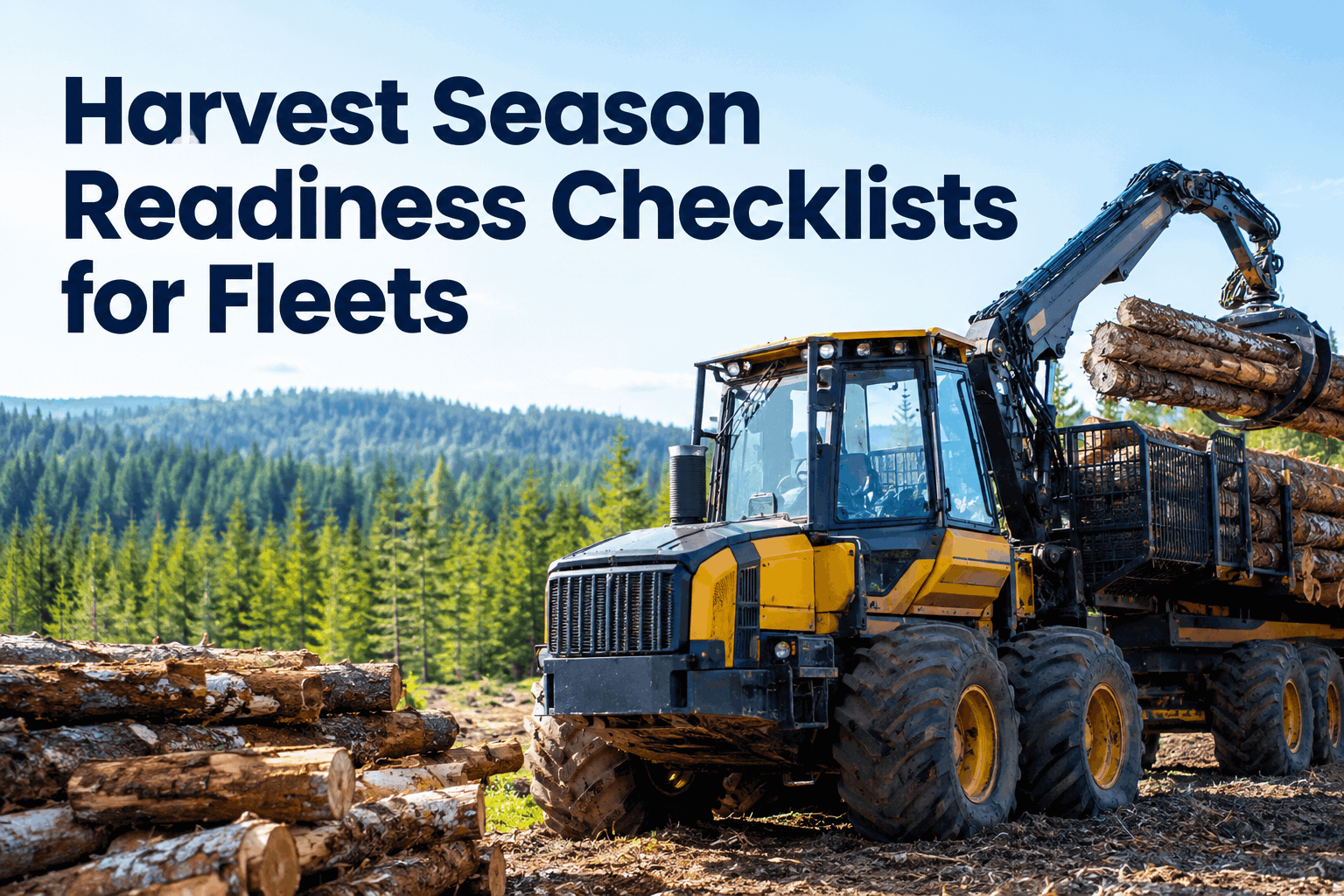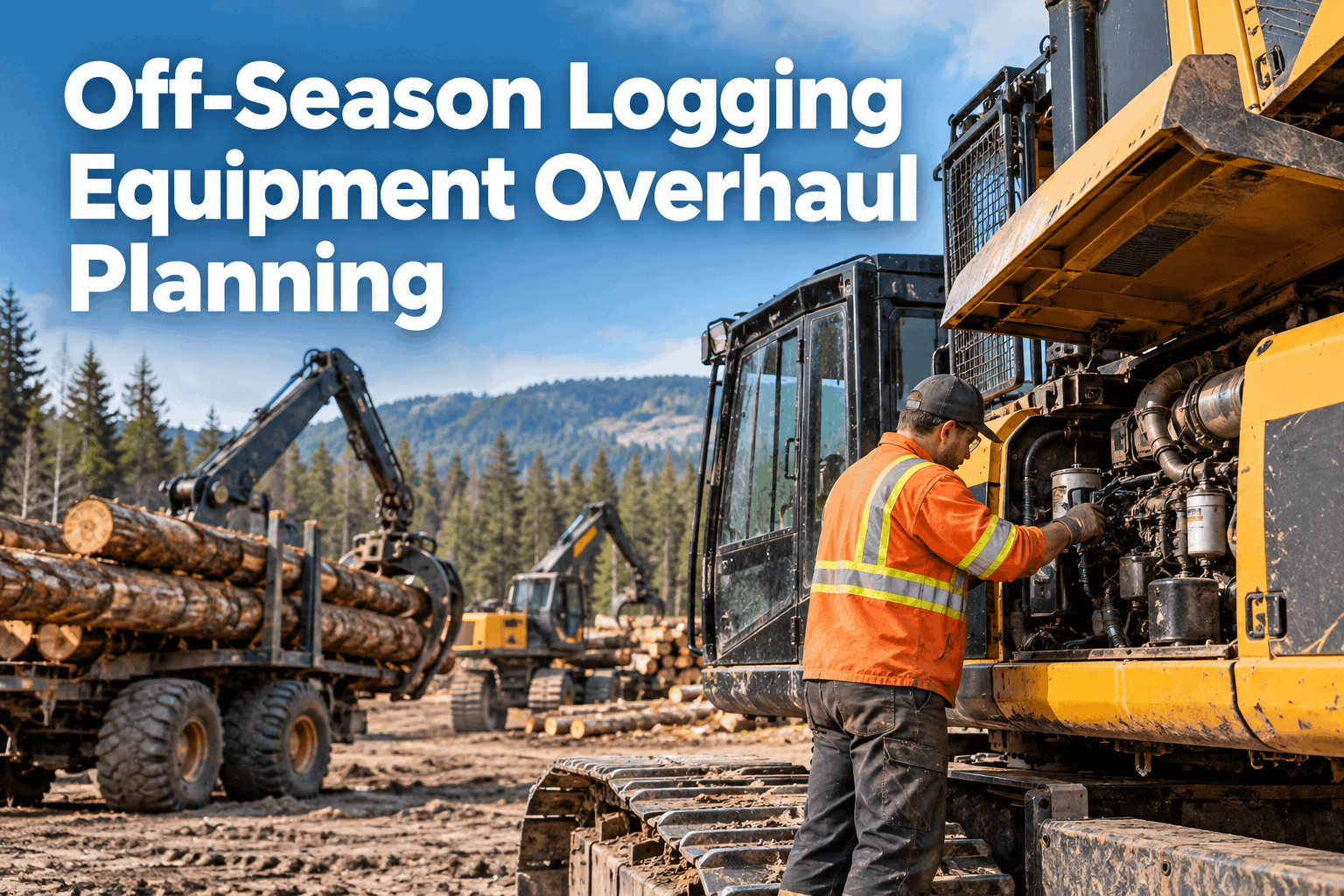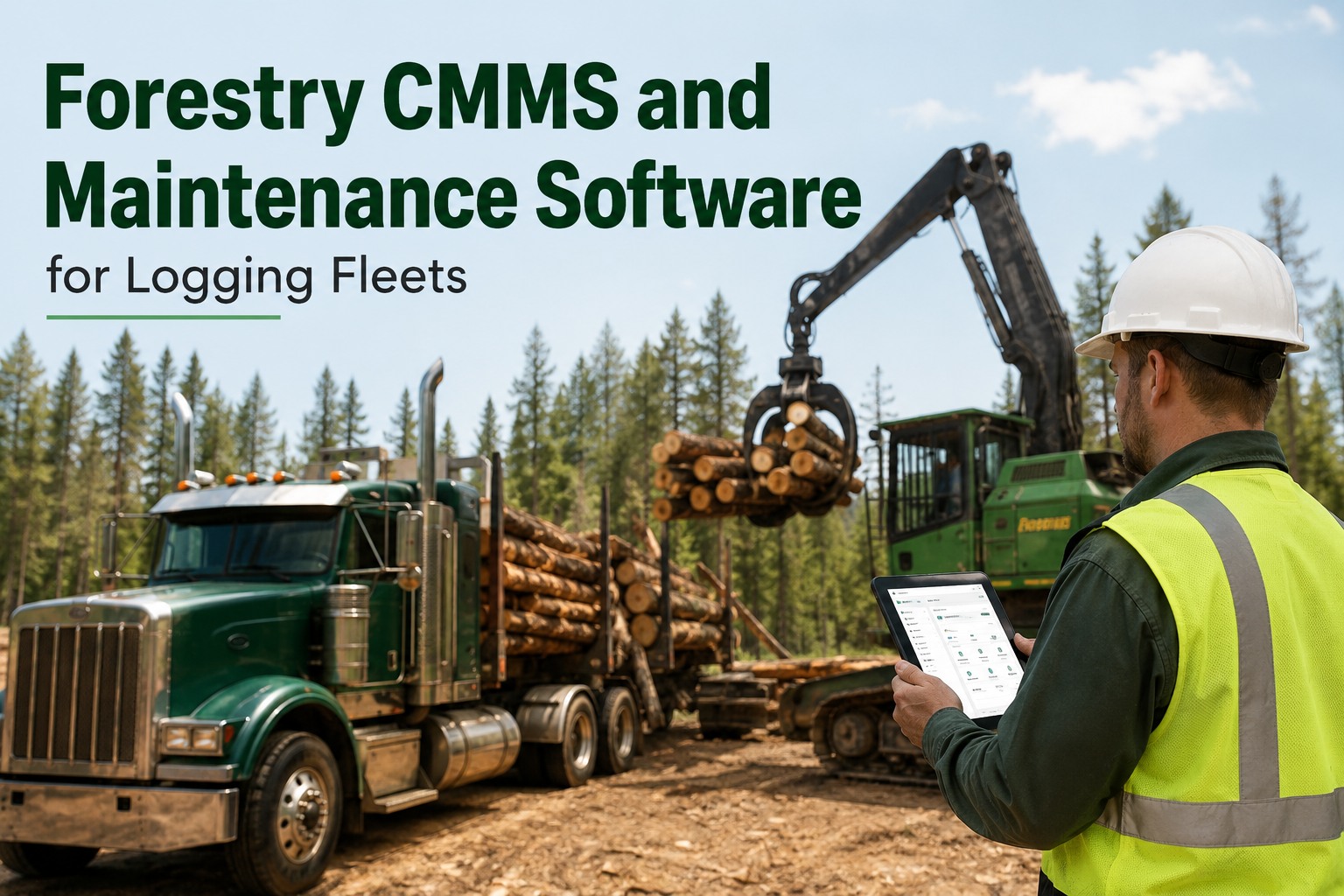
It is 5:40 a.m. at the landing, the processor is already warming up, and your feller buncher is due its 500-hour service today — except nobody wrote the hours down when it moved blocks last week, so you find out when the hydraulic filter light comes on. That is the moment most crews start looking for forestry CMMS software: not because they love software, but because a missed service in the middle of a harvest block turns into a lowboy trip to the dealer and two days of lost production. Logging machines accumulate engine hours faster than almost any other equipment class during production season, and paper binders in the pickup do not keep up. A proper forestry maintenance management setup tracks hours per machine, fires the work order the moment an interval hits, pulls parts off the service truck against the job, and logs every dollar of labour and material against the unit. If you want to see that running on your own machines before the next block starts, book a 30-minute walkthrough of HVI on your fleet and bring your worst unit.
FORESTRY CMMS FOR LOGGING FLEETS
The 500-hour service should fire the work order. Not the breakdown.
HVI tracks engine hours per machine, builds the PM work order automatically when an interval hits, notifies the mechanic with the full task list, and deducts the filters and oil straight off the service truck inventory.
WHAT A MISSED INTERVAL ACTUALLY COSTS
Logging maintenance software pays for itself in one avoided lowboy trip
THE LOGGING PM LADDER
Forestry preventive maintenance runs on engine hours, not the calendar
A pickup truck can wait for the first of the month. A feller buncher running double shifts in a cut block cannot. These are the four interval tiers most logging contractors live by, and the work each one carries.
Walk-around, grease and fluids
- Grease pins, bushings and saw head pivots
- Check track tension and look for leaking seals
- Hydraulic oil level and hose chafe inspection
- Radiator and cooler cores blown clear of debris
- Fire suppression and guarding check
Full grease and wear check
- Full chassis and boom grease service
- Track sag measured and adjusted to spec
- Saw bar wear, chain tension and oiler flow
- Boom and cylinder pin play measured
Oil, filters and coolant
- Engine oil and filter change
- Hydraulic and return-line filters replaced
- Coolant level, strength and condition check
- Fuel filters, air filter and breathers
- Oil samples pulled for trend analysis
Undercarriage and overhaul
- Tracks, rollers, idlers and sprockets measured
- Hydraulic pump output and pressures tested
- Saw bar rebuild or replacement
- Swing bearing, pins and bushings assessed
In HVI each tier is its own PM schedule with its own task list. When a machine crosses 500 hours, the work order appears with the filter kit, oil quantity and sample bottles already listed — your mechanic opens the notification and knows exactly what to load on the truck. See the PM trigger fire on a live demo with your own interval structure.
WHY HOURS GET LOST IN THE BUSH
The hours-tracking problem when machines move between sites
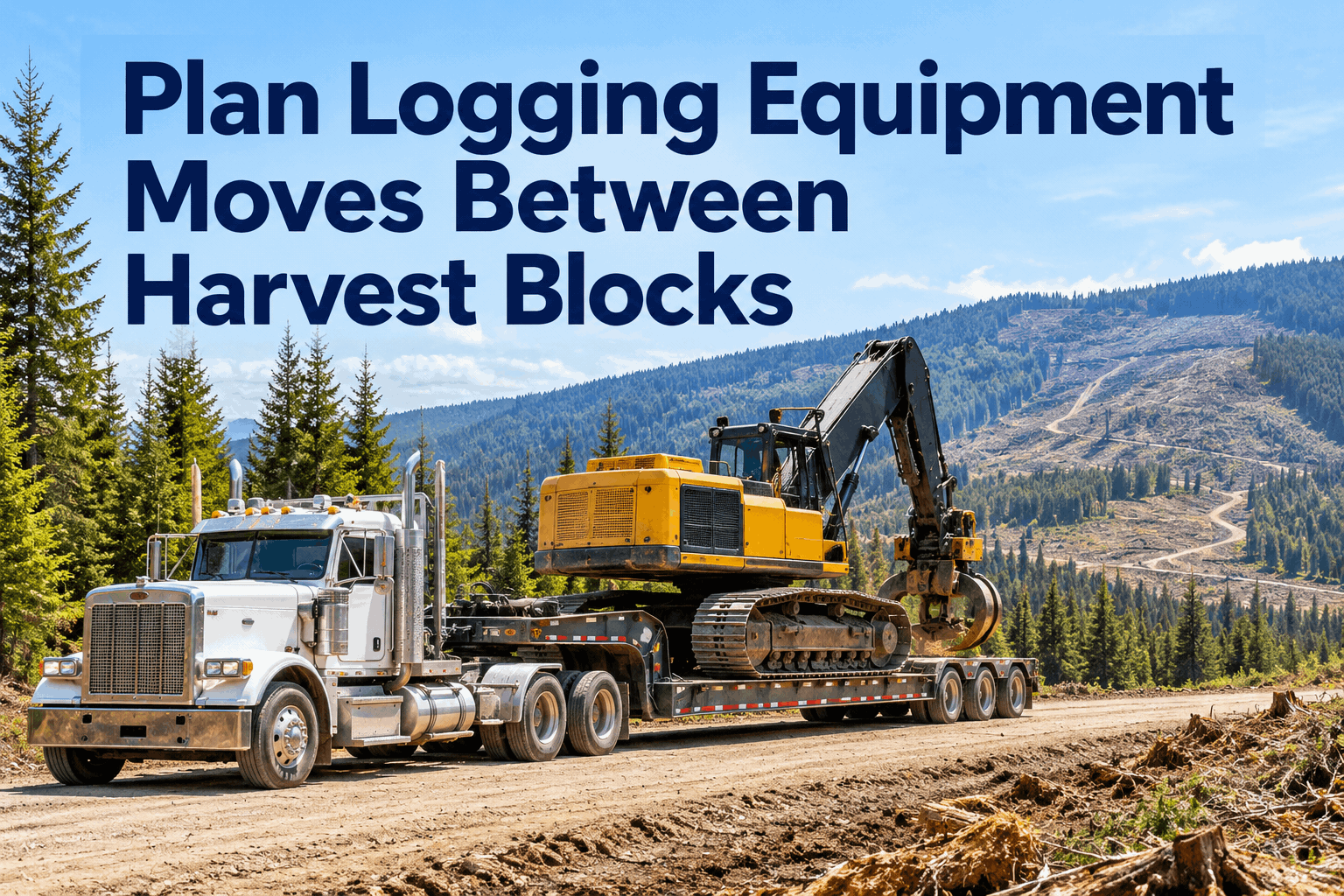
A harvester finishes a block on Friday, rides the lowboy 90 kilometres to the next cut, and starts cutting Monday. Somewhere in that move, the whiteboard in the shop stopped being true. Multiply that by six machines and three landings and your PM schedule is fiction.
Hours live in the cab, not the office
The hour meter is on the machine, the spreadsheet is on a laptop 60 kilometres away, and the operator's text message with today's hours arrives three days late — or never. By the time the office updates the sheet, the buncher is already 80 hours past its service.
Machines swap sites mid-interval
The skidder that was "due next week" at the old block is now at a new landing with a different foreman who does not know its history. Without a central record that follows the machine, every site move resets everyone's memory to zero.
The service truck is a parts warehouse with no ledger
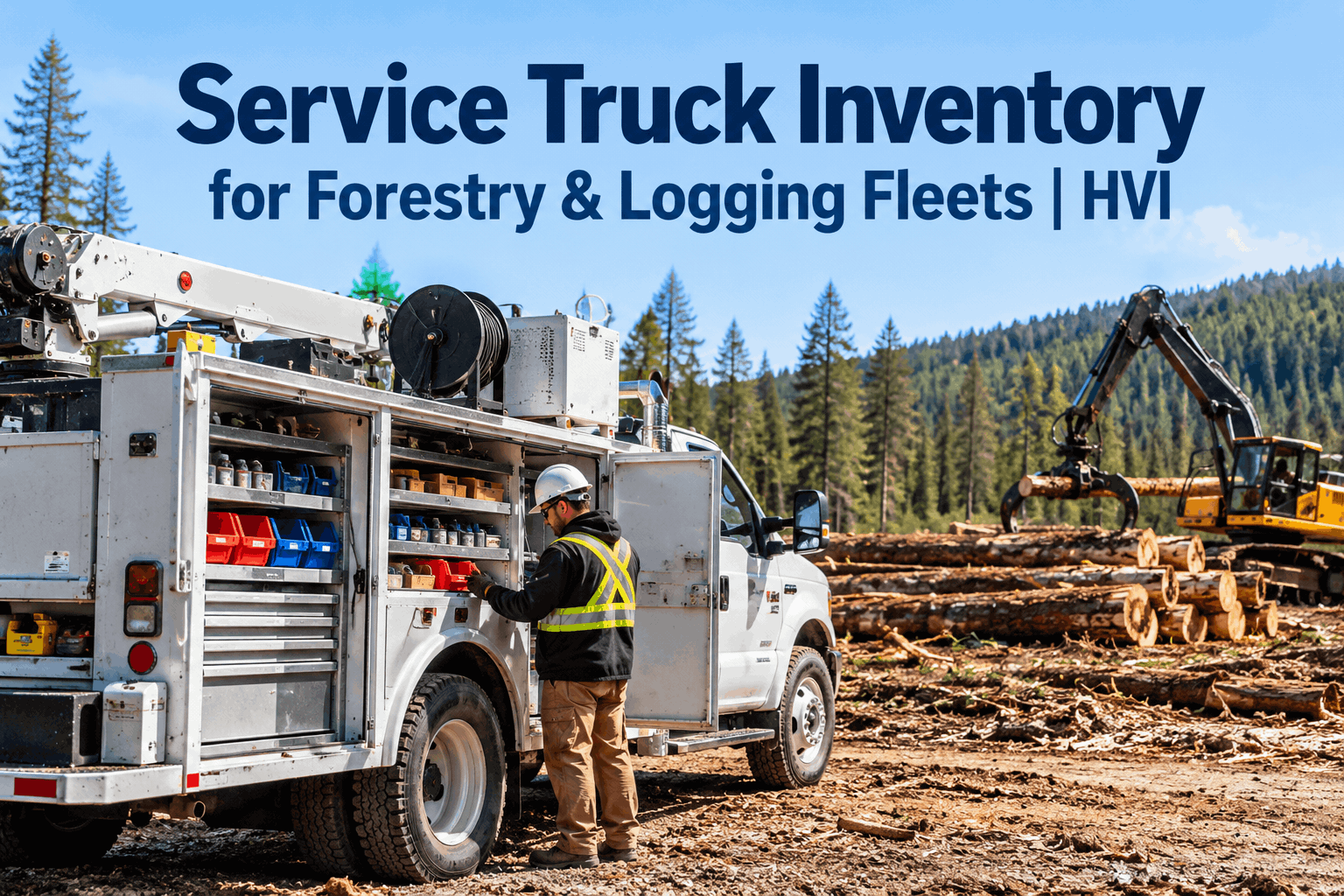
Your field mechanic pulls two hydraulic filters, 40 litres of oil and a case of grease off the service truck. If that never gets written against the machine, your parts cost per unit is a guess and the truck runs dry of 500-hour kits at the worst moment.
Nobody can prove the service happened
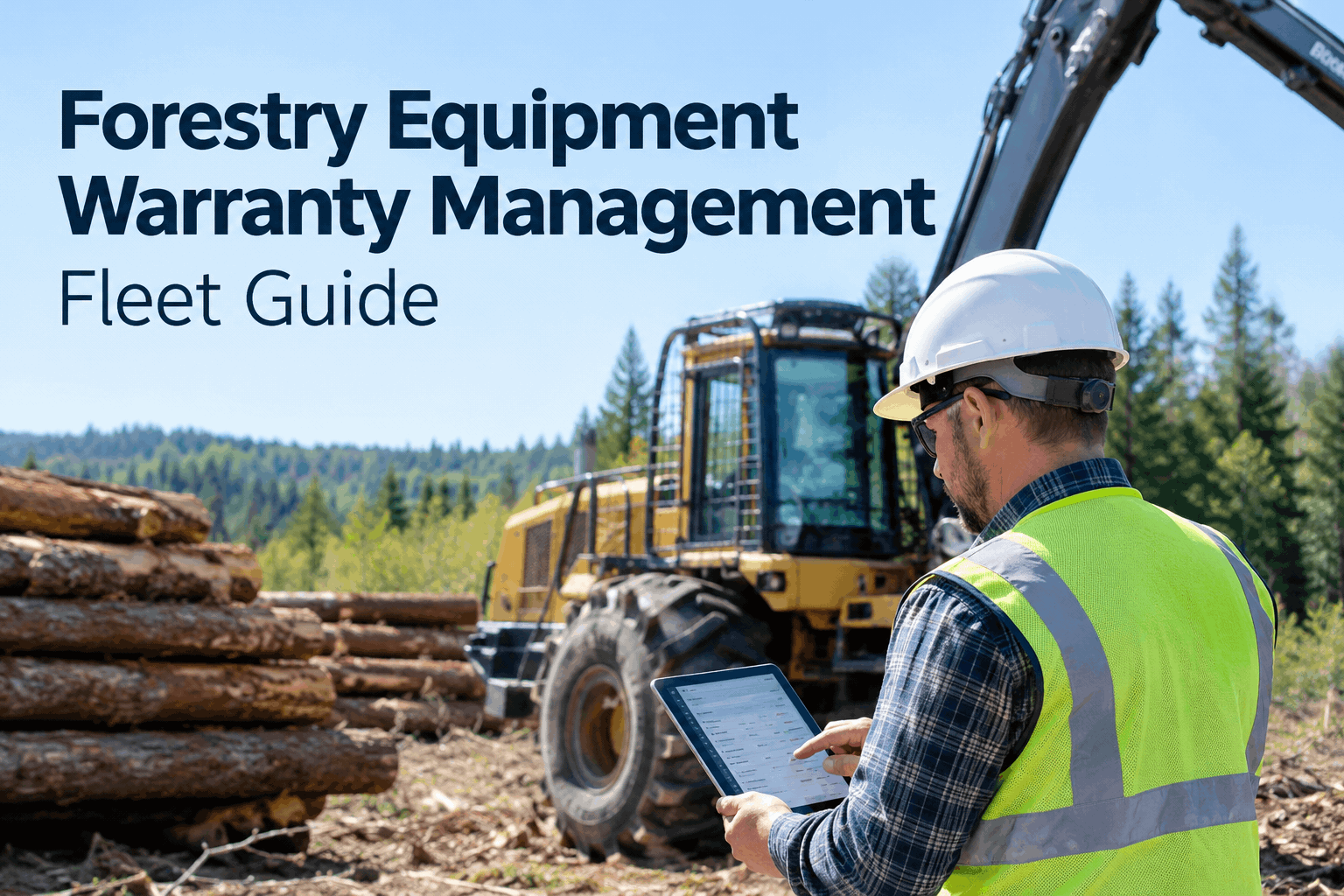
When a warranty claim, an insurance review or a buyer's due-diligence check asks for service history, a grease-stained logbook with gaps is worth nothing. Timestamped, photo-backed records are what hold a machine's value and defend a claim.
HVI closes all four leaks: operators or telematics feed hours in daily, the record follows the machine to any site, parts deduct automatically from the service truck location, and every task is timestamped with photos. Contractors who start logging hours and services free in HVI usually have their first auto-fired PM work order within the first week.
A DAY IN THE FIELD, DONE RIGHT
Forestry work order software: from hour meter to closed job in five steps
Hours come in
The operator enters the hour meter reading on the daily inspection from any phone, or hours sync automatically from your GPS or telematics feed. No texts, no paper.
The PM trigger fires
The buncher crosses 500 hours. HVI creates the work order automatically with the full task list: engine oil, hydraulic filters, coolant check, oil sample.
The mechanic gets notified
An app notification lands with every task, the machine's location, its service history and the parts list. The mechanic loads the truck once, with the right kit.
Parts deduct, costs log
Filters and oil are issued from the service truck inventory and auto-deduct. Labour hours and material cost post against the machine as the work happens.
The record closes, audit-ready
Photos of the old filters, the sample bottle number and the mechanic's sign-off attach to a timestamped record. Cost per hour for that unit updates instantly.
That whole loop runs without a single phone call to the office. If you want to walk through this workflow on your own units, the demo team will build your actual interval structure into the session.
Stop finding out about services from warning lights
Book a 30-minute demo and we will set up your 50 / 500 / 2,000-hour schedules live, on one of your real machines.
A WORKED EXAMPLE FROM THE LANDING
What one missed 500-hour service really costs a logging crew
Take a single feller buncher cutting in a remote block. It runs 10 production hours a day. The 500-hour service slips by 120 hours because nobody had current hours, and a starving hydraulic filter takes the pump with it.
| Cost item | Paper-and-memory way | HVI way |
|---|---|---|
| 500-hour service (oil, filters, coolant, labour) | Skipped — discovered at failure | ~$650, done on schedule at the landing |
| Hydraulic pump replacement | $6,000–$9,000 parts and labour | Avoided |
| Emergency lowboy to dealer and back | $1,500–$3,000 | Avoided — mechanic services on site |
| Lost production, 2 days at 10 hours | 20 machine-hours of stumpage value gone | 2 hours of planned downtime |
| Parts leakage (untracked truck stock) | Unknown — often 10–15% of parts spend | Every filter and litre logged to a unit |
Even if you only count the pump and the lowboy, one avoided failure pays for years of a forestry CMMS subscription. The contractors who get this value fastest are the ones who book a demo and load their real machines in week one rather than piloting on paper for a season.
HOW HVI HELPS
Built for the way logging maintenance actually happens
Four capabilities that map directly to the problems above — no modules you will never open.
Engine-hour and calendar PM triggers
Set 50, 500 and 2,000-hour intervals per machine or per model. The work order creates itself the moment the threshold hits — no whiteboard, no memory. Outcome: zero missed services across sites.
App notifications with full task detail
Your field mechanic gets the work order on any phone with the task list, machine location, service history and parts list attached. Outcome: one trip to the machine with the right kit, every time.
Parts and inventory with auto-deduction
Stock lives in locations — the shop, the conex, the service truck. Issuing a filter kit to a work order deducts it automatically and flags reorder levels. Outcome: the truck never runs dry of 500-hour kits mid-block.
Labour and material cost per machine
Every hour of labour and every litre of oil posts against the unit, so cost per operating hour is always current. Outcome: you know which machine is earning its keep and which one to sell first.
KEY TAKEAWAYS
Timber equipment maintenance, boiled down
Hours, not dates
Logging machines rack up 10 to 12 engine hours a shift in season. Any logging PM software that cannot trigger off engine hours will fail you in the first month.
The record must follow the machine
Machines move between blocks constantly. A central, cloud record per unit is the only way a new landing inherits the full service picture on day one.
The service truck is an inventory location
If parts come off the truck without hitting a work order, your cost-per-machine numbers are fiction and your stock is a guessing game.
One avoided failure pays for the system
A pump, a lowboy and two lost days dwarf the cost of a forestry CMMS. The ROI case is not subtle — it is one bad week you simply do not have.
You can sign up free and add your first machines today, or bring your interval sheet to a demo and watch it go live.
"I used to keep hours in a notebook in my truck and update a spreadsheet on Sunday nights. We burned a final drive on a skidder that was 90 hours past service because it moved landings and I lost track. Now the work order shows up on my phone before the interval even hits, and the filters come off my truck against the job. The number I watch is cost per hour per machine — it dropped about 18% the first season, mostly because we stopped guessing."
FREQUENTLY ASKED QUESTIONS
Forestry CMMS questions, answered straight
How does forestry CMMS software track engine hours when machines move between sites?
Can HVI trigger a work order automatically at a 500-hour service interval?
How do I track parts that come off a field service truck?
Does it work with no cell coverage at the landing?
How long does it take to get a logging fleet set up?
Your next 500-hour service is already counting down
Put your fleet on engine-hour PM triggers before the next block starts. See it on your own machines in a 30-minute demo, or start free and build your first schedule today.
Free to start - Works on any phone - No card needed