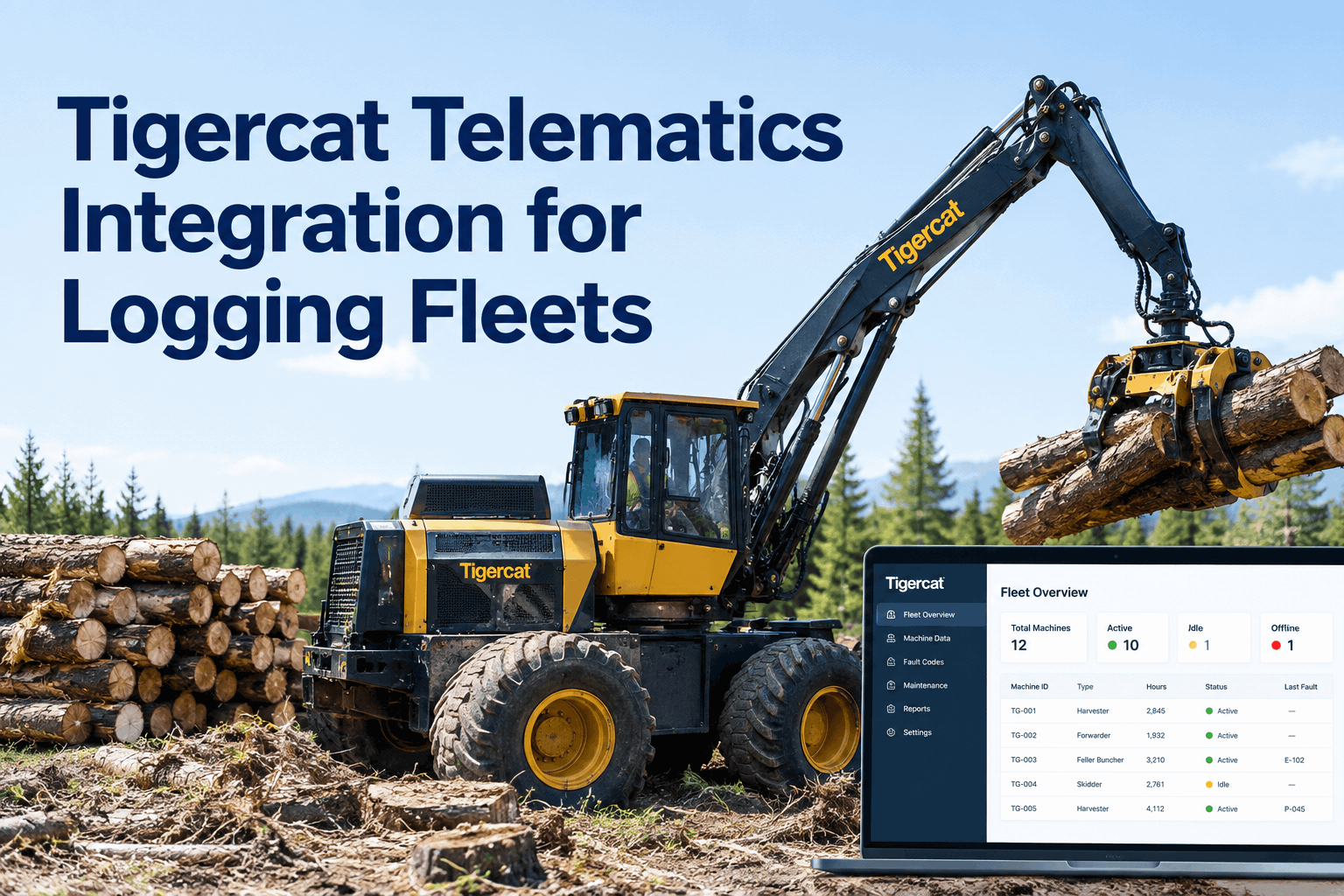
Your Tigercat feller buncher just logged its 6,000th hour out at the back block, and nobody on the crew noticed until the service light came on. The data was there the whole time — sitting in RemoteLog, in a portal nobody opens between shifts. A tigercat telematics integration closes that gap by pulling machine hours and fault codes straight into your maintenance workflow, so a reading on the machine becomes a scheduled service before it becomes a breakdown. Book a demo to see your Tigercat hours fire a work order.
Machine hours, fault codes, fuel and activity from your harvesters, feller bunchers, skidders and forwarders — ingested into one maintenance system that plans the service, not just shows the number.
Tigercat already captures the data. The problem for most logging contractors is that it lives in one portal, the maintenance records live in a notebook or a spreadsheet, and nobody is connecting the two at 5am before the machines walk to the landing. Here is how a proper tigercat telematics integration turns that scattered data into a maintenance system that actually moves.
How Tigercat telematics integration worksmachine → data → action: how RemoteLog data becomes a maintenance workflow
RemoteLog reads your machine's data bus and sends it over satellite, even from blocks well out of cell range. Explore how HVI's integrations layer picks that feed up through the ISO 15143-3 (AEMP 2.0) Web API and turns each data type into a specific action in your workflow.
Machine captures
RemoteLog's in-cab module reads the data bus — hours, fault codes, fuel, activity timeline.
Satellite sends
Data uploads automatically from remote landings over satellite — no crew data entry needed.
HVI ingests
HVI reads the AEMP 2.0 feed and maps each machine to its record, meter and PM schedule.
Workflow acts
Hours fire PM work orders, fault codes open jobs, and defects log against the right unit.
The difference is subtle but it is the whole point: the OEM portal tells you what the machine did. The integration makes the machine's data do something inside your maintenance operation without anyone re-keying it.
What Tigercat machine data HVI tracksthe 5 RemoteLog data streams, and what HVI does with each
RemoteLog tracks five core data streams. On its own, each is a number on a screen. Fed into a See how meter-based preventive maintenance engine, each one triggers a concrete maintenance move.
Engine-hour meter reading per unit.
Fault codes and critical machine warnings off the bus.
Fuel level and consumption per machine.
Idle, operating, shutdown and refuel states.
Mechanical performance parameters and location.
Tigercat uses the ISO 15143-3 (AEMP 2.0) standard, the same API John Deere, Komatsu and other OEMs expose — so a mixed-brand logging fleet lands in one system instead of five portals. Book a demo to see your mixed fleet in one dashboard.
RemoteLog portal vs a connected maintenance workflowwhy a connected feed beats a dealer login nobody checks
Every Tigercat machine can show you its own data. The question for a fleet maintenance manager is whether that data ever becomes a repair on time. Here is the same fault on a skidder, handled two ways.
- Fault logs in RemoteLog — nobody opens the portal until Friday
- Hours tracked by hand, so a 500-hr service slips past by 60 hours
- Hydraulic temp climbs → hose lets go mid-block → lowboy to the dealer
- Two shifts of lost stumpage while the crew waits
- Fault code opens a work order against the skidder the moment it fires
- Meter crosses 500 hrs → PM fires with parts and checklist attached
- Mechanic services on site during a planned window, not an emergency
- Machine stays on the landing; production keeps moving
In remote forestry work, unplanned downtime runs far higher than most contractors admit — one Pacific Northwest operation documented downtime at 28% of available hours before connecting its fleet to an integrated PM-plus-telematics platform. The data was always there; the workflow was the missing piece. Book a demo to see a fault code become a planned repair.
Tigercat telematics integration checklistwhat to have in hand before you connect your logging fleet
You do not need an IT team for this. Run through the checklist below with your dealer and your foreman, and a tigercat telematics integration is a short job, not a project. Book a demo to walk the setup with our team.
Tick these off and the feed does the rest — hours and faults start flowing without anyone re-typing a number. Sign up free and load your Tigercat fleet.
A forestry fleet manager on Tigercat machine datafrom the shop floor: connecting the RemoteLog feed to HVI
We ran RemoteLog for two years and I'd be honest — I checked the portal maybe once a week, usually after something already broke. Once the feed went into our maintenance system, the hours just show up and the service fires itself. The win I didn't expect was fault codes: a skidder flagged a hydraulic temp warning on a Tuesday morning and we had the hose done at the landing Wednesday instead of towing it out the next week. That's a whole brand of headache gone.
What Tigercat telematics integration savesthe three costs a connected feed actually protects
The reason to connect isn't the dashboard — it's what the dashboard prevents. For a logging contractor running 10 to 12 engine hours a shift in season, three costs move the moment the data starts flowing. Book a demo to see the uptime math on your fleet.
This integration page is about OEM machine data; if you want the broader picture of running a logging fleet on HVI, Read our forestry CMMS guide for logging fleets — it covers the hour-based PM ladder and field work orders in depth, separate from the Tigercat data feed described here.
Tigercat telematics integration FAQsthe questions logging contractors ask first
Does HVI connect directly to Tigercat RemoteLog?
Yes. RemoteLog exposes machine data through the ISO 15143-3 (AEMP 2.0) Web API, and HVI ingests that feed to map hours, fault codes and fuel to each unit's record. You confirm API access with your Tigercat dealer, and the feed flows automatically from there.
What Tigercat machines does this cover?
Any Tigercat unit running RemoteLog — feller bunchers, harvesters, skidders, forwarders, loaders and processors. RemoteLog ships factory-fit on current machines, and a dealer retrofit kit is often available for older units. If it reports to RemoteLog, HVI can read it.
Will it work on a mixed-brand logging fleet?
Yes. Because Tigercat, John Deere, Komatsu and others all use the AEMP 2.0 standard, HVI pulls a mixed fleet into one dashboard. You manage hours, faults and PM for every machine in one place instead of logging into a separate OEM portal for each brand.
What happens to machine hours tracking out of cell range?
RemoteLog uploads over satellite, so hours and fault data keep flowing from remote blocks with no cell signal. HVI receives the readings whenever the feed syncs, and your meter-based PM schedules stay accurate without the crew entering anything by hand.
Do operators still need to run daily inspections?
Yes — telematics catches what the machine reports, not what an operator sees. HVI's daily operator reporting (DVIR) captures visual defects like a frayed cable or a weeping hose, and pairs them with the machine data so one record covers both sides of the story.
Connect your Tigercat fleet to a maintenance system that acts
Stop opening a portal to find out a service slipped. Let RemoteLog feed the hours and let HVI schedule the repair, raise the work order, and keep the record that follows every machine.
- OEM telematics ingest via AEMP 2.0
- Hour-based PM auto work orders
- Fault code → job, parts attached
- Offline-capable field DVIR