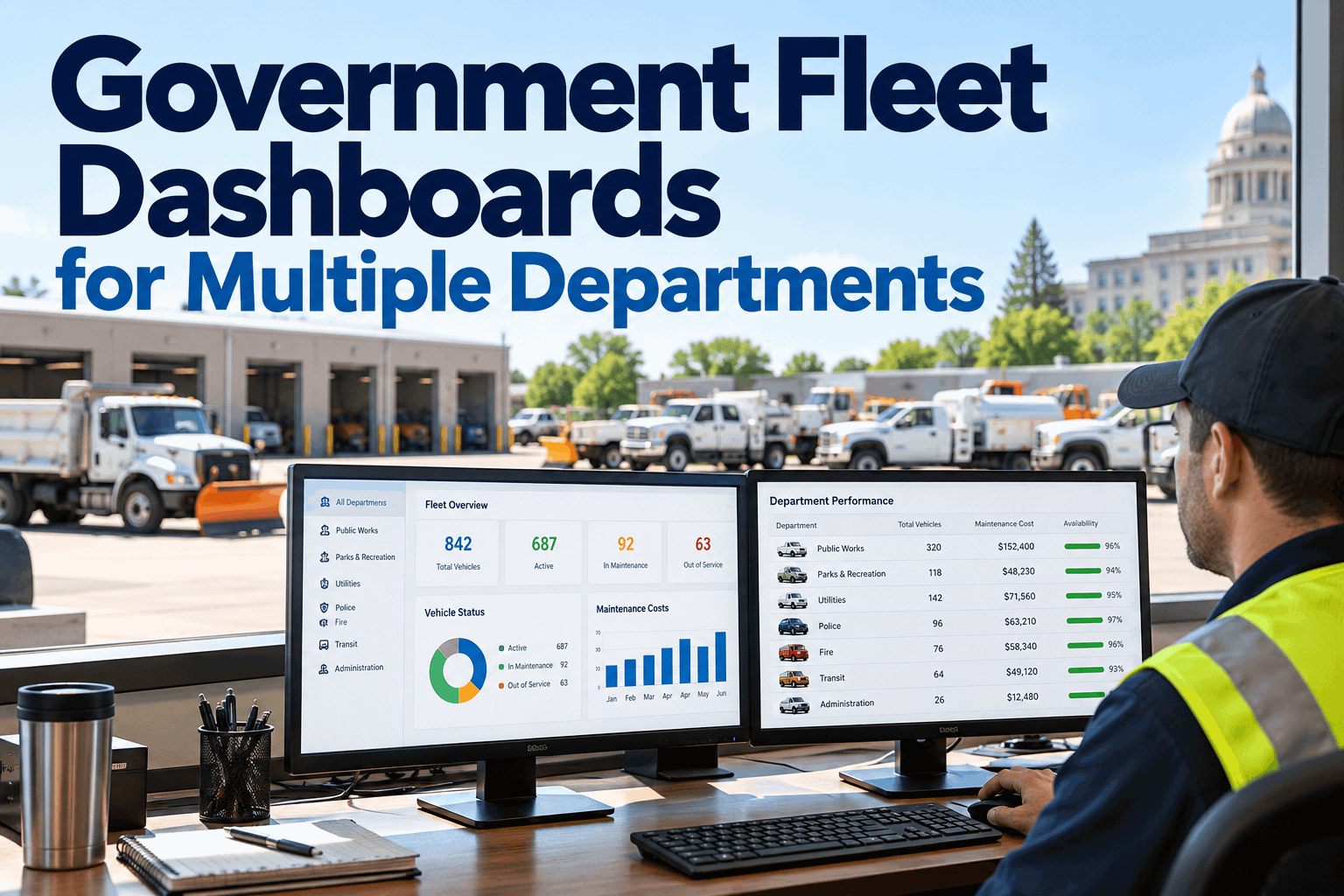
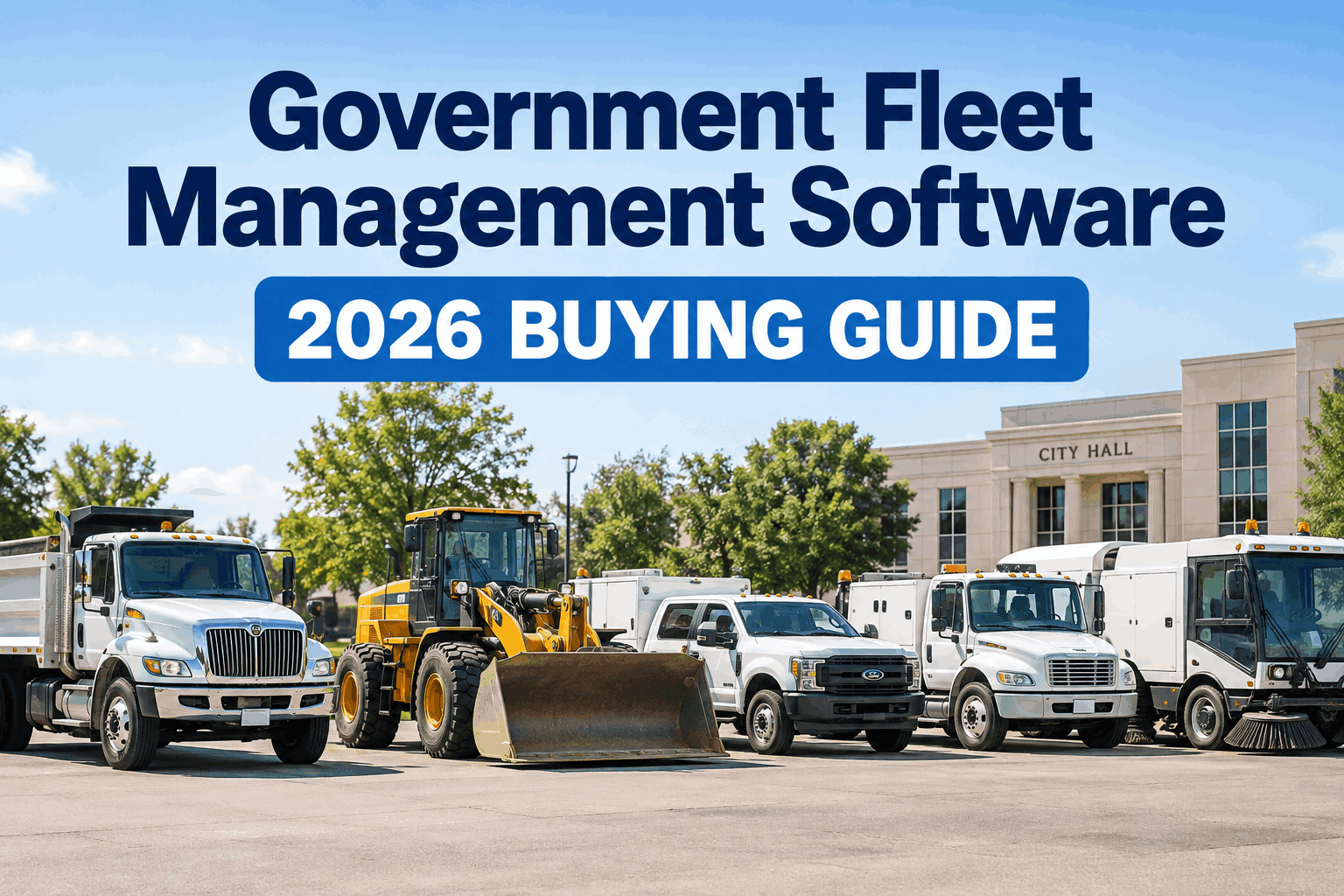
Picture the Tuesday budget meeting: the Sheriff's fleet coordinator wants two new patrol units approved, Public Works is asking why the grader has been down for three weeks, Parks needs mower engines before mowing season starts, and Health & Human Services wants to know why their van missed a client transport. Five different missions, five different maintenance habits, and one Fleet Director trying to answer all of it from three spreadsheets and a filing cabinet. That's the real problem county fleet management software has to solve — not just tracking vehicles, but giving a dozen departments with completely different jobs one shared system without erasing what makes each of their operations unique. Book a demo to see how a county fleet runs on one dashboard without losing department-level control.
Same fleet system, different view for every department
Tap a department to see what their fleet actually looks like — and what a shared dashboard needs to get right for each one.
Patrol cars and K9 units rack up mileage fast and can't sit waiting on a mechanic's schedule — a unit down is a shift short-staffed. Sheriff's fleets need same-day repair visibility and preventive maintenance triggered by mileage, since these vehicles hit service intervals in weeks, not months.
Dump trucks, graders, plows and mowers run on engine hours as much as mileage, and demand spikes hard in storm season. Roads crews need PM scheduling that triggers on hours, not just odometer, plus enough lead time on parts that a plow isn't down the week it's needed most.
Mowers, utility carts and trailers barely touch a public road but log heavy hours in-season. Parks crews need low-mileage equipment tracked on run-time and calendar service dates, not the same mileage-only rule that works fine for a sedan.
Ambulances and client-transport vans can't be "down until next week" — a missed transport is a missed appointment or worse. Health and EMS fleets need uptime visibility, quick relief-vehicle swaps, and inspection records that hold up if a transport is ever questioned.
Pool cars and admin vans see the lightest use of any department, which is exactly why they get forgotten — until an inspection lapses or a cost report can't explain where the vehicle even is. Facilities needs the same record-keeping, just on a lighter maintenance cadence.
Five departments, five maintenance rhythms — and one Fleet Director who still needs to see all of it in a single system. That's the actual design problem behind county fleet management software. Book a demo and see department-level views inside one dashboard
Most counties didn't set out to build five separate fleets — it happened by accretion, one department buying its own truck, its own tracking sheet, its own habits, over twenty years. The result is a county that owns hundreds of assets but can't answer a basic question fast: how many vehicles do we actually have, what's overdue for service, and what did each department really cost us this year. Centralized county fleet software isn't about taking control away from department heads. It's about giving the Fleet Director one accurate picture while every department keeps the visibility and accountability that's specific to their own operation.
Why one shared system beats five separate ones
A Sheriff's office, a roads crew, and a parks department were never going to run their vehicles the same way — and they shouldn't have to. The problem isn't that departments are different; it's that "different" usually means untracked. When each department keeps its own paper logs or its own spreadsheet, the county as a whole loses the ability to see patterns: which assets are quietly costing more than they're worth, which department is overdue on inspections, where a duplicate vehicle purchase could have been avoided by simply looking at what another department already owns.
departments kept moving by a single Fleet Operations division managing 1,100+ vehicles and equipment assets in Wake County, NC — logging over 14 million miles and 7,000+ repair orders in a year through one connected system.
of fleets now use dedicated maintenance software, yet many still juggle spreadsheets and paper forms alongside it, according to Fleetio's 2025 State of Fleet Management survey — a sign that adopting software isn't the same as centralizing it.
is roughly how much more a vehicle ten years or older can cost to operate per mile than a newer unit, per industry benchmarking widely cited in public-fleet trade publications — a gap that widens fast when each department replaces assets on its own schedule.
Internal Service Fund accounting is how most cost-effective government fleets already operate — every user department is charged for what it actually consumes, which only works if usage and cost data are captured accurately in the first place.
None of this means departments should lose their identity inside the system. A patrol vehicle and a mower were never going to be managed the same way, and county vehicle maintenance software that tries to force one generic workflow onto every asset type ends up serving nobody well. The goal is one source of truth with department-specific views layered on top of it — not one flattened process for every vehicle the county owns. Book a demo to see how those numbers look once every department feeds the same clean record.
What multi department fleet management actually needs to get right
When county leadership evaluates county fleet management software, the feature list usually looks the same on every vendor's site. The difference shows up in how well the platform handles the fact that one county fleet is really several fleets sharing a budget line. Four things matter more than anything else:
One dashboard, department-level permissions
The Fleet Director sees every asset across every department. A Roads supervisor sees only Roads' vehicles, work orders, and costs. Same underlying records, different windows into them — nobody has to dig through vehicles that aren't theirs to find the one that is.
Preventive maintenance on any trigger
A patrol car needs service on mileage. A grader needs it on engine hours. A mower needs it on the calendar between seasons. One rule for all three means someone's vehicle either gets serviced too early or, worse, too late. HVI's preventive maintenance scheduling lets each asset type run on whichever trigger actually fits it.
Cost tracking and chargeback by department
Fuel, parts, labor, and downtime should roll up to the department that actually used the asset, not into one pooled county fleet number nobody can explain line by line. That's what makes an internal service fund or chargeback rate defensible instead of a guess.
Inspection and compliance records that hold up
A FOIA request, an insurer's question, or an auditor's sample check doesn't wait for someone to find the right binder. Digital inspection and maintenance records tied to each asset mean the county can produce a complete history for any vehicle, from any department, in minutes.
Start a free trial and see how a mixed fleet — patrol cars, plows, mowers, and vans — sits inside one connected record without forcing every asset through the same maintenance rulebook.
Spreadsheets and side systems vs. one county dashboard
Almost every county fleet operation already has some kind of tracking in place — the question is whether it's one system or a patchwork of five. Here's what typically changes when a county moves from department-by-department spreadsheets to a shared platform:
| Siloed spreadsheets per department | Centralized county fleet dashboard | |
|---|---|---|
| Fleet visibility | County-wide totals require calling five department contacts | Fleet Director sees every asset, every department, in real time |
| Maintenance scheduling | Each department tracks service dates its own way, if at all | PM scheduled per asset by mileage, hours, or calendar |
| Cost allocation | Pooled fleet budget with no clear per-department breakdown | Cost and chargeback data rolled up by department automatically |
| Compliance & audit records | Paper logs and inconsistent formats across departments | Digital, date-stamped records pulled up per asset in seconds |
| Duplicate purchases | Departments buy independently, unaware of underused assets elsewhere | Shared asset visibility flags underused vehicles before new ones are ordered |
This is the practical case for county fleet software over a folder of spreadsheets: not that spreadsheets are lazy, but that five separate ones can never answer a county-wide question, and a county budget meeting is almost always a county-wide question. Review the analytics and reporting a shared dashboard makes possible before the next budget cycle puts you back in the same spot.
Rolling out centralized county fleet software without losing department control
The biggest hesitation county leadership has isn't whether centralizing fleet data is a good idea — it's whether Public Works will lose the flexibility they've built up over years, or whether the Sheriff's office will feel like an outside system is dictating how patrol vehicles get serviced. A rollout that respects that concern looks less like a mandate and more like a sequence:
This sequencing matters more than the software itself. A department that's asked to hand over its fleet records overnight will resist; a department that's shown its own dashboard, still under its own control, tends to adopt the system because it makes their own job easier first — the county-wide picture is a side effect, not the sales pitch to the crew doing the work. See the full rollout approach in our checklist center, or book a demo to walk through a phased rollout built around your county's own department order.
From a county fleet manager who unified five departments
Before we centralized, I could tell you what Public Works spent because I ran that shop myself, but Parks and Facilities were basically a mystery until year-end when their invoices showed up. When the board asked me to justify the total fleet budget, I was guessing at two of the five numbers.
We didn't rip anything out overnight — we brought Roads on first since they had the most equipment and the most to gain, got their preventive maintenance running on engine hours instead of a wall calendar, then added Parks, then Health transport, then Facilities last since their vehicles barely move. A year in, every department still logs in and only sees their own trucks, but I finally see all of it at once, and our chargeback numbers hold up when finance asks where they came from.
If your county board is asking the same cost questions Renee's did, book a demo and bring your hardest chargeback question with you.
County fleet management software FAQs
What is county fleet management software?
County fleet management software is a shared digital system that tracks every vehicle and piece of equipment a county owns — across departments like Sheriff, Roads, Parks, Health, and Facilities — in one connected record. Instead of each department keeping its own paper logs or spreadsheet, the software centralizes inspections, preventive maintenance scheduling, work orders, parts, and cost tracking, while still letting each department see and manage only its own assets through a scoped dashboard. The goal is a single source of truth for the Fleet Director and county leadership, without removing the day-to-day control individual departments need over their own vehicles.
How does multi department fleet management handle very different vehicle types?
Multi department fleet management works by scheduling preventive maintenance on whichever trigger actually fits each asset, rather than forcing every vehicle through the same rule. A patrol car or transport van is typically scheduled on mileage, since it accumulates road miles quickly. Heavy equipment like graders, plows, and dump trucks is usually scheduled on engine hours, since usage varies heavily by season and workload rather than distance driven. Seasonal equipment like mowers and utility carts often runs best on a calendar-based schedule tied to the season it operates in. A capable platform lets a county mix all three trigger types across its fleet in one system, so a Sheriff's patrol car and a Parks mower can each be maintained on the schedule that actually matches how they're used.
How does county fleet chargeback and cost allocation work?
Most cost-effective government fleet organizations operate on an internal service fund or similar chargeback model, where the fleet division is treated as a self-supporting internal service and every department that uses a vehicle is billed for the fuel, maintenance, labor, and replacement costs tied to that usage. For this to work accurately, the underlying data — mileage, fuel transactions, repair orders, downtime, and depreciation — needs to be captured per vehicle and rolled up to the correct department automatically, rather than estimated at year-end. Centralized county fleet software makes this practical by tying every cost record to both an asset and a department from the moment it's logged, so chargeback rates are built on real usage data instead of a rough split of the total fleet budget.
Can departments keep their own workflows inside a centralized county fleet system?
Yes — centralizing county fleet data doesn't require flattening every department into one identical workflow. A well-structured system gives the Fleet Director and county administration a county-wide view across every department's vehicles, while each department logs in to a scoped dashboard that shows only its own fleet, its own work orders, and its own cost reports. Roads can keep managing plows and graders on engine-hour schedules, the Sheriff's office can keep patrol car turnaround on its own timeline, and Parks can keep seasonal equipment on a calendar cadence — all inside the same underlying platform, just with different views and permissions layered on top.
How should a county roll out fleet software across multiple departments?
A phased rollout tends to work better than a county-wide switch-over on a single date. Most counties start with the department that has the most vehicles or the most to gain from better scheduling — often Roads or Public Works — get preventive maintenance and inspection records running cleanly there, then bring on the next department once the first is stable. Each department is onboarded with its own scoped dashboard so it retains visibility and control over its own fleet from day one, rather than feeling like its records were absorbed into a system it can't see into. Cost allocation and chargeback reporting are typically switched on last, once usage and maintenance data across departments is clean enough that the resulting cost reports hold up when reviewed by finance or the county board.
Give every department its own view — and give yourself the whole picture
That's the real test of county fleet management software: not how it looks in a demo, but whether the Sheriff, Roads, Parks, Health, and Facilities can all trust it on the same afternoon. HVI centralizes inspections, preventive maintenance, cost tracking, and compliance records in one system, while every department keeps a scoped dashboard built around how it actually works — preventive maintenance runs on mileage, hours, or calendar date per asset, and chargeback reporting is built on real usage data instead of a year-end guess.
No credit card · Department-level dashboards from day one · Built for mixed fleets, not just sedans