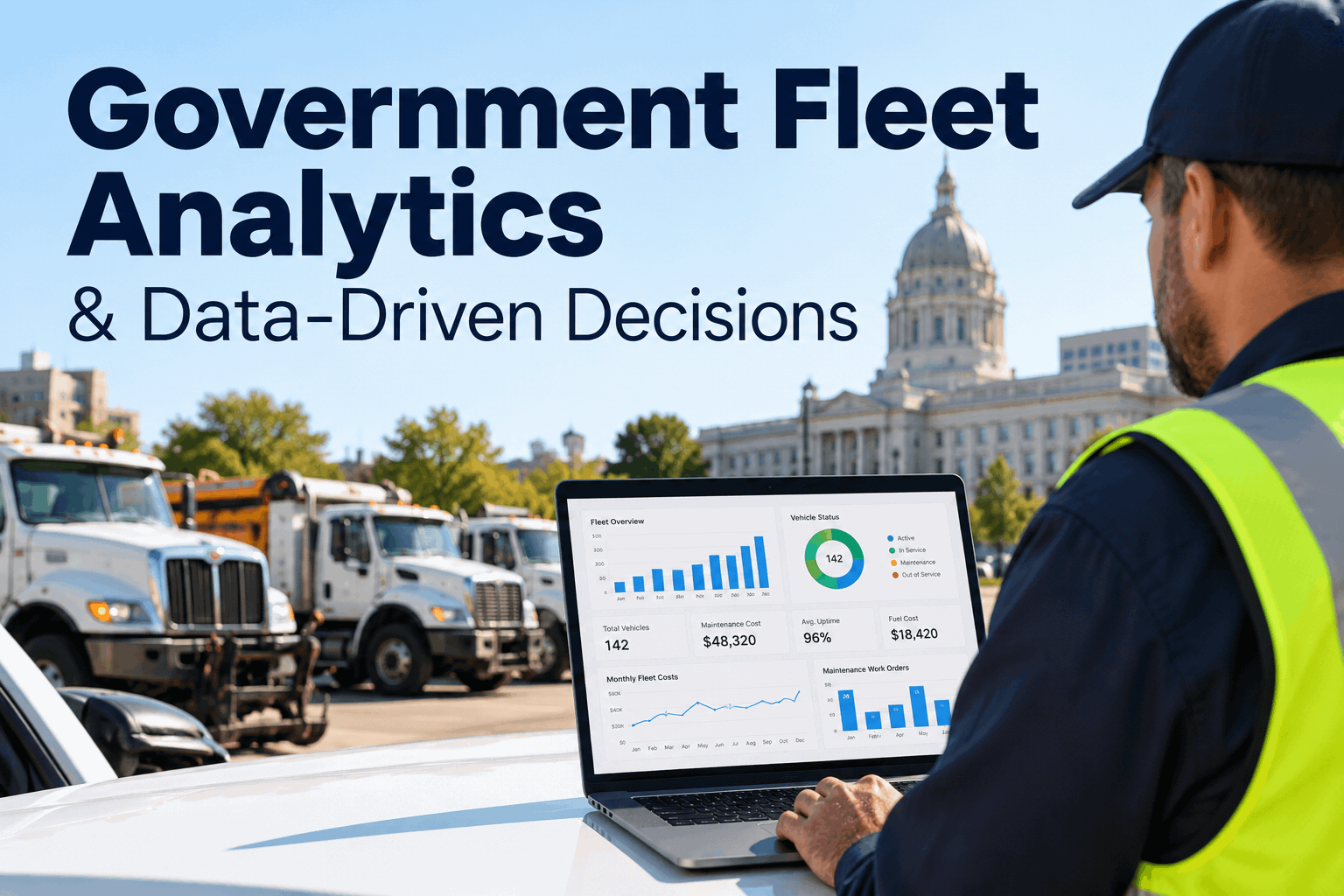
A government fleet dashboard is the thing every public works director wants and almost none of them have — not because the data is missing, but because it's scattered across four departments that each track vehicles their own way. Police keeps one spreadsheet, public works another, parks has a binder, sanitation runs on memory. So when the council asks what the fleet cost last quarter, the honest answer is "give me a week to reconcile it." Book a demo of a multi-department fleet dashboard and get that week back.
The Problem Isn't Missing Data. It's Four Spreadsheets That Never Agree.
Every department can tell you about its own vehicles. Nobody can tell you about the fleet. A government fleet dashboard is what turns four separate answers into one.
A government fleet dashboard isn't really a reporting tool — it's a reconciliation tool. The hard part of public fleet management isn't that the numbers don't exist; it's that they live in four or five places that never line up, so answering one simple question about the whole fleet means a human stitching formats together by hand. Below: why the data splits apart, the reveal of what one consolidated screen actually looks like, the handful of metrics worth showing, why one dashboard needs several lenses, and how to bring it together.
Why Government Fleet Data Splits Into Silosnobody planned it — every department just solved its own problem
No municipality decides to fragment its fleet data. Each department bought or built its own way of tracking vehicles years apart, and nothing was ever meant to add up across them. The result is predictable.
Police logs by unit number, public works by asset tag, parks by nickname. The same truck exists under three identities, so a fleet-wide roll-up has nothing common to roll up on.
Unit 44PW-0112"the green one"One sheet is current to this morning, another to last spring, a third to whenever the last person who owned it left. There's no shared "as of," so the numbers can't honestly be added.
"What did the whole fleet cost, and which department is driving it?" belongs to no single spreadsheet — so it becomes a person's week, every quarter, forever.
The fleet technically has all its data and practically has none of it. Consolidation does the reconciliation once, continuously — the same challenge behind multi-department county fleet management. Book a demo to see the four merged into one.
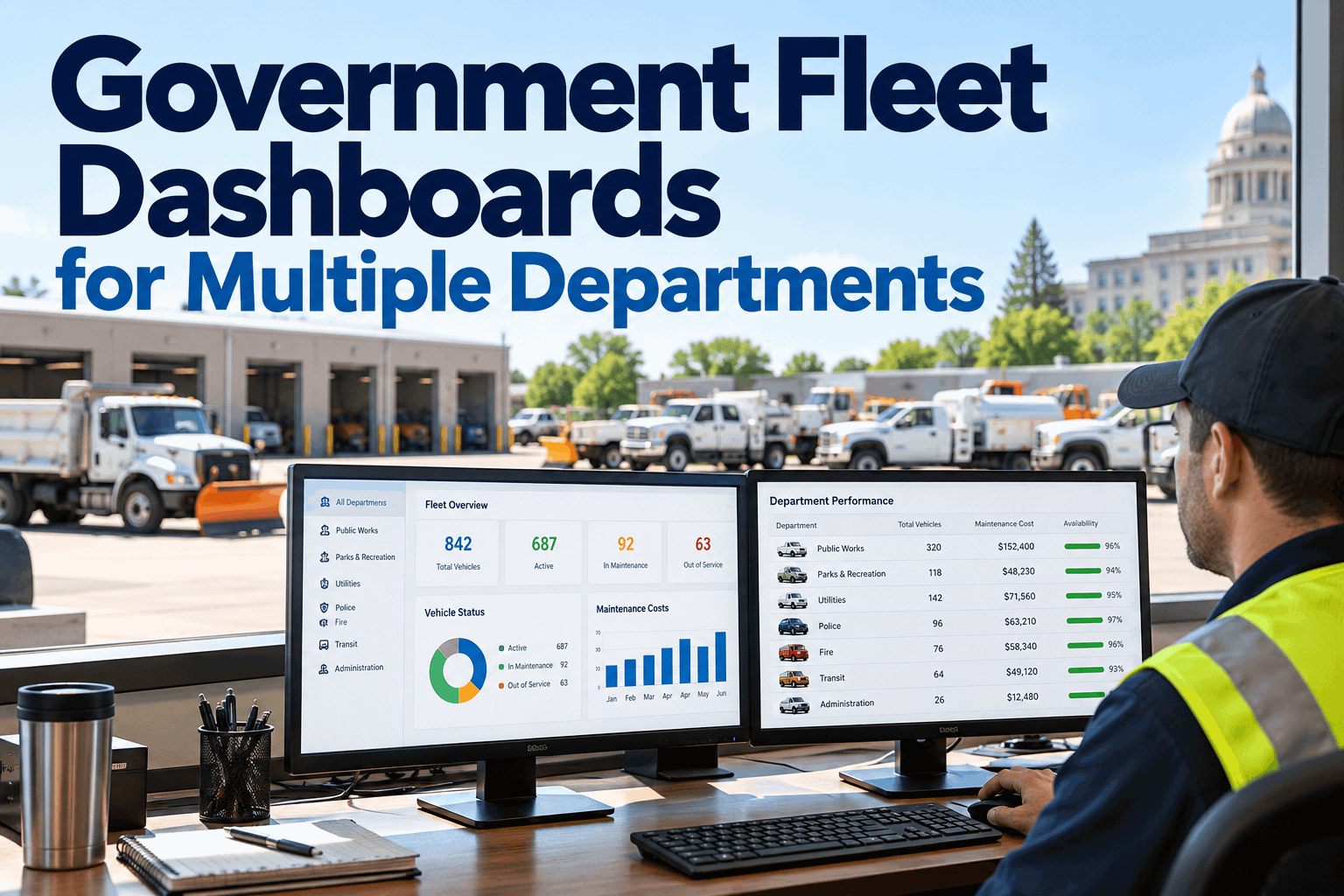
Four Spreadsheets In. One Screen Out.
Every department normalized to the same metrics, reconciled automatically — the view the budget meeting actually needs.
What a Government Fleet Dashboard Should Showfour metrics that answer the questions you actually get asked
A dashboard earns its screen only if it answers what a council, a finance officer, or an auditor actually asks. Four numbers do that; the rest is clutter.
The share of the fleet ready to work — the number that answers "why was a truck down for three weeks" before it's asked in public.
What the fleet costs to run, sliced by department — the figure a budget request has to rest on, defensible rather than guessed.
How much preventive maintenance is happening on schedule — the leading indicator of next year's downtime and repair bills.
What's open, what's overdue, where the shop is behind — the operational pulse that keeps small problems from becoming headlines.
What's deliberately missing: vanity metrics. A government fleet dashboard earns trust by showing the few numbers a decision turns on — the discipline behind a well-built fleet management dashboard and analytics. Sign up free and build yours around these four.
Department Drill-Down in One Dashboardthe fleet-wide number, broken out where the cost actually sits
Fleet-wide totals start the conversation; the department breakdown finishes it. A good dashboard goes from "the city's PM compliance is 87%" to "sanitation is dragging it down" without opening another file. Swipe the table on mobile.
| Department | Assets | Uptime | Cost / mile | PM compliance | Open WOs |
|---|---|---|---|---|---|
| Police | 118 | 94% | $0.52 | 91% | 3 |
| Public works | 146 | 89% | $0.64 | 85% | 6 |
| Parks | 72 | 92% | $0.49 | 90% | 2 |
| Sanitation | 76 | 83% | $0.71 | 78% | 3 |
| Fleet total | 412 | 91% | $0.58 | 87% | 14 |
In one table the story is obvious: sanitation runs the oldest, hardest-used trucks, carrying the lowest uptime and highest cost per mile — so that's where the next maintenance dollar should go. No reconciliation, just the fleet number and the department behind it.
One Dashboard, Three Sets of Eyeswhy role-based views beat one giant report
The same government fleet dashboard answers three different jobs. The trick isn't more data — it's showing each person the slice their decision needs, nothing else.
"Is the fleet healthy, and where's the risk?"
"What does it cost, and is it justified?"
"What needs attention today?"
Same live data, three lenses — nobody drowns in a report built for someone else's question. Book a demo of the role-based views for your team.
Government Fleet Dashboard Readiness Checklistwhat to have in place before you consolidate
Consolidating onto one dashboard goes smoothly when these are true. Tick what already fits — the rest is what the rollout sorts out.
- Every department's assets listed with VINs and meters
- Agreement on common metrics across departments
- One owner for the consolidated fleet data
- Uptime, cost/mile, PM compliance, WO status defined
- Reporting formats auditors and council expect known
- Vanity metrics deliberately left off
- Role-based views mapped to director, finance, shop
- Who can see and edit each department set
- A first department picked to prove it
Most of this already sits in your departments — it just needs one place to land. Book a demo to turn this into a rollout plan.
A Public Works Director on Fleet Dashboardswhat changed when the departments agreed on one screen
For years, prepping for the annual budget meant a week of chasing four departments for numbers that never quite matched. The first time I walked in with one dashboard — the whole city fleet, every department, live — the conversation completely changed. Instead of defending my data I was answering questions with it. We found out sanitation was quietly eating a third of our repair budget on trucks we should have replaced. You don't see that until it's all on one screen.
Put your whole fleet on one government fleet dashboard
HVI consolidates police, public works, parks and sanitation into a single dashboard — uptime, cost, PM compliance and work orders, with role-based views for directors, finance and the shop. Reconciled automatically, live in under two weeks, no hardware.
No credit card · No hardware · Consolidated dashboard ready on day one
Government fleet dashboard — common questions
What is a government fleet dashboard?
It's a single screen that consolidates a public fleet's data — maintenance, cost, uptime, compliance — across every department into one reconciled view. For government fleets the real value is answering budget, audit and council questions from one live source instead of stitching together each department's separate spreadsheet.
What KPIs should a government fleet dashboard track?
The four that decisions turn on: fleet uptime and availability, cost per mile or per asset (sliced by department), preventive-maintenance compliance, and work-order and backlog status. These answer the questions a council, finance officer, or auditor actually asks — vanity metrics just clutter the screen.
How does a dashboard handle multiple departments?
By normalizing each department's data to the same metrics and reconciling it automatically, so you see one fleet-wide number and can drill into the department behind it. Police, public works, parks and sanitation stay separable, but they finally add up — no manual stitching of four formats.
Why use role-based dashboard views?
Because a director, a finance officer, and a maintenance lead ask different questions of the same data. Role-based views show each one the slice their decision needs — fleet health, cost justification, or today's work list — instead of forcing everyone through one giant report built for someone else.
How does HVI provide a government fleet dashboard?
HVI aggregates maintenance, cost, utilization and compliance across departments into fleet and executive dashboards, with reporting and analytics built in. It's designed to consolidate a multi-department public fleet onto one screen and scale department by department, within a government's own rollout pace.