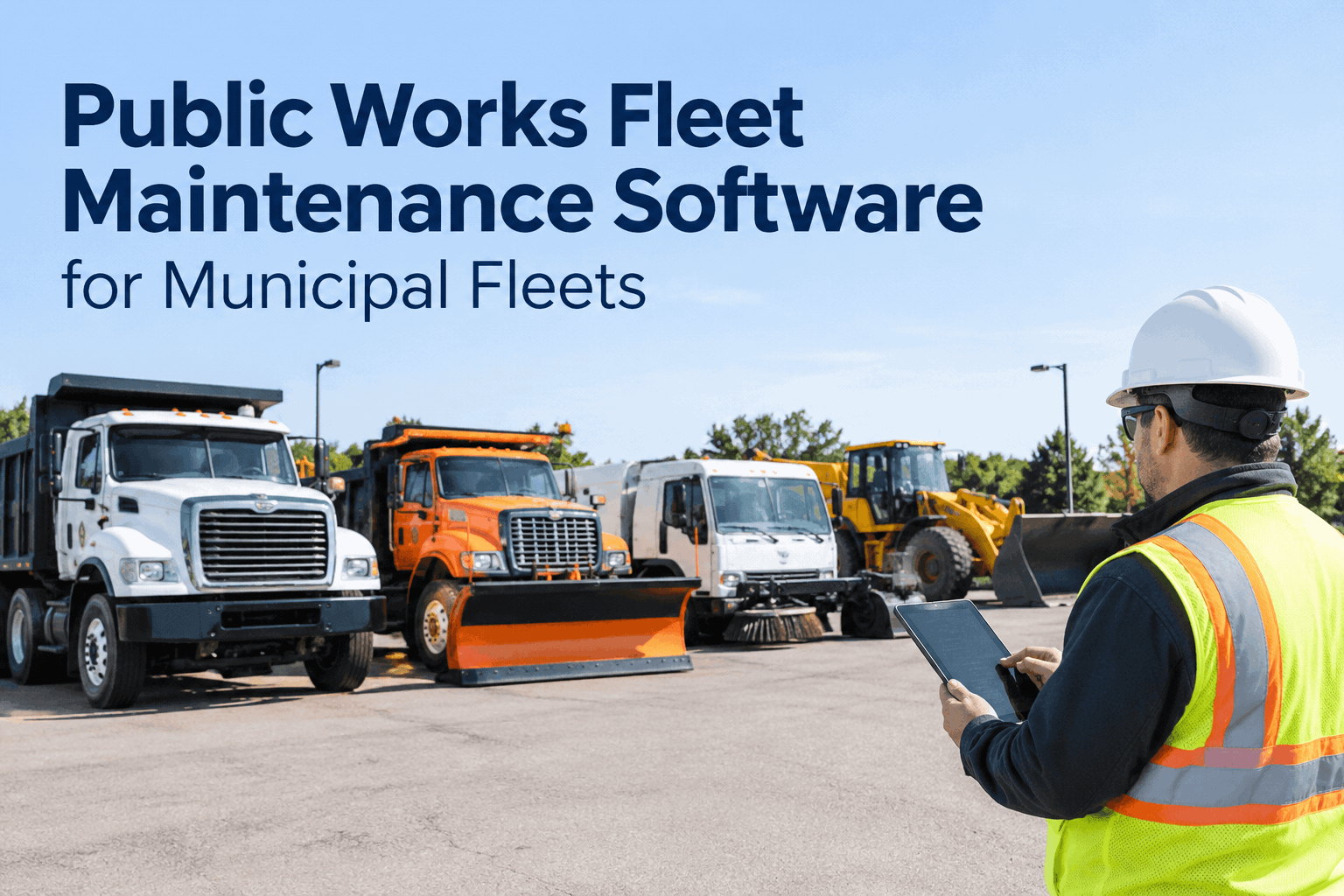
A public works fleet is the hardest kind to maintain: plow trucks, dump trucks, loaders, street sweepers and refuse packers, each wearing on a different clock, split across departments, tracked on a spreadsheet nobody fully trusts. When it's time to replace that spreadsheet, the question isn't whether you need public works fleet maintenance software — it's how to pick one that actually fits a mixed municipal fleet and survives an audit. This is the evaluation guide for that decision. Book a demo to see it against your checklist.
Public Works Fleet Maintenance Software: What to Require Before You Choose
One platform for inspections, preventive maintenance, work orders and cost across every asset class — here's how to evaluate it, what to require, and the questions to ask before you buy.
Most municipal fleets don't fail because nobody cares — they fail because the information is scattered. The PM calendar is in one place, the inspections in another, the repair history in a tech's memory, and the cost in an invoice pile. Choosing public works fleet maintenance software is really choosing to put all of that in one record per asset. The trick is knowing what to require so the tool you pick actually does it.
It has to fit every asset you runwhy public works fleet maintenance software can't be a one-vehicle tool
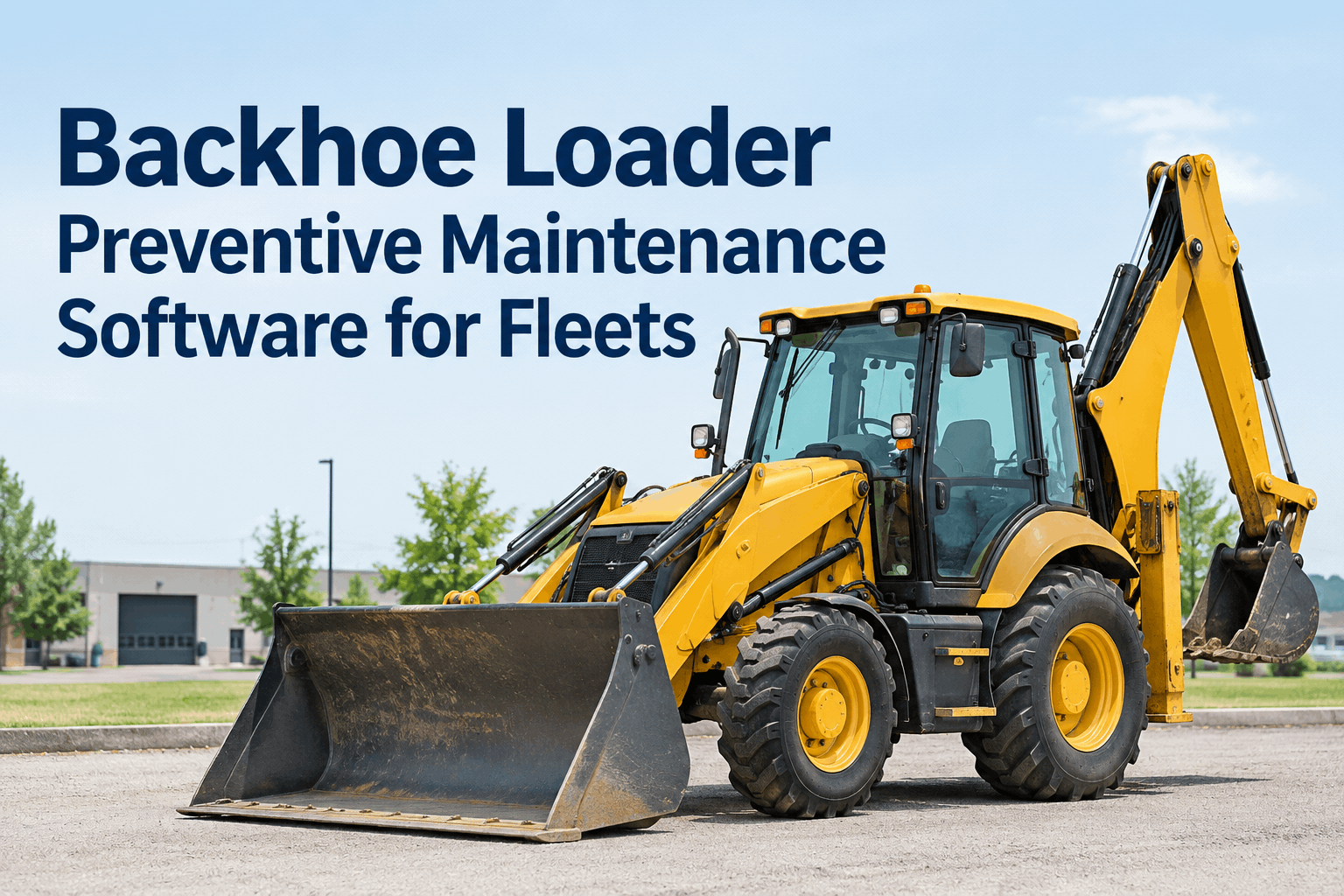
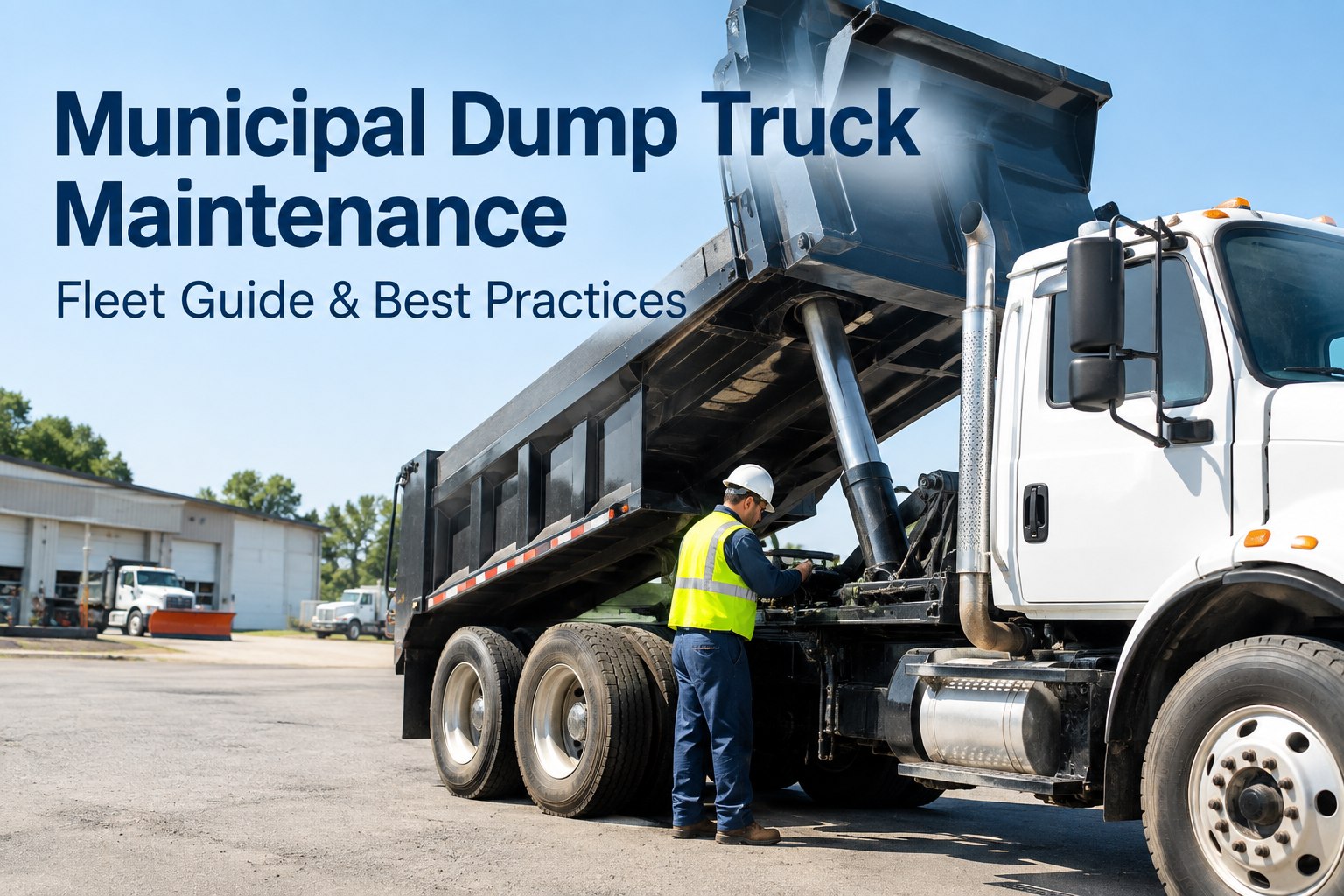
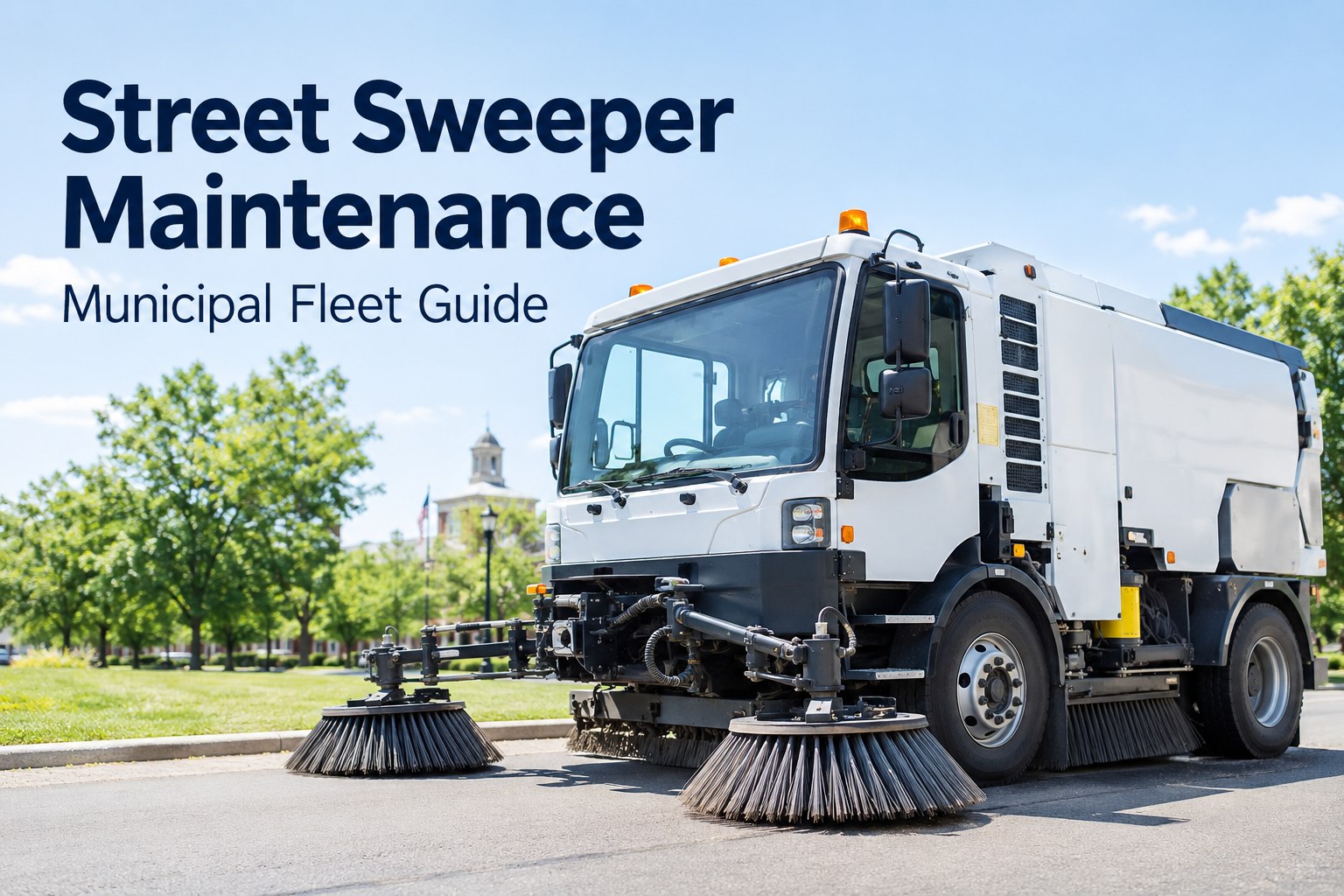
A DPW fleet isn't a row of identical trucks. It's a plow that runs on hours, a dump truck that runs on miles, a loader greased by the shift, and a sweeper with its own wear system. The first requirement is simple: the software has to handle all of them in one place, each on its own schedule.
The engine that lets each asset run on its own clock is the thing to test first — our guide to how multi-trigger PM works across a DPW fleet walks through the logic. Book a demo on your own asset mix.
One record, not five toolsthe connected workflow a municipal fleet platform has to close
The value of a real platform over a spreadsheet isn't a prettier calendar — it's that the inspection, the defect, the work order, the parts and the cost all attach to the same asset and flow in one line. When you evaluate, trace a single defect end to end and watch for where it falls out of the system.
If any step lives in a separate tool, you're back to re-keying and lost history — the exact gap a connected maintenance management workflow closes. Book a demo and trace a defect end to end.
The evaluation checklistwhat to require from public works fleet maintenance software before you commit
Run any shortlist against this. These are the capabilities a municipal fleet actually needs to live on — the ones that separate a tool a DPW can standardize on from a digital form that leaves half the work on paper.
If a tool can't check most of these, it won't replace the spreadsheet — it'll sit next to it. HVI does all of them in one platform; the broader practice side is covered in our municipal fleet maintenance best practices for DPW teams. Start a free trial and run the checklist live.
What to ask on the demothe questions that separate municipal fleet software that fits from software that doesn't
A good demo answers the questions a spreadsheet never could. Bring these — they cut past the feature tour and show whether the tool fits a real public works operation.
Can one asset run on hours while another runs on miles, in the same fleet view?
What happens to a defect from the moment an operator flags it — show me the whole path to closed.
Can I see cost by unit and by department, and pull it for an audit in a few clicks?
How does a tech in the garage and a manager at a desk see the same unit differently?
How long does it take to get our assets and histories in — and what do we do with the old spreadsheet?
Does it work offline in the field and sync when the signal comes back?
Ask the same six of every vendor and the right fit becomes obvious fast. You can also start with the municipal fleet inspection software side and expand from there. Book a demo and bring these questions.
Off the spreadsheet in two weekswhat going live on public works fleet maintenance software actually takes
The fear with any new system is a six-month rollout nobody has time for. For a municipal fleet it doesn't have to be — the move off a spreadsheet is a short, staged path, not a project.
No hardware, templates ready for common public works assets, and the spreadsheet retired once the team trusts the live record. Book a demo to map your own two-week path.
The view you're buyingwhat a public works fleet looks like inside the platform
What you're really evaluating is this screen: every asset, its next service, open defects and cost — the single view that replaces the spreadsheet, the paper and the phone calls between departments.
When a council asks where the budget went or a director asks what's down, you read the board and the analytics and reporting dashboard behind it, built on HVI's digital inspection system. Book a demo on your own fleet.
From a DPW that moved off the spreadsheet
We'd outgrown the spreadsheet years before we admitted it — plows, dumps, loaders and sweepers all on one tab, PM dates I updated by hand, and no real idea what any unit actually cost us. When we evaluated software I made every vendor trace a defect from the operator's phone to a closed work order; most couldn't do it cleanly. The one that could went live in two weeks, and the first time the council asked about the repair budget, I pulled it by department in a minute instead of a week.
Public works fleet maintenance software FAQs
What is public works fleet maintenance software?
How is it different from a general fleet management tool?
Can it schedule by both mileage and operating hours?
Can we track cost and prove it for audits and council?
How long does it take to get off our spreadsheet?
Choose the software your whole fleet can live on
Public works fleet maintenance software should put every asset, inspection, work order and cost in one place a DPW can standardize on. Run the checklist, bring the questions, and move off the spreadsheet for good.
- Every asset class, one platform
- Mileage, hour & calendar scheduling
- Defect-to-work-order in one tap
- Cost by unit & department for audits