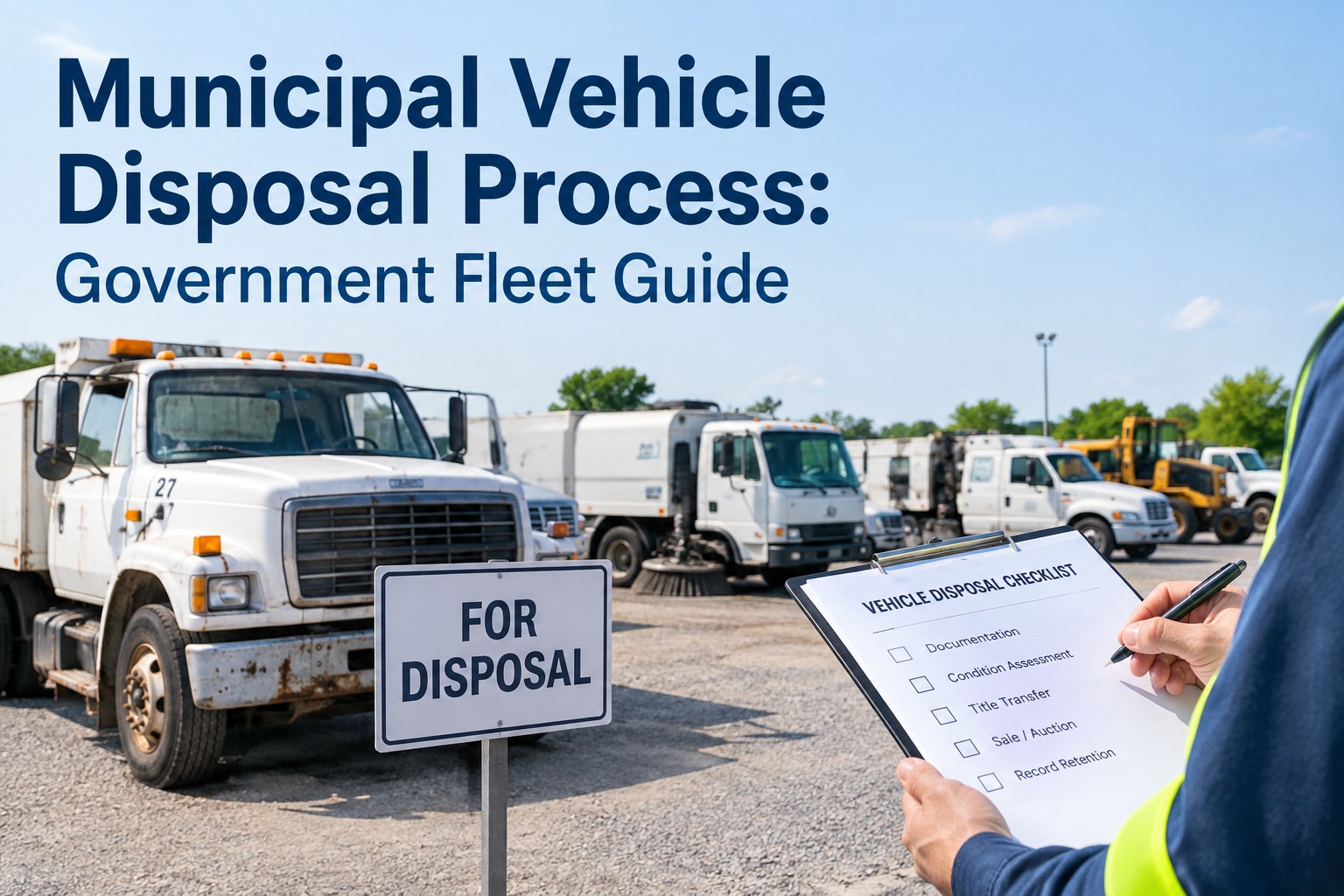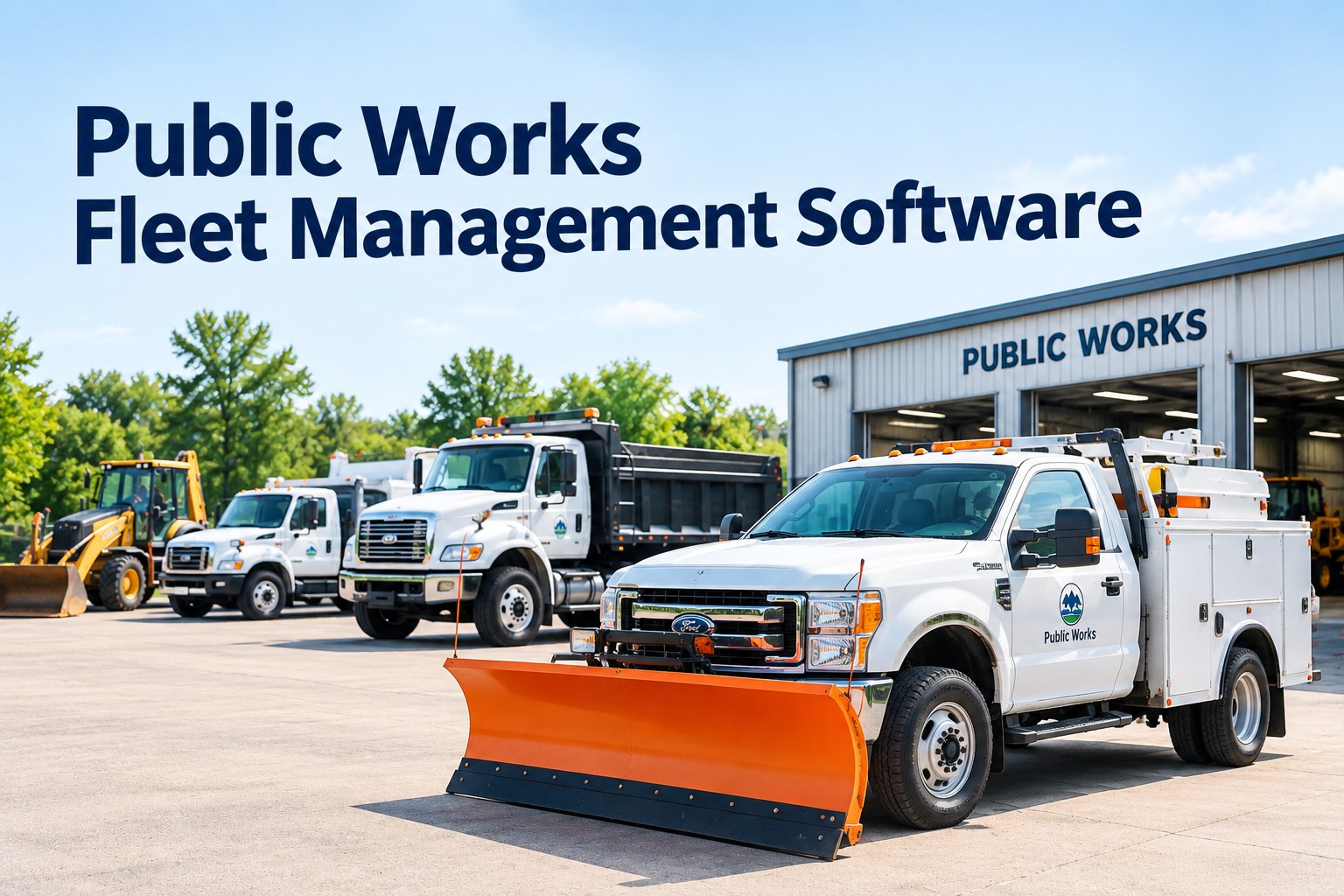
The reason public works fleets are so hard to keep on schedule isn't the number of vehicles — it's that no two asset classes wear the same way. A plow truck ages by the mile, a loader ages by the engine hour, a spreader ages by the season, and a street striper ages by how much it's used. Pick one maintenance trigger for that whole fleet and you're guaranteed to over-service half of it and run the other half to failure. That trigger problem is the real challenge public works fleet management software has to solve. This guide is about getting the trigger right for every asset class — and putting them all on one dashboard. Book a demo to see the municipal fleet dashboard.
A single maintenance trigger can't fit a mixed public works fleet
Most fleet software was built around one trigger: the odometer. That works for a fleet of identical trucks. It falls apart the moment you add a loader that barely moves but runs eight hours a day, or a spreader that sits nine months then works flat-out for three. The public works garage holds all of these at once — and each one needs a different clock.
Getting this right is less about the software's feature list and more about matching each asset class to the trigger that actually reflects how it wears. Below is the trigger matrix for a typical public works fleet, why the "whichever comes first" rule matters, how the seasonal cycle layers on top, and how one dashboard holds every trigger without a spreadsheet per department.
The trigger matrix: which clock runs which asset
Start by sorting the fleet not by what each asset does, but by what drives its wear. Once you see it laid out, the "one schedule for everything" approach looks obviously broken — because the right trigger flips from column to column across the garage.
| Asset class | Primary trigger | Why |
|---|---|---|
| Plow & dump trucks | Mileage | Road-going, rack up highway miles — odometer tracks wear well |
| Loaders & backhoes | Engine hours | Move little, run hydraulics for hours — miles are meaningless |
| Street sweepers | Engine hours | Low road speed, high broom and engine time |
| Spreaders & plows (seasonal) | Calendar | Idle most of the year — pre-season service, not usage, drives readiness |
| Patchers & line stripers | Hours / usage | Usage-driven wear on pumps and application systems |
| Mowers & grounds equipment | Engine hours | Slow-moving, hour-metered — mileage doesn't apply |
| Trailers | Calendar | No engine — periodic structural and lighting checks |
| Utility vehicles & sedans | Mileage | Standard road use — odometer is the right measure |
Three different triggers across eight asset classes — and that's a modest DPW fleet. A department running 300-plus mixed assets across a dozen divisions is managing all three triggers simultaneously, which is exactly why a spreadsheet built around one column can't keep up. The fix isn't more discipline; it's a system that assigns the right trigger per asset class. Book a demo to see per-class trigger templates
Why "whichever comes first" is the rule that matters
Assigning one trigger per asset class is the start, but the sharper move is letting an asset carry more than one trigger at once and firing PM on whichever hits first. Real assets don't wear on a single axis — a dump truck that also runs a hydraulic body accumulates both miles and hours, and the one that comes due first is the one that should trigger service.
This is the difference between a schedule that reflects reality and one that only watches a single dimension. A loader that sat idle for two months still comes due on calendar; the same loader worked hard for three weeks comes due on hours instead. Neither slips through, because the system watches all its triggers at once. Start free and set multi-trigger PM per asset
The seasonal layer that road fleets never face
On top of the trigger matrix sits a swing that ordinary fleets don't have: public works work flips with the seasons, and so does the wear. The same fleet that plows snow in January paves roads in July, and the assets trade places between "flat out" and "parked" twice a year. Calendar-based readiness has to bridge those gaps.
Plows and spreaders flat-out, often around the clock during storms. A plow down mid-storm is a road that doesn't get cleared — readiness is measured in hours, not days.
Patchers, rollers, loaders, and stripers carry the load while the winter gear sits. Construction-season utilization spikes engine hours on the heavy equipment.
Spring and fall are when idle gear gets recommissioned before its season and worked gear gets serviced after — the calendar-trigger work that prevents a first-storm failure.
A main break, a downed-tree event, a flood — emergency deployment spikes utilization without warning, which is why readiness has to be current, not quarterly.
Seasonal readiness is really just the calendar trigger doing its most important work: making sure the gear that's been parked for months is serviced and ready before the season that needs it, not discovered dead on the first storm call. Book a demo to track seasonal readiness across the fleet
One dashboard, not a spreadsheet per department
The trigger matrix only works if all three triggers live in one system. The common public works failure is a spreadsheet for the trucks, a whiteboard in the equipment shop, and paper for the seasonal gear — three systems that can't answer a simple cross-fleet question like "what's due this week" or "what did this asset cost this year." Consolidating them is where the payoff shows up.
For the depth on cost allocation, GASB reporting, and the inspection-and-parts side of a mixed municipal fleet, our broader municipal fleet guides cover those in detail — this page is about the piece underneath all of it: getting the maintenance trigger right for every asset class so nothing is over-serviced or run to failure. Start free and put every asset class on one dashboard
From a DPW fleet manager who threw out the master spreadsheet
For years I ran the whole thing off one giant spreadsheet keyed to mileage, because that's how the software wanted it. The trucks were fine. The problem was everything that wasn't a truck — the loaders and sweepers would rack up hours and the sheet had no idea, so they'd blow past service and I'd find out when something let go. And every fall I'd be scrambling to remember which spreaders got serviced before the first snow.
Switching each asset class to the trigger that actually fit it — hours for the heavy equipment, calendar for the seasonal gear, miles for the trucks — and letting the system watch whichever came first, that was the whole fix. Now the loaders come due on hours like they should, the winter gear gets recommissioned on a calendar before the season, and I'm not keeping three separate lists in my head. One board tells me what's due, across every division.
Frequently asked questions
Why can't one maintenance schedule work for a whole public works fleet?
Because the assets in a public works fleet wear on fundamentally different axes, so a single trigger — almost always mileage in conventional software — only fits a fraction of them. Road-going plow and dump trucks accumulate meaningful mileage and are well tracked by an odometer. But loaders, backhoes, and street sweepers move very little while running their engines and hydraulics for hours, so mileage badly understates their wear; they need engine-hour triggers. Seasonal equipment like spreaders and plows sits idle most of the year and then works intensely for a few months, so what matters for them isn't accumulated usage but calendar-based pre-season service and recommissioning. Patchers, line stripers, and mowers wear on usage and hours rather than road miles. If you apply one mileage-based schedule across all of that, you over-service the road trucks while the loaders run hundreds of hours past due and the seasonal gear reaches its first storm unserviced. The result is simultaneously wasted maintenance spend and unexpected failures. The correct approach is to assign each asset class the trigger that reflects how it actually wears — mileage, engine hours, or calendar — and to let assets that wear on more than one axis fire preventive maintenance on whichever interval comes due first.
What maintenance trigger should each public works asset use?
As a working guide: road-going vehicles like plow trucks, dump trucks, and utility sedans are best scheduled on mileage, because they accumulate highway miles that track their wear. Heavy equipment that moves little but runs long — loaders, backhoes, street sweepers — should be scheduled on engine or operating hours, because their mileage is meaningless relative to how hard the engine and hydraulics work. Seasonal equipment such as snow plows and spreaders is best handled on a calendar trigger, since it sits idle for much of the year and its readiness depends on pre-season service and recommissioning rather than accumulated use. Usage-driven equipment like patchers, line stripers, and mowers generally tracks best on hours or a usage measure tied to their application systems. Trailers, having no engine, run on periodic calendar-based structural and lighting inspections. The important nuance is that these are starting points, not rigid rules: many assets legitimately carry more than one trigger — a dump truck with a hydraulic body accumulates both miles and hours — and the best practice is to configure all relevant triggers and service on whichever comes due first. Actual intervals should always follow the manufacturer's guidance for each specific asset and your department's operating conditions.
What does "whichever comes first" mean for preventive maintenance?
It means an asset carries more than one maintenance trigger at the same time, and preventive maintenance is scheduled the moment any one of those triggers reaches its interval — not when all of them do, and not on a single fixed dimension. Consider a dump truck that also operates a hydraulic body: it might have a mileage interval of every 5,000 miles, an engine-hour interval of every 250 hours, and a calendar interval of every six months. Depending on how it's used in a given period, any of the three could come due first. In a hard-plowing winter it might hit its engine hours well before its miles; in a light season it might reach six months on the calendar before either. "Whichever comes first" ensures the truck is serviced on time regardless of how it was worked, rather than slipping past due because the one dimension the software happened to watch didn't advance. This matters enormously for a mixed public works fleet, where the same asset can swing between heavy and light use with the seasons. A system that only watches mileage will miss the hour-driven and time-driven wear entirely. Configuring multiple triggers per asset and firing on the earliest is what keeps a diverse fleet correctly maintained without either over-servicing or running equipment to failure.
How does a public works fleet handle seasonal equipment readiness?
Seasonal readiness is primarily a calendar-trigger discipline, because seasonal equipment's defining characteristic is that usage-based triggers go quiet for months at a time. A snow plow or spreader may sit essentially unused from spring through fall, so there are no miles or engine hours accumulating to prompt service — yet it absolutely must be fully serviced and ready before the first storm. The answer is calendar-based pre-season recommissioning: scheduled service, inspection, and function checks timed to happen before the season starts, regardless of how much or little the equipment ran. The public works year has a natural rhythm this maps onto — winter snow and storm response, summer paving and construction, and shoulder seasons in spring and fall used to recommission gear coming into service and service gear coming out of it. Emergency and storm deployment complicates it further, because a main break or a downed-tree event can spike an asset's utilization without warning, which is why readiness needs to be current rather than checked only quarterly. Practically, this means building calendar-triggered PM for all seasonal assets, front-loading service into the shoulder seasons so nothing reaches its peak season unserviced, and keeping the readiness status of seasonal gear visible year-round so a fleet manager knows in October that every plow and spreader is ready for the winter, not finding out on the first storm call in December.
Can one system manage all public works asset classes together?
Yes, and consolidating a mixed public works fleet into one system is where much of the operational benefit comes from, because the common alternative — a spreadsheet for the trucks, a whiteboard in the equipment shop, and paper for the seasonal gear — makes even simple cross-fleet questions hard to answer. A single platform with configurable templates and triggers by asset class lets road trucks run on mileage-based PM, heavy equipment on engine hours, and seasonal gear on the calendar, all in the same system, with each asset carrying whichever triggers fit and firing on the earliest. Beyond scheduling, one system means maintenance cost can be tracked per vehicle and per department for fiscal-year reporting and the accountability municipal fleets answer to, defects on any asset class route through the same work-order workflow tracked to parts and completion, and crews can complete inspections in the field — including offline at remote sites or storm scenes, syncing when back in range. The result is that a public works or fleet director can see what's due, what's down, and what each asset costs across every division from one dashboard, rather than reconciling separate systems by hand. This is the foundation; the cost-allocation, compliance-reporting, and parts-and-inspection depth that a full municipal program also needs build on top of getting the maintenance triggers right first.
See the municipal fleet dashboard in HVI
HVI solves the public works trigger problem: every asset class carries the maintenance trigger that fits how it wears — mileage for road trucks, engine hours for loaders and sweepers, calendar for seasonal gear — firing PM on whichever comes due first, with configurable inspection templates by class, cost tracking by asset and department, offline field inspections, and defect-to-work-order workflows. Every trigger, every division, one municipal dashboard. Live for your department in days.
No credit card · PM by mileage, hours, or calendar · Onboard in days