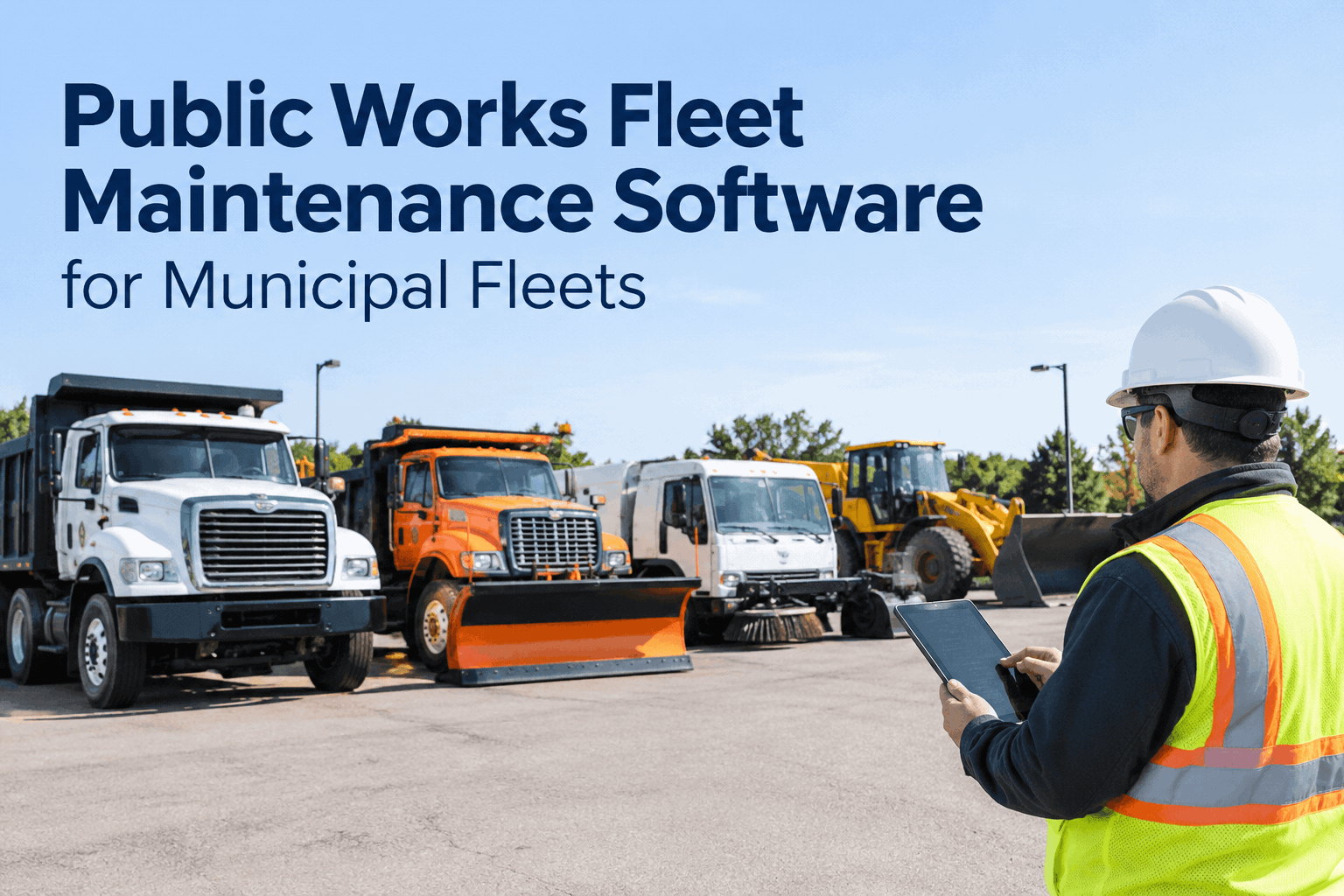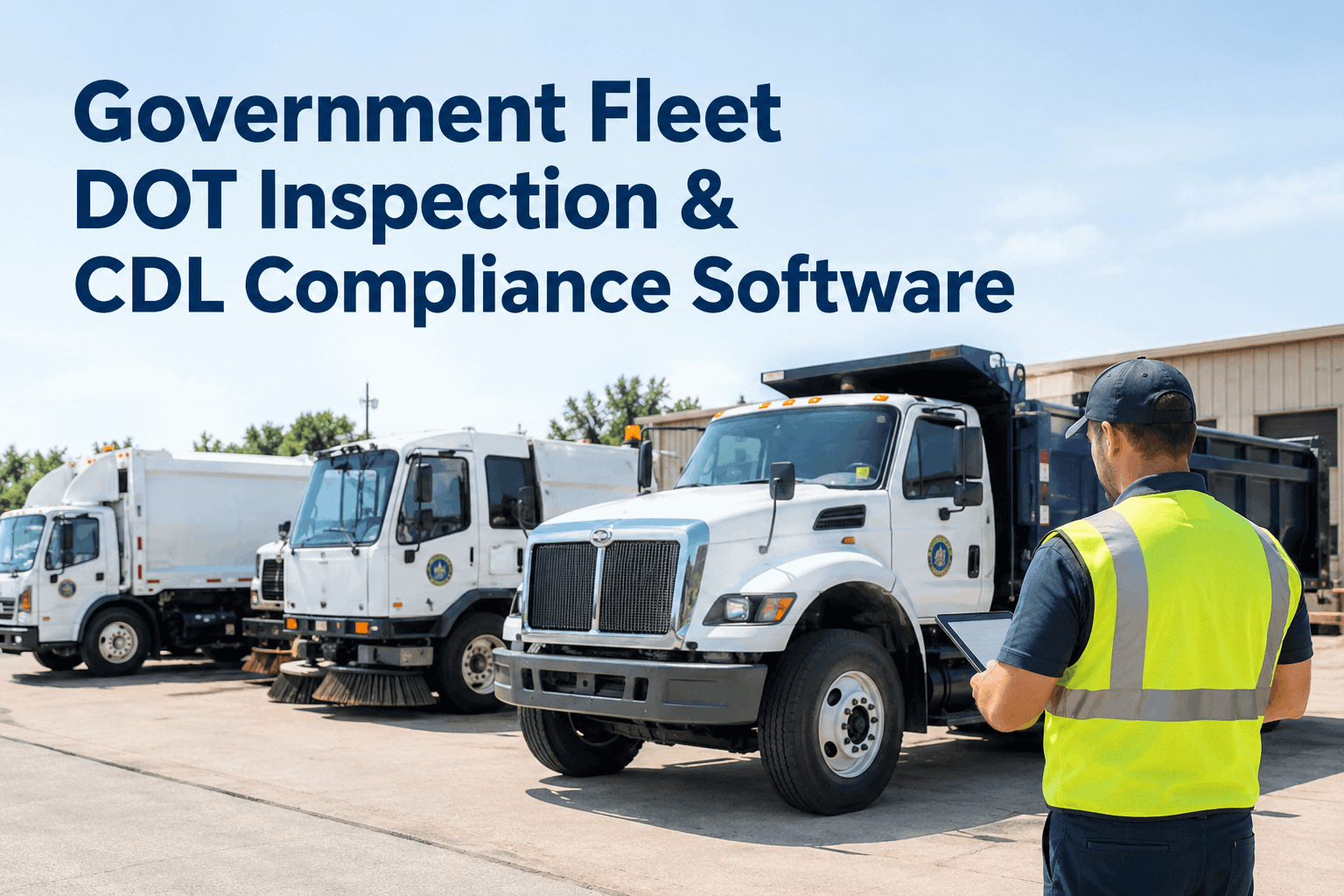
A snow plow passes its morning walkaround, runs a route, and three weeks later a records request lands asking you to prove it was inspected the day a resident says it clipped their mailbox. With paper DVIRs, that proof is somewhere in a cab or a binder. Government fleet DOT inspection software fixes that: every CDL vehicle inspection is captured, signed, and tied to the unit the moment it happens. Book a demo to see a signed DVIR pulled in seconds.
Government Fleet DOT Inspection & CDL Compliance Software
Capture driver DVIRs, flag defects, raise work orders, and keep every CDL vehicle's inspection history audit-ready — so a DOT review or a records request is a two-minute pull, not a week of digging.
Reported
Driver flags brake-light fault, 06:12 AM
Signed DVIR logged
Photo + timestamp on the unit record
Work order raised
Routed to shop, one tap
Repaired & on record
Audit-ready, retrievable anytime
Government fleets run a mix of vehicles, and only some of them fall under commercial-vehicle inspection and recordkeeping rules. The requirements vary by vehicle type and jurisdiction, so the first job isn't paperwork — it's knowing which units are in scope, then making sure every one of them produces a clean, signed, retrievable inspection record. Here's how public-fleet DOT compliance actually comes together, from the vehicles involved to the record a reviewer asks for.
Which units?the CDL vehicles in a public fleet that commonly need DVIRs and DOT inspection records
Snow plow & spreader trucks
Heavy CDL chassis that see hard winter duty — brakes, lights and hydraulics under constant stress.
Refuse & recycling trucks
High-cycle hydraulics and daily routes — among the most inspection-sensitive units a city runs.
Street sweepers
Specialized bodies on commercial chassis — brooms, conveyors and water systems to check alongside the DOT items.
Dump & utility trucks
Public-works heavy haulers — loads, lift gates and PTO systems that drive defect reports.
Whether a given unit needs a DVIR depends on its weight class, use and your jurisdiction's rules — the scope question itself is worth settling first. For the exemption-and-scope side, see our government DOT compliance and exemptions guide; this page is about the inspection software and the records once a unit is in scope.
4 stageshow a driver's inspection becomes a defensible compliance record — the DVIR lifecycle a reviewer trusts
Driver DVIR
Pre- and post-trip inspection on mobile — each item pass/fail, photos on defects, signed by the operator.
Defect flagged
A failed item is tagged to the exact unit with a timestamp — no loose paper, nothing to lose.
Work order
One tap turns the defect into a work order for the shop, with the fault and photo already attached.
On the record
Repair closes the loop — the whole chain stays on the unit's history, retrievable for any review.
That unbroken chain — inspection to defect to repair — is exactly what a DOT reviewer or a records request wants to see. It runs on HVI's digital DVIR and daily operator reporting, with defects flowing straight into work orders you can watch close in a demo.
Paper vs. digitalwhat changes when CDL inspection records leave the binder — for the records request you can't predict
- Forms left in cabs, lost or filled in after the fact
- A defect noted on paper with no proof it was fixed
- A records request means digging through binders for a date
- No way to see which units skipped an inspection
- Signed, timestamped inspection tied to the right unit
- Every defect linked to the work order that closed it
- A records request answered with a two-minute export
- A live view of which units are inspected and which aren't
The difference isn't the form — it's whether the record survives the day someone asks for it. HVI's digital vehicle inspection app keeps the DVIR, the defect and the repair on one trail, and a free trial lets you log your first signed inspection on a real unit today.
Records-ready?the DOT inspection and records-request readiness checklist for a public CDL fleet
When a review or a records request comes, these are the questions you'll be asked. Run your fleet against this checklist — every item HVI turns from a scramble into a pull.
Inspection capture
Defect follow-through
Records on demand
If you'd check fewer than most of these today, the gap is recordkeeping, not effort. Keeping it current is what preventive maintenance scheduling is for — and you can book a demo to see the readiness view across a whole fleet.
On filewhat a reviewer sees when you pull a CDL unit's inspection record
This is the record a public-fleet DOT review turns on, and it sits on HVI's government fleet inspection and maintenance platform — built for the mix of plow, refuse and utility units a city actually runs.
From a public works fleet supervisor who's been through a records request
We got a records request tied to an incident, and it took us the better part of a week to find the paper DVIRs and prove the truck had been inspected and the defect repaired. That was the moment we moved off paper. Now a driver signs the inspection on their phone, a defect becomes a work order before they're back at the yard, and if anyone asks for a unit's history I pull it while they're still on the call. The records aren't the scary part anymore.
Frequently asked questions
Which government vehicles need a DOT inspection and DVIR?
It depends on the vehicle's weight class, use, and your jurisdiction's rules — many CDL plow, refuse, sweeper and dump trucks fall in scope. HVI keeps the records once a unit is in scope; for the scope question itself, see our exemptions guide or book a demo.
Is a digital DVIR acceptable for DOT recordkeeping?
Yes — electronic DVIRs with a signature, timestamp and the unit tied to the record are widely used for compliance. HVI captures all three and keeps the history retrievable for any review or records request.
How does a defect become a repair record?
A failed DVIR item is flagged to the unit, then turned into a work order in one tap with the fault and photo attached. When the repair closes, the whole chain stays on the record. Start free to try it.
Can we handle a records request or audit quickly?
Yes — any unit's full inspection and repair history exports in minutes, so a review or public request is a pull, not a week of digging. The export carries the signed DVIR, the defect photo and the work order that closed it.
How fast can a municipal fleet get set up?
Most teams start logging DVIRs and work orders on day one, with drivers inspecting from their phones right away, and records build as inspections accumulate. Book a demo for a guided setup on your fleet.
Make your government fleet's CDL inspections audit-ready
Government fleet DOT inspection software that captures signed DVIRs, turns defects into work orders, and keeps every CDL unit's history one click from a reviewer — mobile in the yard, records-ready in the office.
No hardware · Works across plow, refuse, sweeper & utility units · Audit-ready from day one