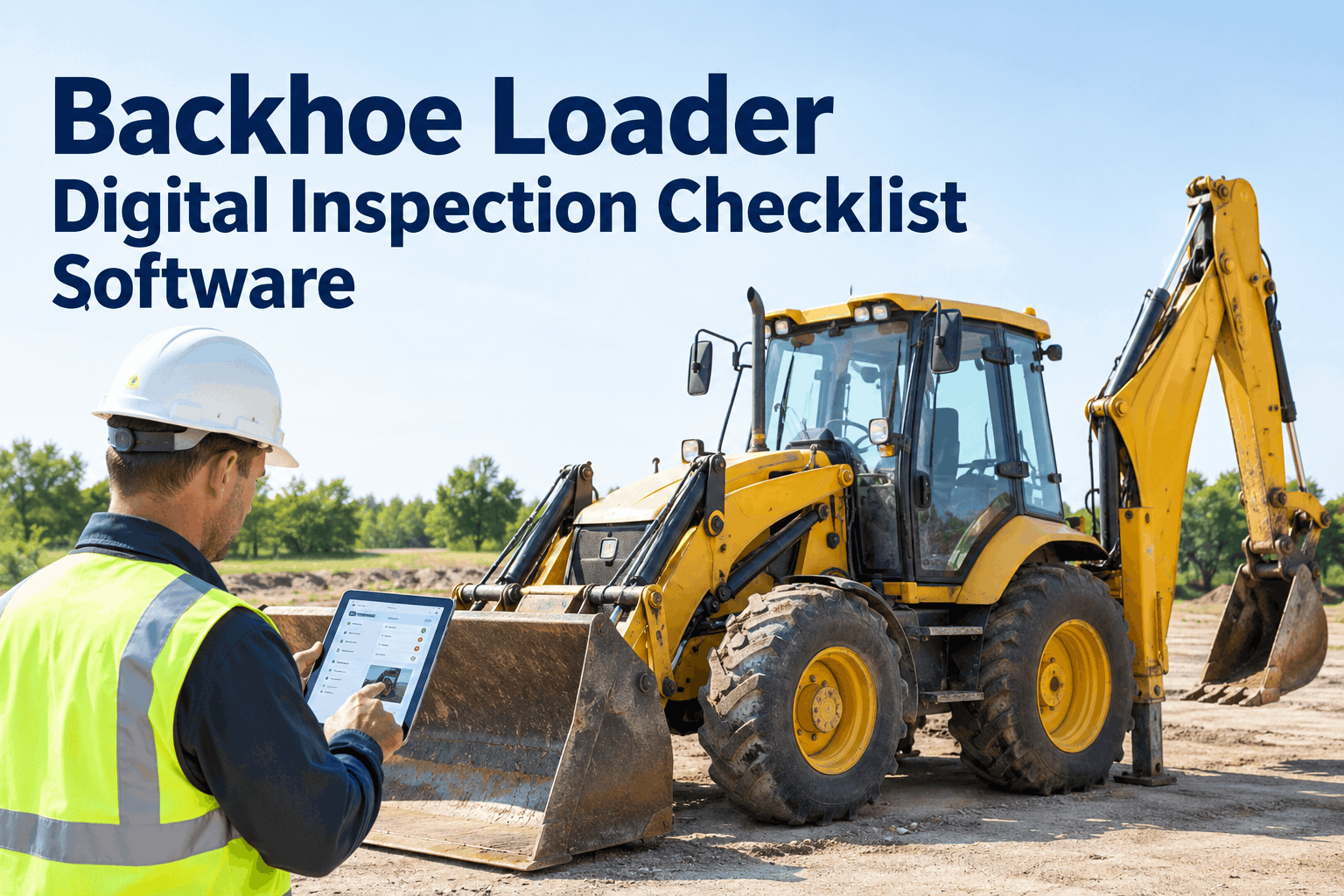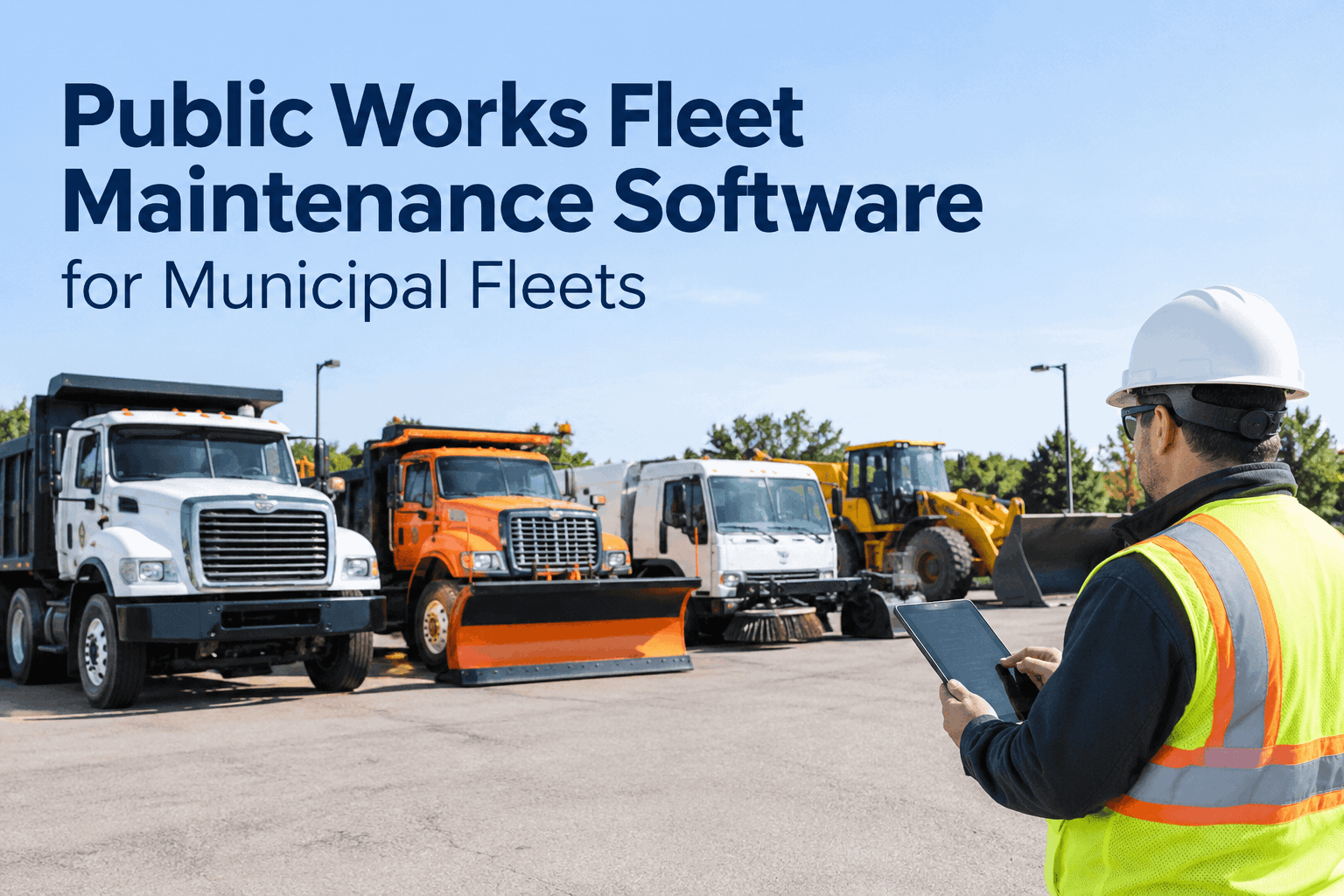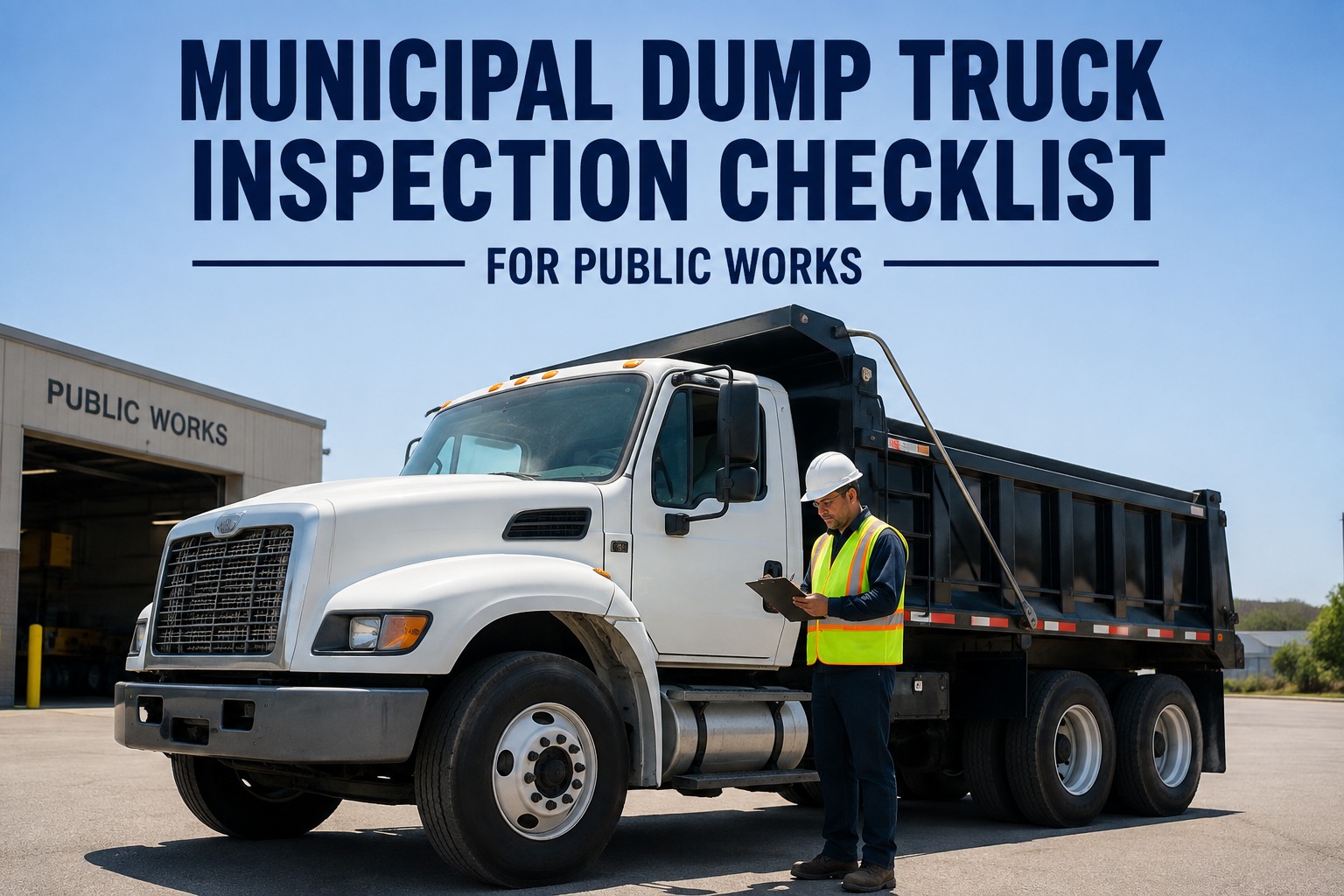
The transfer station is two miles past where the last bar of signal disappears. A driver pulls up the digital inspection, taps through the checklist, snaps a photo of a cracked mud flap — and the app just spins on submit. By the time the truck's back at the yard, the inspection's either lost or the driver's given up and gone back to a paper form in the glovebox. Offline fleet inspection software exists for exactly that mile: capture everything with no signal at all, sync the second a bar shows up, with nothing lost in between. See it work with no connection
No Signal Doesn't Mean No Inspection
Landfills, rural routes, and metal-roofed garages are where most fleet apps quietly stop working. HVI's inspection app keeps running with zero bars, and syncs the moment a signal comes back.
That's the whole promise, and it's a narrow one on purpose: nothing about the inspection should depend on whether a cell tower happens to reach where the truck is parked. A government fleet runs trucks into more of those dead zones than almost any private carrier — transfer stations, rural county roads, underground garages, water treatment sites — and a tool that only works with a strong signal is a tool that quietly gets abandoned the first week it fails someone.
Where government crews actually lose signalthe places a connectivity-dependent app fails first
Landfills & transfer stations
Often sited well outside town on purpose — exactly where cellular coverage thins out or disappears entirely.
Rural county roads
Routes a county fleet covers daily, far outside any municipal boundary a carrier bothered to build a tower near.
Metal-roofed garages & bays
A steel building is close to a Faraday cage — a strong signal outside can drop to nothing the second a truck pulls in for PM.
Water, utility & remote sites
Treatment plants and utility yards are often built away from population centers — and coverage follows population, not infrastructure.
None of these are edge cases for a public works or utilities fleet — they're a normal Tuesday. Book a demo and run an inspection with your phone in airplane mode.
What actually happens with no signalfrom a dead zone to a synced record, in four steps
-
1
Driver opens the inspection app with zero bars
The full checklist loads from what's already on the device — nothing needs to download over a live connection.
-
2
Checklist answers & photos save locally
Every tap and every photo is stored on the device itself, timestamped the moment it happens, not when it uploads.
-
3
The device finds a signal and auto-syncs
No one has to remember to resubmit — the app pushes the queued inspection the moment a connection appears.
-
4
A flagged defect opens a work order
With the original field timestamp attached, feeding straight into work order and fleet reporting as if it had synced in real time.
A connection-dependent app vs. one built for dead zonesthe same inspection, at the same landfill
- App spins or errors out the moment signal drops
- Driver loses the checklist progress and starts over, or gives up
- Photos taken offline never actually upload
- Crew reverts to a paper form kept "just in case"
- Timestamp reflects whenever it was finally re-submitted, not when it happened
- Checklist and photos save to the device regardless of signal
- Nothing is lost — the inspection just waits to sync
- Photos queue with the rest of the record, same as if online
- No paper fallback needed, at the landfill or anywhere else
- Original field timestamp preserved, exactly when the check happened
What to check before trusting an app with no signala short list before you roll it out fleet-wide
The full checklist loads with no connection
Not just the form — the whole template, cached on the device beforehand.Photos save with the inspection, not separately
A photo that fails to upload shouldn't silently vanish from the record.Sync happens automatically
Nobody should have to remember to come back and manually resubmit a queued form.The original timestamp is preserved
A record should show when the inspection happened, not when it finally synced.A defect still flags for a work order while offline
The flag shouldn't wait for a signal to exist — it should wait to sync, not to be created.It works on the devices your crews already carry
Older phones and basic tablets common in public works budgets, not just the newest model.No paper backup should ever be necessary
If a crew still keeps a paper form "just in case," the offline mode isn't trusted yet.HVI's inspection app is built to pass every item on that list — start free and test it at your worst dead zone.
From a rural county crew lead who kept paper as backup for years
We tried a different digital inspection app a few years back and it died the first week, literally — our transfer station has no signal at all, and the app wouldn't even open the checklist without one. Drivers went right back to paper and kept it in the truck "just in case" even after we switched to HVI, because that's what the old system had trained them to do.
It took about a month of it actually working — checklist loads with no bars, photos save, everything syncs clean once we're back on the paved road — before they trusted it enough to stop carrying the paper form. Now nobody even thinks about signal. The inspection just happens, wherever the truck is.
Want to run it at your own no-signal site? Book a 20-minute demo and test it there.
Frequently asked questions
What is offline fleet inspection software?
It's inspection software that works fully without an internet or cellular connection — the checklist, defect flags, and photos are captured and stored on the device, then sync automatically once a signal is available.
What happens to photos taken with no signal?
Photos are stored on the device as part of the inspection record and queue for upload along with the rest of the checklist, syncing automatically once the device reconnects.
Does the inspection timestamp reflect when it actually happened?
Yes. The original timestamp is captured the moment the inspection is completed on the device, not when it later syncs to the server.
Can a defect still open a work order if it was flagged offline?
Yes. The defect is flagged and queued the moment it's logged, and the corresponding work order is created automatically once the inspection syncs.
Do drivers still need to carry a paper backup?
No. Since the full checklist and photo capture work without a connection, there's no scenario where a crew needs a paper form as a fallback for a dead zone.
Stop losing inspections to the one mile with no signal
HVI's inspection app captures the full checklist and every photo on the device, flags defects into a work order, and syncs automatically the moment connectivity returns — so a landfill, a rural route, or a metal garage never means a skipped inspection. Live on your fleet this week.