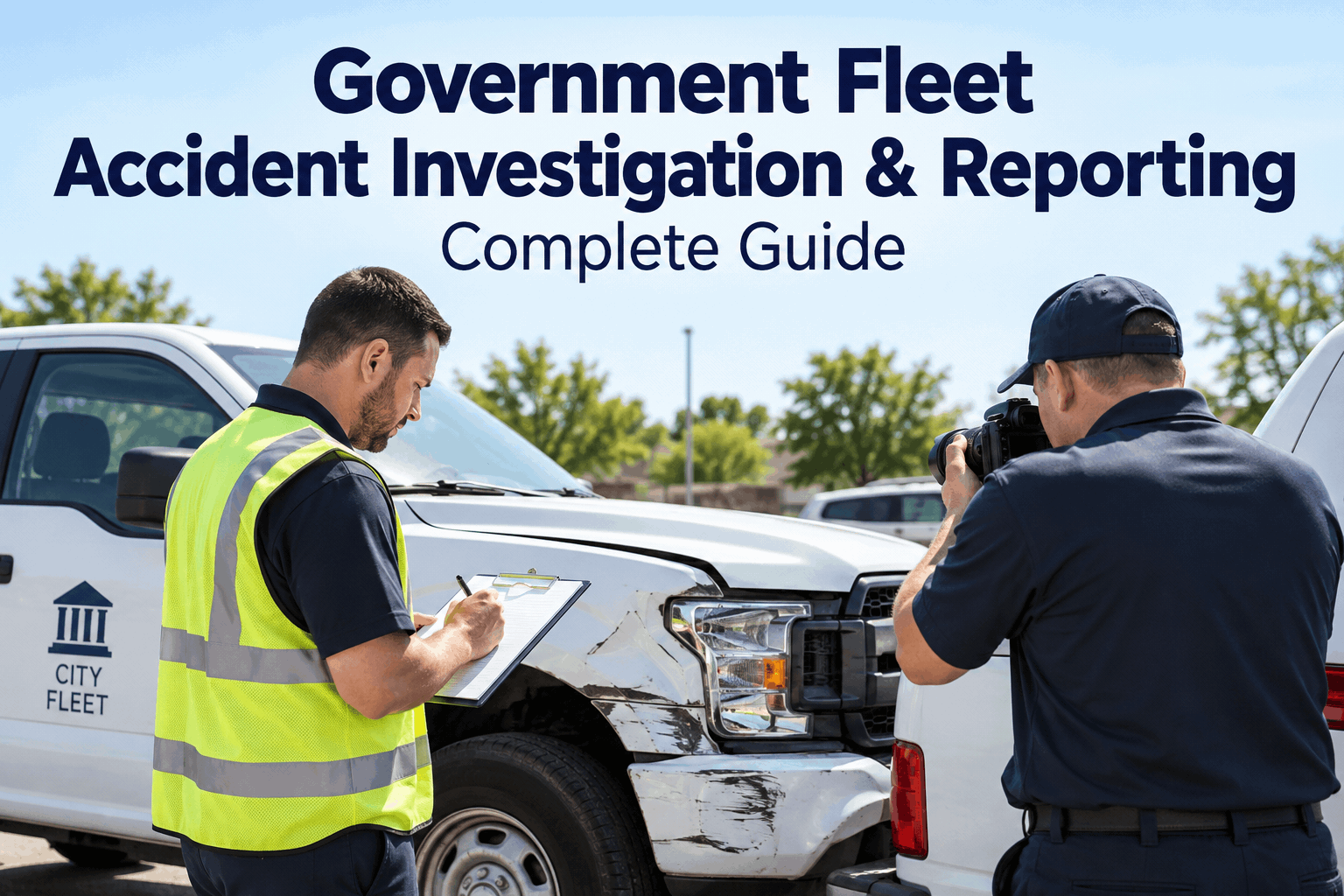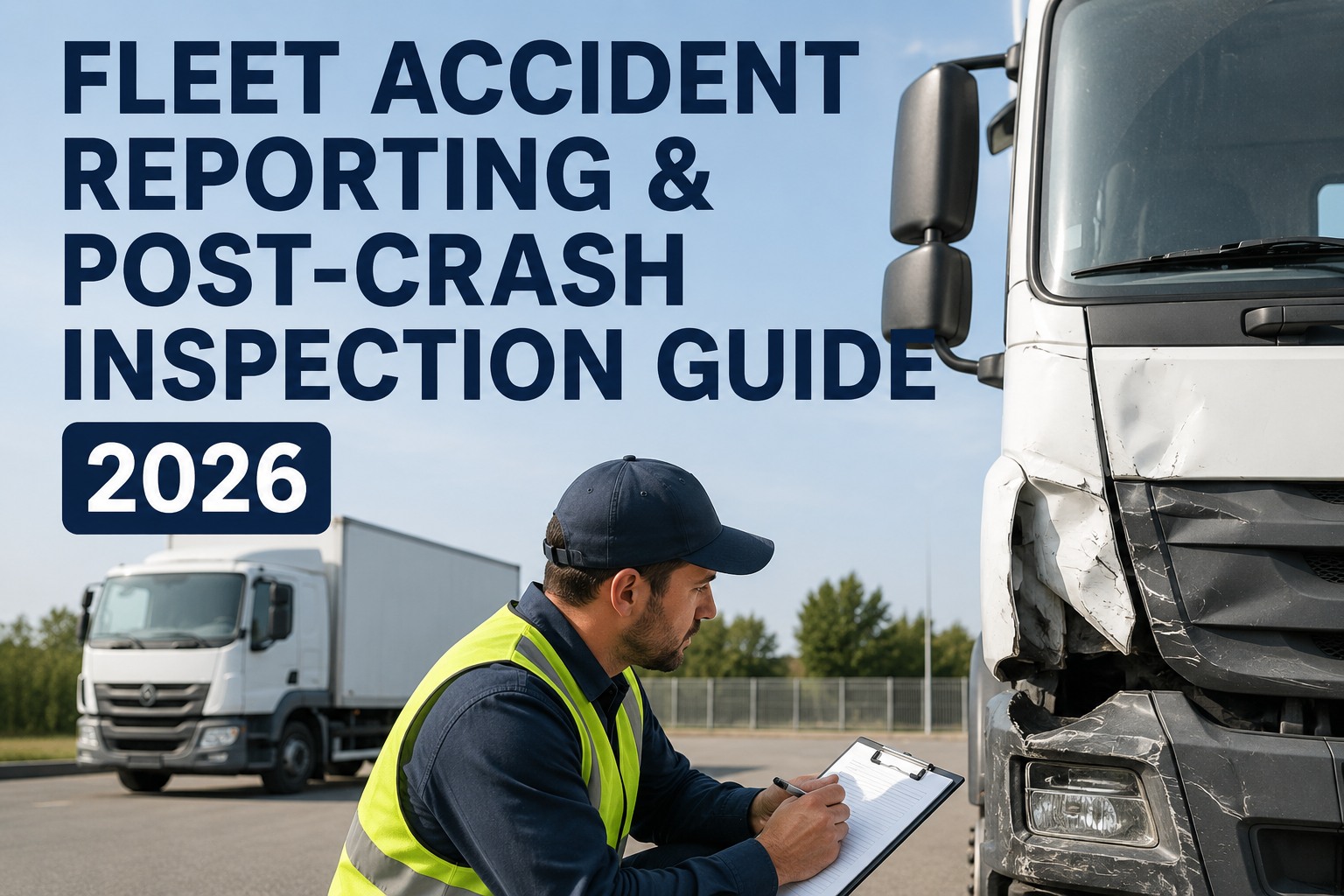
The call comes in at 2:17 AM. One of your drivers rear-ended a sedan on I-80, everyone's shaken but walking, and now your phone is a chaos of blurry photos, half-heard details, and a driver asking "what do I do now?" If your answer is "grab the paper form from the glovebox," you already know how this ends: a missing photo, a late insurance notice, and a truck sitting in a tow yard while you scramble to prove it was roadworthy. Fleet accident reporting and post-crash inspection is the moment your maintenance records either protect you or hang you — and most fleets only find out which when the lawyer's letter arrives. This guide walks through the exact FMCSA-compliant sequence, the state DOT and insurance steps that follow, and how a locked digital workflow removes the guesswork. If you want to see this running on your own units, you can book a 30-minute walkthrough of the post-crash workflow and test it against your last incident.
Your truck is in a tow yard. Can you prove it was safe to be on the road?
FMCSA §396.11 requires a post-accident inspection before any vehicle returns to service. Miss it, and you're looking at a CSA hit, an insurance denial, and a plaintiff's attorney asking why your records are a shoebox of receipts.
The 6-step post-accident workflow that keeps you compliant
The order matters. Skip a step or do them out of sequence and you create gaps a plaintiff's attorney will drive a truck through. This is the flow HVI enforces so your driver, your shop, and your insurer all stay in sync.
Secure the scene and capture evidence
Photos of all vehicles, road conditions, skid marks, cargo position, and the other party's plates. Driver records a voice statement while memory is fresh. HVI's mobile app timestamps and geotags every image so there's no question of when or where.
Driver completes the post-crash DVIR
Before the vehicle moves an inch, the driver runs a full post-accident inspection on the same form they use every morning — brakes, tires, lights, coupling, leaks, frame damage. Any defect flags a work order automatically. No paper form left in a cab.
File the state DOT crash report
Every state has its own form and deadline — some want it in 24 hours, others give you 7 to 10 days. HVI stores the completed report with the incident record so you can prove it was filed on time, every time.
Notify insurance within the window
Most commercial policies require notice within 24 to 48 hours. Late notice can void coverage for the claim. The incident packet HVI builds — photos, inspection, driver statement, police report number — goes out in one email.
Pull the driver's MVR and update the file
A post-crash MVR shows whether the driver had prior violations you didn't know about. It also feeds your CSA score. HVI attaches the MVR to the incident so your safety file is complete before the audit letter arrives.
Sign off the return-to-service inspection
A qualified mechanic inspects every system touched by the crash — steering, brakes, suspension, frame alignment — and signs the RTS form. Only then does the unit go back on the dispatch board. HVI locks the vehicle out of service until this step is complete.
What happens when the post-crash process lives in a glovebox
The paper-and-phone-call way
- Driver texts blurry photos to a personal phone
- Inspection form is a crumpled carbon copy in the cab
- Insurance notice goes out when someone remembers
- MVR request sits in an email folder for a week
- RTS sign-off is a verbal "looks fine" from the shop
- Six months later, you can't prove any of it happened
The HVI locked workflow
- Photos captured in-app with timestamp and GPS
- Post-crash DVIR completed on the driver's phone
- Insurance packet auto-generated and sent same day
- MVR attached to the incident record instantly
- RTS inspection signed digitally before dispatch unlocks
- Audit-ready file in seconds, not a shoebox search
A worked example: what one missing photo cost a 40-truck carrier
A regional hauler had a sideswipe on a delivery route. The driver took photos, but they lived on his personal phone. When the claim went to litigation 14 months later, the phone was gone, the photos were gone, and the carrier's maintenance records were a stack of unlabeled invoices. The plaintiff's attorney argued the truck had a known brake issue. The carrier couldn't prove otherwise. Settlement: $340,000. The brake job that would have documented the fix: $1,200.
That's not an outlier. Carriers with incomplete post-crash files routinely pay multiples of what a documented repair would have cost. If you want to see how the workflow locks in, walk through a live incident file in a demo and compare it to your last claim.
Four ways HVI turns a crash into a closed file
Photo-backed incident capture
Every image is timestamped, geotagged, and locked to the vehicle record. No more lost phones or unlabeled email attachments.
Post-crash DVIR template
The same inspection form your drivers use daily, pre-loaded with crash-specific checkpoints. Defects auto-generate work orders.
Locked workflow order
The system won't let a vehicle return to service until the RTS inspection is signed. No verbal approvals, no skipped steps.
Audit-ready incident file
One click exports the full packet: photos, inspection, MVR, insurance notice, RTS sign-off. DOT auditors and insurers get the same file.
Stop rebuilding crash files from memory
See the post-crash workflow running on your own units — photos, inspection, RTS lock, and the audit packet — in a 30-minute demo.
What to do differently after your next incident
The inspection comes before the tow
FMCSA §396.11 isn't optional. A post-accident inspection must happen before the vehicle returns to service, and it must be documented. A photo of a crumpled form won't cut it.
The clock starts at the scene
Insurance notice windows are 24 to 48 hours. State DOT reports are due in days. Every hour you spend hunting for a form is an hour closer to a missed deadline.
The file is the defense
In litigation, the side with the better records usually wins. A timestamped, photo-backed, signed inspection trail is worth more than any testimony.
The workflow must be locked
Verbal approvals and "I'll get to it" are how steps get skipped. A system that won't release the vehicle until every box is checked removes the human error.
If your current process is a folder of PDFs and a prayer, start a free account and run your next incident through it. You'll know within a week whether the paper chase was worth it.
"I used to keep a binder in my truck for crash reports. Half the time the driver forgot it, the other half the photos were on a phone that got traded in. Now the whole file — photos, inspection, MVR, insurance notice — is in the system before the tow truck leaves. I track one number: days from incident to closed file. It used to be 45. Now it's 6."
Post-crash inspection and fleet accident reporting questions
What is a post-accident inspection under FMCSA?
How soon do I have to notify my insurance after a fleet accident?
Do I need to pull the driver's MVR after every crash?
What happens if I skip the post-crash inspection and put the truck back on the road?
Can HVI handle the state DOT crash report and insurance notice too?
Your next crash file could be closed in 6 days, not 45
Run the post-crash workflow on your own fleet — photos, inspection, RTS lock, audit packet — and see the difference before your next incident.
Free to start — Works on any phone — No card needed