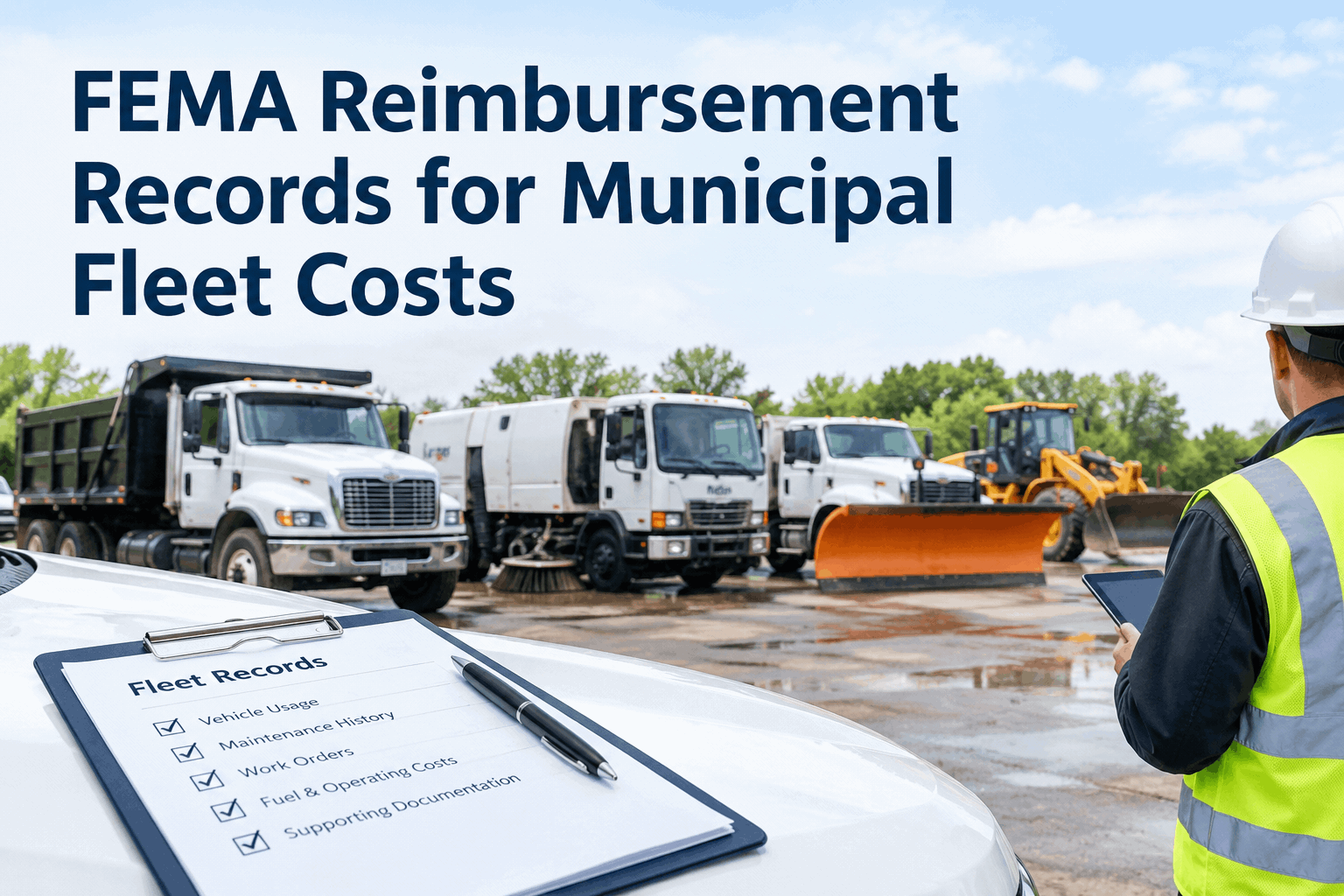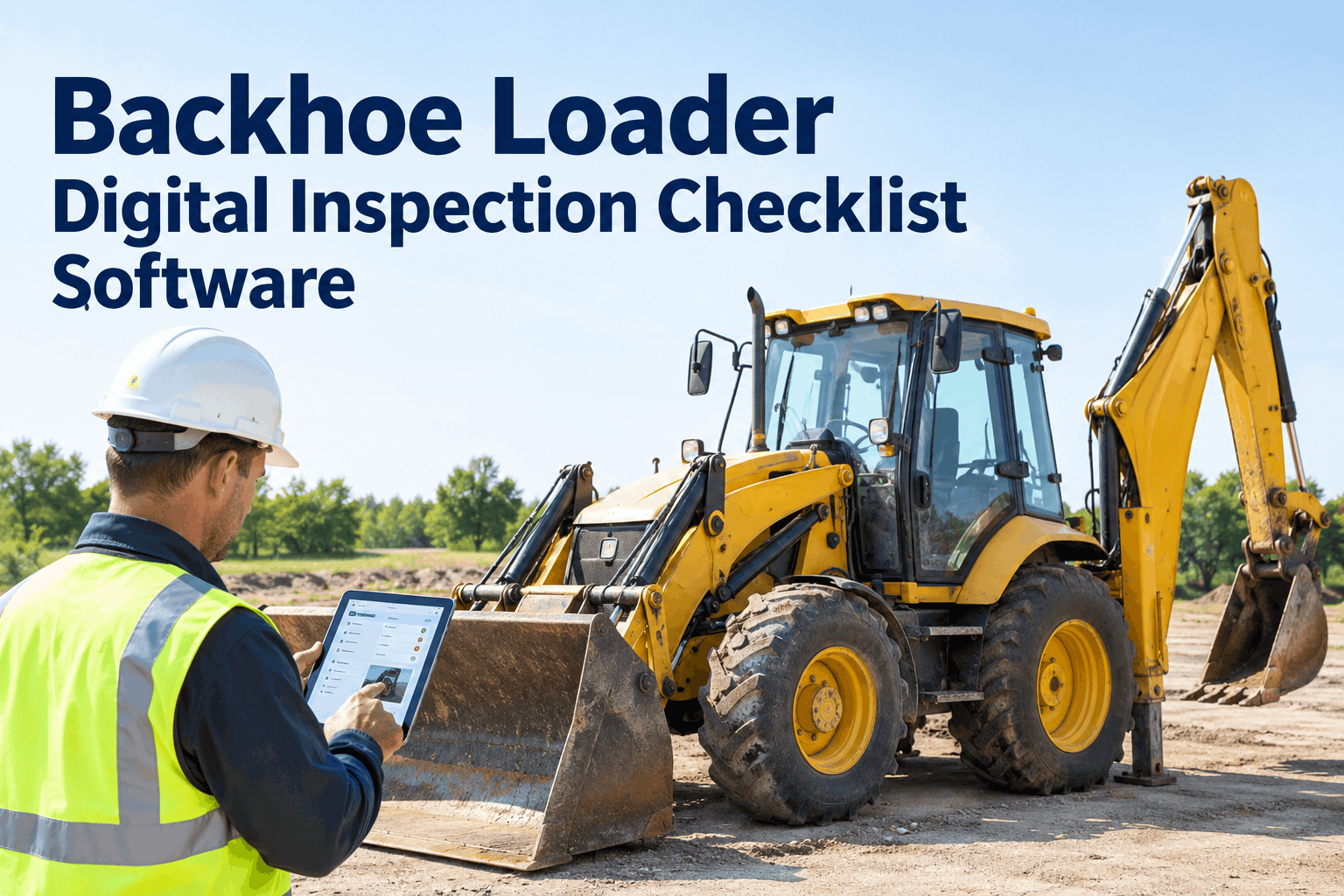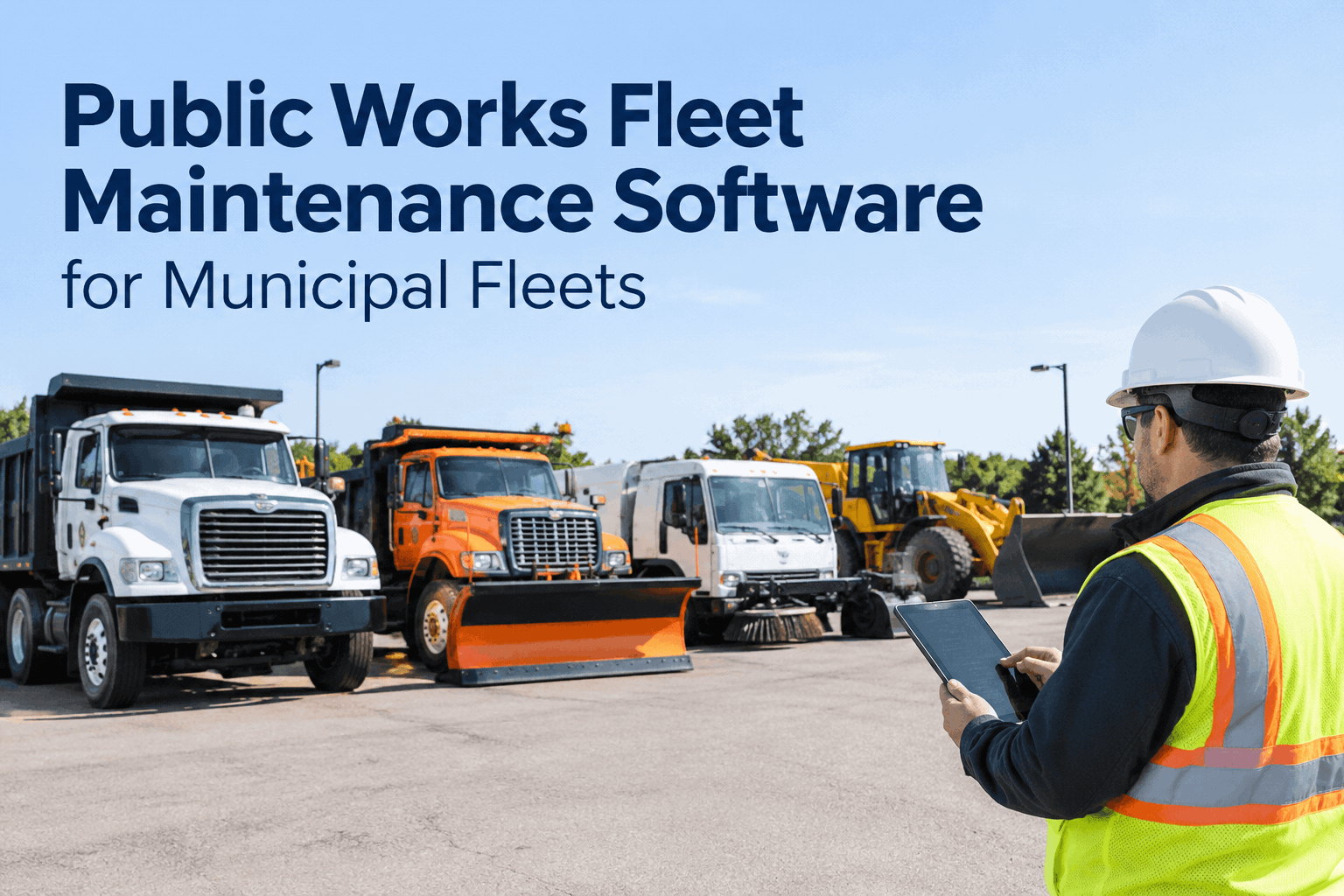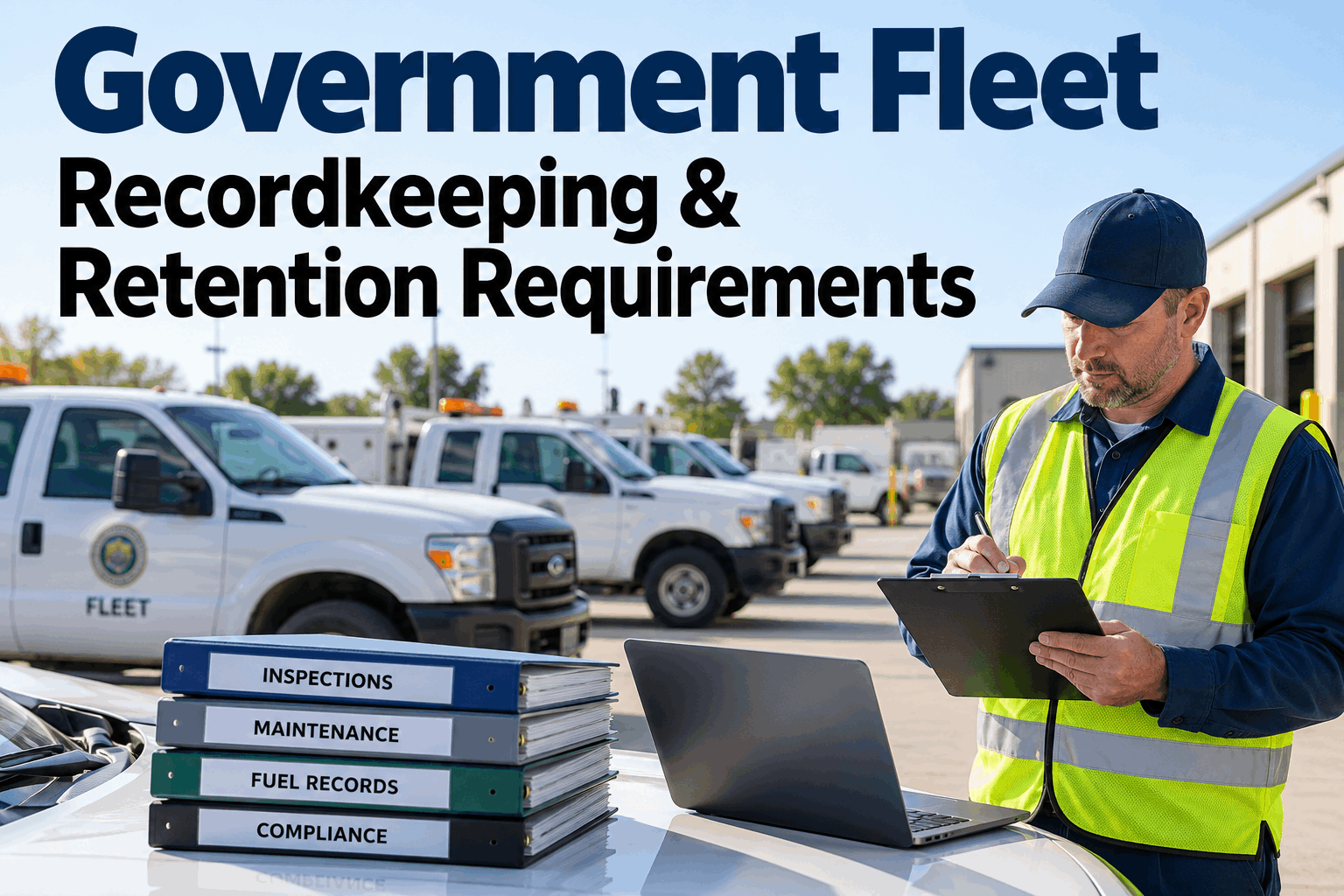
A city doesn't run one kind of vehicle — it runs plow trucks, sweepers, backhoes, patrol cars and bucket trucks, often across different yards. The hard part of a municipal fleet inspection program isn't deciding inspections matter; it's getting a daily check that actually happens on every asset, produces a record you can stand behind, and routes a defect before it becomes a breakdown or a liability. This guide shows how to design that daily program so it holds up — book a demo to see it running.
A daily check on every asset — proven, not assumed.
Mixed vehicles, multiple yards, different operators — one program. HVI gives each asset its own checklist, turns a flagged defect into a tracked work order, and keeps the record that proves the inspection happened.
A municipal fleet inspection program lives or dies on one thing: whether the daily check actually happens, consistently, on every asset, with a record to show for it. Paper forms don't fail because operators are careless — they fail because a clipboard can't enforce a check, can't route a defect, and can't be found when a claim or an audit lands. Here's how to design a daily program that closes all three gaps.
Why daily inspections matterthe accountability gap paper quietly leaves open
The point of a daily pre-use inspection isn't the form — it's catching the problem on the apron instead of on the road, and having proof the operator looked. Paper leaves three gaps that a city feels later, usually at the worst moment.
Did it even happen?
A blank or back-dated paper form can't prove an operator actually inspected the unit before the shift. There's no timestamp, no identity, no photo — nothing that holds up when it's questioned.
The defect went nowhere
An operator notes a soft brake pedal on a sheet that sits in a cab or a drawer. Nobody in the shop sees it, no work order opens, and the unit rolls out again the next morning.
No record when it counts
A year later a claim, an OSHA question or an insurer asks to see the inspection history on a unit. The binders are incomplete, illegible or gone — and an undocumented inspection is, legally, no inspection.
Each gap is a record problem, not an effort problem — which means a digital program closes all three at once. That's the core of what daily operator reporting is built to do, and it's the operational layer beneath the strategic municipal fleet inspection playbook that makes the city-wide business case. Book a demo to see a check timestamped and signed →
The 4 pillars of a daily inspection programwhat every municipal fleet inspection program needs to stand on
A daily program that actually works rests on four pillars. Miss any one and the whole thing wobbles — a great checklist with no defect routing still lets problems slip, and perfect routing with no record still fails the audit.
Asset-specific checklists
A plow truck, a backhoe and a patrol car don't share failure points. Each asset type gets the checklist that fits it, so the right items get checked on the right machine.
Operator pre-use check
The person who drives it inspects it, on their phone, before the shift — with a timestamp and their name on the record, so the check is tied to a real person at a real time.
Defect-to-work-order
A flagged item becomes a work order routed to the shop automatically — not a note that depends on someone reading a sheet before the unit rolls again.
Searchable records
Every inspection and defect is stored, timestamped and photo-backed, so the history of any unit is one search away when a claim or audit asks for it.
These four are what separate a program from a pile of forms. In HVI they're one connected flow — digital inspections feed defect reporting, which feeds work orders, which feed the record. Start free and stand up all four this week →
One fleet, many checklistswhy municipal vehicle inspection can't use one shared form
The mistake that sinks most municipal programs is a single generic inspection form stretched across every asset. A city fleet is a mix, and each type has critical items a shared form either skips or clutters. Here's the same program, tuned per machine.
In HVI the checklist is tied to the asset, so when an operator scans or selects their unit, the right form loads automatically — no choosing, no running the wrong one. That's how a single program covers a mixed government fleet without a single generic form. Book a demo to map checklists to your asset list →
The defect reporting loopwhat happens between a flagged item and a fixed unit
A defect caught on the daily check is only worth something if it goes somewhere. The whole value of the program is in the loop that turns a flag into a fix — and keeps the record of both.
The critical link is between step 1 and step 2 — a flag that opens a work order on its own, instead of waiting for someone to read a sheet. When that handoff is automatic, a soft brake pedal becomes a scheduled repair, not a unit that rolls out again unfixed. A safety-critical flag can even hold the unit out of service until it's cleared.
Municipal fleet inspection in HVIthe compliance board a safety officer opens each morning
This is what turns a program into proof: fleet-wide submission rates, open defects by department, and the units still owing a check — the view a compliance or safety officer scans before the day gets going.
At a glance the officer knows who's covered, who's overdue, and which unit to pull before it moves — accountability that a stack of paper forms can never give. That live picture is what analytics and reporting builds from the daily checks, and you can book a demo to see this board on your own departments.
Sample daily pre-use inspection checklistthe observable items an operator covers before the shift
Whatever the asset, a daily pre-use inspection covers the same families of checks. Here's a baseline municipal vehicle inspection checklist, grouped the way HVI loads it on the operator's phone — each item observable in seconds, each flaggable with a photo.
- Brakes — firm pedal, holds, no warning lights
- Steering & horn — responsive, working
- Lights, signals & beacons — all functioning
- Seatbelts, mirrors, wipers — intact and clear
- Tyres / tracks — tread, pressure, no damage
- Fluid levels — oil, coolant, hydraulic, washer
- Leaks — nothing pooling under the unit
- Body & glass — no new damage, cracks noted
- Work attachment — mount, pins, hydraulics secure
- Safety equipment — extinguisher, cones, kit present
- Backup alarm & camera — working
- Meter reading — hours or miles logged
On paper these items get a quick tick on a busy morning; in HVI each is a tap, a skipped item blocks submission, and anything flagged carries a photo straight into a work order. Start free and build your asset checklists →
From a municipal safety officer
Our inspection program looked fine on paper — literally, we had forms for everything. The problem was I couldn't tell you on any given morning how many of them were actually filled out, or whether a defect someone wrote down ever reached the shop. It was trust, not proof.
Going digital changed the question I get asked. Instead of "do we inspect our trucks," it's "show me the record," and now I can — timestamp, operator, photo, the work order it generated. Submission rates went up on their own once the crews knew it was tracked.
Municipal fleet inspection — FAQs
What should a municipal fleet daily inspection program include?
Four things: asset-specific checklists so each vehicle type is checked correctly, an operator pre-use check tied to a name and timestamp, automatic routing of any defect to a work order, and a searchable record of every inspection. Together they make the daily check happen, act on problems, and prove it all.
Why move municipal vehicle inspections off paper?
Paper can't enforce a check, route a defect, or be found when it's needed. A digital program timestamps and signs each inspection, turns a flagged item into a work order automatically, and keeps photo-backed records — closing the "did it happen, did it get fixed, can you prove it" gaps paper leaves.
Should every department use the same inspection form?
No. A plow truck, a street sweeper and a patrol car have different critical items, so each asset type needs its own checklist. HVI ties the form to the asset, so the right checklist loads automatically when the operator selects their unit — one program, many correct forms.
How do digital inspections improve accountability?
Every check carries the operator's identity, a timestamp, and a photo on any defect, and the submission rate is visible fleet-wide. A supervisor can see who's inspected, who's overdue, and which unit to hold — accountability a stack of paper forms simply can't provide.
Does HVI work across a mixed government fleet and multiple yards?
Yes. HVI runs every asset class — trucks, heavy equipment, light vehicles — across every department and yard in one system, each with its own checklist and records. The mobile app works offline in the field and syncs later, so no check is lost.
Run a daily inspection program you can actually prove
HVI gives every municipal asset its own checklist, turns operator checks into tracked work orders, and keeps a photo-backed record of every inspection — across every department and yard. Live on your fleet in under two weeks.
No credit card · Works offline in the field · Every department on one board