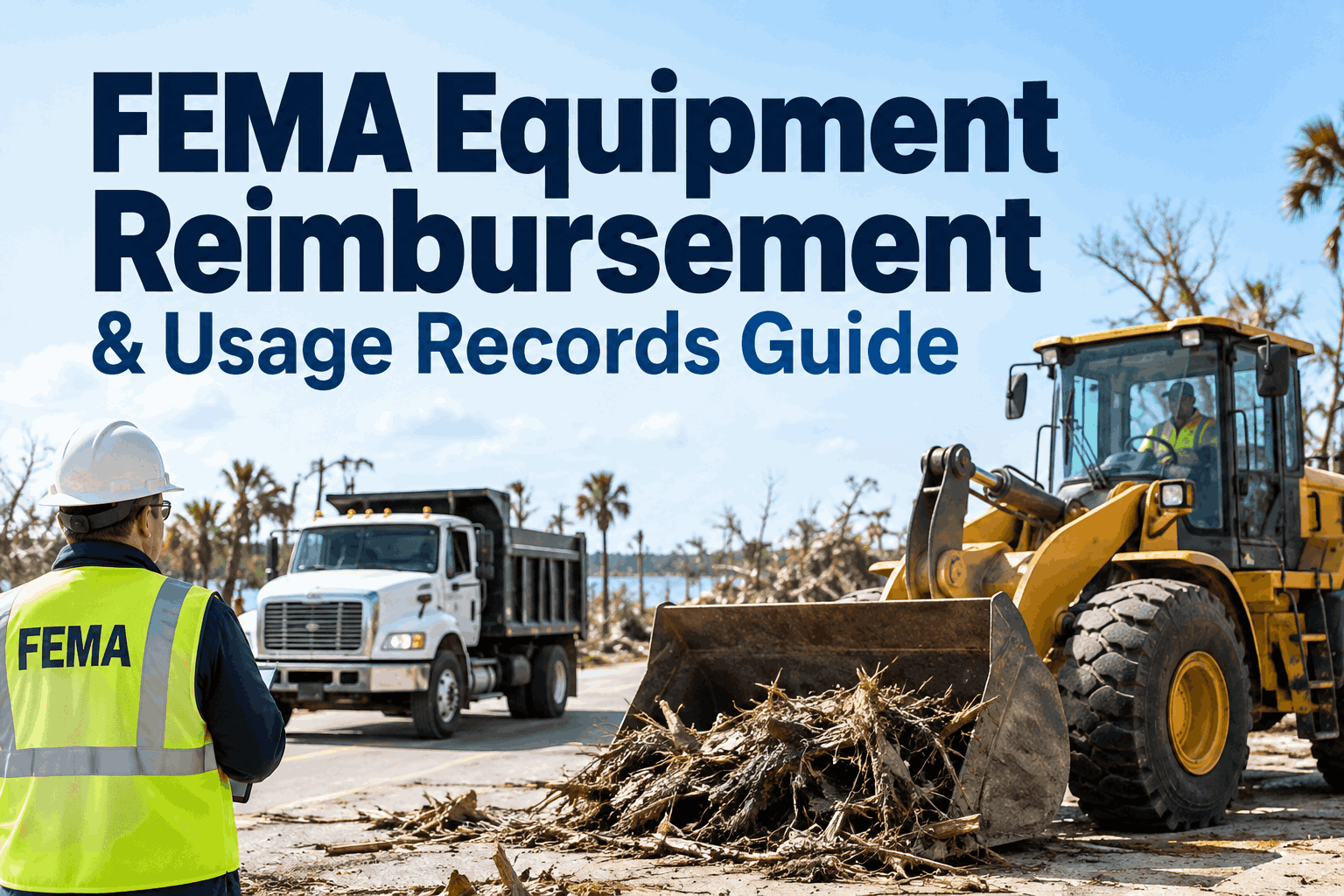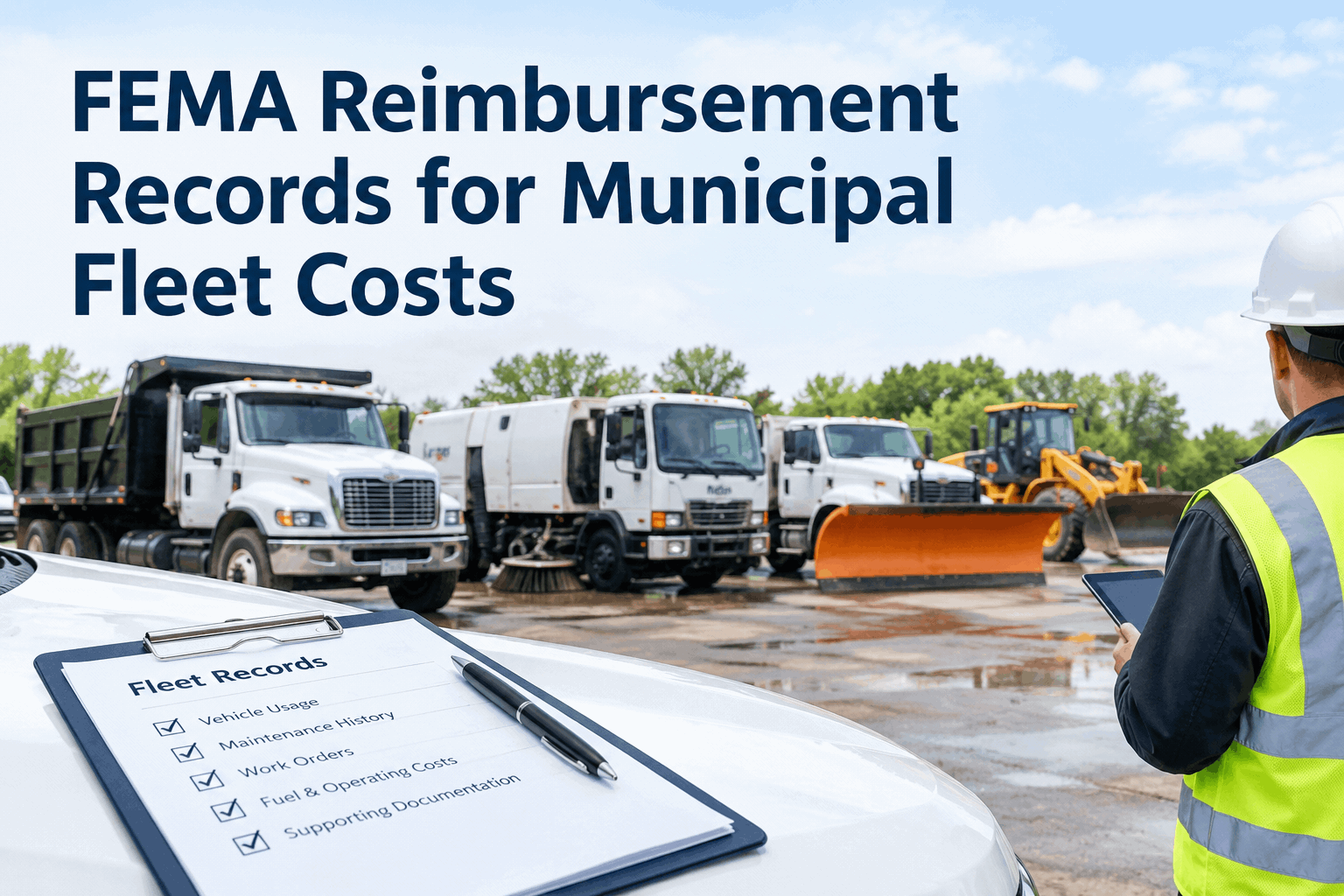
The storm clears, the overtime ends, and months later a FEMA reviewer asks you to prove which plow trucks ran, for how many hours, and what it cost. If that answer lives in scattered timesheets and a few fuel receipts in a glovebox, the reimbursement is at risk before you start. Building clean FEMA reimbursement records for municipal fleet costs is really about capturing equipment usage, labor and costs per unit while the response is happening — not reconstructing them later. Book a demo to see a disaster deployment record.
FEMA Reimbursement Records for Municipal Fleet Costs
Capture equipment usage hours, labor and costs per unit as a storm response unfolds — so a FEMA reimbursement claim is an organized file you export, not a scramble to rebuild months after.
FEMA's Public Assistance program can reimburse eligible disaster response costs, but the money follows the documentation. Agencies account for their own crews and equipment through what FEMA calls force-account labor and equipment records — essentially, proof of who worked, which units ran, for how long, and what it cost. Requirements vary by program and the assistance requested, so always confirm the current rules before you file. What stays constant is this: the records have to be specific, tied to the right unit and dates, and backed by evidence. That's far easier to capture live than to rebuild from memory.
What a FEMA reimbursement file needsthe municipal fleet records that support a disaster reimbursement claim — and where each one comes from
Equipment usage hours
How long each unit ran during the event — logged per vehicle from daily operator reporting, not estimated after.
Labor records
Who operated what, and for how long — force-account labor detail tied to the same unit and shift.
Fuel & parts costs
Receipts and parts used during the response — attached to the unit record, not loose in a folder.
Dispatch & dates
When each unit was deployed and where — dated activity tied to the declared event, so the timeline holds up.
Inspection & condition
Pre- and post-event inspections with photos — supporting evidence of use and any storm damage.
One exportable file
All of the above, per unit and per event, exported into the package a reviewer can actually work through.
Each of these maps to a record HVI already captures — usage from daily operator reporting, fuel receipts from the fuel log, and costs from work orders. A fleet system helps organize them, but it doesn't guarantee reimbursement or replace FEMA's own rules. You can book a demo to see a storm-event record built end to end.
Capture it live, not after the stormwhy disaster equipment usage records have to be built during the response, not reconstructed later
- Hours estimated from memory and partial timesheets
- Fuel receipts missing or unlinked to a unit
- No dated proof a unit was deployed to the event
- Gaps a reviewer can question — and reduce the claim over
- Usage hours logged per unit, shift by shift
- Fuel receipts and parts attached as they're used
- Dated, timestamped deployment tied to the event
- A complete file, ready the moment FEMA asks
The difference is whether the record exists when you need it. Crews can log usage and attach evidence from a mobile device in the field, even where connectivity is thin, and a free trial lets you set up a deployment record before the next event hits.
Your FEMA records readiness checklistrun this on your municipal fleet before the next declared disaster — what a reimbursement file should contain
When the reimbursement review comes, these are what you'll be asked to produce. Checking them now — not after the storm — is what keeps a claim whole.
Usage & deployment
Cost evidence
Supporting & export
Confirm the exact documentation against your current FEMA program rules — they vary, and this checklist is a starting point, not legal guidance. To see how the records assemble, book a demo of the event-records view.
The claim file you can exportwhat a municipal fleet FEMA reimbursement record looks like, assembled per unit and per event
That package draws on the same records as a routine DOT inspection records request — the difference is it's organized by storm event, and it runs on HVI's government fleet records platform built for exactly this mix of units.
From a public works director who filed after a major storm
After the first big flood, assembling the FEMA package nearly broke us — weeks of chasing timesheets, matching fuel receipts to trucks, trying to prove how long each loader actually ran. We lost part of the claim to gaps we just couldn't close. Now every unit logs its hours and fuel against the event as the response happens, so when the reviewer asks, I export the file for each truck in minutes. The reimbursement isn't guaranteed, but the records never cost us a dollar of it anymore.
Municipal fleet FEMA reimbursement FAQs
Does HVI guarantee FEMA reimbursement?
No — HVI helps organize the usage, cost and inspection records that support a claim, but it doesn't guarantee reimbursement or replace FEMA's documentation rules. Always confirm requirements with your current program. Book a demo to see what you'd be capturing.
What fleet records does FEMA typically want?
Usually equipment usage hours, force-account labor, fuel and parts costs, dispatch and dates, all tied to the unit and the declared event. Exact requirements vary by program, so confirm before you file.
Why capture records during the storm instead of after?
Live-captured hours, receipts and dates are specific and verifiable; reconstructed ones have gaps a reviewer can question. Capturing as it happens is what keeps a claim whole. Book a demo to see live field capture.
Can crews log usage from the field during a response?
Yes — operators log hours, attach fuel receipts and record deployment from a mobile device, so the record is built in the field, not back at the office. Start free to set it up.
How are records organized for a claim?
By unit and by event — each vehicle's usage, labor, fuel and evidence sit on one record tied to the storm, so you export a clean package per unit instead of searching fleet-wide. That's the shape a reviewer can work through.
Build FEMA-ready municipal fleet records
Capture equipment usage, labor, fuel and inspection evidence per unit and per event — so FEMA reimbursement records for your municipal fleet costs are an export, not an ordeal. Mobile in the field, organized for the review.
No hardware · Usage, labor, fuel & evidence per unit · Export-ready by event