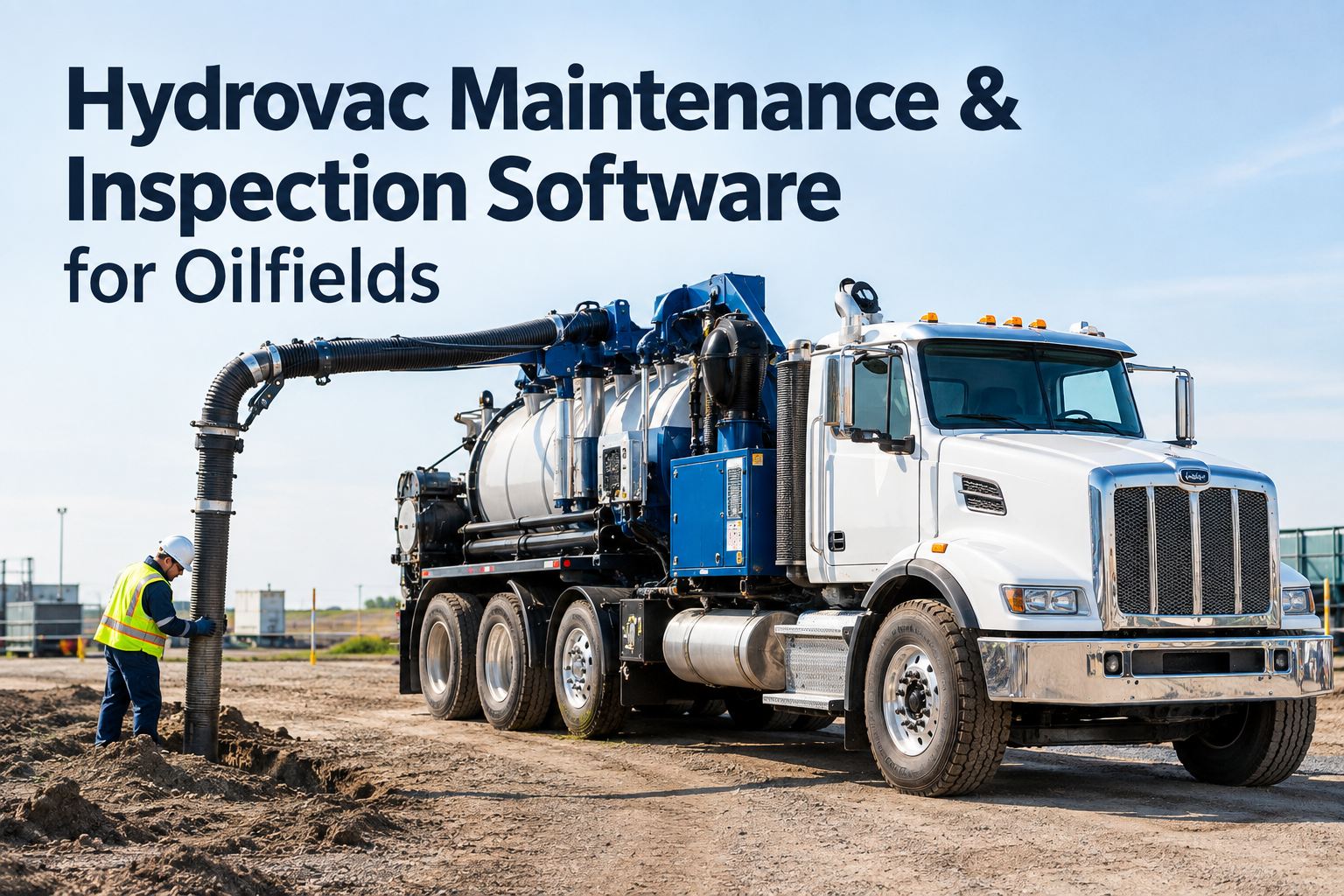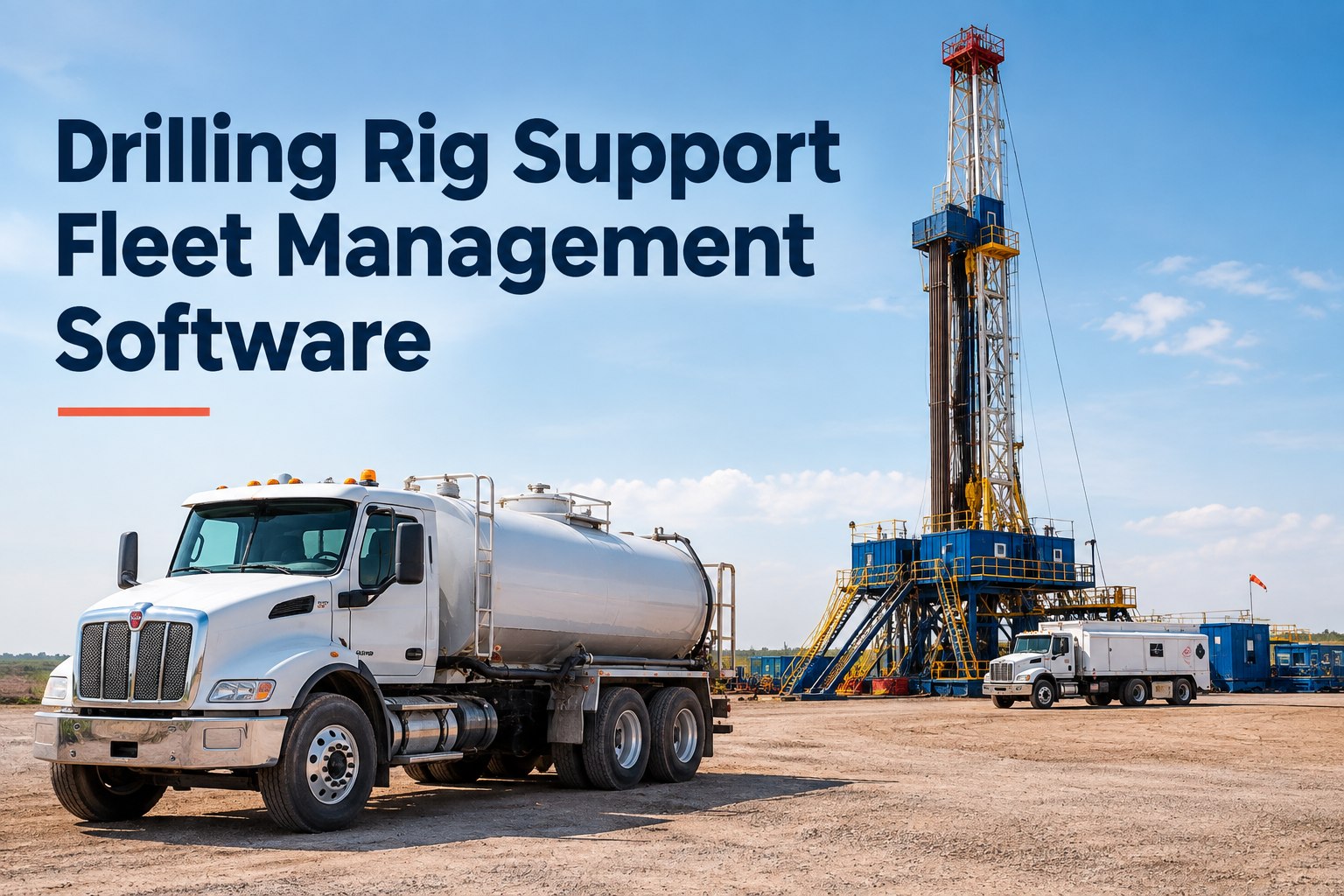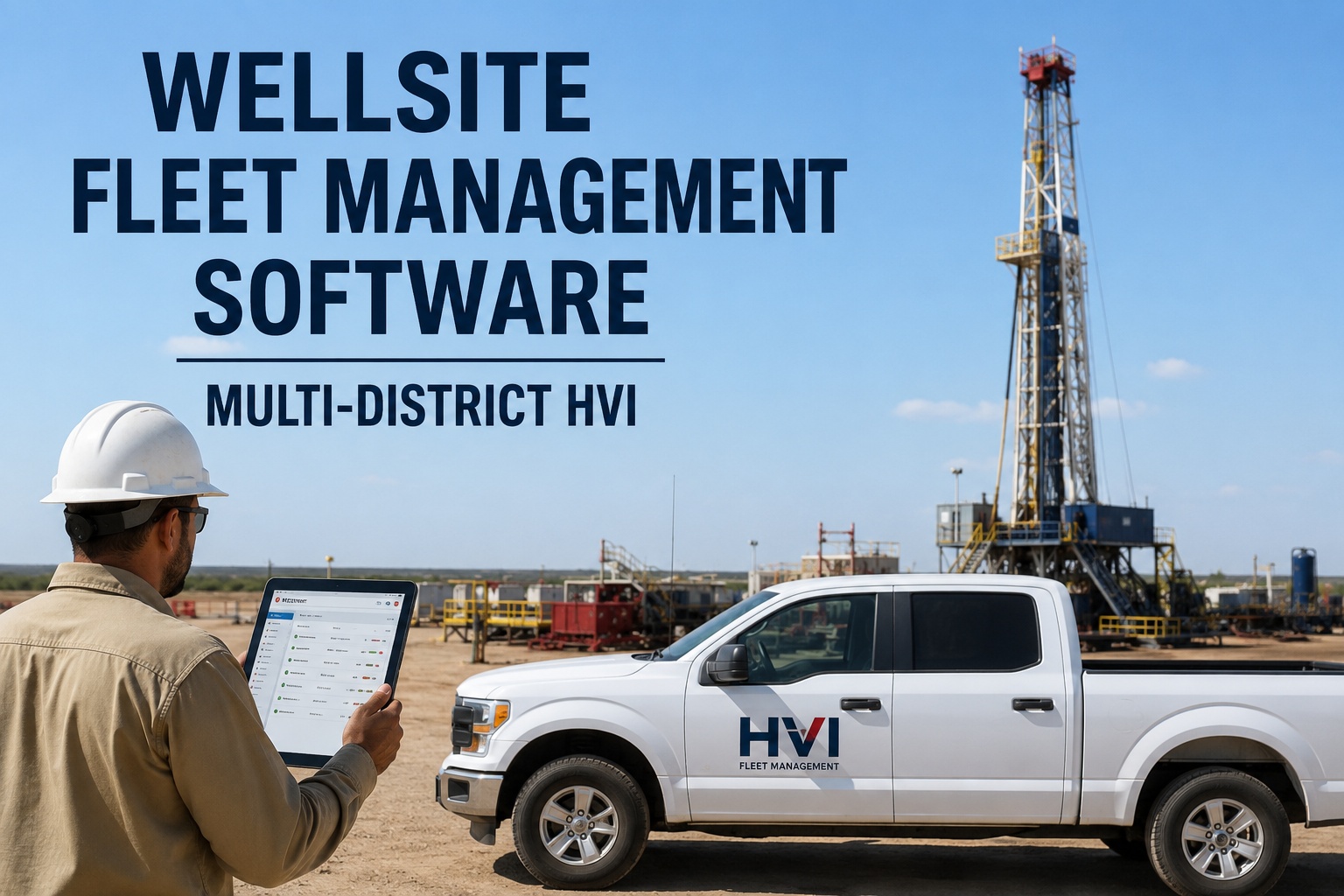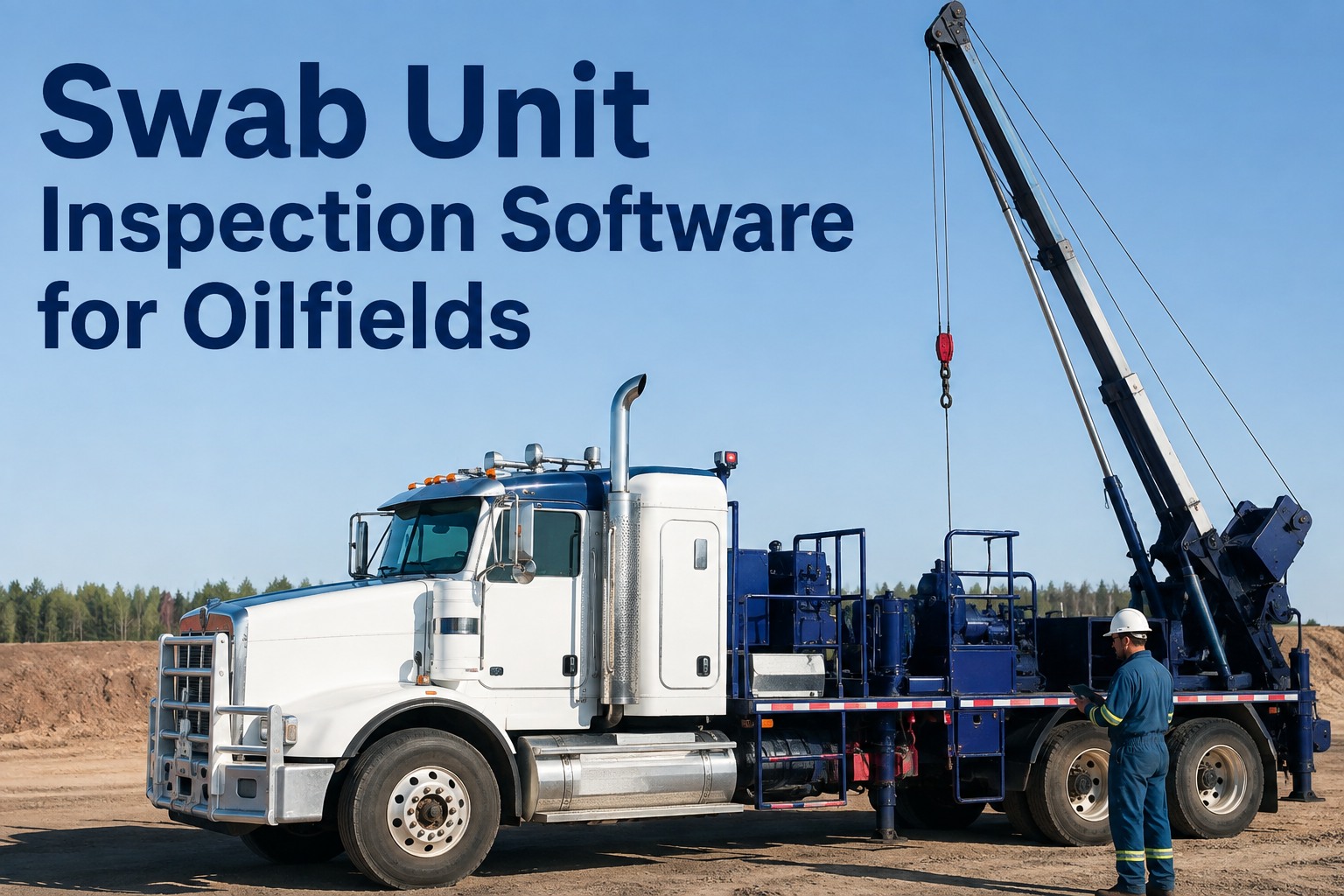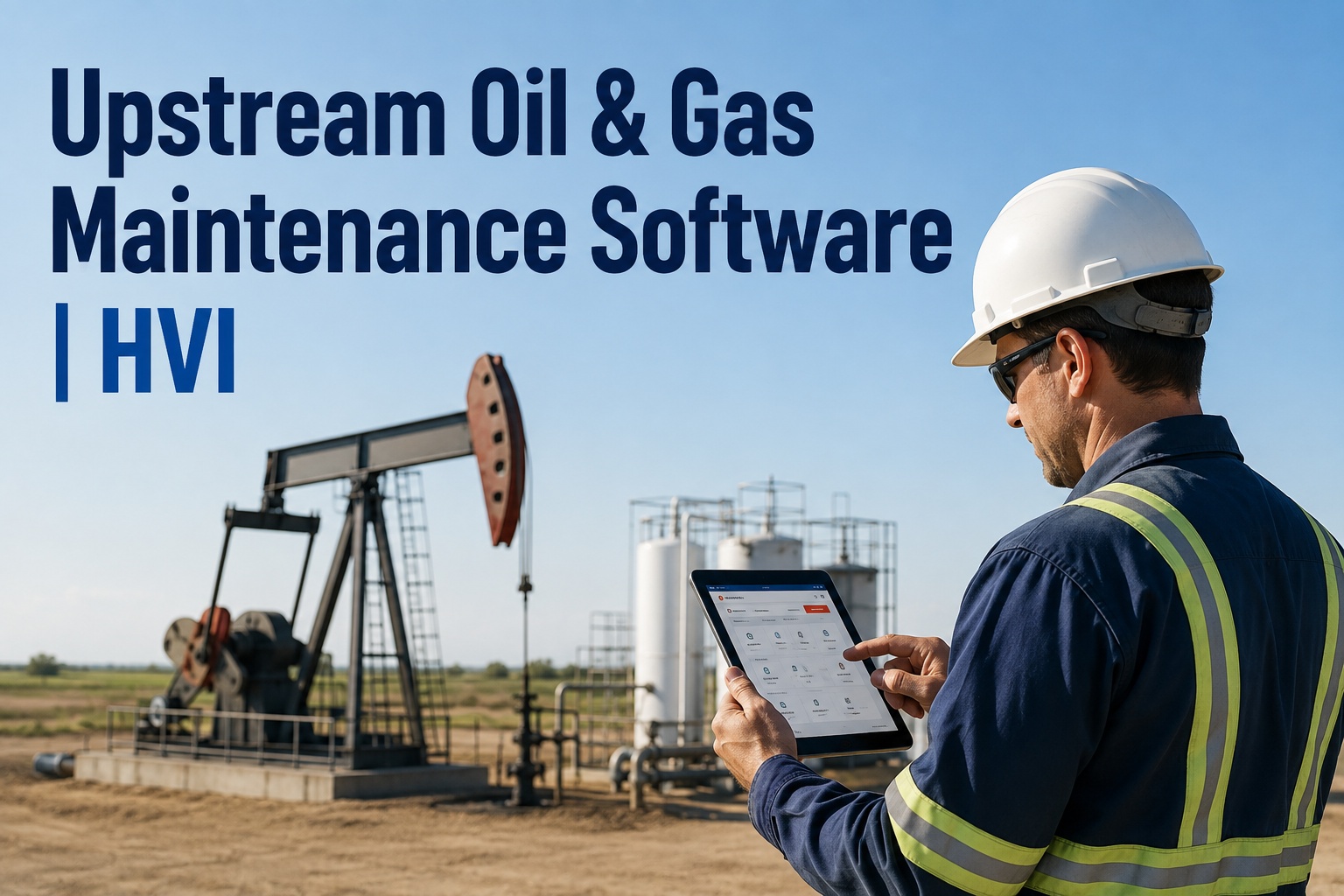
Your vac truck is 90 minutes down a lease road, the pump engine throws a fault at hour 1,940 of a 2,000-hour service interval, and the only record of that PM is a spreadsheet back at the district office that nobody has opened since Tuesday. That is the daily reality of upstream oil and gas maintenance software decisions: the work happens on remote pads and dispersed leases where connectivity is thin, equipment runs around the clock, and a missed service on a workover rig or service truck can idle an entire crew. HVI is built for exactly this environment — mobile pre-trips that work offline, meter-based PM that tracks engine and pump hours as units relocate, and one-tap work orders that turn field defects into shop action before they become failures. If you want to see it running on your own units rather than read about it, you can book a 30-minute walkthrough for your fleet and bring your toughest remote-site scenario with you.
Maintenance that works where your wells are — not where the Wi-Fi is
Mobile inspections, meter-based PM, and work orders built for vac trucks, service rigs, and support units running 24/7 across remote pads and districts.
What remote-site breakdowns actually cost your operation
When a service truck goes down on a pad two hours from the nearest shop, you are not just paying for a repair. You are paying for a crew standing idle, a client calling for updates, and a unit that may not turn a wrench again until a field tech drives out with parts that may or may not be on the shelf. These four numbers frame the problem.
How upstream fleet maintenance software closes the gap between field and shop
The core problem in upstream operations is distance. Your units are scattered across leases, your mechanics are in a district shop, and your office is somewhere else entirely. A wellsite maintenance software platform has to move information faster than a truck can drive. Here is the workflow that replaces the phone-tag-and-spreadsheet routine.
Operator runs a mobile pre-trip before leaving the yard
The driver or operator opens HVI on any phone or tablet, walks the unit, and taps through a digital checklist built for your equipment class — vac truck, service rig, water hauler, or pickup. Photos attach to any defect. The inspection works offline and syncs when the unit hits coverage. No paper form to lose, no clipboard to forget on the tailgate.
Defects become one-tap work orders, not text messages
A failed brake chamber or a leaking hydraulic line flagged during the pre-trip converts to a work order with one tap. The shop foreman sees it immediately — with photos, unit number, hour-meter reading, and location. No more deciphering a blurry photo sent to a group chat at 5 AM. If you want to see this defect-to-work-order flow on your own equipment, walk through it on a live demo with your fleet data in mind.
Meter-based PM tracks hours, not calendar guesses
Upstream units do not rack up highway miles — they rack up engine hours and pump hours. HVI schedules preventive maintenance by meter readings, so a 250-hour engine service or a 500-hour pump overhaul triggers automatically as the unit works. When a rig relocates from one pad to another, the PM schedule travels with it. Nothing slips because someone forgot to update a spreadsheet row.
The superintendent sees every unit from one Web Portal
Instead of calling three district shops to find out which trucks are down, the field superintendent opens one dashboard: unit status, open work orders, PM due dates, fuel burn, parts spend, and cost per asset — across every district, every lease, every unit. That is the view that turns maintenance from reactive firefighting into planned work.
Paper binders vs. upstream CMMS: what changes on day one
Most upstream service companies are not running nothing — they are running a patchwork of paper inspection books, Excel PM trackers, group-chat photos, and a whiteboard in the shop. It works until it does not. Here is what actually changes when you move to a production services CMMS built for the field.
Before: The Patchwork
- Pre-trip forms filled in the cab, lost by Friday
- PM intervals tracked in a spreadsheet one person owns
- Defect photos buried in a group chat thread
- Hour-meter readings called in by radio or text
- Audit prep means digging through filing cabinets
- No idea what any single unit costs to keep running
After: HVI
- Digital DVIR with photos, timestamped and stored
- PM triggers by engine hours, pump hours, or date
- Defects auto-convert to work orders with photos
- Meter readings captured at inspection, synced to PM
- HSE-ready PDF records generated in seconds
- Cost per asset visible across every district
Four capabilities that keep upstream fleets running
Each of these maps directly to a problem you deal with every week on remote sites.
Offline Mobile Inspections
Pre-trips and DVIRs work with zero connectivity on the pad. Data syncs when the unit reaches coverage. No more skipped inspections because there is no signal.
Meter-Based PM Scheduling
Services trigger by engine hours, pump hours, or calendar — whichever comes first. Due and overdue alerts go to the shop before the interval passes, not after.
Instant Defect-to-Work-Order
A defect flagged at inspection becomes a work order with one tap. Photos, unit ID, and meter reading attach automatically. The shop starts planning before the truck gets back.
Cross-District Cost Visibility
One Web Portal shows status, history, fuel, parts, and cost per unit across every district. Spot the truck that eats parts, the rig that burns fuel, and the unit that is always down.
The math on one avoided breakdown: a real-world scenario
You do not need a fleet of 200 units to see the payback. Here is a conservative example using a mid-size upstream service company — the kind running 25 to 40 units across two or three districts.
Scenario: 30-unit upstream service fleet, mixed vac trucks and service rigs
That $6,480 a month does not count the soft costs: the client who stops calling because your rig is always down, the operator who quits because the equipment is never right, or the HSE audit that goes sideways because your records are in three different filing cabinets. If you want to run this math on your own fleet numbers, bring your downtime data to a demo and we will walk through it together.
Keep the office in sync without double entry
The last thing your office manager needs is another system that creates more typing. HVI connects to the tools you already run so data flows one way — from the field to the office — without anyone re-keying a work order into accounting or matching fuel receipts by hand.
| System | What Syncs | What It Eliminates |
|---|---|---|
| ERP / Accounting | Work order costs, parts spend, labour hours | Re-keying invoices and cost codes at month-end |
| Telematics / GPS | Engine hours, location, fault codes | Manual hour-meter calls and location check-ins |
| Fuel Cards | Fuel transactions matched to unit and odometer | Reconciling paper receipts against unit logs |
| OEM Feeds | Recall notices, service bulletins, warranty status | Missing a recall or paying for warranty-covered work |
These connectors are pre-built, not custom projects. Most fleets have at least one running within the first week. If you are evaluating remote site maintenance software and want to see how the integration layer works with your specific ERP or telematics provider, ask about your stack on a demo call.
See HVI running on your own fleet — book a 30-minute demo
Bring your toughest remote-site scenario. We will show you how mobile inspections, meter-based PM, and instant work orders work on the units you actually run.
What to remember about upstream oil and gas maintenance software
If you take nothing else from this page, take these four points. They are the difference between a maintenance program that survives an audit and one that survives a phone call.
Connectivity is the constraint, not the excuse
Any upstream CMMS that requires a live connection to complete an inspection will fail on your remotest pad — which is exactly where you need it most. Offline-first mobile is not a feature; it is the baseline.
Meter-based PM is non-negotiable for upstream
Your units do not drive highway miles. They sit on location and pump. Calendar-based PM will always lag behind actual wear. Engine hours and pump hours are the only intervals that matter.
The defect-to-work-order gap is where money leaks
Every hour a defect sits in a text message instead of a work order is an hour the shop is not ordering parts, not scheduling a tech, and not preventing a breakdown. One-tap conversion closes that gap to zero.
Payback is measured in weeks, not years
At 30% less unplanned downtime and under 90 days to payback, this is not a capital project that needs board approval. It is an operational fix that pays for itself before the next quarter. You can start logging inspections free and see the data build within the first week.
I used to spend the first hour of every Monday calling operators to get hour-meter readings so I could update the PM spreadsheet. Half of them guessed. Now the readings come in with the pre-trip, the PM schedule updates itself, and I spend that hour actually planning the week's work. We went from chasing paper to chasing problems — and there are fewer problems to chase. I track one number now: units down. Last quarter it was three. The quarter before we switched, it was eleven.
Upstream maintenance software: what fleet managers ask
Does HVI work offline on remote well sites with no cell coverage?
Yes. HVI mobile inspections are built offline-first. An operator can complete a full pre-trip or DVIR on a pad with zero connectivity — photos, defects, meter readings, and all. The data stores locally on the device and syncs automatically when the unit reaches coverage. Nothing is lost, and nothing is skipped because there was no signal.
Can HVI track PM by engine hours and pump hours, not just mileage?
Yes. HVI supports preventive maintenance scheduling by date, mileage, engine hours, and custom meter types like pump hours or PTO hours. You set the interval — say, 250 engine hours for an oil change or 500 pump hours for a fluid-end rebuild — and the system triggers due and overdue alerts automatically as readings come in from inspections or telematics feeds.
How long does it take to get a fleet set up and running?
Most upstream fleets are running inspections within the first week. You import your unit list, build or customise your inspection checklists, set PM intervals, and invite your operators. The mobile app requires minimal training — if someone can use a smartphone, they can run an HVI inspection. You can sign up free and start building your fleet today, or book a demo to see the setup process first.
Can HVI generate audit-ready records for HSE reviews and client audits?
Yes. Every inspection, work order, and PM service in HVI is timestamped, photo-backed, and stored in a searchable history per unit. When a client or HSE auditor asks for maintenance records on a specific rig or truck, you generate a PDF in seconds — not days. The records show what was inspected, what was found, what was fixed, and when.
What does HVI cost, and is there a free trial?
HVI offers a free tier that lets you start running digital inspections and tracking units immediately — no credit card required. Paid plans scale by fleet size and unlock work order management, PM scheduling, parts inventory, analytics, and integrations. Most upstream fleets report full payback in under 90 days from downtime reduction alone. Book a 30-minute demo to get pricing for your specific fleet size and see the platform in action.
Stop chasing paper. Start chasing uptime.
HVI gives your upstream fleet mobile inspections that work offline, PM that tracks real hours, and work orders that reach the shop before the truck does. See it on your own units.
Free to start — Works on any phone — No card needed