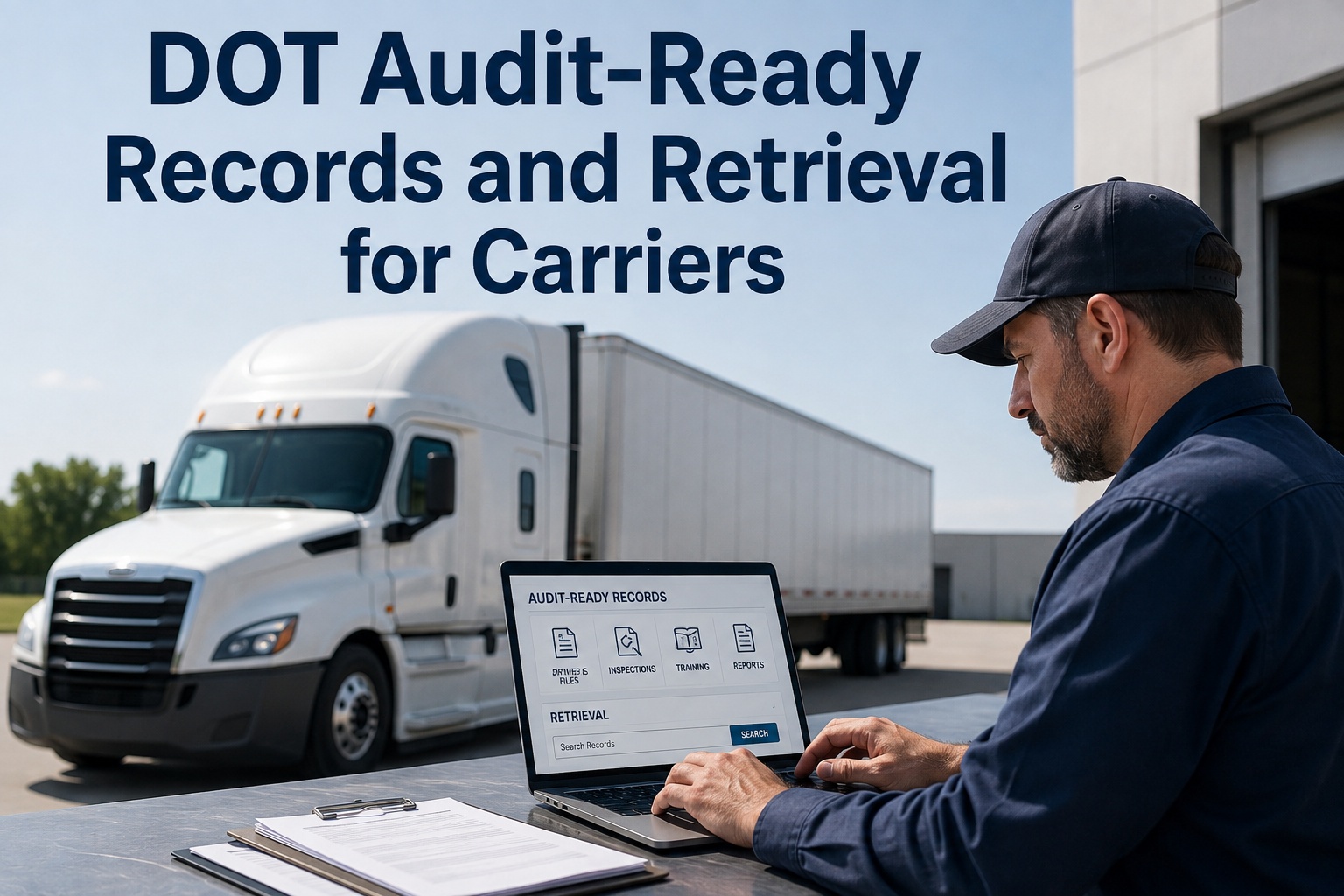
The auditor is already in your office, coffee in hand, and asks for six months of DVIRs on unit 214 plus the maintenance file going back to the day you bought it. If your answer involves a filing cabinet, a storage box and a shrug, the audit is already going badly. DOT audit records are won or lost on retrieval speed: carriers that produce complete, organised documentation in minutes walk out with a satisfactory rating, while carriers with good trucks and bad paperwork get written up anyway. This page breaks down exactly what an FMCSA investigator asks for, the retention clocks running on each document type, and how fleets using HVI pull any record on any unit in seconds instead of days. If you would rather see it than read it, you can watch a live record retrieval on your own units in a 30-minute demo.
Audit-ready documentation for carriers
When the investigator asks, how fast can you answer?
Ninety-three percent of carriers audited receive at least one violation, averaging six each. Most of those violations are not bad trucks - they are slow, incomplete or missing paperwork. Here is the exact record set an auditor works through, and how to have it ready before they finish their coffee.
Paper and filing cabinets
- Days to assemble one unit's history
- Missing signatures and illegible DVIRs
- Defects with no proof of repair
- Reads as "no programme" to an auditor
Digital records in HVI
- Any unit, any date range, in seconds
- Complete signature chains, timestamped
- Every defect linked to its repair order
- Reads as a controlled, managed fleet
Why retrieval speed decides the outcome
DOT audit records: the numbers that matter
An audit is not a test of how well you maintain trucks. It is a test of how fast you can prove it. These four figures frame every compliance review, new entrant safety audit and focused investigation.
93%
of audited carriers receive at least one violation - the system is designed to find gaps, so leave none
6
average violations per failed audit, each one dragging your safety rating and insurance premium
75%
reduction in audit preparation time reported by fleets that move records into HVI
30
days from HVI implementation to fully audit-ready documentation across your fleet
Record retention rules
How long must you keep DOT audit records?
Three different retention clocks run on your fleet paperwork at the same time, and an auditor will test all three. Miss one and a perfectly maintained truck still generates a violation.
DVIRs - driver vehicle inspection reports
Every pre-trip and post-trip report, with the driver's signature, the carrier's certification of repair where a defect was noted, and the next driver's review signature. Ninety days sounds short until you multiply it by every unit, every day, in every yard.
Maintenance and service records
For every unit under your control: identification, PM schedule, and records of every inspection, repair and service. Keep them for the entire time the vehicle is in your fleet, plus six months after it leaves. A ten-year truck means a ten-year paper trail.
Annual inspection reports
The periodic inspection report under 396.17 stays on file for fourteen months, and proof of the current inspection - report or decal - must ride on the vehicle itself. The inspector's qualification records under 396.19 must back it up.
The trap is the maintenance clock. DVIRs expire in a quarter, but a service file must survive the truck. When you sell a unit, you still owe six more months of records. Fleets that start logging inspections and work orders free in HVI never think about these clocks again - retention is automatic and nothing gets purged early.
The document request
The five records an FMCSA investigator asks for first
Auditors follow a predictable script. They sample specific vehicles and drivers over a specific window - usually the last 90 days to 12 months - and they ask for these five document sets in roughly this order. Each row shows what a complete answer looks like.
| Document requested | What the auditor checks | Where carriers fail |
|---|---|---|
| DVIR history for sampled units | Daily reports present for the whole window, full signature chain: driver, repair certification, next-driver review | Missing days, unsigned reports, defects noted with no repair sign-off |
| Maintenance files per unit | PM schedule followed on time, and a defect-to-repair chain: every reported defect tied to a completed repair | PMs done late or undocumented, repairs invoiced but not linked to the defect |
| Annual inspection reports | Current 396.17 report on file within 14 months, proof carried on the vehicle, inspector qualified under 396.19 | Expired inspections, no inspector qualification records, missing on-vehicle proof |
| Driver qualification files | Complete DQ file per driver: application, MVR, medical certificate, road test or equivalent, annual review | Expired medical cards, missing annual MVR pulls, incomplete applications |
| Clearinghouse query records | Pre-employment full queries and annual limited queries documented for every CDL driver | Queries run but not documented, or annual queries missed entirely |
Notice the pattern: the auditor is not asking whether you did the work. They are asking whether you can prove the chain - defect found, defect repaired, repair verified, inspector qualified. If you want to see what that chain looks like when it is built automatically, book a walkthrough of HVI's defect-to-work-order flow and bring your hardest unit.
A worked example
What one document request costs on paper
Take a 40-truck carrier hit with a routine compliance review. The investigator samples five units and asks for 90 days of DVIRs plus full maintenance files. Here is how the next two days usually go with paper records - and the same request in a digital system.
The paper route: about 16 hours
- 1Pull five unit folders from the filing room, discover two are in the shop and one is in a truck 200 miles away.
- 2Sort 450 DVIRs by unit and date. Find eleven missing days and six reports the driver never signed.
- 3Match work orders and invoices to each defect by hand. Three repairs have no paperwork trail.
- 4Photocopy, tab and bind everything. Two office days gone, and the file still has holes the auditor will find.
The HVI route: about 4 minutes
- 1Filter by unit and date range. All 90 days of DVIRs appear, signed and timestamped, with photos attached.
- 2Open the unit's maintenance timeline. Every defect already carries its linked work order and completion sign-off.
- 3Export the package or show it on screen. The auditor sees a complete chain in one view.
- 4Get back to running the fleet. Sixteen hours of scramble becomes four minutes of filtering.
Sixteen hours of office labour per audit is the visible cost. The invisible cost is worse: every missing signature and unmatched repair becomes a violation line, and six of those is the average for carriers who fail. That is why fleets see the retrieval demo before their next audit window, not after it.
How HVI helps
Audit-ready documentation, built as a by-product of daily work
HVI is not a filing system you feed after the fact. It is the fleet maintenance software your drivers and technicians already work in, so the audit file builds itself. Four capabilities do the heavy lifting.
Digital DVIRs with forced signature chains
Drivers inspect on any phone, defects carry photos, and the app will not close a report without the required sign-offs. Your 90-day DVIR window is always complete - no missing days, no unsigned forms.
Defect-to-repair chain in one work order
A reported defect converts to a work order with one tap, and the repair, parts used and technician sign-off attach to the original defect. The chain an auditor hunts for is one record, not three folders.
PM and annual inspection tracking
Preventive maintenance schedules run by date, mileage or engine hours with due and overdue alerts, and annual inspection dates are tracked per unit with the report stored on the asset. Nothing under 396.17 or 396.19 expires silently.
Filter-and-export retrieval in seconds
Every record is indexed by unit, driver, date and record type. When a document request lands, you filter, review and export - the exact slice the auditor asked for, timestamped and photo-backed.
The result fleets report: 75 percent less audit preparation time, and a fleet that is genuinely audit-ready within 30 days of implementation - not because anyone filed faster, but because there is nothing left to file. You can create a free account and run your first digital DVIR today, or watch the full audit workflow on a demo call.
Your next audit should be boring
See HVI pull a complete unit history - DVIRs, defect chains, PM records, annual inspections - live on a 30-minute call. Bring your messiest truck.
Key takeaways
Audit preparation is a daily habit, not a two-day scramble
Everything on this page reduces to four working rules for fleet compliance documentation.
Speed is the audit
Slow or incomplete production reads as an absent programme, whatever condition your trucks are in. Organise for retrieval, not just storage.
Three retention clocks
DVIRs for three months, maintenance records for vehicle life plus six months, annual inspection reports for fourteen months with proof on the unit.
Chains, not documents
Auditors test connections: defect to repair, repair to sign-off, inspection to qualified inspector. A folder of loose papers fails that test.
Let the software file it
When inspections, work orders and PM schedules live in one CMMS, the audit file is a by-product of daily work - and retrieval is a filter, not a project.
If your current system is a filing cabinet and a spreadsheet, the cheapest time to fix it is before the FMCSA letter arrives. Book a demo and see your own fleet's records the way an auditor would.
We got a new entrant audit letter eight months after I started, and my predecessor's filing system was three cabinets and a lot of optimism. I spent a weekend building five unit files and still lost a day with the investigator explaining gaps. After we moved inspections and work orders into HVI, the next review was almost dull - I filtered by unit, printed nothing, and answered everything on a laptop. The number I track now is retrieval time per request. It used to be measured in days. It is under five minutes.
Common questions
DOT audit records: what carriers ask us
How long do I have to keep DVIRs for a DOT audit?
What maintenance records does an FMCSA auditor request?
Are electronic DVIRs and maintenance records acceptable in a DOT audit?
How fast do I have to produce records during a compliance review?
What are the most common record-keeping violations in a safety audit?
Be audit-ready before the letter arrives
HVI turns daily inspections and work orders into a complete, retrievable audit file - DVIRs, defect chains, PM records and annual inspections, all in seconds. Fleets report 75 percent less audit prep time and full readiness within 30 days.
Free to start - Works on any phone - No card needed