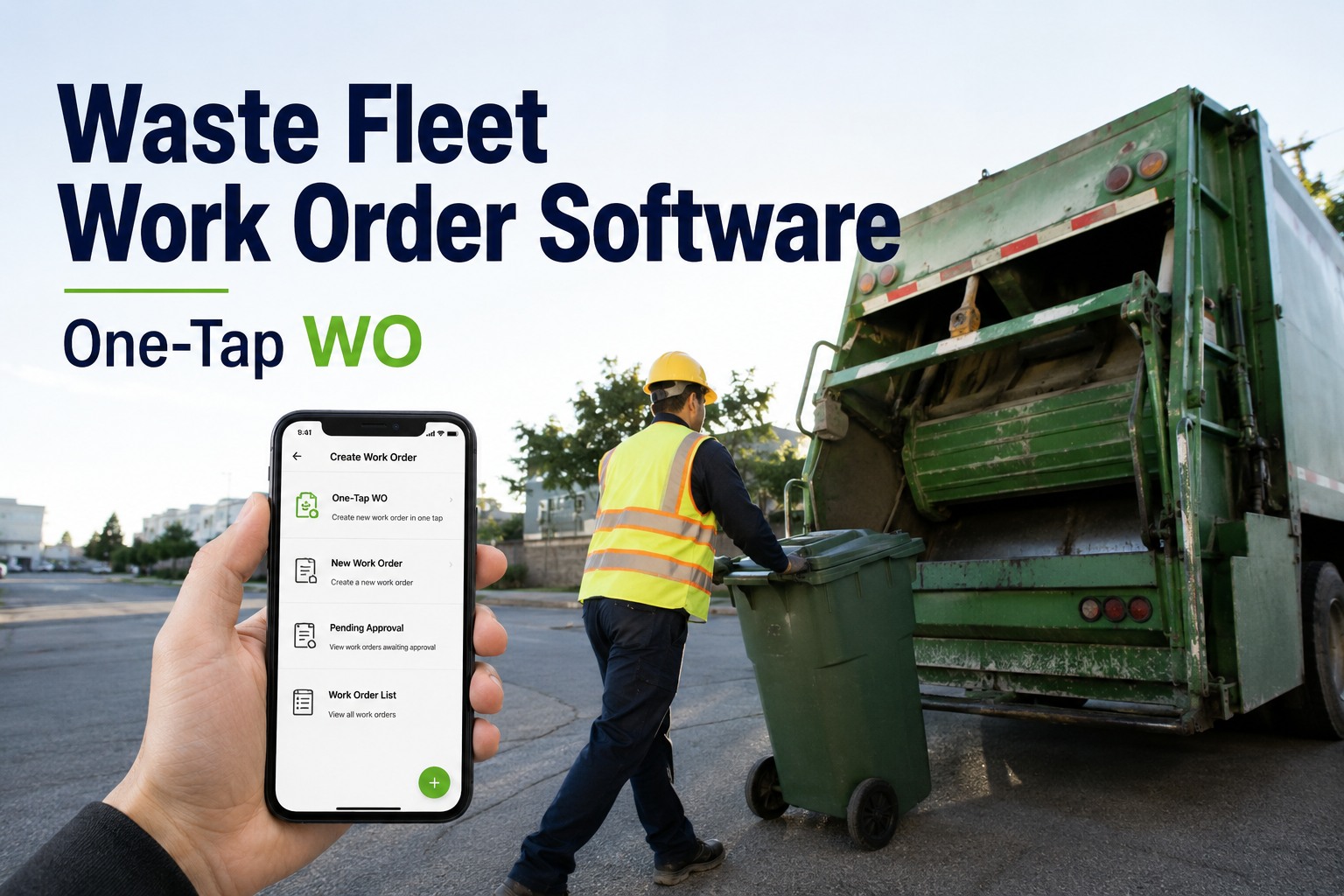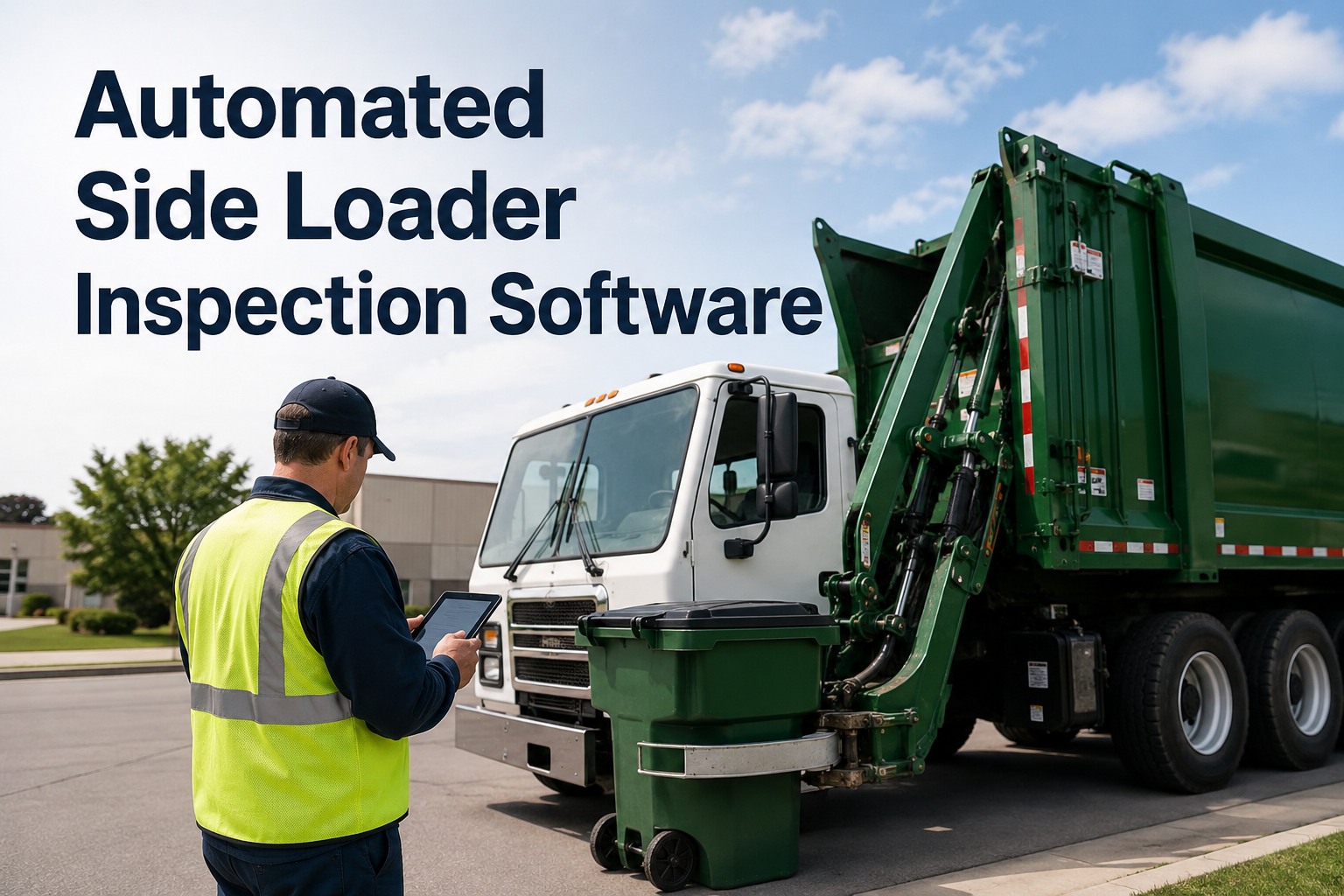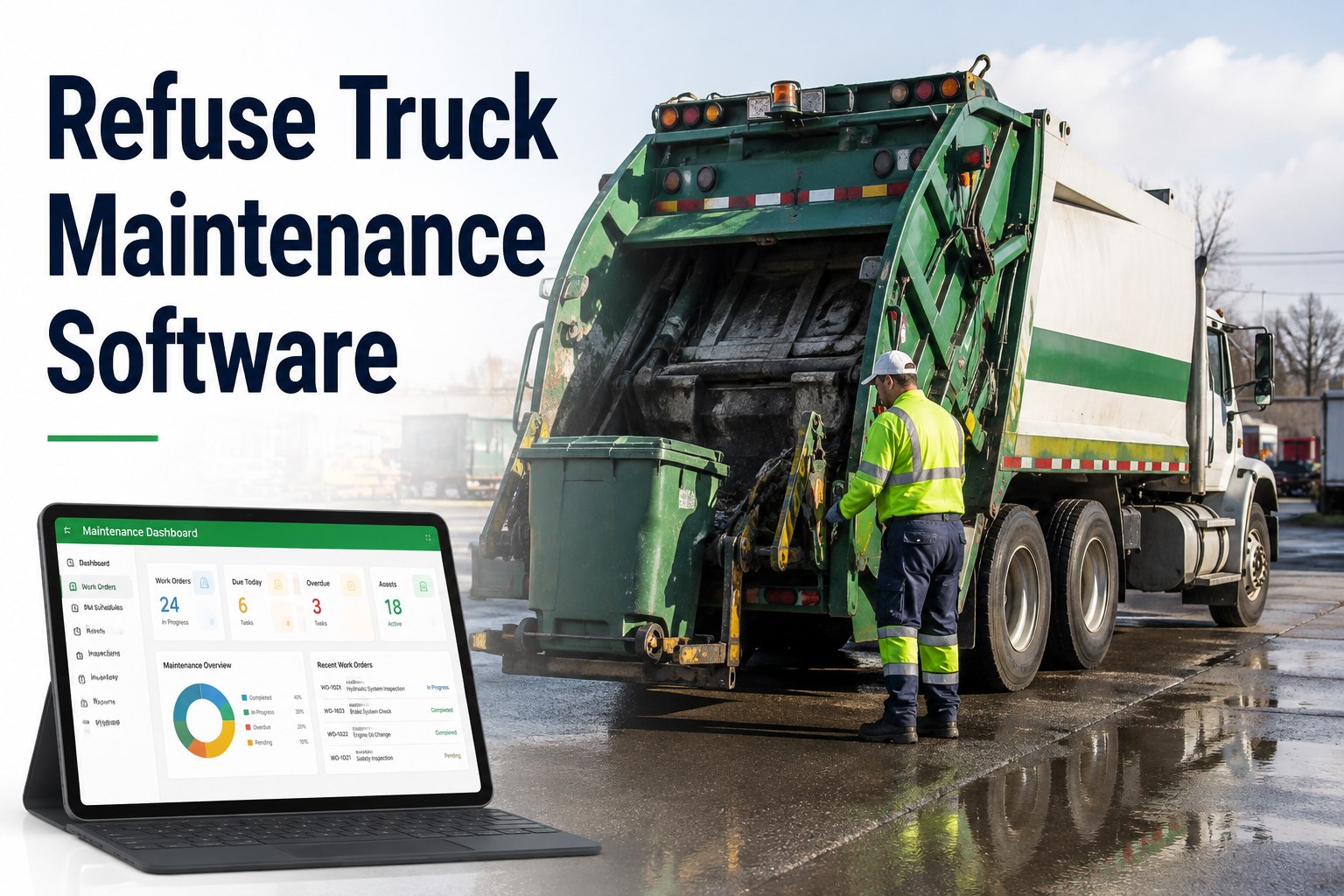
A rear-loader that dies at stop 214 of 260 doesn't just miss a route — it triggers a callback crew, overtime, a missed-pickup complaint log, and a packer full of garbage sitting in the sun. Refuse truck maintenance software exists because this duty cycle destroys trucks faster than almost anything else on the road: a collection vehicle brakes and accelerates hundreds of times per shift, cycles its hydraulics thousands of times a week, and racks up engine hours that odometer-only schedules never see. Generic fleet tools that trigger service "every 10,000 miles" miss the packer body, the cart tipper, and the PTO pump entirely. This page shows how purpose-built preventive maintenance, work order management, and parts tracking keep collection fleets on route — and how haulers running HVI report roughly a third fewer mid-route breakdowns with payback in under 90 days. If you want to see it on your own units before reading another word, you can book a 30-minute walkthrough of HVI and bring your toughest truck.
Your trucks stop every 45 seconds. Your maintenance plan shouldn't.
HVI schedules PM by odometer, engine hours, or calendar — then fires the work order, reserves the parts, and notifies the technician automatically. Built for packers, roll-offs, and front-loaders that live on the brake pedal.
What one missed PM interval costs a waste fleet
A collection truck is a revenue machine on a fixed route clock. When it stops, the costs stack by the hour — and most of them never show up on the repair invoice.
How to schedule refuse truck PM that actually matches the duty cycle
Calendar-only scheduling under-services hard-worked trucks and over-services light ones. HVI lets you stack three triggers on every unit — whichever fires first wins.
Odometer / Mileage
Engine oil, filters, driveline service, and DOT-interval inspections tied to actual miles pulled from GPS or manual entry. A roll-off doing landfill runs accumulates miles a curbside truck never will.
Engine Hours
The metric that matters for refuse work. A packer idles and works its PTO for hours while the odometer barely moves — hydraulic oil, pump service, and packer panel PM belong on hours, not miles.
Calendar / Date
Annual DOT inspections, fire extinguisher checks, hydraulic hose age-outs, and seasonal work like coolant and block heaters. Fixed dates keep compliance items from drifting with usage.
How it works in practice: you set "packer hydraulic service — every 500 engine hours" once. HVI counts the hours, flags the unit yellow at 450, and at 500 it auto-creates the work order with the checklist, the filter part numbers, and the assigned technician. No whiteboard, no spreadsheet, no one remembering. You can watch this trigger fire live in a demo using your own PM intervals.
The 5-step workflow that kills paper DVIRs and text-message photos
Most fleets don't lose trucks to big failures — they lose them to small defects reported too late. Here is the loop HVI closes on every unit, every day.
Driver runs the pre-route DVIR on any phone
A refuse-specific checklist — packer blade, hydraulic lines, cart tipper, lights, brakes, fluid leaks under the body — with photo capture on every defect. Two minutes at the yard, timestamped and stored.
Flagged defects route to the shop instantly
A weeping hydraulic fitting photographed at 5:40 AM is on the foreman's screen before the truck clears the gate. Safety-critical items can hold the unit from dispatch until signed off.
One click converts the defect to a work order
The defect, photos, unit history, and odometer reading attach automatically. No retyping, no lost paper, no "the driver texted me a photo last Tuesday" archaeology.
Parts pull from stock and auto-deduct
The technician scans out two hydraulic hoses and a filter kit against the work order. Inventory decrements, cost posts to the truck, and low-stock alerts fire before the next job needs the same part.
Labour and parts close out per truck, per route
Every hour and dollar lands on the unit's record. Weekly reports roll up cost-per-truck, cost-per-division, and cost-per-route — so budget season runs on data instead of gut feel.
Built for the machines that collect, not adapted from a car-fleet tool
Hydraulic & packer PM on engine hours
Track the body, PTO, and tipper as their own service items — the components that actually fail on collection trucks. Outcome: the 500-hour hydraulic service happens at 500 hours, not after a $4,000 pump failure.
Defect-to-work-order in one click
Pre-route DVIR findings become assigned, parts-attached work orders without a single retype. Outcome: small leaks get fixed in the yard instead of becoming mid-route hose bursts at stop 180.
Parts inventory across every shop
Stock levels, auto-deduction on work orders, and reorder alerts across multiple yards. Outcome: no more trucks waiting two days on a $60 fitting that was sitting in the other depot.
Cost-per-route reporting
Labour, parts, and fuel roll up by truck, division, and route in weekly reports. Outcome: you can prove which routes and which units burn margin — and defend the replacement budget with numbers.
What breakdown reduction looks like on a 40-truck fleet
Run the math on your own numbers — here is a realistic mid-size hauler scenario using conservative figures.
| Line item | Before HVI | With HVI | Monthly impact |
|---|---|---|---|
| Mid-route breakdowns (40 trucks) | 10 / month | ~7 / month (−30%) | 3 truck-days recovered |
| Cost per breakdown day (rental + OT + callbacks) | $1,000 | $1,000 | $3,000 saved |
| Emergency vs planned repair premium | 3–5× on ~10 jobs | Planned PM on most jobs | $2,000–$4,000 saved |
| Parts leakage / untracked stock | ~$800 / month unaccounted | Auto-deducted per work order | $800 recovered |
| Total monthly recovery | — | — | ~$5,800–$7,800 |
Against a subscription with no per-user fees and no implementation cost, that math is why haulers report payback inside 90 days. Bring your own breakdown count and run your fleet's numbers in a working session — it takes about fifteen minutes.
See your own trucks in HVI before you spend a dollar
Book a 30-minute demo and we will load one of your actual routes — PM intervals, checklist, parts list and all.
From spreadsheet to live fleet in days, not quarters
The biggest reason fleets stay on paper is fear of a painful rollout. HVI is designed so the shop keeps working while the system comes up around it.
Import your fleet from Excel
Unit numbers, VINs, odometer and hour readings, PM intervals — the import maps your existing spreadsheet columns. A 60-unit mixed fleet of packers, roll-offs, and pickups typically loads in under an hour.
Set PM templates and checklists
Apply refuse-specific inspection checklists and your service intervals by mileage, hours, or date. Drivers install the app on any phone — no new hardware, no per-user licences to count.
First DVIRs and work orders go live
Drivers inspect, defects flow, work orders close with parts and labour attached. Most shops are fully off paper inside the first week — and you can start that first week free to prove it on your own yard.
Key takeaways
Refuse trucks fail on engine hours and hydraulic cycles, not calendar pages — so your PM triggers must match. Small DVIR defects become cheap planned repairs or expensive mid-route failures depending entirely on how fast they reach the shop. And when parts, labour, and fuel post to every truck automatically, refuse truck maintenance software stops being a cost centre and starts paying for itself — typically in under 90 days, with roughly a third fewer breakdowns on route.
I used to find out about hydraulic leaks from the route supervisor calling me at noon. Now I see the driver's photo at 5:45 in the morning and the hose is on the bench before that truck's first stop. The number I watch is unplanned down-days per month — we were at nine, and I refuse to let it go back above five.
Refuse fleet maintenance software — answered straight
What is refuse truck maintenance software?
Should refuse PM be scheduled by miles or engine hours?
How does defect-to-work-order actually work?
What does it cost, and how fast is payback?
Will it work for a mixed fleet, not just packers?
Keep every truck on route, every day
Join the haulers who cut mid-route breakdowns by a third and made payback inside 90 days. Your first units can be live this week.
Free to start · Works on any phone · No card needed