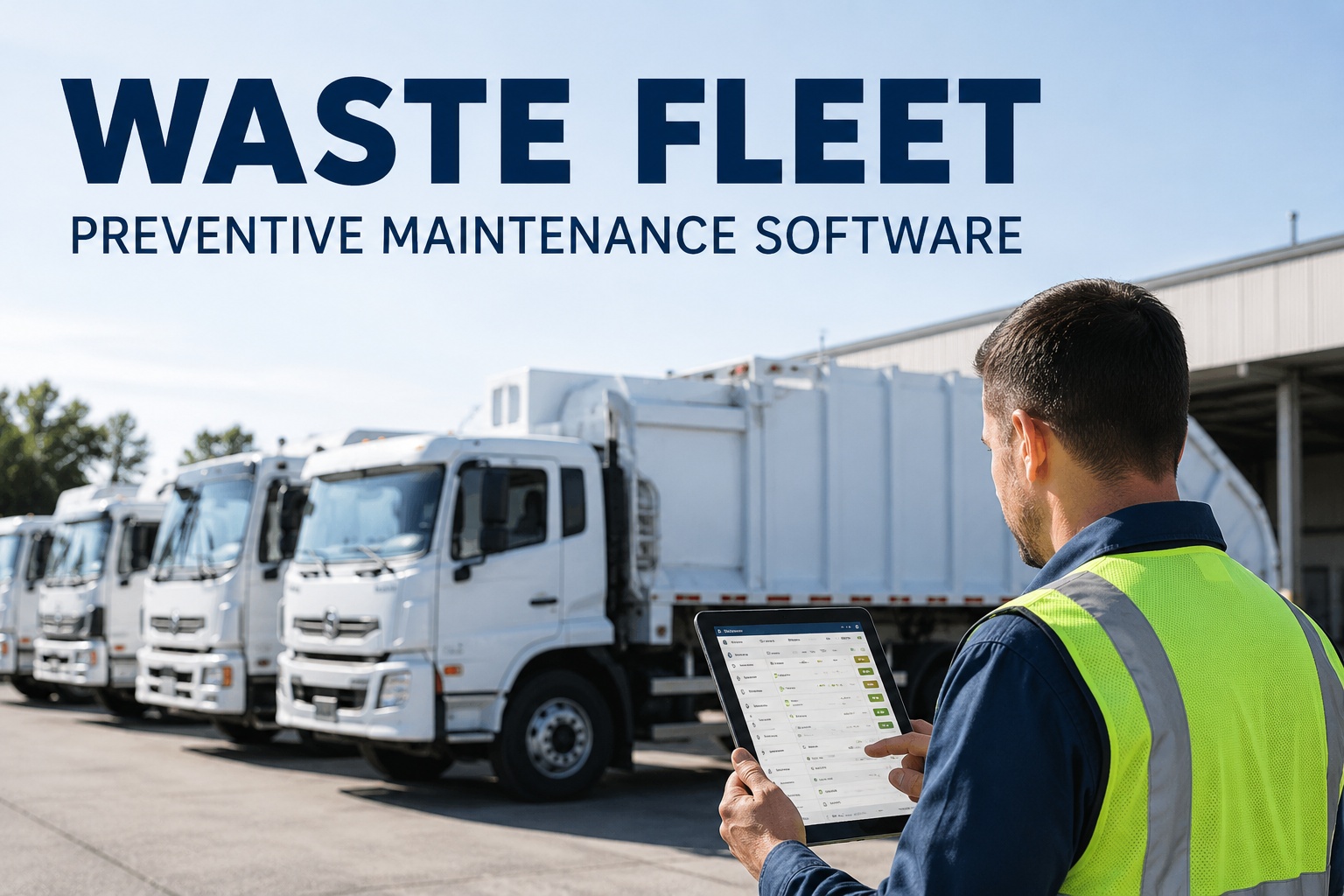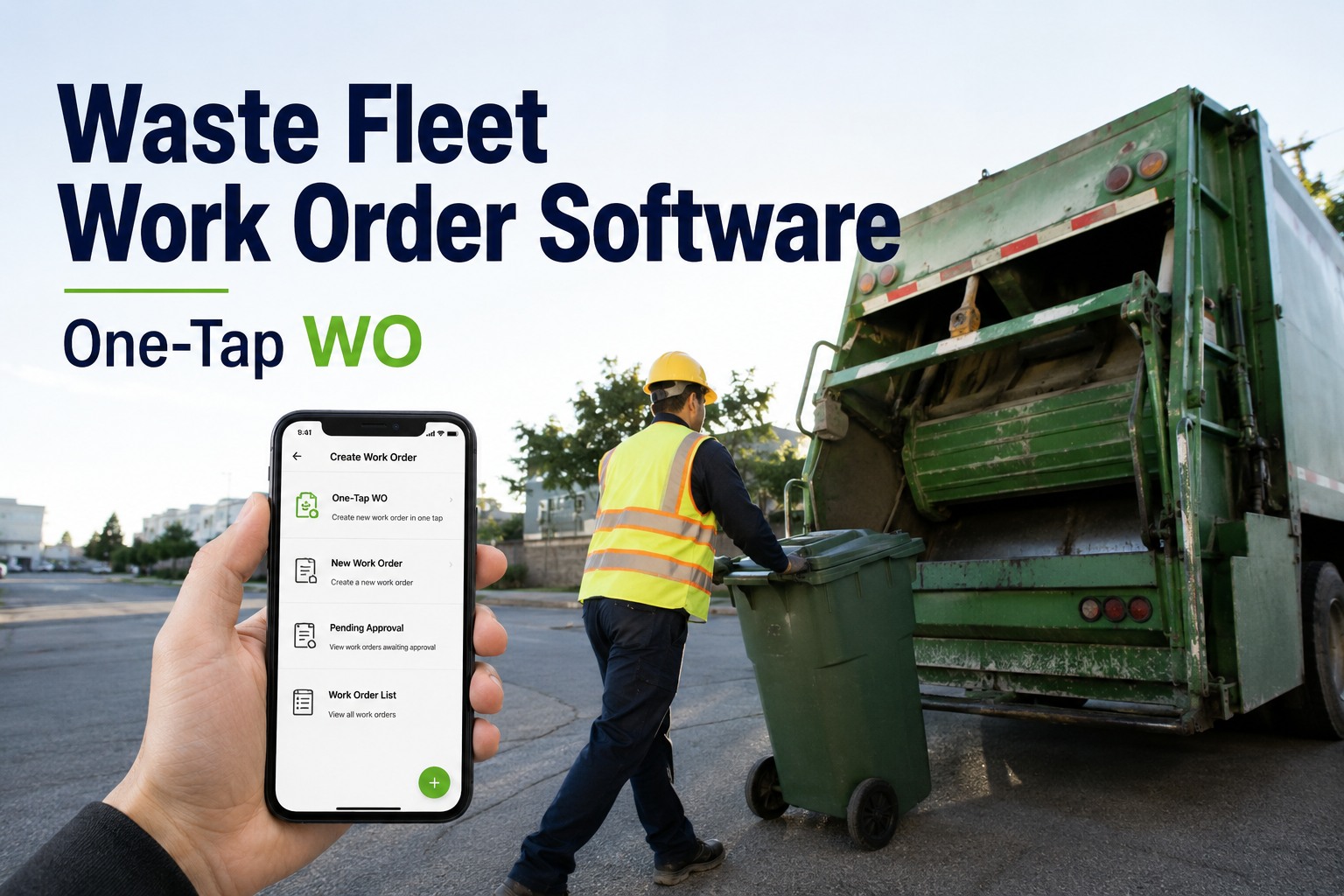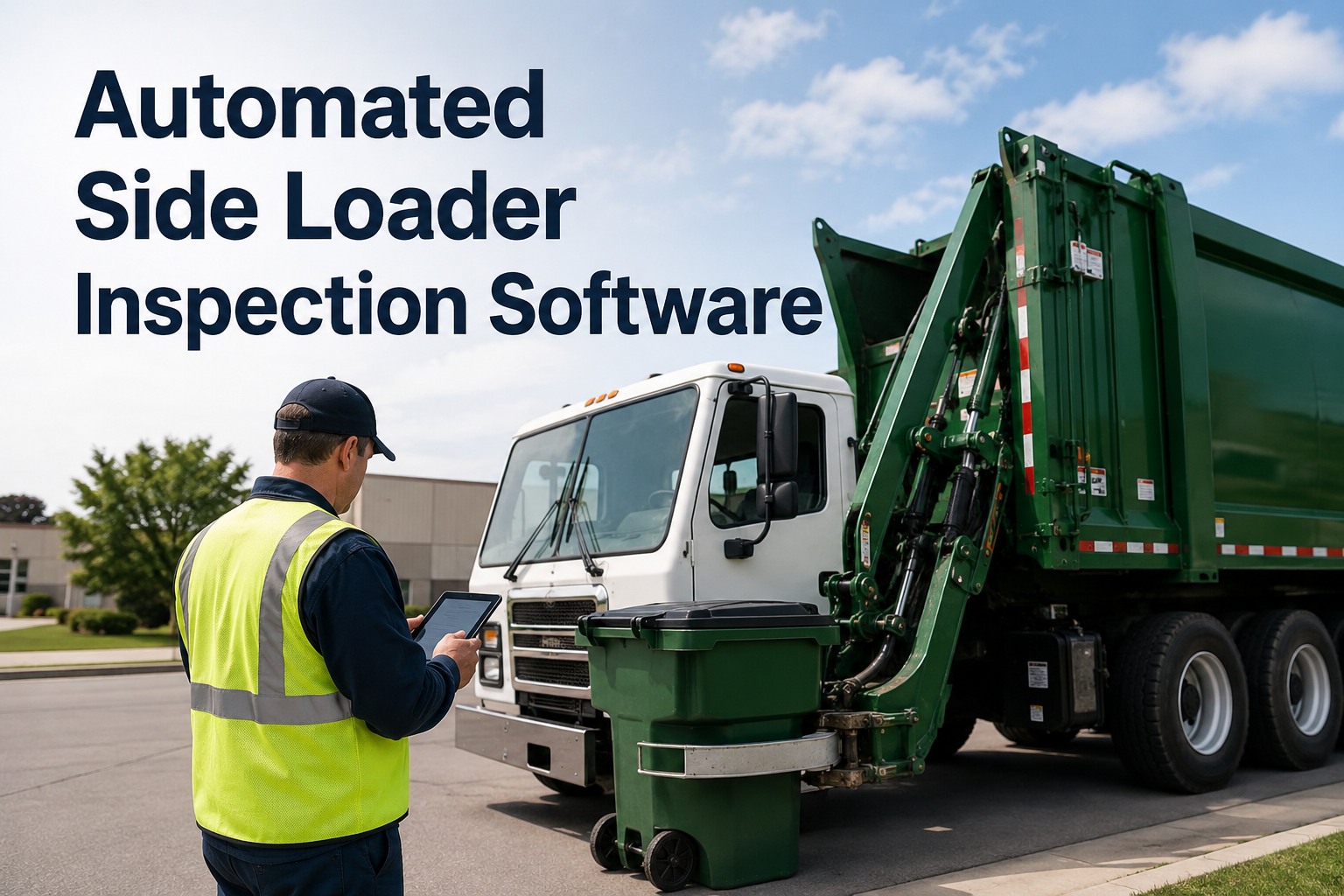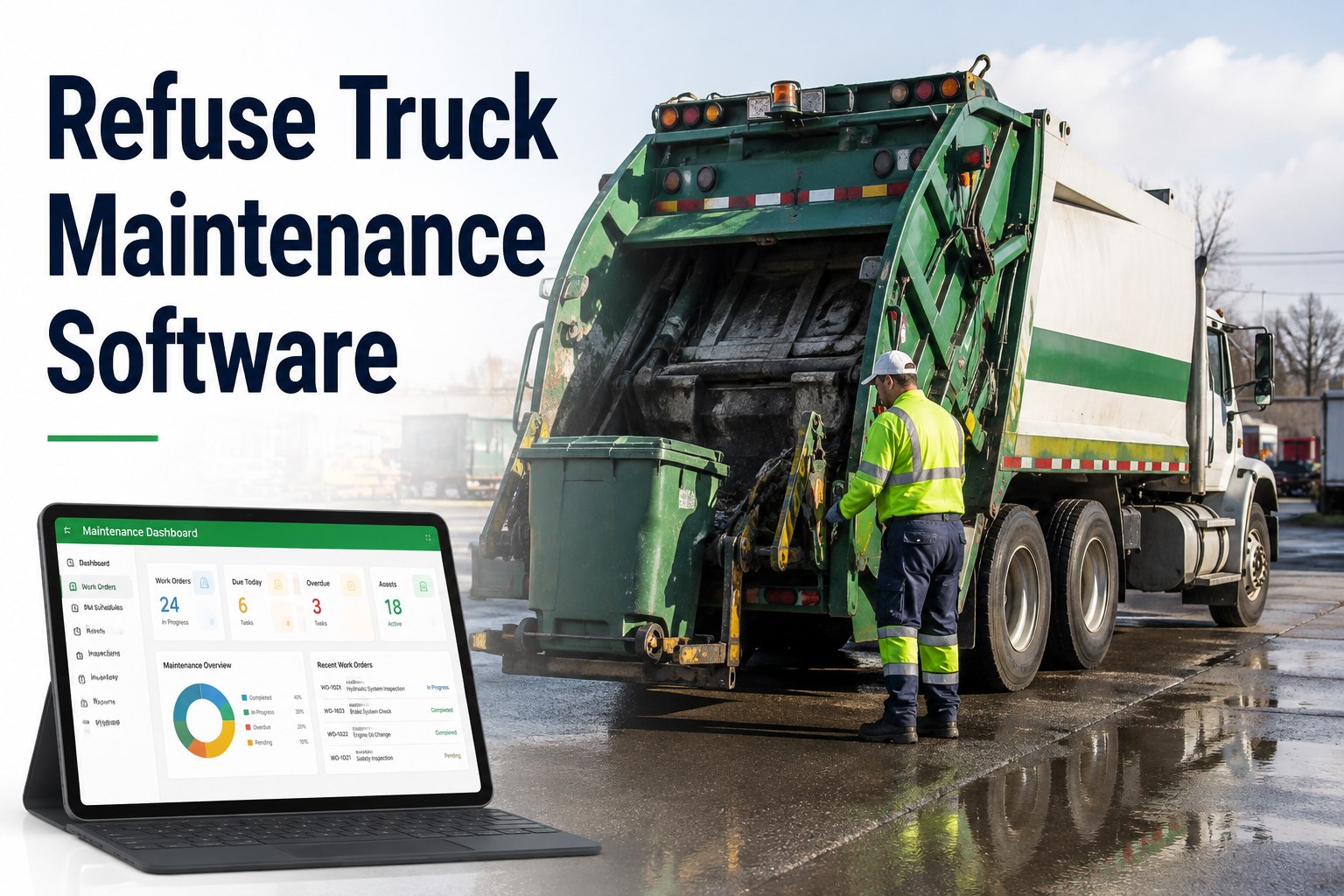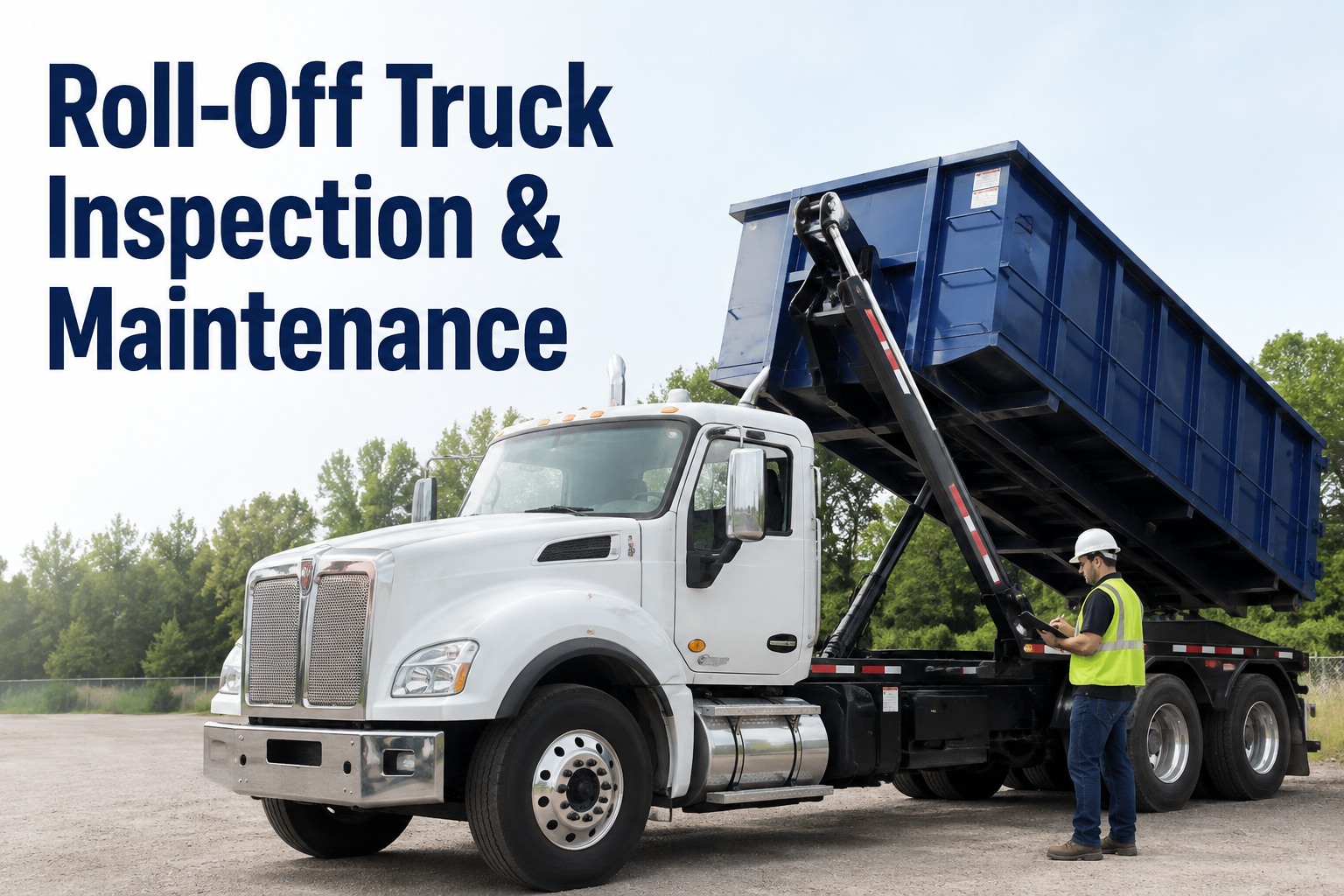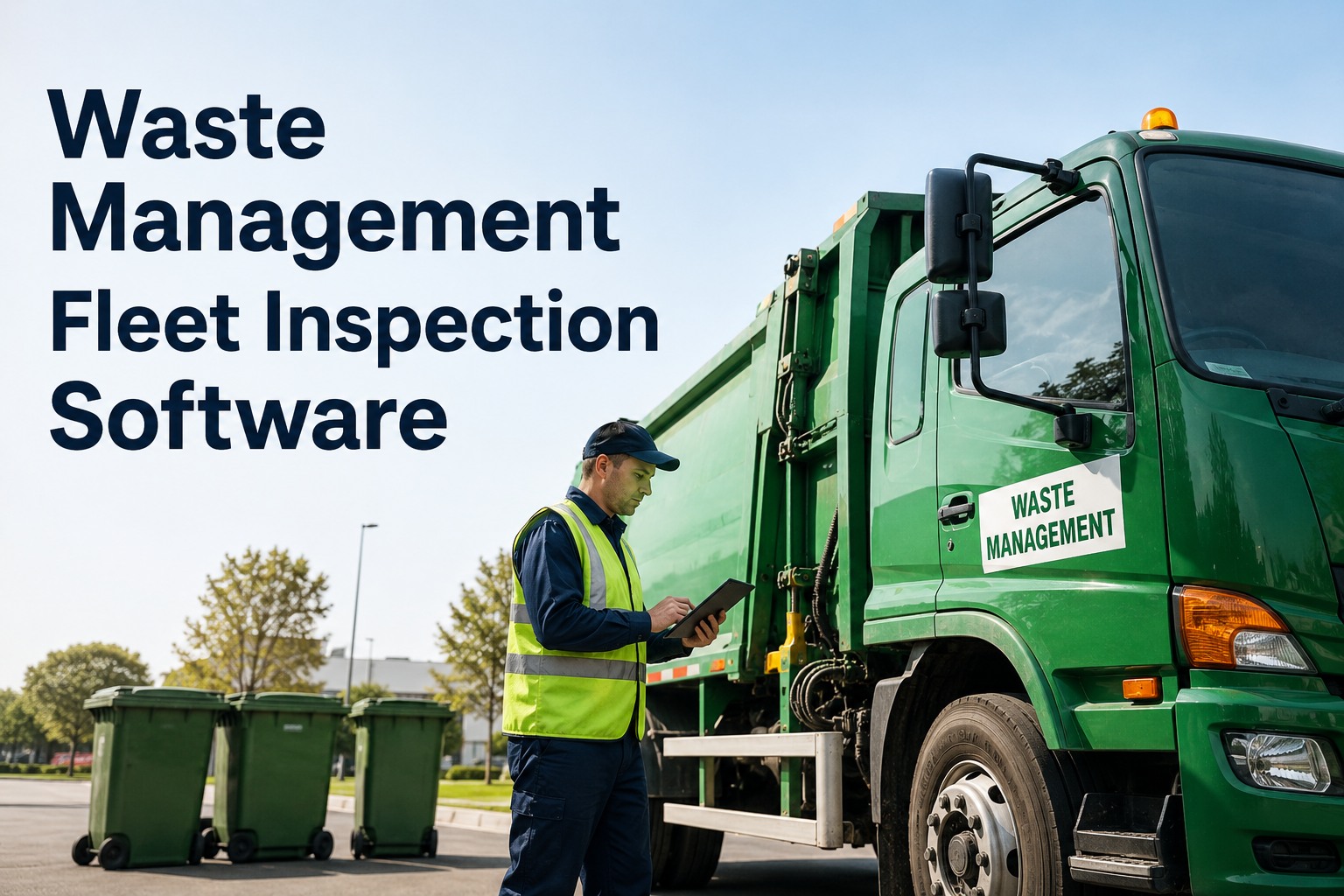
A garbage truck that dies at the third stop of a 900-stop route does not just cost a tow. It costs missed pickups, angry ratepayers, a spare unit burning fuel to finish the run, and a driver doing overtime paperwork instead of driving. That is exactly the problem waste management fleet software exists to solve: drivers run a 5-minute pre-route inspection on any phone, flag a hydraulic leak or a soft brake pedal with a photo and a voice note, and the shop gets a signed, DOT-ready report before the truck even leaves the yard. HVI turns every flagged defect into a work order in one tap, tracks mileage so preventive maintenance never slips, and gives you one dashboard across residential, commercial, and recycling divisions. If you want to see it running on your own front loaders and roll-offs, you can book a 30-minute walkthrough on your fleet and be live before the week is out.
What does one missed route actually cost you?
Between the tow, the overtime, the spare truck, and the customer credits, a single mid-route breakdown on a residential run regularly clears four figures. HVI's garbage truck inspection app catches the defect at 5:40 AM in the yard — not at 9:15 AM in front of 40 waiting bins.
What a breakdown day costs a collection fleet
Every figure below is money out of your operating budget — and every one shrinks when defects get caught in the yard instead of on the route.
How a pre-route inspection app works from yard to shop
Four steps, under five minutes, and nothing falls into the gap between the driver's clipboard and the mechanic's bench.
Driver walks the truck with a guided checklist
Front loader, rear loader, ASL, roll-off, or support pickup — each unit type gets its own checklist: packer hydraulics, blade and panel wear, PTO engagement, brake stroke, lights, camera and proximity sensors, fluid leaks under the body. The app will not submit until every item is marked pass or fail.
Defects get marked Repair or Replace, with proof
A weeping hydraulic line gets a photo. A dragging brake gets a 10-second voice note. The driver tags severity, so a cracked mirror does not hold a truck in the yard but a soft pedal absolutely does. No more deciphering handwriting on a damp form at 6 AM.
One tap turns the defect into a work order
The shop foreman sees the work order land with the photo, the voice note, the odometer, and the truck's full repair history attached. Parts can be pulled before the truck is even back from route. If you want to watch this handoff happen live, see the defect-to-work-order flow in a demo on one of your own units.
A signed, DOT-ready PDF files itself
Every inspection closes with a timestamped, signed digital DVIR that is audit-ready for DOT, client, safety, and insurance reviews. When an auditor asks for the last 90 days on truck 214, you pull it in seconds instead of digging through a binder.
Preventive maintenance that never slips a route cycle
Refuse trucks live a brutal life — hundreds of stops, constant PTO cycling, curbside abuse. Calendar-only PM schedules miss the real wear. HVI triggers service by date, mileage, or engine hours, whichever hits first.
| PM Trigger | Typical Refuse Example | What HVI Does | Cost of Missing It |
|---|---|---|---|
| Mileage | Oil and filters every set interval | Odometer syncs from inspections or GPS; due and overdue alerts fire automatically | Sludge and bearing wear turn a routine service into an in-frame |
| Engine hours | Hydraulic fluid and packer service on high-idle units | Hours tracked per unit so a truck idling at stops all day is serviced on real wear | Contaminated hydraulics kill pumps and cylinders — a five-figure packer rebuild |
| Date | Annual DOT inspection, brake certification, CNG tank checks | Compliance items land on a calendar with escalation before expiry | Out-of-service orders, failed audits, and trucks parked when you need them most |
| Defect-driven | Driver flags a cracked spring or worn cutting edge | Work order opens instantly and links to the inspection evidence | A $300 part becomes a $3,000 roadside failure plus a missed route |
Because odometer readings come in with every daily inspection, your PM schedule runs on real numbers, not a spreadsheet someone updates on Fridays. Haulers who want to see mileage-based PM configured for a mixed residential and commercial fleet can walk through PM setup in a live demo.
Refuse truck maintenance software built for the way collection fleets actually run
Digital DVIR for every body type
Front loaders, rear loaders, ASLs, roll-offs, grapples, and support vehicles each get their own checklist. Kills paper DVIRs and text-message photos in week one.
One-tap defect-to-work-order
The flagged defect becomes an assigned work order with photo evidence and repair history attached. Shops report cutting unplanned downtime because parts and labor are staged before the truck returns.
CNG and diesel fuel tracking
Log fuel per unit across diesel and CNG trucks, spot a unit suddenly burning more per route, and catch injector or packer-drag problems before they become breakdowns.
Cost-per-truck and cost-per-route reporting
One dashboard across residential, commercial, and recycling divisions, with weekly cost reports delivered automatically. You see which units are eating the budget and which routes run clean.
What 30% fewer breakdowns means for a 40-truck hauler
Run the math on your own fleet. Here is a conservative illustration for a mid-size residential and commercial operation.
Before HVI — paper DVIRs and group chats
- 10 mid-route breakdowns a month across 40 trucks is a common baseline for high-cycle refuse work
- Each event: tow or field service, driver overtime, a spare unit's fuel and wear, plus missed-pickup credits and complaint handling
- At a conservative $800–$1,500 per event, that is roughly $8,000–$15,000 leaking every month
- Paper defects surface hours late, so small leaks become roadside failures
After HVI — defects caught at 5:40 AM
- ~30% fewer mid-route breakdowns — the figure waste haulers on HVI report — takes 3 events off the month
- That alone saves roughly $2,400–$4,500 a month, before counting overtime and spare-truck fuel
- PM by mileage and hours cuts the big-ticket failures — packer pumps, brake jobs done early instead of late
- Result: payback in under 90 days, with no per-user fees eating the return
Your numbers will differ, but the shape never does: defects caught in the yard cost parts and an hour of labor; the same defect found at stop 212 costs a route. If you want to model it on your own fleet data, bring your breakdown numbers to a demo and we will run them together.
See HVI running on your own trucks
Book a 30-minute demo and we will load one of your routes — front loaders, rear loaders, roll-offs — and run a live pre-route inspection from a driver's phone to a shop work order.
DOT compliance for waste fleets, without the binder
Collection fleets get inspected too — and a truck loaded with compacted refuse is not where you want a roadside officer finding a brake defect your driver reported on paper last Tuesday.
The same record set covers client and insurance audits, which matter when you are bidding municipal contracts that demand proof of fleet maintenance. And because HVI also tracks fuel per unit — diesel and CNG side by side — you get a second early-warning system: a truck whose fuel-per-route climbs 15% in a month is telling you something is dragging, leaking, or misfiring. You can start logging inspections and fuel free and have your first week of data before your next PM cycle.
From Excel import to live inspections in days, not months
Waste fleets do not have time for a six-month software implementation. Route season never stops. HVI is built to go live while the trucks keep rolling.
Import your fleet from Excel
Units, VINs, odometers, PM intervals, and divisions load in one import. No implementation charge, and fleet onboarding is included — our team helps map your residential, commercial, and recycling groups.
Drivers inspect on their own phones
If a driver can use a smartphone camera, they can run an HVI inspection. Most crews are competent after one guided run. Works on any phone or tablet — yard, roadside, or transfer station.
The shop runs on real work orders
Defects arrive with photos, voice notes, and history. Parts and inventory tracking means the foreman knows what is on the shelf across multiple shops before promising a truck back for the morning route.
Weekly cost reports land automatically
Cost per truck, cost per route, PM compliance rate, and uptime — delivered weekly, per division. This is the meeting where you finally see which units are earning and which are eating. Most managers book a demo to see the reporting dashboard before they commit, and that is exactly what the 30 minutes is for.
The bottom line on waste management fleet software
Three things decide whether a collection fleet makes money: trucks leaving the yard on time, defects caught before they become roadside events, and proof of maintenance when an auditor or a municipal client asks. Paper loses on all three.
A 5-minute digital pre-route inspection is the cheapest breakdown insurance you can buy — roughly 30% fewer mid-route failures, and every inspection becomes a signed, DOT-ready record.
Mileage- and hour-based PM matches service to how refuse trucks actually wear — PTO cycling, high idle, curbside abuse — so packer hydraulics and brakes get serviced on real use, not a wall calendar.
Payback under 90 days with no per-user fees and no implementation charges means the software pays for itself out of avoided tows and overtime alone. The reporting — cost per truck, cost per route — is the bonus that changes how you run the fleet.
You do not need to rip out anything to try it. Import your units, run live inspections during a free trial, and let the first month of data make the case. When you are ready, sign up free and import your fleet today — or see it guided first.
The thing that used to drive me crazy was the 2 PM phone call — driver says the packer is acting up, and it turns out he wrote it on the morning sheet and nobody read it. Now a defect is a work order before the truck clears the gate. I track one number every Monday: trucks that missed route start. It used to be three or four a week. Most weeks now it is zero.
Marcus Delgado — Fleet Maintenance Manager, regional residential & commercial waste hauler, 60+ collection vehicles
Waste fleet inspection software — common questions
What is waste management fleet software?
How long does a digital pre-route inspection actually take a driver?
Does HVI handle mileage-based PM for high-idle garbage trucks?
Will the records hold up in a DOT or municipal client audit?
What does it cost to get started, and how fast is rollout?
Keep every route running tomorrow morning
Put a 5-minute inspection in every driver's pocket, turn defects into work orders in one tap, and see cost per truck and per route every week. Book a demo and we will run it on your trucks — or start free and import your fleet today.
Free to start — Works on any phone — No card needed