Right now your fleet probably runs on four or five tools that don't talk to each other — one app for inspections, a spreadsheet for maintenance, email for work orders, something else for compliance. Every handoff between them is where a defect gets lost,or a service slips. All-in-one trucking software fixes that by making it one connected workflow — book a demo to see the whole fleet on one screen.
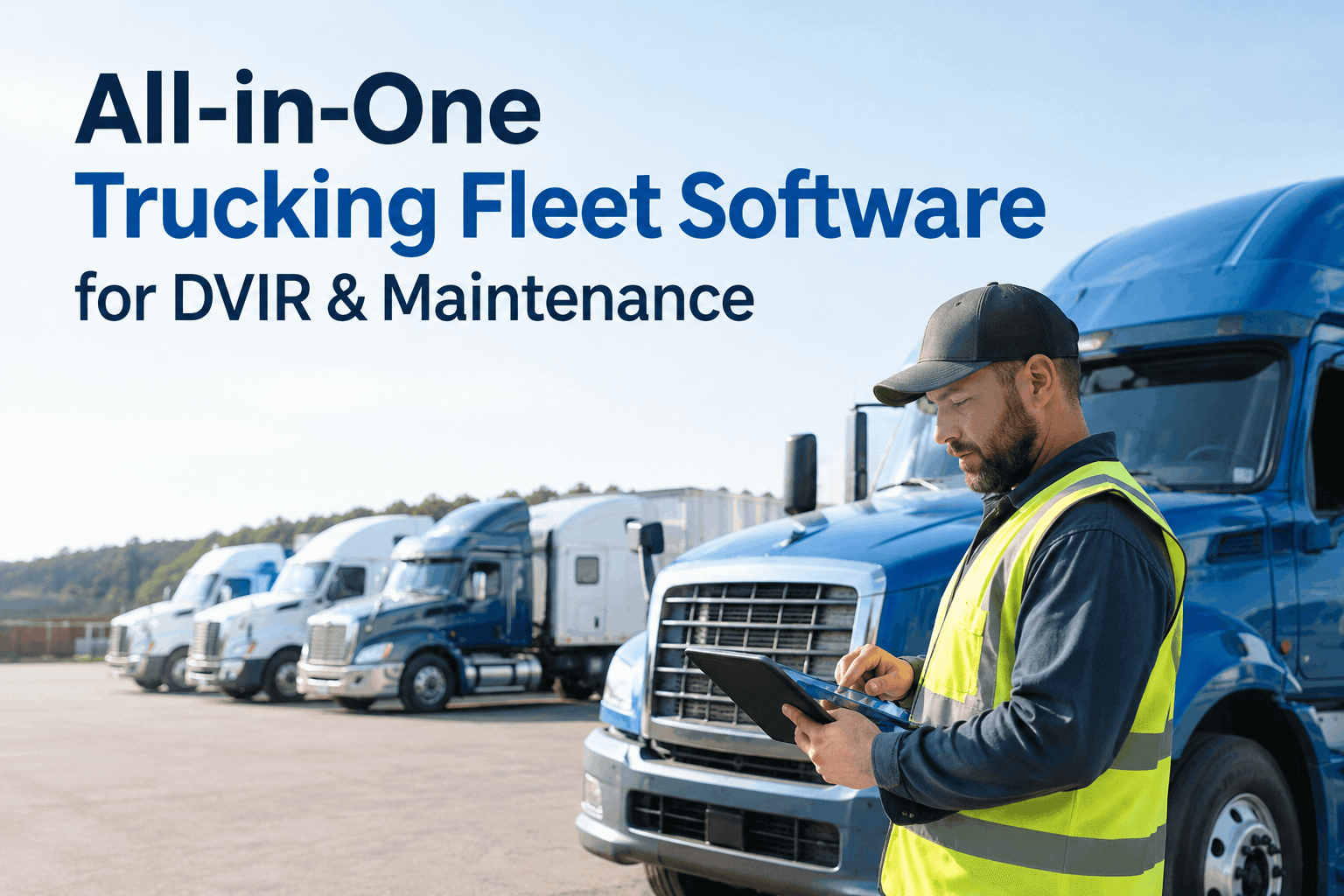
All-in-One Trucking Fleet Software for DVIR & Maintenance
Inspections, preventive maintenance, work orders, parts and compliance in one connected system — so a defect flagged this morning is a closed work order by this afternoon, all on one record.
The tool sprawl that's costing youwhy five disconnected apps leak defects and dollars
Most fleets didn't choose tool sprawl — it accumulated. An inspection app here, a spreadsheet there, email for the shop, a separate compliance folder. Each one works, but the gaps between them are where things fall through. All-in-one fleet management software closes those gaps by making them one system.
Five tools, five sets of data, five places for something to slip — versus one connected record every module reads from.
The hidden cost isn't the five subscriptions — it's the defect that never made it from the inspection app into a work order, and became a roadside breakdown instead. You can book a demo to see the connected workflow replace the handoffs.
Signs you've outgrown your tool stackwhen it's time to move to all-in-one fleet management software
You don't need every one of these to be true — one or two is usually enough to know the disconnected setup is already costing you more than a single platform would.
Defects slip between apps
A driver flags something in the inspection app, but it never reaches the shop because someone has to retype it into the work-order system.
Your maintenance lives in a spreadsheet
PM schedules are tracked by hand, so a service is only as current as the last time someone remembered to update the sheet.
An audit means a scramble
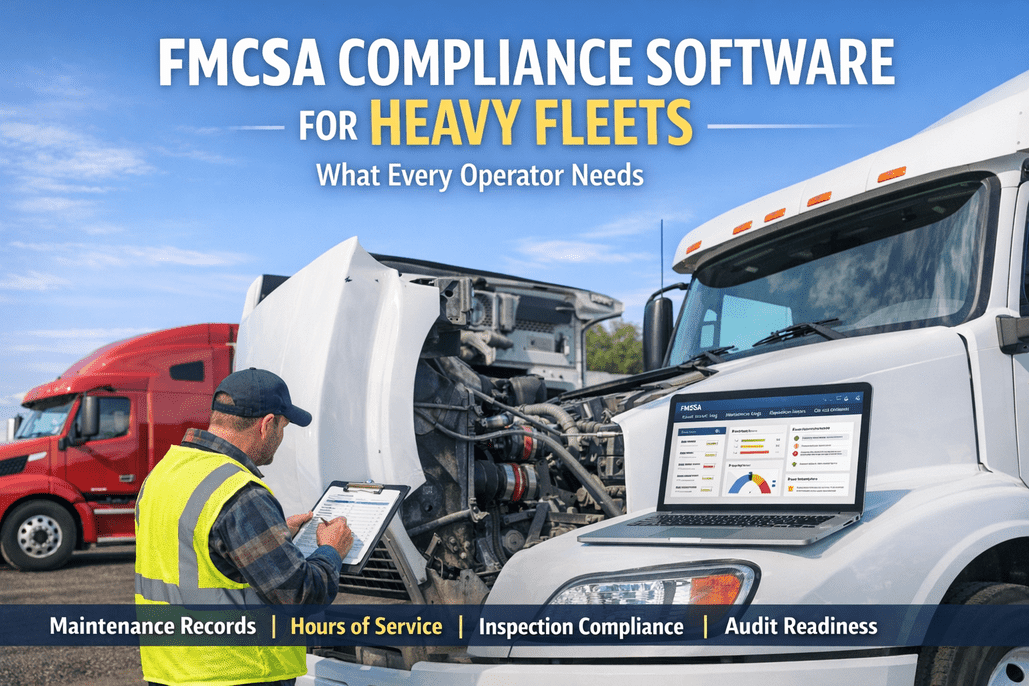
Pulling DVIRs and repair history for a DOT review means digging through three systems and an inbox instead of one record.
No one owns the full picture
Nobody can say what a given truck actually costs, because the inspection, repair, parts and fuel data all live in different places.
If any of these sound like your week, the fix isn't a better spreadsheet — it's a demo of the whole workflow on one platform, so you can see what consolidating actually removes.
One workflow, from defect to donewhat “connected” actually means in all-in-one trucking software
All-in-one isn't five tools bundled under one login. It's one workflow where each step feeds the next automatically — no re-entering data, no exporting, no defect lost in a handoff.
Driver flags a defect
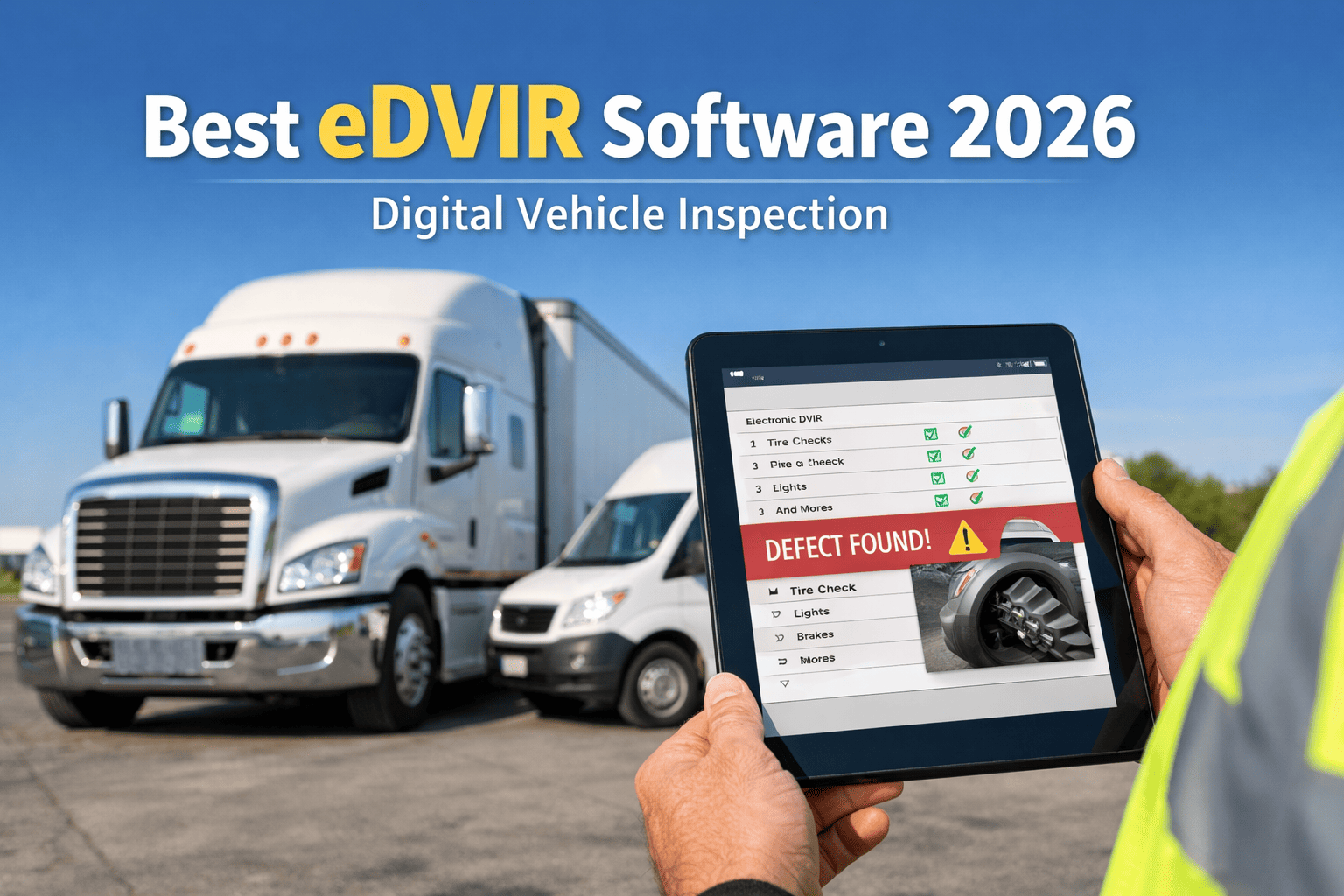
An eDVIR fault is logged on a phone with a photo — the moment it's captured, the rest of the chain already knows.
Work order opens itself
The defect becomes a work order automatically, tied to the unit, with the part checked against inventory.
Maintenance stays current
The repair updates the unit's PM schedule and history — no separate spreadsheet to remember to touch.
Compliance records itself
The signed DVIR, the fix and the sign-off all land on one audit-ready record — nothing to assemble later.
That's the difference between all-in-one and a bundle: the work order management isn't a separate app you also pay for — it's the next beat of the same workflow the inspection started.
What's actually in the one platformthe modules an all-in-one fleet system should cover
“All-in-one” only means something if it genuinely covers the work. Here's what a unified fleet management software platform should include — every one of these reading from the same record, not a separate tool you bolt on.
Digital inspections & DVIR
Signed eDVIRs on a phone, custom templates, photos on every defect, DOT-ready records.
Work order management
One-tap work orders from inspections, assigned to the shop, tracked to close-out.
Preventive maintenance
PM scheduled by mileage, engine hours or calendar, triggering before a breakdown.
Parts & inventory
Parts linked to work orders and deducted from stock, so repairs don't stall waiting on a shelf.
Safety & compliance
Incident logs, safety checklists and audit-ready DVIR and maintenance history in one place.
Analytics & reporting
Cost, downtime and compliance dashboards built from the records the other modules create.
Because they share one record, turning on another module isn't a new integration project with its own setup and its own invoice — it's already connected and already paid for. That's the real meaning of all-in-one: the modules were built together, not stitched together after the fact. Start free and switch on the modules your fleet needs.
One record, every module on itwhat a truck's file looks like when nothing is siloed
Pull up any truck and the whole picture is there — the last inspection, the open work order, the PM status, the parts used, the compliance trail. Not five tabs in five apps; one record every module wrote to.
And it all rolls up into fleet-wide analytics and reporting automatically, because the dashboard is reading the same records — not a sixth tool you feed by hand.
From a fleet manager who killed the spreadsheet stackwhat consolidating actually changed
We were running inspections in one app, maintenance in a spreadsheet, and work orders over text and email. The problem was never any one tool — it was the gaps. A driver would flag something and it just never made it to the shop. Putting it all on one platform, the flag becomes a work order on its own and I can actually see it. We cut the apps down to one, and the stuff that used to fall through the cracks just stopped.
Frequently asked questionsall-in-one trucking software for DVIR & maintenance
What makes HVI genuinely all-in-one and not just a bundle?
The modules share one record, so a DVIR defect becomes a work order and updates PM and compliance without re-entering anything. A bundle is separate apps under one bill; this is one workflow. Book a demo to see the flow end to end.
How is this different from your fleet management buyer's guide?
This page is the consolidation angle — one connected workflow. For a vendor comparison across options, see the best fleet management software guide, or book a demo to see HVI on your fleet.
Do I have to use every module at once?
No — start with inspections and maintenance, then switch on parts, safety or reporting when you're ready. Because they share a record, there's no integration project to add one. Start free or book a demo.
Does it keep us DOT and FMCSA compliant?
Yes — signed eDVIRs and full maintenance history are stored and audit-ready, so a roadside stop or audit is answered from one record. See it for trucking fleets or book a demo.
How fast can we get all-in-one running?
Most fleets run digital inspections on day one and layer in the other modules over the first weeks — no hardware to install. Start free with your truck list, or book a demo for a guided setup.
Run the whole fleet on one connected system
All-in-one trucking software means inspections, preventive maintenance, work orders, parts and compliance on one record — so nothing falls through the gap between apps. One login, one truck file, one workflow from the morning pre-trip to the audit-ready report.
No hardware · All modules on one record · DOT-ready from day one