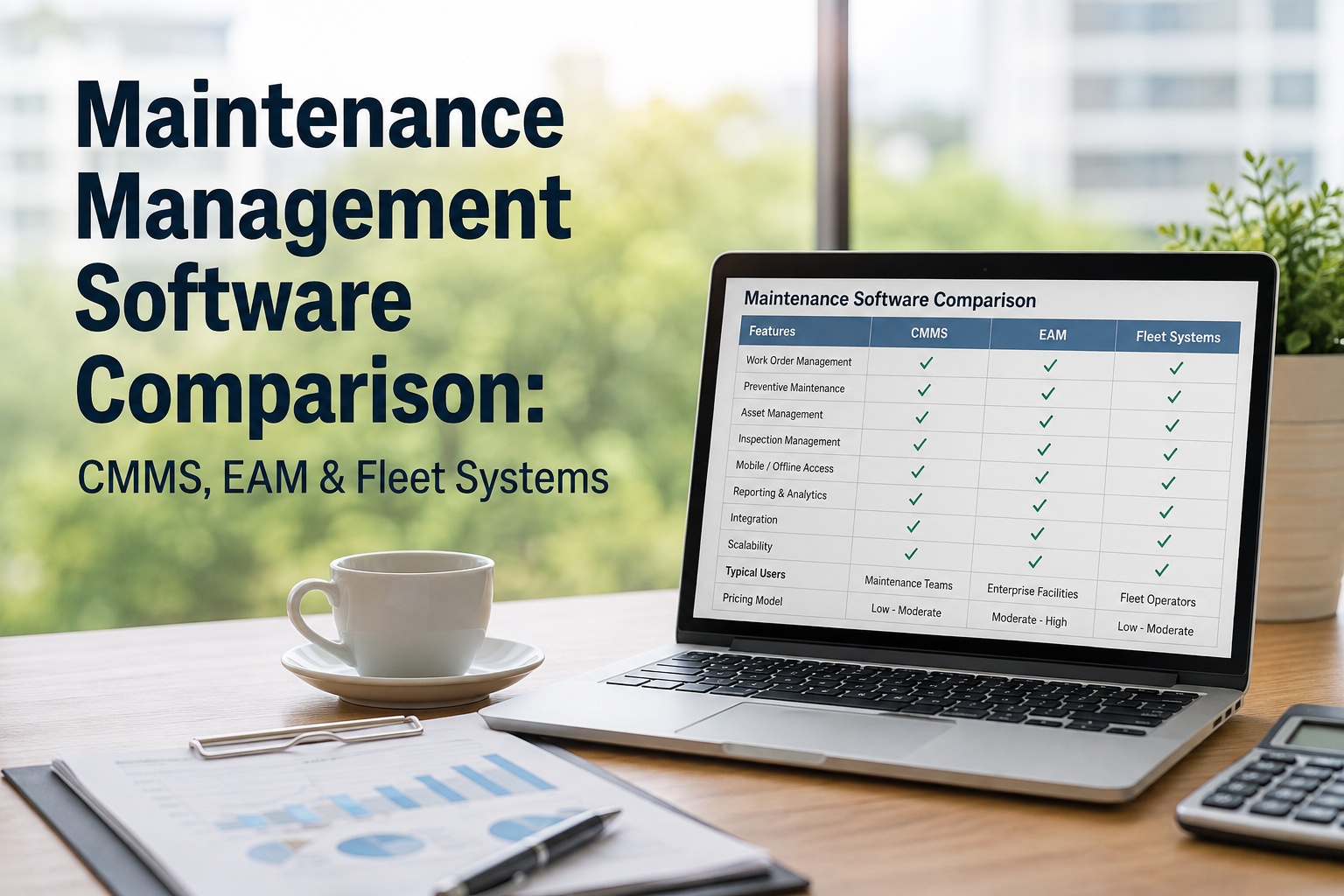
Picking maintenance management software sounds like a features exercise. It isn't — it's a category decision first. CMMS, EAM, fleet management, and inspection-and-maintenance platforms overlap on the sales page and diverge sharply in real operations, which is why fleets end up with tools that track assets beautifully but can't turn a failed inspection into a work order. This maintenance management software comparison sorts them by category, capability, pricing, and fit — so you evaluate on the workflows you actually run. Book a demo once you know the shape you're buying.
Which Category Are You Actually Shopping For?
The four platforms below all claim to do maintenance. Only one is built the way your fleet runs.
Every RFP that goes off the rails does it in the same place: the buyer compared features across categories without noticing the categories weren't the same shape. Here's how to compare cleanly — where the four platforms overlap, where they don't, and how the numbers change when your fleet doubles.
Why the category mattersThree mistakes that cost fleets a full re-implementation
Buying a facilities CMMS for a rolling fleet
Generic CMMS handles a plant beautifully. It struggles the moment your asset is 400 miles away, the inspector is a driver on a phone, and the DVIR needs to become a work order automatically. Meter-based PM triggered by odometer readings, not date fields, is table stakes for fleets — and a lot of facility-first CMMS ignores it.
Assuming your fleet management tool "does maintenance"
Fleet platforms lead with GPS and driver behavior. Maintenance is often a lightweight module — enough for a service reminder, not enough for a full PM program, parts inventory, labor tracking, or an inspection-to-work-order chain. Book a demo to see the full chain
Reaching for EAM when you don't need lifecycle finance
EAM is powerful and expensive — it's built for utilities, aviation, and asset registers in the tens of thousands, with 6–12 month implementations. For a 30-truck construction fleet, you'll pay for — and never use — 70% of the platform.
Head-to-headCMMS vs EAM vs fleet vs inspection-and-maintenance
The same 10 capabilities, scored against how each category typically handles them out of the box. Use this as a shape-check before you sit through demos.
| Capability | Generic CMMS | EAM | Fleet Mgmt (GPS) | Inspection + Maint. (HVI) |
|---|---|---|---|---|
| Digital DVIR / walkaround inspections | Add-on | Rare | Yes | Core |
| Inspection auto-creates work order | No | Custom | Rare | Yes |
| Meter-based PM (odometer/hours) | Sometimes | Yes | Basic | Yes |
| Parts & inventory tracking | Yes | Deep | No | Yes |
| Fuel & tire management | No | Module | Fuel yes | Both |
| GPS / real-time telematics | No | No | Core | Integration |
| DOT / FMCSA compliance records | No | Custom | Yes | Yes |
| Mobile / offline field use | Varies | Weak | Yes | Yes |
| Financial & capital lifecycle | No | Core | No | Cost only |
| Implementation timeline | 4–8 wks | 6–12 mo | 2–4 wks | 1–2 wks |
The pattern is clear: no single category covers every column. The right question isn't "which platform has the most checkmarks" — it's "which platform is strong in the columns that describe my daily work." For heavy-vehicle fleets, the daily work is inspection, maintenance, parts, fuel, compliance, and mobile-first field use. Book a demo to walk through the columns that matter for your operation
The 8 capabilities to testFeature checklists lie. Real scenarios don't.
Instead of comparing feature bullets, run these eight capability tests on every platform on your shortlist. If a demo skips one, that's your answer — and if you want to run them against a live fleet-specific platform, book a demo of HVI and walk through all eight in one session.
Inspection-to-work-order flow
Have the demo tech run a failed inspection item on a mobile device. Does a work order appear automatically with the defect, photo, asset, and priority attached — or does someone re-type it into a separate module?
PM triggers on real signals
Set up a PM that fires at every 5,000 miles or every 250 engine hours, not just "every 90 days." A calendar-only PM engine is a red flag for a fleet with mixed duty cycles.
Parts drawdown on work order close
When a technician closes a work order that used two air filters and one hydraulic hose, does inventory decrement automatically — and does the low-stock alert fire on the reorder threshold?
Full cost per asset
Pull up one truck and ask for its total 12-month cost: labor, parts, fuel, tires, outside shop. If the answer is "we can export and you can build that in Excel," you have four systems, not one.
Offline mobile capture
Turn airplane mode on. Run an inspection. Close it. Turn airplane mode off. Did it sync cleanly, or did the app freeze? Field crews at quarries, construction sites, and rural routes lose signal constantly.
Signed PDF for compliance
A DOT auditor doesn't want a screen. Ask for a completed inspection report as a signed, timestamped PDF the driver's signature is on. Many platforms only export CSVs — useless in an audit.
Role-based access at scale
Can a driver see only their assigned trucks, a technician see the shop queue, and a fleet manager see everything — without three separate logins or a spreadsheet of permissions?
Data export & exit
Ask what happens on day one after you cancel. Do you get a full data export — assets, work order history, PM schedules, inspection PDFs — or does your maintenance history stay locked in the vendor's cloud?
Pricing shapesWhere the sticker price stops telling the truth
Sticker price is per-vehicle or per-user — but the number on the invoice a year in is very different. Here are the three pricing shapes you'll see, what each one costs at fleet scale, and where the gotchas hide. Independent 2026 market data puts fleet maintenance software in the $4–$50 per vehicle per month range for SaaS platforms, with entry plans around $128/month and premium enterprise deployments reaching $856+ per month.
Per Vehicle / Per Asset
- Predictable as fleet scales linearly
- Watch for tier-jump pricing at 50, 100, 250 assets
- Most common model for fleet-specific platforms
- Hidden gotcha: hardware add-ons at $15–$45/vehicle
Per User / Per Seat
- Cheap if you have 3–5 users, brutal at 40+
- Common with generic CMMS built for facilities
- Discourages driver & technician adoption
- Hidden gotcha: read-only "viewer" seats often still billed
Tiered Flat / Enterprise
- Bulk pricing for 500+ asset fleets
- Multi-year contracts, negotiated implementation
- Standard for EAM and large-fleet deployments
- Hidden gotcha: modules quoted separately, add up fast
The real cost line to compare on is 3-year TCO, not month 1. Factor in implementation, data migration ($0 self-service up to $10,000+ for complex builds), telematics hardware if bundled, training time, and the invisible cost of manual work that a lightweight tool doesn't automate. Start a free trial and price-check against your actual usage
The 5-step evaluationFrom shortlist to signed contract in ~30 days
Most software regret comes from evaluating on marketing pages instead of real workflows. Follow this sequence and the wrong platforms drop out on their own — then book a scoped demo with the survivors using your own asset data.
-
01
Write your top 5 daily workflows before you demo
"Driver flags brake wear on pre-trip → work order to shop → parts pulled → truck released." If the platform can't do that in the demo without three tabs, cross it off.
-
02
Demand the demo with your own asset data
Send 5 real assets, 10 real inspection items, 3 real PM schedules. Vendors who insist on their sandbox data are hiding something.
-
03
Price the 3-year TCO, not year 1
Subscription + implementation + hardware + training + expected user growth + integration builds. The cheapest month-1 quote is rarely the cheapest 3-year total.
-
04
Run a 30-day paid pilot on 5–10 assets
Free trials get gamed by vendors. A paid, contract-defined pilot with success metrics (inspection completion rate, PM on-time %, mean time to repair) forces honesty on both sides.
-
05
Confirm the exit before you sign the entry
Get written data-export terms and format. Confirm you own your inspection PDFs, work order history, and asset records. If exit is friction-heavy, so is renewal negotiation.
From a maintenance manager who ran the RFP
We ran three platforms through a paid 30-day pilot on 8 trucks. On paper they looked identical. In practice one couldn't trigger a work order from a failed DVIR without a supervisor re-keying it — that alone would have added 20+ minutes per defect across 48 tractors.
The platform we picked wasn't the cheapest per truck. It was the one where a driver's flagged brake issue on the morning walkaround was a work order in the shop queue by the time the driver walked into the office. That's a 4-hour compounding gain across a week. The sticker price gap paid for itself in the first month.
Frequently asked questions
What is the difference between CMMS and EAM software?
CMMS (Computerized Maintenance Management System) is focused on the day-to-day of maintenance operations — work orders, preventive maintenance schedules, parts inventory, labor tracking, and asset service history. It's designed for the people executing maintenance. EAM (Enterprise Asset Management) covers the full asset lifecycle: capital planning, procurement, depreciation, regulatory reporting, and disposal alongside maintenance. It's designed for organizations managing thousands of assets across multiple sites with deep financial governance requirements, typically with a dedicated IT team and 6–12 month implementations. For most fleet-heavy operations under 500 assets, CMMS (or a purpose-built fleet inspection and maintenance platform like HVI) delivers the workflows you actually run, without the enterprise overhead. EAM makes sense when asset-level financial lifecycle management is a first-class business requirement — utilities, aviation, large manufacturing — not when the goal is fewer breakdowns and cleaner compliance records.
How is fleet maintenance software different from generic CMMS?
Generic CMMS was built for buildings, plants, and mixed-asset shops where the asset sits still. Fleet maintenance software is built for assets that move — trucks, trailers, heavy equipment, off-road machines — where the inspector is often a driver on a mobile device, the PM trigger is odometer or engine-hour based (not date-based), and compliance records are DOT, FMCSA, or DVSA rather than OSHA facilities standards. Fleet-specific platforms handle DVIR workflows, meter-based PM, VIN lookups, tire and fuel tracking, and telematics integrations natively. Generic CMMS often bolts these on or ignores them entirely. If your assets have wheels or tracks and cross state lines, evaluate fleet-specific platforms first — the workflows are shaped differently from the ground up.
How much does fleet maintenance software cost per vehicle?
Independent 2026 market data puts SaaS fleet maintenance software in the $4–$50 per vehicle per month range, with entry plans starting around $128/month total for small fleets and premium enterprise deployments reaching $856+ per month. Three pricing models dominate: per-vehicle (most common, watch for jumps at 50/100/250-asset tiers), per-user (works for tiny teams, painful at scale), and tiered flat enterprise (typically at 500+ vehicle scale). Beyond subscription, factor in implementation and data migration ($0 self-service up to $10,000+ for complex builds), telematics hardware ($15–$45/vehicle if bundled), and training time. The right way to compare isn't month-1 sticker price — it's 3-year TCO including realistic user growth and hardware refreshes. A cheap month-1 quote with per-user pricing often becomes the most expensive line on the P&L by month 24.
Can I use a fleet GPS platform for maintenance instead of a dedicated system?
For very light maintenance needs — a service reminder based on mileage, a simple defect log — a fleet GPS/telematics platform's maintenance module can be enough. For anything resembling a real PM program with work orders, parts inventory, labor tracking, technician assignment, and inspection-to-work-order automation, the maintenance module in GPS-first platforms is usually too thin. Fleet management platforms lead with location, routing, driver behavior, and HOS/ELD compliance — maintenance is often a lightweight bolt-on that assumes you'll export data to a real CMMS or shop management system for the heavy work. A common mature-fleet setup is a dedicated inspection-and-maintenance platform (like HVI) integrated with the existing telematics feed for meter readings, GPS location, and DTC codes. You get maintenance depth without giving up the location and driver-behavior data your dispatchers already rely on.
How long does maintenance management software take to implement?
Implementation timelines vary sharply by category. Fleet-specific inspection and maintenance platforms typically go live in 1–2 weeks — asset import, PM schedule setup, inspection template configuration, and driver/technician onboarding. Generic CMMS usually runs 4–8 weeks for a mid-sized deployment because facility templates need heavier configuration. EAM implementations run 6–12 months and require dedicated IT support, custom integrations, and phased rollouts across financial systems. Fleet management (GPS) platforms often install fastest at 2–4 weeks if hardware is bundled, but the maintenance features are usually limited enough that you're not implementing much depth. The right question is not "how fast can we go live" — it's "how fast can we go live and see cleaner PM completion, fewer missed inspections, and lower reactive repair spend." That's usually 30–90 days from kickoff, regardless of platform, and depends more on organizational discipline than software speed.
Compare HVI against your current maintenance stack — on your real assets
HVI is the inspection-and-maintenance platform built for heavy-vehicle fleets: DVIR on the driver's phone, auto work orders on failed items, meter-based PM, parts drawdown, fuel and tire tracking, and full cost per asset — one connected system, not four. Live in 1–2 weeks, no telematics hardware required, priced per asset.
No credit card · No hardware · Full inspection-to-work-order chain on day one