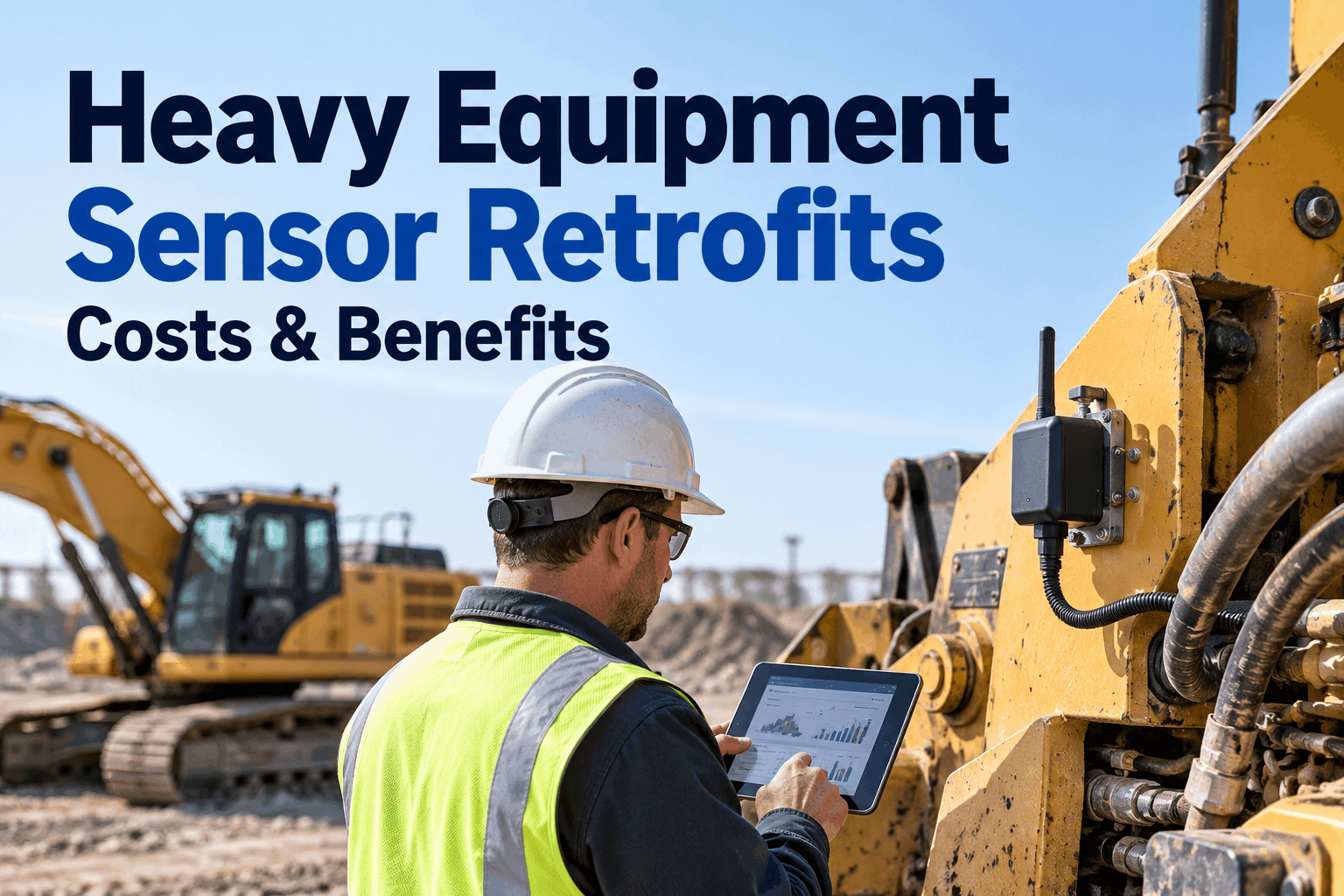
A heavy equipment sensor retrofit is how you give a 12-year-old dozer the same health visibility as a brand-new one — without the brand-new price tag. Most fleets are sitting on solid iron that runs fine but tells you nothing until it breaks. Bolting on a few sensors changes that, turning a blind machine into one that flags trouble early. Book a sensor-retrofit demo to see the data land as a work order.
Heavy Equipment Sensor Retrofit: Give Your Old Iron a New Nervous System
You don't have to replace a machine to get modern condition data from it. Wire in the right sensors, feed them somewhere that acts on the readings, and a legacy unit earns its keep for years longer.
- Vibration — final drive & pump
- Temperature — hydraulics & coolant
- GPS & engine hours
- Hydraulic pressure — planned
Replacing a machine that still works is the most expensive way to get better data. A sensor retrofit does the opposite: a few hundred dollars of hardware per unit, mounted in an afternoon, turning a silent 2012 excavator into one that warns you before the swing bearing lets go. Below is what you can actually wire in, how to decide whether a given machine is worth it, what it costs against what it saves, and the part most retrofit projects get wrong — where the data goes.
Keep or replacewhen a sensor retrofit beats buying new
Not every old machine is worth sensorizing, and not every machine needs replacing. The honest question is simple: will a few sensors buy enough warning and uptime to justify keeping this unit a few more years? Weigh it straight.
- Machine is mechanically sound, just blind
- Core structure and powertrain have years left
- You want early warning, not a new finance line
- Low capex, mounts in hours, pays back on one catch
- Chronic failures across multiple systems
- Parts support drying up or lead times brutal
- Repair spend already outruns the unit's value
- Efficiency or emissions gap too wide to close
For the large middle ground — sound iron that just can't talk — the retrofit wins almost every time. A digital retrofit market for heavy equipment is growing precisely because fleets would rather extend a proven machine than carry a new one. The deciding factor is rarely the sensor; it's whether your maintenance management system turns the new data into action. Sign up free and map your keep-or-replace list across the fleet.
The pathfour steps to a working heavy equipment sensor retrofit
A retrofit project goes sideways when it starts with the hardware. Start with the failure you're trying to catch, and the rest falls into place. Here's the order that keeps it from becoming an expensive IT experiment.
-
1
Prioritize the machines worth it
Start with the units that hurt most when they're down — the bottleneck excavator, the loader with a history of surprise failures, the machine you can't easily rent a replacement for. Not the whole yard at once.
-
2
Pick sensors for the real failure path
Match the sensor to how that unit actually fails — vibration on the final drive that keeps going, temperature on the hydraulics that overheat in summer. Fewer, targeted sensors beat a full suite nobody reads.
-
3
Mount and connect
Most mount externally — magnetic, clamp, or strap — and talk over wireless or a gateway, so you're not splicing into a 2010 harness. On harsh units, spec ruggedized housings. An afternoon per machine, not a shop week.
-
4
Feed it into a system that acts
This is the step that pays. Route readings into HVI through a telematics integration, set thresholds, and let a breach raise a work order automatically. Data with nowhere to go is just a dashboard nobody opens.
Step four is where most retrofits live or die. HVI's OEM and GPS telematics integrations pull the retrofitted feed in alongside everything else on the machine, so a sensor alert and a technician's inspection sit on the same record. Book a demo of the telematics connection to see the handoff.
The mathwhat a retrofit costs against what one failure costs
The ROI case on a sensor retrofit is usually lopsided, and it only takes one catch to settle it. Sensor hardware per machine is a fraction of a single major repair, let alone a new unit — so the question isn't really cost, it's how many surprise failures you're willing to keep paying for.
- Failure warningThe breakdown itself
- Repair typeEmergency, premium rate
- DowntimeUnplanned, mid-job
- Collateral damageOften, from running to failure
- Failure warningWeeks of runway
- Repair typePlanned, scheduled
- DowntimeOn your terms, off-shift
- Collateral damageContained — caught early
That gap is the whole payback. The sensor spend is fixed and small; the avoided-failure saving repeats every time a machine warns you instead of surprising you. HVI's analytics and reporting keeps the running tally of catches and downtime avoided, so the retrofit's return is on the record, not a hunch. Book a demo of retrofit ROI tracking to see the numbers add up.
Sensor to work orderwhat a retrofitted machine looks like inside HVI
Here's the whole point of the retrofit, on one screen — a sensor you bolted on last month feeding a reading that crosses its threshold, and HVI turning it into a work order before anyone's standing next to a dead machine.
That's a 2014 dozer behaving like a connected machine — because the retrofit fed a system built to act on the reading. The sensor gave it a voice; HVI gave it somewhere to be heard. Sign up free and wire your first old machine in to try the flow.
From a maintenance manager who retrofitted instead of replacing
Finance wanted to retire two 2013 excavators — good machines, just no data, so every failure was a surprise. We put vibration and temperature sensors on both for less than what one unplanned pump failure had cost us the year before. Caught a final-drive bearing on one of them six weeks out. Those two machines are still earning, and the sensors paid for themselves on the first catch. The trick wasn't the hardware — it was having the alerts land somewhere that actually opened a work order.
Heavy equipment sensor retrofit — common questions
Can you really add sensors to old heavy equipment?
Yes. Most condition sensors — vibration, temperature, pressure, GPS/hours — mount externally with magnets, clamps, or straps and run wireless or on a small harness tap, so they don't need factory wiring. A mechanically sound older machine can get modern health data without being replaced.
How much does a heavy equipment sensor retrofit cost?
It varies by sensor type and machine, but per-unit hardware is typically a small fraction of a single major repair or a new machine. The cost driver is choosing only the sensors that match how that unit fails — a few targeted sensors, not a full suite — so payback usually lands on the first avoided failure.
Which sensors are worth retrofitting first?
Start with the failure that hurts most on that machine. Vibration on bearings, pumps, and final drives catches the expensive mechanical failures; temperature on hydraulics and cooling catches overheating; GPS/hours fixes PM timing. Add only what watches a real failure path on that unit.
Do retrofit sensors work with maintenance software?
They should — that's the point. Readings route into a CMMS through a telematics integration, where thresholds and work orders live. HVI ingests retrofitted feeds alongside inspections and PM, so a sensor alert and a technician's finding sit on the same machine record and trigger action.
Is retrofitting better than buying new equipment?
For sound iron that just lacks data, usually yes — far lower cost, mounts in hours, and extends a proven machine. Replacement makes more sense when a unit has chronic multi-system failures, failing parts support, or repair spend already past its value. For the middle ground, a retrofit wins.
Make your heavy equipment sensor retrofit actually pay back
The sensors are the easy part. HVI is where the retrofit earns its money — ingesting the feed, trending it, and raising the work order before an old machine becomes a stranded one. Keep your proven iron running, with eyes on it.
Works with your retrofit hardware · No machine too old · Alerts and work orders ready on day one

.png)