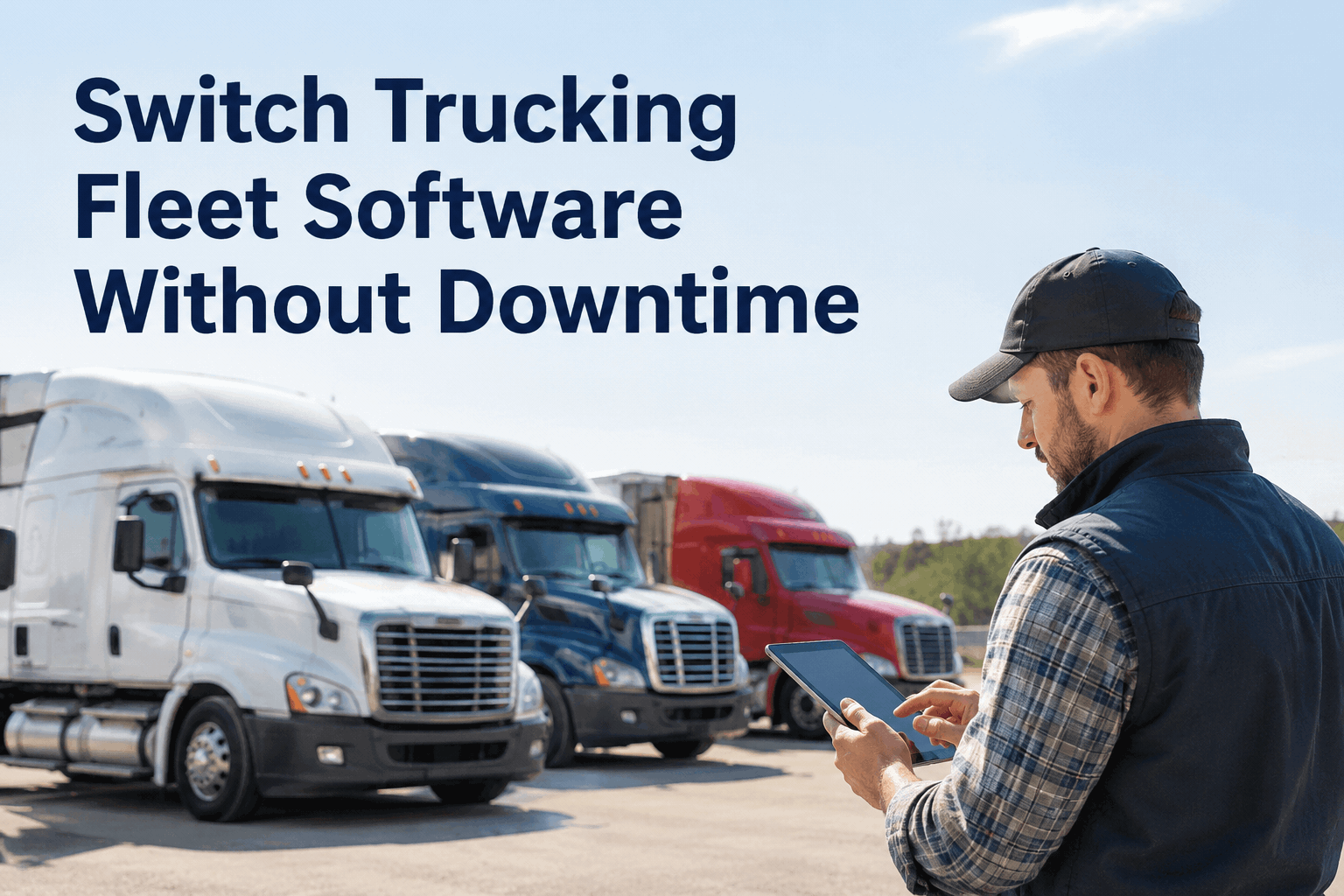
You already have fleet software. You're just tired of it — the clunky inspections, the support that never calls back, the reports you fight with every month. You haven't switched because switching sounds like a week of chaos and a lost day of dispatch. It doesn't have to be. The right move to switch trucking fleet software keeps your trucks rolling the whole time — book a demo to see a zero-downtime switch.
Switch Trucking Fleet Software Without Downtime
Your fleet runs every day, so the switch can't stop it. Stand HVI up alongside your current system, move over when you're ready, and never miss a route doing it.
The three fears that keep you on bad softwarewhy fleets stay stuck — and why each fear doesn't hold
Nobody stays on software they dislike because they love it. They stay because the switch feels riskier than the daily friction. Here's each fear a fleet software migration raises, and the straight answer to it.
“We'll lose a day of dispatch while it's set up.”
HVI stands up alongside your current system. Nothing is turned off, so there's no day to lose.
“Our maintenance history will be stranded in the old system.”
Your unit list and active records import up front, and the old system stays readable until you're confident.
“The drivers will revolt at another new app.”
The pre-trip is a few taps on a phone. Most drivers are running their first eDVIR the same morning.
Every one of these is a continuity problem, and continuity is exactly what a parallel switch protects. The quickest way to see it on your own fleet is to book a demo and walk the switch step by step.
How a zero-downtime switch actually runsthe parallel path from old system to new, routes never stopping
A trucking fleet can't pause for a software project. So the switch runs in parallel: your current system keeps working while HVI comes up beside it, and you only cut over once the new system is already proven on your own trucks.
Stand up alongside
HVI is configured and your unit list imported while the old system keeps running every route.
Drivers start inspecting
Pre-trips move to HVI on phones. Records start building on the new system from day one.
Run both in parallel
For a short window both systems are live, so nothing is riding on a single switch flip.
Cut over when ready
Once HVI holds your live data and the team is comfortable, you retire the old system — on your schedule.
The difference from a hard cutover is simple: there's never a moment where the fleet depends on a switch that hasn't been tested yet. You can stand up digital inspections on a handful of trucks first, prove it, then scale to the whole fleet.
What to ask before you switch fleet softwarethe questions that separate a smooth migration from a stalled one
Before you sign with any vendor, these are the questions that decide whether your fleet software migration keeps the trucks moving or grinds dispatch to a halt. Ask every one of them.
HVI is built to answer yes to the first one and make the rest easy. Start free and put a single truck on HVI this week to see for yourself.
What the switch looks like from the officeboth systems visible, nothing riding on a blind flip
During the parallel window you're not flying blind. You can see new records building on HVI while the old system stays untouched — so the cutover is a decision you make with evidence, not a leap.
And once you cut over, the same records feed fleet-wide inspection and maintenance reporting from day one — so you're not rebuilding your reporting from scratch after the move.
From a fleet manager who'd put off switching for two yearswhy the dreaded part never happened
We stayed on software we hated for two years purely because I was scared of the switch — I pictured a weekend of everything broken and drivers with no way to log a pre-trip. It wasn't like that at all. We ran both systems for about three weeks, put a few trucks on first, and the drivers honestly didn't care — it was faster for them. The day we turned the old one off, nobody even noticed. I wish we'd done it a year earlier.
Frequently asked questionsswitching trucking fleet software without downtime
Will switching trucking fleet software actually cause downtime?
Not with a parallel switch — your current system keeps running while HVI stands up beside it, so no route stops. You cut over only once the new system is proven on your trucks. Book a demo to walk it on your fleet.
How is this different from your legacy CMMS migration guide?
This page is the continuity angle — switching without stopping the fleet. For the full phased plan and data-cleansing detail, see the 90-day fleet migration guide, or book a demo to map your own switch.
What data comes over from our old system?
Your unit list, active work orders and PM schedules import up front, and the old system stays readable for reference. Book a demo to see what moves and how, or preview PM scheduling.
How long does driver training take?
Minutes, not a class. The pre-trip is a few taps on a phone, so most drivers run their first eDVIR the same morning with no formal training. Book a demo to see the driver view.
Can we try it on a few trucks before committing the whole fleet?
Yes — that's the recommended path. Pilot a handful of units, prove it, then scale. Start free on a few trucks, or book a demo for a guided pilot.
Stop staying on software you've outgrown
You can switch trucking fleet software without a lost day of dispatch. Stand HVI up alongside your current system, pilot a few trucks, run both in parallel, and cut over when you're ready — with your records intact and your routes never pausing.
No hardware · Run in parallel · Cut over on your schedule