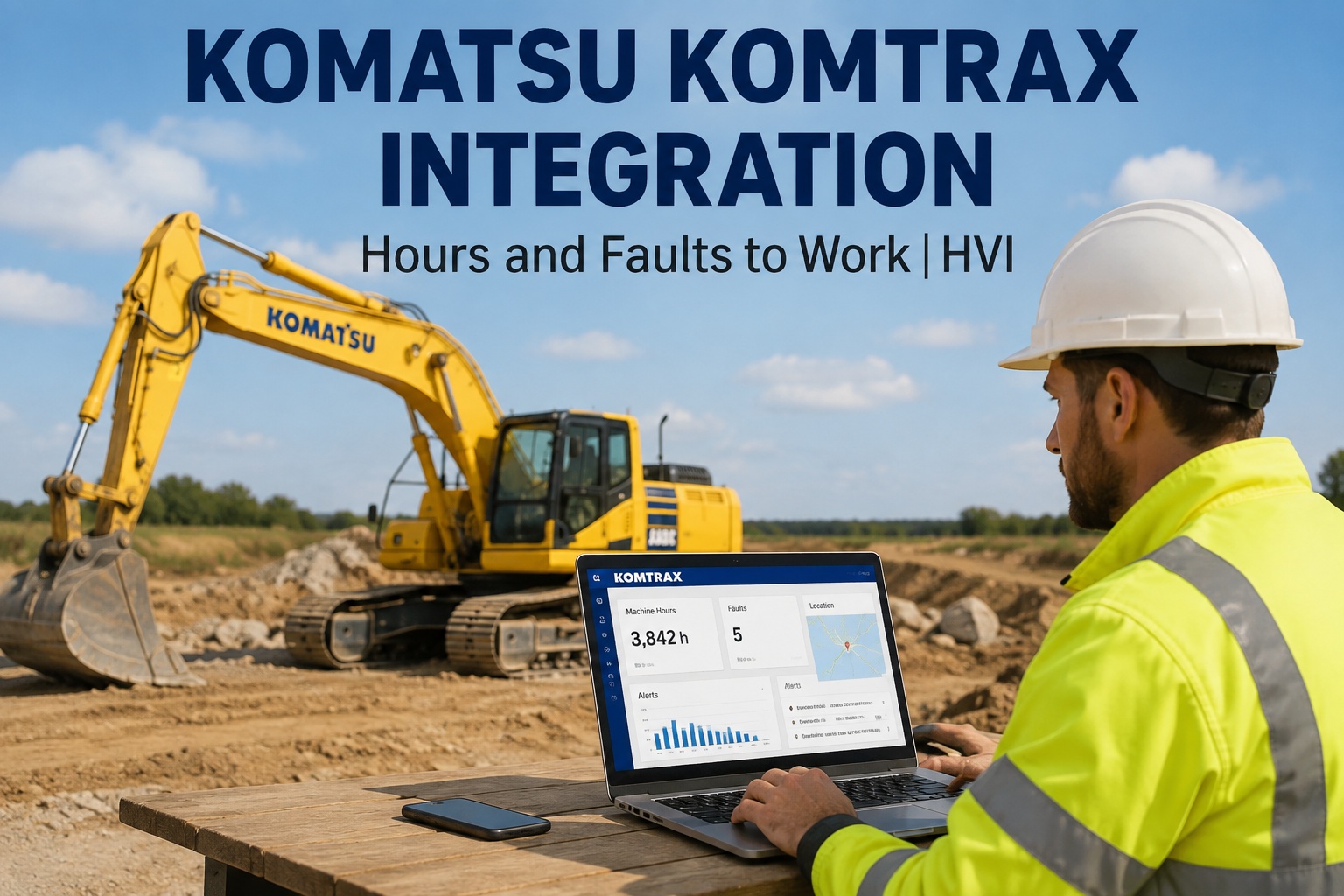
You check KOMTRAX on Monday morning and see a PC200 sitting at 4,980 hours with an active fault code. By Wednesday the hours have rolled past the 5,000-hour service interval, the fault code is still sitting in the portal, and nobody has raised a work order because the portal shows data but assigns nothing. That is the gap a Komatsu KOMTRAX integration with your maintenance system is built to close: machine hours and fault codes flow straight into PM scheduling and inspection triggers instead of being retyped into a spreadsheet by someone who is already behind. If you want to see that handoff working on your own units, book a 30-minute walkthrough with your fleet list and we will map it live.
KOMTRAX already knows your hours and fault codes. Why is someone still typing them into a spreadsheet?
Feed KOMTRAX machine hours and fault codes directly into PM triggers, inspection work orders and per-asset history - so the data you already pay for starts turning wrenches instead of sitting in a portal.
Portal-only workflow
- Hours checked by hand, when someone remembers
- Fault codes seen, screenshotted, then forgotten
- No technician, no part, no work order attached
KOMTRAX + HVI workflow
- Hours land automatically against each asset
- Fault codes prompt inspection work orders
- Every event filed in the machine's history
The real price of leaving Komatsu telematics data in a viewing portal
KOMTRAX is genuinely good at collecting data. The problem is what happens - or does not happen - after you look at it. These four numbers are where that gap shows up on your budget.
Why OEM telematics portals show everything and drive nothing
A fault code on a screen is not a repair. Between seeing the code and closing the work order there are five steps, and KOMTRAX owns none of them.
Someone has to actually see it
KOMTRAX can send alerts, but alerts land in an inbox already full of them. Industry experience across construction fleets shows the majority of telematics alerts are never actioned - not because they are unimportant, but because nothing forces a next step. In HVI, a fault code event can automatically raise an inspection work order with the machine, the code and the timestamp already attached.
Someone has to decide what it means
A hydraulic pressure code on a PC360 at 40 degrees ambient in the UAE means something different than the same code on a machine idling in Alberta. That judgement call belongs to your maintenance lead - and it belongs inside the work order, not in a phone call that evaporates.
A technician has to be assigned
The portal does not know who your technicians are, which site they are on, or what they are already working on. Your CMMS does. When the fault lands as a work order, it gets a name, a priority and a due date instead of a hopeful note in a group chat.
The right part has to exist
Seeing a code is worthless if the filter kit or sensor is not on the shelf. HVI ties work orders to parts and inventory across multiple shops, so the technician arrives with the part reserved - and your parts manager sees the draw-down before the reorder point bites.
The fix has to be provable later
When a client, insurer or safety auditor asks what you did about that recurring fault in March, "we saw it in KOMTRAX" is not an answer. A timestamped, photo-backed work order in the asset's permanent history is. That record is what a short demo of the fault-to-work-order flow will show you end to end.
Komatsu machine hours should trigger PMs, not sit in a dashboard
Komatsu PM schedules run on engine hours - 250, 500, 1,000-hour services. Hours data only has value at the exact moment it crosses a threshold, and a portal you check weekly will always miss that moment.
| Task | Portal-only process | KOMTRAX + HVI process |
|---|---|---|
| Tracking hours | Log in, export or eyeball each machine, retype into a sheet | Hours sync automatically to each asset record |
| Knowing a PM is due | Spreadsheet formula someone built two years ago | Due and overdue alerts fire as thresholds approach |
| Starting the work | Phone call or message to the shop, no paper trail | PM work order created with service checklist attached |
| Recording the service | Paper sheet filed in a binder, if it comes back at all | Technician closes it on a phone with photos and parts used |
| Proving it later | Dig through binders and inbox threads | Per-asset history export in seconds for any audit |
The worked example is simple. Say you run 12 Komatsu machines and each one gets four hour-based services a year. That is 48 PM events. If manual tracking slips the interval on even a quarter of them, you have 12 services done late or early - late means accelerated wear on components like final drives and hydraulic pumps, early means burning parts and labour you did not need to spend. Either direction costs money; automatic hours remove the guessing. Fleets that want this running without an IT project can create a free account and connect their first machines the same week.
One dashboard for KOMTRAX, VisionLink, JDLink and everything else you run
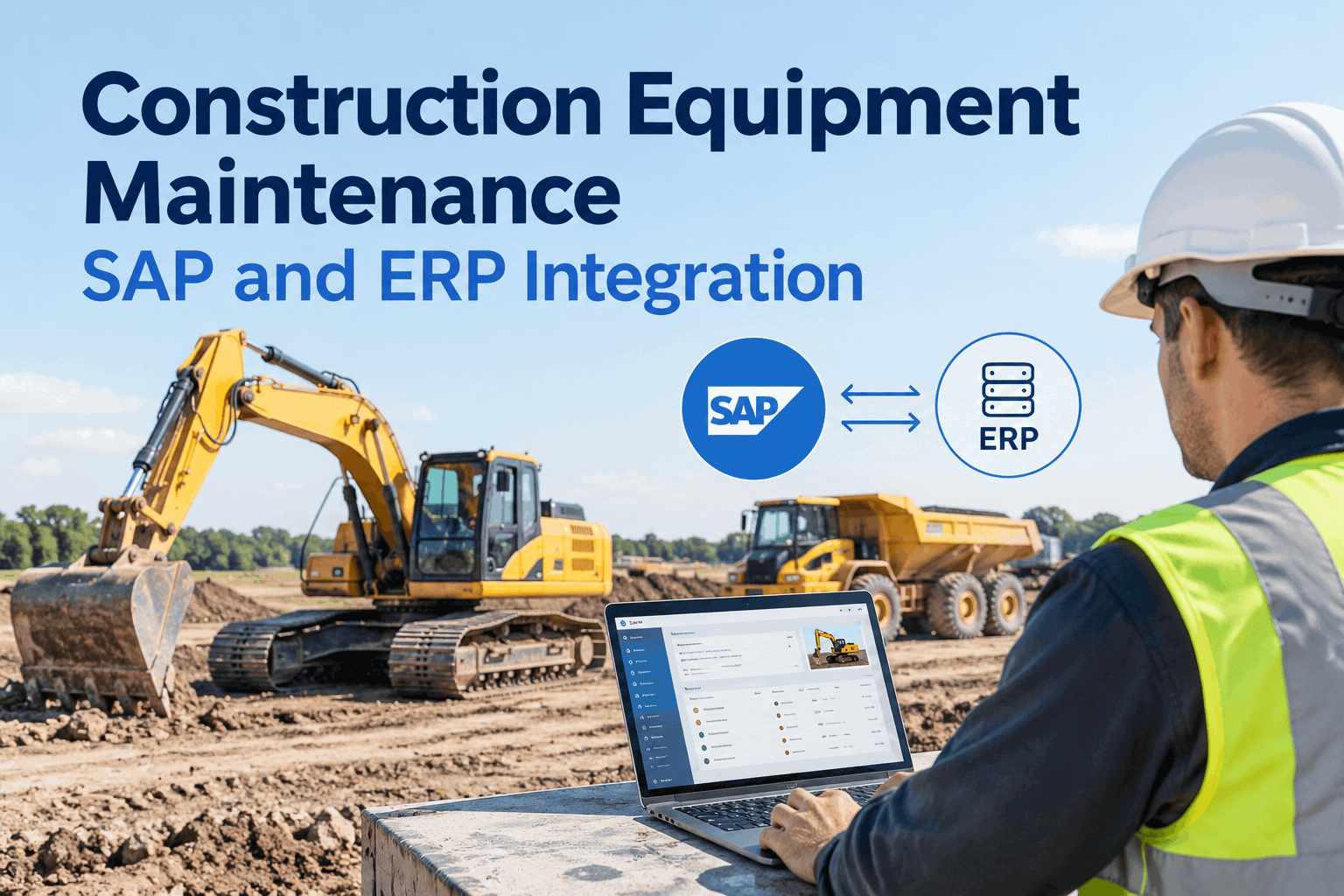
Almost nobody runs a single-brand fleet. You have Komatsu excavators, a Cat dozer, Deere loaders, plus on-road trucks on Samsara or Geotab. That is four or five portals, four logins, and zero shared maintenance history.
Feeds HVI connects natively
- Komatsu KOMTRAX - hours, fault codes and machine data
- Cat VisionLink and John Deere JDLink - same treatment, same dashboard
- Samsara, Geotab, Motive, PeopleNet - your on-road telematics alongside the yellow iron
- RESTful API - anything not covered natively can still push data in
What lands in one place
- Engine hours and odometer readings driving PM triggers across every brand
- Fault codes from any feed prompting inspection work orders
- Every event filed in the per-asset history, regardless of which portal it came from
- Uptime and cost-per-asset analytics across the whole mixed fleet
The payoff is not just convenience. When a Komatsu excavator and a Cat dozer both show rising hours against PM thresholds in the same week, you can sequence the work, share a technician between sites and order both part kits in one purchase order. None of that is visible when the data lives in separate OEM silos. If your fleet list spans brands, bring it to a mixed-fleet demo and we will show you the consolidated view with your actual machine count.
How HVI helps: from KOMTRAX signal to closed work order
Four capabilities, each mapped to the exact point where portal-only workflows break down.
Hour-based PM scheduling
KOMTRAX hours update each asset automatically. PMs trigger at your intervals with due and overdue alerts, so no 250-hour service ever slips past unnoticed again.
Fault-to-work-order
Fault codes can raise inspection work orders with the machine, code and timestamp attached - assigned to a technician with a priority and due date, not left in an inbox.
Parts tied to the job
Work orders reserve parts from your inventory across multiple shops, so the technician arrives with the right filter kit and the reorder point updates itself.
Audit-ready history
Every hour reading, fault, inspection and repair lands in a timestamped, photo-backed per-asset record you can export in seconds for clients, insurers or safety audits.
See your own Komatsu fleet on one dashboard
Bring your machine list - Komatsu, Cat, Deere, whatever you run - and we will show you hours-driven PMs and fault-triggered work orders on your actual fleet in 30 minutes.
What a Komatsu KOMTRAX integration actually buys you
Strip it back and the decision is simple. You are already paying for telematics hardware on every Komatsu machine. The only question is whether that data stops at a screen or keeps going until a wrench turns.
Hours become actions
Machine hours stop being a number you check and become the trigger that schedules the service, alerts the shop and reserves the parts. That alone removes the most common cause of missed PMs on hour-based plant.
Faults get owners
A fault code with a technician's name and a due date gets fixed. A fault code in a portal gets scrolled past. The difference is not the data - it is the system the data lands in.
Mixed fleets get one truth
KOMTRAX, VisionLink, JDLink, Samsara, Geotab, Motive and PeopleNet all feed the same per-asset history, so your maintenance decisions stop depending on which portal someone last logged into. That is the practical case for a Komatsu KOMTRAX integration demo - and if you would rather just try it, signing up free takes minutes.
"I used to export KOMTRAX hours into a spreadsheet every Friday and I still missed two 500-hour services last year because a machine came back from hire with more hours than I guessed. Now the hours update themselves and the PM work order just appears. The number I watch is overdue services - it has been zero for six months, and I stopped doing the Friday export entirely."
Dan Whitfield - Maintenance Manager, civil earthworks contractor running 40+ mixed machines
Komatsu KOMTRAX integration FAQs
Does HVI integrate directly with Komatsu KOMTRAX?
Yes. HVI connects with KOMTRAX as part of its OEM telematics integration, alongside Cat VisionLink and John Deere JDLink. Machine hours and fault code data flow into your HVI asset records automatically, where they drive PM triggers and can raise inspection work orders - no manual exports or retyping.
Can KOMTRAX fault codes automatically create work orders?
Yes - fault code events can prompt inspection work orders in HVI with the machine, code and timestamp already attached. From there you assign a technician, set a priority and reserve parts from inventory. The point is that the fault gets an owner and a due date instead of sitting in a portal inbox.
I run Komatsu, Cat and Deere machines. Do I need three systems?
No. HVI pulls KOMTRAX, VisionLink and JDLink into one dashboard, plus third-party platforms like Samsara, Geotab, Motive and PeopleNet for your on-road fleet. Every asset keeps a single maintenance history regardless of brand. The fastest way to see it is to book a mixed-fleet demo with your machine list.
What if some of my equipment has no telematics at all?
Older machines and shop equipment still live in the same system - operators or technicians can enter hours during digital inspections on any phone, so PM scheduling works across the whole fleet. For anything with a data feed not covered natively, HVI's RESTful API lets you push hours and events in from other sources.
How long does it take to get KOMTRAX data driving PMs in HVI?
Most fleets are up quickly: you add your assets, set your hour-based PM intervals (250, 500, 1,000 hours or your own schedule) and connect the feed. There is no IT project and minimal training - technicians close work orders on any phone. You can start free and connect your first machines before scaling to the full fleet.
Stop retyping KOMTRAX data. Start closing work orders.
Hours that schedule their own PMs, fault codes that assign their own technicians, and one history for every machine you own - Komatsu and everything else.
Free to start - Works on any phone - No card needed