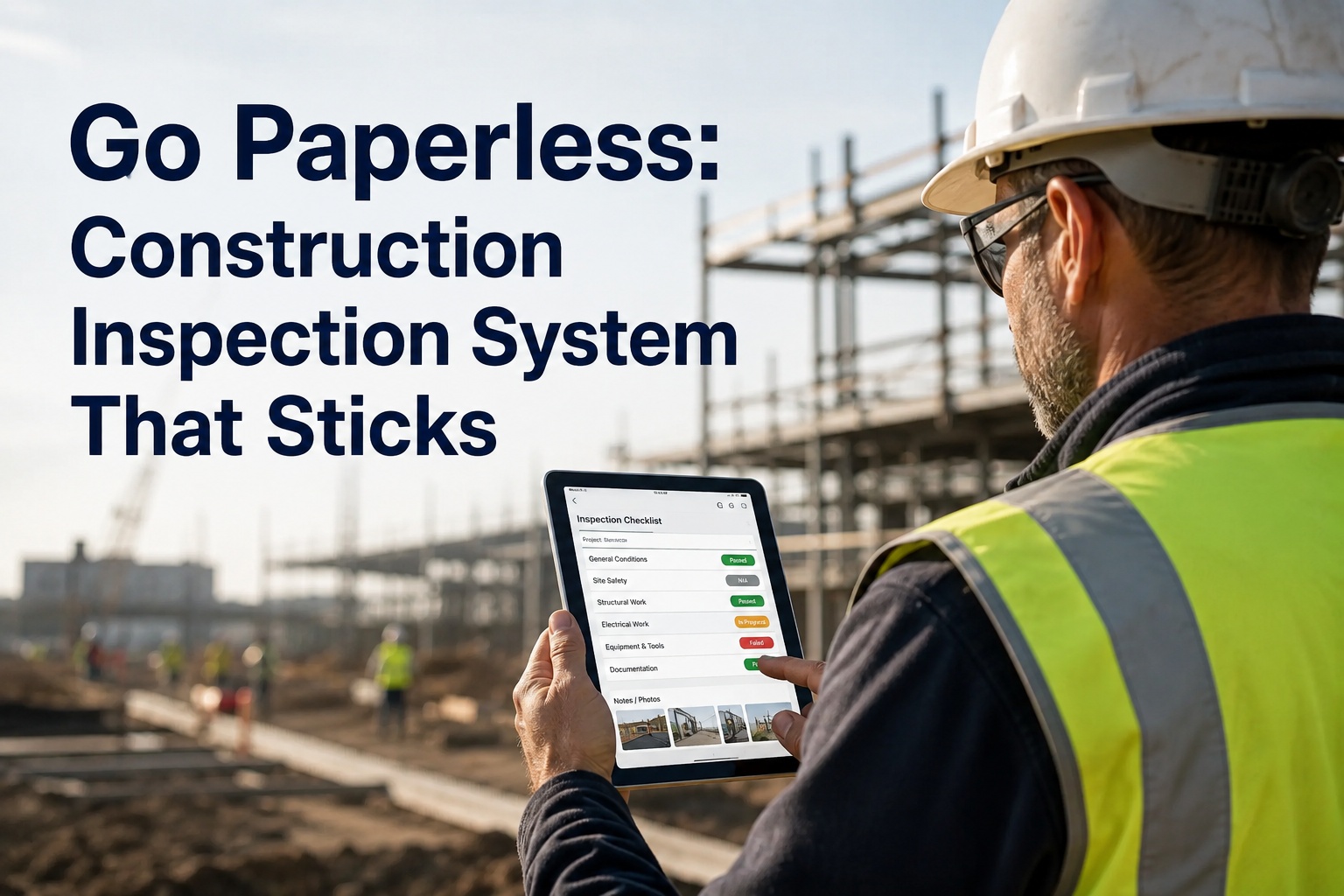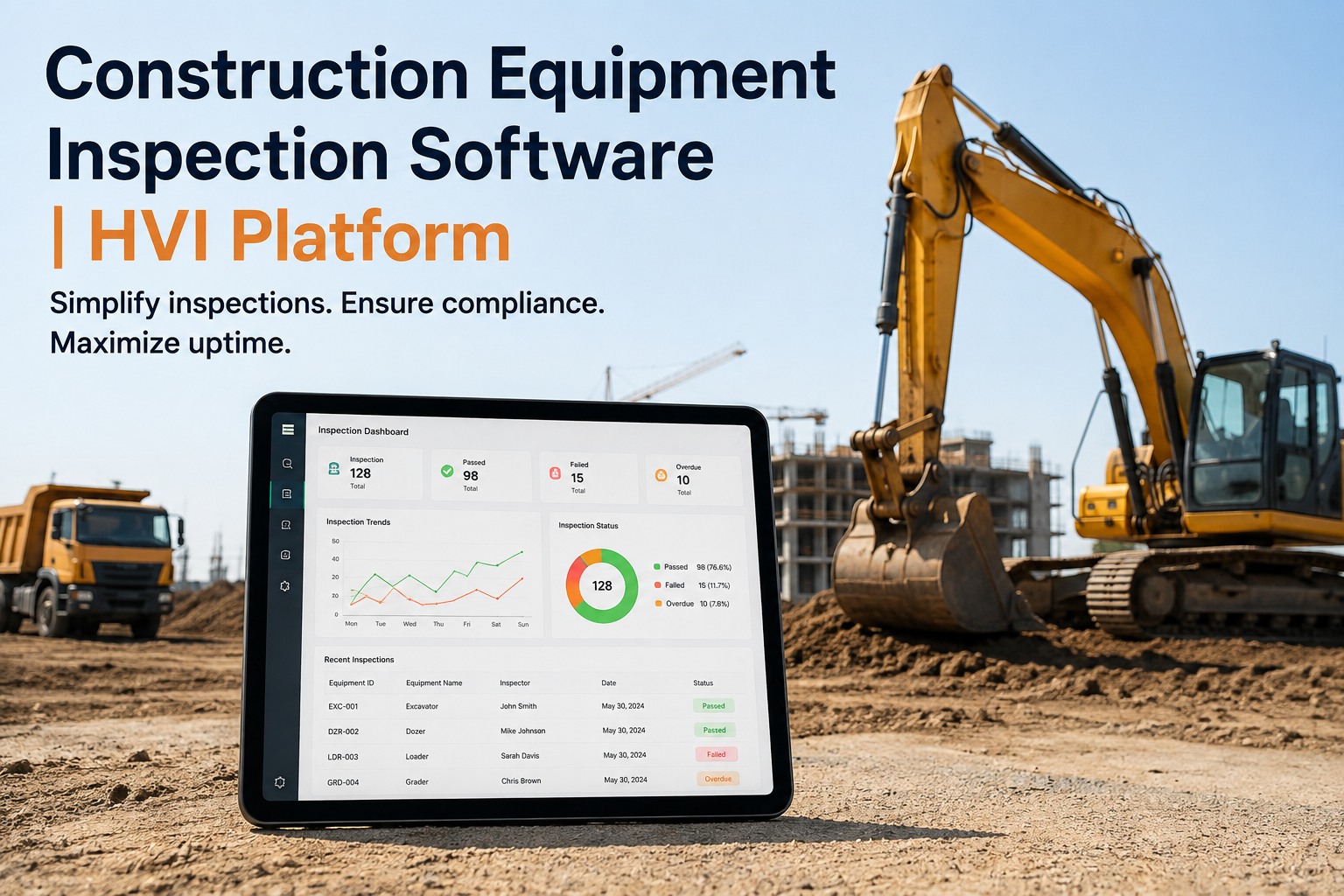
Your excavator threw a hydraulic fault on Tuesday. The operator logged it in the inspection app, the shop ordered the seal kit on Wednesday, and by Friday the machine was back in service. But the project schedule in Procore still showed that unit as available all week — because nobody re-keyed the downtime into the project system. That gap between field inspection data and project management data is exactly what a Procore integration for equipment inspection closes. When your inspection platform and your construction management platform talk to each other, equipment availability, defect status and repair cost flow into the schedule your PMs already live in, with no duplicate entry and no lag. If you want to see how this works on your own fleet, book a technical demo and walk through the data flow before you commit to anything.
Construction management integration
What if your project schedule knew about a breakdown the minute your mechanic did?
On most jobsites, inspection data and project data live in separate worlds. A defect report sits in one system while the schedule in another still counts on that machine. HVI connects both sides so downtime shows up where decisions get made — not three days later in a spreadsheet someone forgot to update.
What the disconnect costs you
Four numbers that show why siloed equipment data kills schedules
These are not abstract benchmarks. Each one maps to a delay, a cost overrun or a safety gap you have probably already lived through on a project where the inspection system and the project system did not talk.
What should flow between systems
The six data flows a construction software integration actually needs
Not every field needs to sync. But these six flows are the difference between a project team that reacts to equipment problems and one that sees them coming. If your current setup only covers two or three, you are still making decisions on stale data.
Defect status to schedule
When an operator flags a fault during a pre-start or DVIR, the defect status pushes to the project system so schedulers see the machine as limited or down — not available. No phone call to the PM required.
Work order progress to project timeline
Open, in-progress, waiting on parts, complete — each status change in the CMMS updates the equipment line in the project schedule. The PM sees a repair is waiting on a seal kit before they plan tomorrow's pour around that machine.
Meter readings to PM triggers
Engine hours and odometer readings captured during inspections feed preventive maintenance intervals. When a unit crosses a threshold, the PM work order fires automatically and the project system sees the upcoming service window.
Repair cost to job cost code
Parts, labour and subcontractor cost on each work order maps to the correct job cost code in the project system. Equipment cost per unit stops being a guess at month-end and becomes a number both systems agree on.
Photo evidence to project record
Timestamped inspection photos attached to defects and completed repairs sync to the project document log. When a client or auditor asks why a machine was down for four days, the photographic proof is already in the project file.
Availability percentage to resource plan
Rolling uptime and availability by asset class feeds the resource plan so next month's equipment allocation reflects actual fleet health — not the assumption that everything on the list is ready to work.
Before and after
What changes when your Procore integration goes live
This is not about adding another dashboard. It is about removing the gap between what the field knows and what the office plans around. Here is the same week, with and without connected systems.
Without integration
- Operator logs a hydraulic leak in the inspection app at 6:45 AM. The defect sits in the maintenance system. The schedule in Procore still shows the excavator as available for the afternoon dig.
- Shop foreman calls the PM at 10:30 AM to explain the machine is down. PM updates the schedule manually — after the crew has already been assigned.
- Parts arrive Thursday. Repair completes Friday. The cost gets keyed into the project system the following Monday by someone who was not involved in the repair.
- Month-end report shows a cost variance on that equipment line. Nobody can trace it back to a specific defect without pulling records from two systems and matching them by hand.
With HVI connected
- Operator logs the same hydraulic leak at 6:45 AM. The defect and photo push to the project system within minutes. The schedule flags the unit as limited before the PM finishes their coffee.
- A work order auto-generates from the defect. The PM sees the status change from open to waiting-on-parts to complete without a single phone call.
- Repair cost posts to the correct job cost code as the work order closes. No re-keying, no Monday-morning data entry, no mismatched numbers at month-end.
- The month-end report shows cost per unit with full traceability — every dollar tied to a specific defect, a specific work order and a specific machine. See this flow live on a demo call.
Sequencing the integration
How to connect your inspection platform and project system without disrupting either one
The biggest mistake teams make is treating integration as a phase-two project — something to bolt on after the CMMS is live. That creates a window where both systems are running but not talking, and someone has to bridge the gap by hand. Here is the sequence that avoids that.
Map the data fields before go-live
During the first week of your HVI rollout, identify which fields in the inspection platform correspond to which fields in the project system. Equipment ID, cost code, defect category, work order status — get the mapping agreed before anyone starts inspecting. This takes one working session, not a consulting engagement.
Connect the platforms in parallel with user training
While your operators and technicians learn the inspection workflow on their phones, the integration between HVI and your project management platform gets configured and tested. Both happen during the same 2-3 week rollout window. There is no separate integration project to schedule later.
Test with one asset class before going fleet-wide
Pick one equipment type — excavators, for example — and run the full loop: inspection, defect, work order, cost posting, schedule update. Verify the data lands correctly in both systems. Once that loop is clean, extend to the rest of the fleet. This takes days, not weeks.
Turn off the manual bridge
Once the integration is live and verified, stop the spreadsheet, the email chain or the weekly meeting where someone reads downtime numbers aloud. If the data flows automatically, the manual step is not a backup — it is a source of conflicting numbers. Start your free account and the integration setup begins alongside your rollout, not after it.
Stop re-keying equipment data between systems
HVI connects with Procore, CMiC, Viewpoint, PlanGrid and Autodesk Build — plus a RESTful API for anything else in your stack. See it running on your own fleet in a 30-minute technical demo.
Beyond construction management
ERP and accounting integrations that complete the picture
Construction management platforms are one side of the equation. The other side is your ERP and accounting system — where equipment cost, parts spend and fleet budget actually live. HVI connects to both, so the same inspection that triggers a work order also feeds the financial record.
| System type | Platforms HVI connects with | What flows | What it eliminates |
|---|---|---|---|
| Construction management | Procore, CMiC, Viewpoint, PlanGrid, Autodesk Build | Equipment availability, defect status, work order progress, repair cost, photo evidence | Manual schedule updates, duplicate cost entry, stale availability data |
| ERP | SAP, Oracle, Microsoft Dynamics | Asset register sync, cost centre mapping, procurement status for parts on order | Mismatched asset lists, cost posted to wrong centres, parts ordered twice |
| Accounting | QuickBooks, Sage | Repair invoices, parts spend, labour cost by job or asset | Month-end reconciliation between maintenance records and the general ledger |
| Custom / any system | RESTful API | Any data point in HVI — inspections, work orders, PM schedules, fuel, tires, parts, safety records | Vendor lock-in, waiting on a pre-built connector for a system that is not on the list |
If your technology stack includes a platform not listed here, the RESTful API covers it. Bring your integration requirements to a demo and the team will walk through the exact data mapping for your setup.
How HVI helps
Four HVI capabilities that make construction platform integration work
Integration is only as good as the data behind it. These are the HVI features that generate the clean, structured, timestamped data your project system needs — and the outcomes they deliver when the connection is live.
Digital inspections with defect-to-work-order
Operators complete pre-starts and DVIRs on any phone or tablet. Every defect auto-generates a work order with photos, timestamps and severity. That structured data is what pushes cleanly into Procore or any connected platform — no interpretation needed.
Pre-built connectors plus open API
HVI ships with integrations for Procore, CMiC, Viewpoint, PlanGrid and Autodesk Build. For anything else — a custom ERP, a niche scheduling tool, a client-mandated reporting portal — the RESTful API gives your team or your IT partner full access to every record.
Preventive maintenance by meter, date or hours
PM schedules trigger on engine hours, odometer readings or calendar dates — whichever fits the asset. When a service comes due, the work order fires and the project system sees the planned downtime window before it becomes an unplanned one.
Audit-ready records with cost per asset
Every inspection, repair and cost entry is timestamped, photo-backed and tied to a specific unit. When that data flows into your project system, the cost-per-asset report in HVI and the job cost report in Procore tell the same story — no reconciliation meeting required.
Key takeaways
What to remember about connecting inspection data to your project system
The gap between inspection data and project data is a schedule risk. Every day a defect sits in one system while the other shows the machine as available is a day your PM plans around a unit that cannot work. A Procore integration for equipment inspection closes that gap at the source.
Six data flows matter more than a hundred features. Defect status, work order progress, meter readings, repair cost, photo evidence and availability percentage — get those six flowing and the rest follows. Anything less and you are still bridging the gap by hand.
Integration setup belongs inside the rollout, not after it. HVI's 2-3 week deployment includes connecting to your construction management platform, ERP and accounting system in parallel with user training. There is no phase two. Create your free account and the integration conversation starts on day one.
Before we connected the systems, I used to spend the first forty minutes of every Monday morning updating the equipment schedule in Procore based on what the shop told me over the weekend. Now I do not touch it. The defects come in, the work orders update, the schedule reflects it. I track one number now — how many times someone calls me to ask if a machine is available. Last month it was twice. It used to be fifteen.
Dale Kowalski — Equipment Manager, mid-size civil contractor running 180+ units across earthworks and road projects
Common questions
Procore integration and construction software connectivity — answered
Does HVI integrate with Procore out of the box?
Yes. HVI has a pre-built integration with Procore that syncs equipment availability, defect status, work order progress and repair cost between the two platforms. Setup happens during your 2-3 week HVI rollout, not as a separate project afterward. You do not need a developer or a middleware tool to get the connection live. Book a demo and the team will show you the exact field mapping for your Procore setup.
What other construction management platforms does HVI connect with?
Beyond Procore, HVI integrates with CMiC, Viewpoint, PlanGrid and Autodesk Build. For ERP and accounting, connectors cover SAP, Oracle, QuickBooks, Sage and Microsoft Dynamics. If your stack includes a platform not on that list, HVI's RESTful API gives you full access to every inspection, work order, PM schedule, parts record and cost entry for a custom integration.
How long does the integration setup take?
The integration is configured in parallel with your HVI rollout, which runs 2-3 weeks from kickoff to full deployment. Field mapping typically takes one working session. Testing with a single asset class takes a few days. By the time your operators are completing inspections on their phones, the data is already flowing into your project system. There is no separate integration timeline to manage.
Will the integration disrupt our existing Procore workflows?
No. HVI pushes data into Procore — it does not change how your PMs, superintendents or project engineers use the platform. Equipment availability, defect status and cost data appear in the fields and views they already work with. The only thing that changes is the data arrives automatically instead of someone typing it in from a separate report. Your existing Procore templates, permissions and workflows stay exactly as they are.
Can I try HVI before committing to an integration project?
Yes. You can sign up for a free HVI account and start running digital inspections immediately — no card required. The integration with your project management platform gets configured during onboarding, so you can see the full data flow working on your own equipment before making any long-term decision. Most teams know within the first week whether the connection solves the problem they came with.
Your inspection data should already be in your project system
HVI connects with Procore, CMiC, Viewpoint, PlanGrid, Autodesk Build and your ERP — so the schedule your PMs trust reflects what your fleet is actually doing. Book a 30-minute technical demo and see the integration running on your own units.
Free to start — Works on any phone — Integration included in rollout