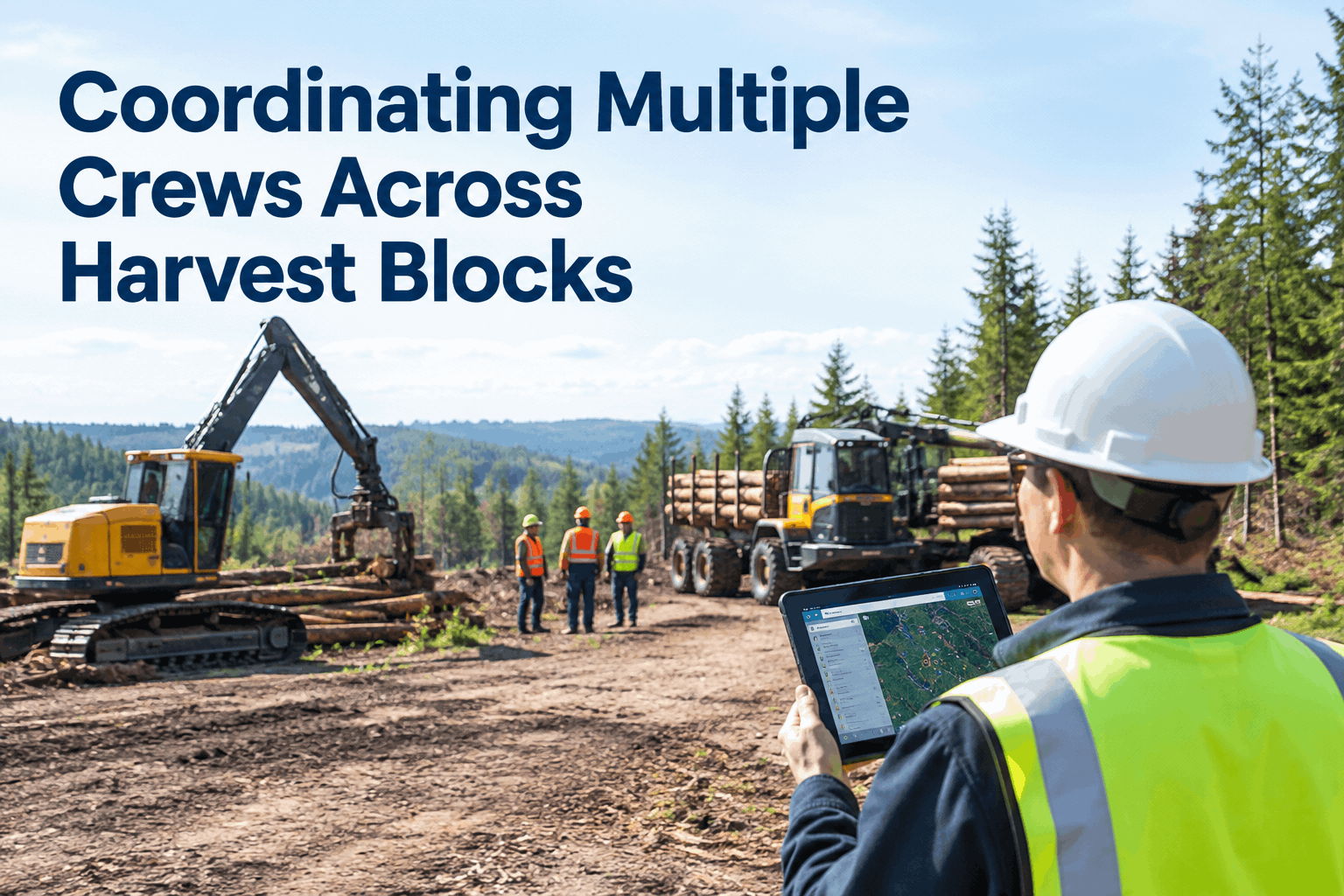
Three crews, three blocks, one of you at a desk an hour away. One crew's processor is down and nobody told you, a skidder you thought was on Block C is actually on Block A, and the service truck just drove past the machine that needed it. Multi-crew coordination in forestry falls apart not because anyone's careless, but because each crew is an island with its own paper and its own group chat — and you're stitching the picture together from phone calls. Book a demo of cross-block crew visibility.
Multi-Crew Coordination in Forestry, Run From One View Instead of a Dozen Phone Calls
See every crew, every block, and every machine's status in one place — so a down processor or a misplaced skidder is something you catch, not something you hear about hours late.
Coordination isn't a scheduling problem you solve once in the morning. It's a live picture that changes all day — a breakdown here, a finished block there, a machine that needs to move. The operations that run smoothly aren't the ones with the best plan; they're the ones where everyone can see the same status in real time.
Every crew is an islandwhy multi-crew coordination in forestry breaks down
The root problem is simple: each crew knows its own block cold and almost nothing about the others. Crew 2's forwarder goes down at 9am; Crew 2 knows instantly, you find out at the 11am check-in, and Crew 3 — who had a spare that could've covered — never hears at all. The information exists. It just never reaches the person who could act on it, because it's trapped in three separate group chats.
- Forwarder goes down, logged in Crew 2's chat
- You hear at the next check-in, hours later
- Crew 3's idle spare never gets offered
- Half a day of production lost before anyone acts
- Breakdown flags on the board the moment it's logged
- You see it in real time, from the desk
- Crew 3's spare is reassigned the same hour
- The block keeps moving while the fix happens
That gap between "the information exists" and "the right person sees it" is where coordination lives or dies. Close it, and most of the chaos of running several crews just evaporates. The shared record that makes it possible is the HVI daily operator reporting, where each crew's status feeds one picture. Book a demo to see the shared board.
What has to be visiblethe four things every block needs to share, live
Coordinating crews doesn't mean micromanaging them. It means a handful of facts about each block are visible to everyone who needs them, updated as they change. Get these four flowing and the phone calls mostly stop.
Which machines are up, down, or due for service, on every block — not just the one in front of you.
Today's walkaround result per machine, so a flagged fault is seen before it becomes a breakdown two blocks over.
Who's on which block with what equipment, so a reassignment is a decision, not a guessing game.
What's due and where, so the service truck's route is planned against real need, not yesterday's assumptions.
None of this requires a crew to do extra paperwork — it's the same inspection and reporting they already do, just flowing to one place instead of a notebook in a cab. Role-based access through HVI team management means each crew sees what's theirs and you see all of it. Sign up free and connect your crews.
A morning, reroutedhow shared status turns a lost day into a small delay
Here's what coordination actually looks like in motion — not a flowchart, but a single morning where a shared view changes the outcome. Follow the forwarder that went down on Block B.
Crew 2's operator logs the breakdown on the shared board from Block B.
The status flips to red on your view instantly — no waiting for a check-in call.
You see Crew 3 has a loader free and redirect it to Block B before the day stalls.
A 90-minute dip instead of a lost half-day — because the right people saw it at 8:12, not noon.
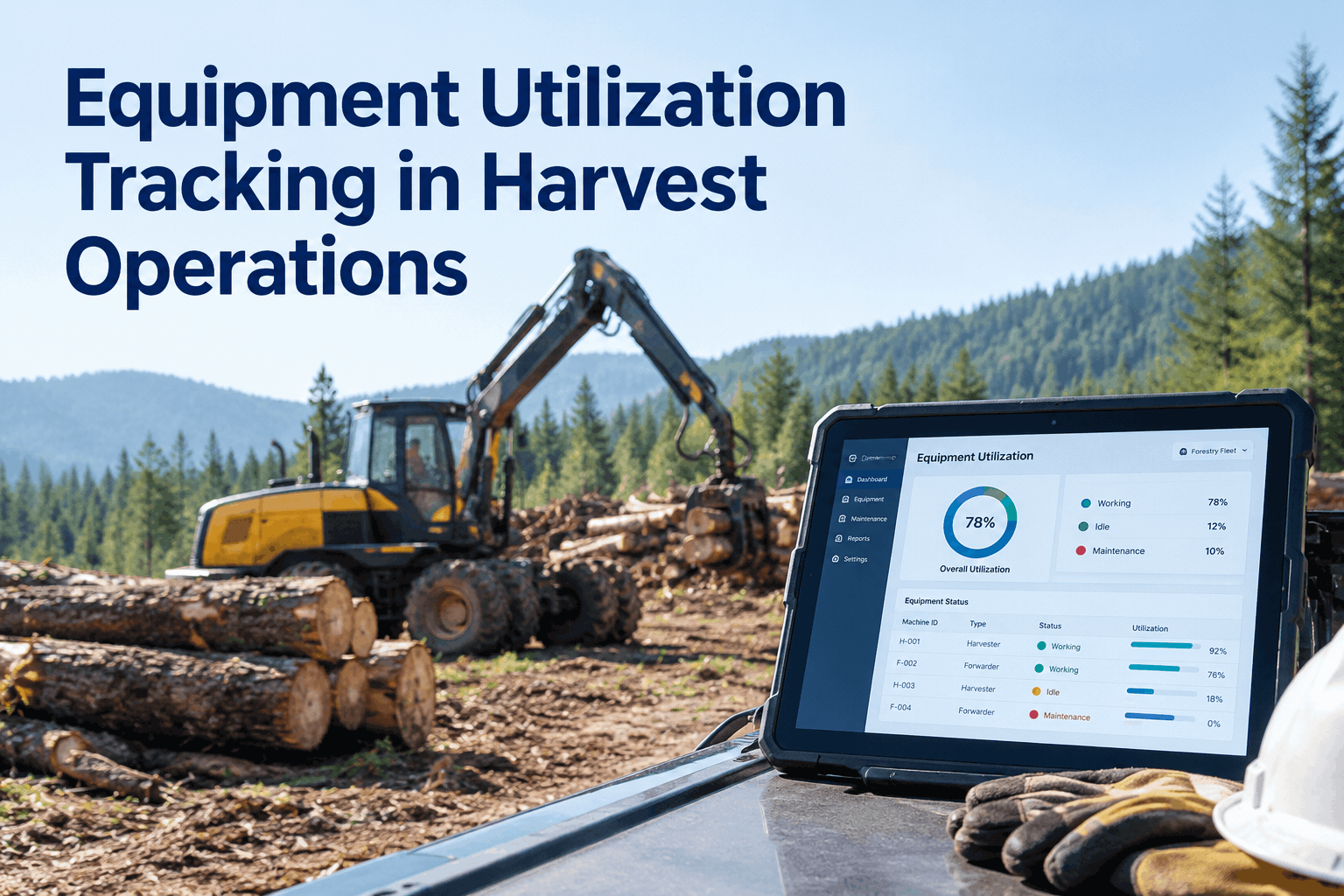
The whole difference is the hour and a half you didn't lose waiting to find out. Multiply that across a season of breakdowns, finished blocks, and machine moves, and shared visibility is the cheapest production you'll ever add. It builds on the same record behind harvest equipment utilization tracking — where this page is about the live coordination call, that one is about the utilization numbers underneath it. Book a demo to see both.
Coordination health checksigns your multi-crew setup is costing you
Not sure whether your crews are really coordinated or just getting by? Run through these. The more that sound familiar, the more a shared view would buy back.
What a forestry operations manager says about coordinating crews
Running four crews, I spent half my day on the phone just trying to find out what was happening. The worst part was the duplicated kit — I once had two loaders sitting idle on different blocks while a third crew waited two hours for one. Now everyone logs status to the same place and I can see all four blocks on one screen. I make the call in minutes instead of chasing it for an hour.
Multi-crew coordination in forestry — FAQs
What is multi-crew coordination in forestry?
It's keeping several crews working different harvest blocks aligned — sharing equipment status, inspections, locations, and service needs so decisions about moving machines or covering breakdowns are made on current facts, not phone-call guesswork. Book a demo of cross-block coordination.
Does HVI schedule crews or optimize harvest planning?
No — HVI isn't a crew-scheduling or route-optimization engine. It's the shared equipment-status and maintenance record that coordination runs on, so you see what's up, down, and due across every block. Book a demo to see the shared view.
How do crews share status from remote blocks with no signal?
Each crew logs inspections and machine status offline on a phone, and it syncs to the shared board when coverage returns — tied to the machine and the block. No signal needed to capture it. See HVI daily operator reporting.
Can each crew see only their own block?
Yes — role-based team management lets each crew work with their own equipment and records, while managers see every block in one view. Everyone gets the slice they need. Explore HVI team management, or book a demo.
How is this different from utilization tracking?
Coordination is the live call — who's where, what's down, what moves now. Utilization tracking is the numbers behind it — how much each machine actually works. Same record, different decision. Read our utilization tracking guide.
Run every crew off one picture, not a dozen phone calls
Give every crew one place to log status and every manager one view across all of it — so breakdowns, spare machines, and service needs are caught in minutes, and the whole operation moves as one instead of three islands.
- Every block's status in one view
- Offline capture at remote landings
- Role-based access per crew
- Breakdowns flagged the moment they happen