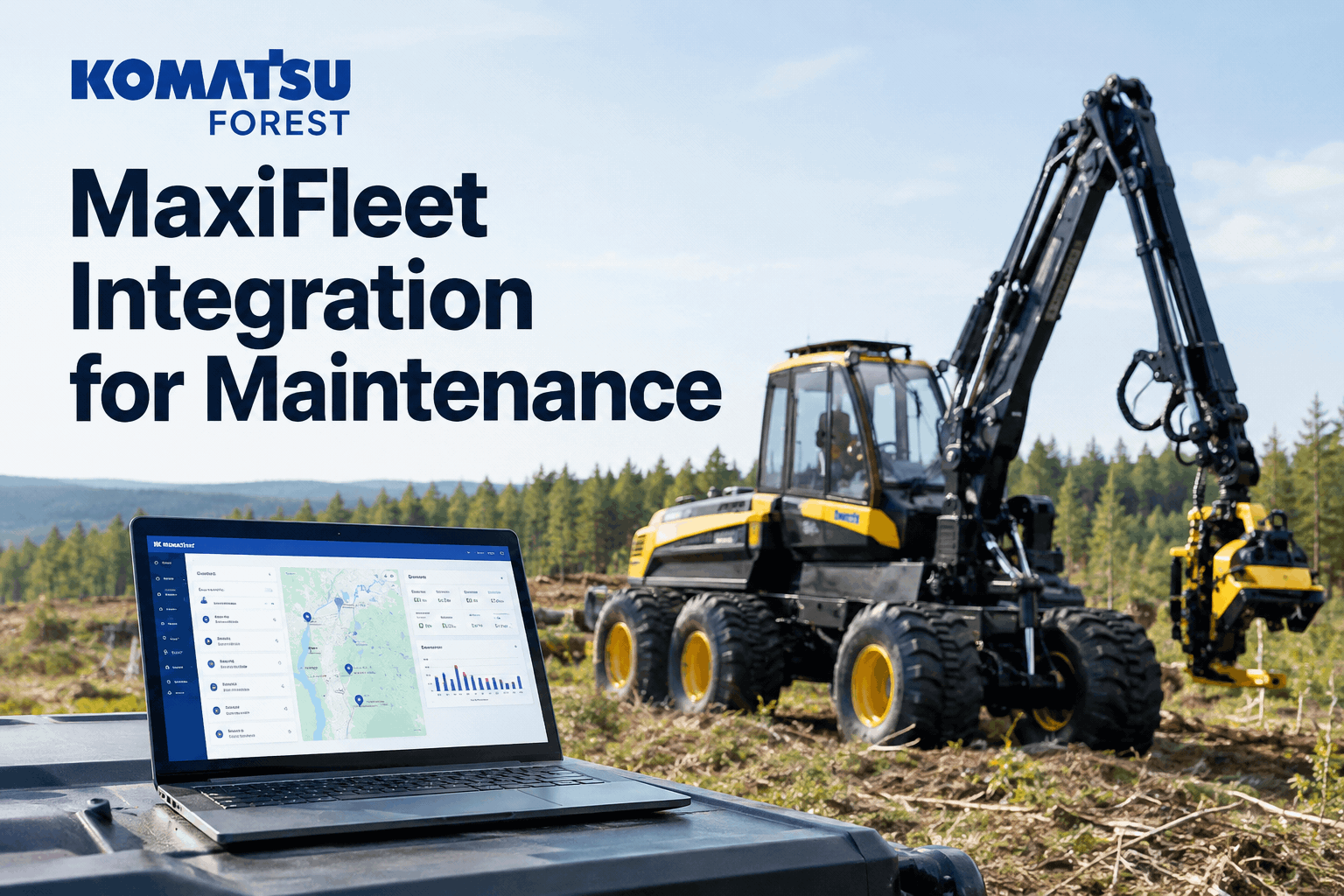
Your Komatsu 931XC harvester has been logging every stem, every litre of fuel, and every oil sample into MaxiFleet for months — and when the head finally started slowing down, the warning signs were already sitting in the data nobody had tied to a service decision. A Komatsu Forest MaxiFleet integration pulls that machine data into your maintenance workflow, so utilisation, production and condition signals become planned servicing instead of a portal you check after something breaks. Book a demo of MaxiFleet data driving your PM schedule.
Turn MaxiFleet's utilisation, production, fuel and condition data from your harvesters and forwarders into scheduled servicing, tracked repairs and a maintenance record that follows each machine.
MaxiFleet is already one of the richest data sources in a cut-to-length operation — it reads straight off the machine's MaxiXplorer system and logs production, fuel, utilisation, oil analyses and service events automatically. The gap most Komatsu Forest owners hit is turning all of that into maintenance actions. That is exactly what a Komatsu Forest MaxiFleet integration with a CMMS is for.
The condition signals MaxiFleet gives youthree data streams, and the maintenance decision each one drives
Unlike a basic hours-only feed, MaxiFleet surfaces condition data that hints at trouble before a failure. Fed into a maintenance system, each signal stops being a chart you glance at and becomes a decision. Explore how meter and condition-based preventive maintenance acts on each one.
MaxiFleet adds and displays oil sample results automatically.
Trend data on engine, battery, scale and harvesting head over time.
Operating vs idle status and fuel consumption per machine.
Service appointments and head replacements already recorded in MaxiFleet carry across too — so the integration builds on the history Komatsu Forest is keeping, rather than starting your maintenance record from scratch. Book a demo to see an oil-sample flag raise a work order.
One record per Komatsu Forest machinewhere MaxiFleet data, inspections and repairs finally meet
The problem isn't missing data — a cut-to-length operation is drowning in it. The problem is that production lives in MaxiFleet, the walkaround lives on paper, and the repair history lives in the mechanic's head. The integration collapses all three into one machine record.
When a machine moves to a new block under a different foreman, its full history moves with it. No reset, no "which notebook did the last service go in" — the kind of visibility gap that leaves a logging fleet guessing. Book a demo to see one machine record built from three feeds. For the wider workflow beyond the data feed, read our forestry CMMS guide for logging fleets, which covers the hour-based PM ladder in depth.
MaxiFleet maintenance for harvesters vs forwarderswhy the two halves of a CTL team need different PM triggers
A cut-to-length pair wears in completely different ways, and a Komatsu Forest MaxiFleet integration lets you set the right trigger for each instead of one blanket schedule. Here is how the data splits. Book a demo to set harvester and forwarder PM separately.
- Head follow-up and oil analysis drive the heaviest PM load — the head is the hardest-working part
- Saw bar, feed rollers and measuring systems need condition-based checks, not calendar ones
- High hydraulic duty cycle means oil sample trends matter most here
- Utilisation and load cycles drive PM more than engine hours alone
- Crane, bunk and bogie wear tracked against real operating time, not the calendar
- Fuel-per-volume trend flags a developing driveline or tyre issue early
This is separate from a raw machine-hour feed like Tigercat RemoteLog — if you run a mixed forestry fleet, see how the Tigercat telematics integration handles hour-based triggers, and HVI pulls both OEM feeds into one dashboard.
MaxiFleet integration setup checklistfive steps from a MaxiFleet account to auto-scheduled servicing
Connecting MaxiFleet to your maintenance workflow is a setup task, not an IT project. Work down this checklist with your Komatsu Forest dealer and your workshop lead.
-
1
-
2
-
3
-
4
-
5
Work through these and the data starts driving the schedule. Sign up free and load your Komatsu Forest fleet.
A forestry fleet manager on MaxiFleet datafrom the office: tying production data to the service schedule
Honestly, MaxiFleet showed me more than I was using. I'd look at production and fuel on a Monday and that was about it — the oil samples and head follow-ups just sat there. Once they fed into our maintenance system, a flagged oil result on the harvester actually booked a service instead of me scrolling past it. We caught a hydraulic issue early that would've been a head rebuild if we'd run it another month. The data was doing its job; we just weren't acting on it.
Komatsu Forest MaxiFleet integration FAQswhat forestry fleet managers ask before connecting
What MaxiFleet data can HVI use for maintenance?
MaxiFleet collects utilisation, production, fuel, oil-sample results and engine, battery and head follow-ups automatically from the machine's MaxiXplorer system. HVI uses those signals to drive condition- and utilisation-based preventive maintenance, so the data schedules servicing instead of sitting in a portal.
Does this replace MaxiFleet or work alongside it?
It works alongside it. MaxiFleet stays your Komatsu Forest machine-data source; HVI becomes the maintenance layer that turns that data into work orders, PM schedules and a full repair record. You keep MaxiFleet and gain a workflow that acts on what it reports.
Which Komatsu Forest machines does it cover?
Any harvester or forwarder reporting into MaxiFleet. Because harvesters and forwarders wear differently, HVI lets you set head and oil-based triggers on harvesters and utilisation-based triggers on forwarders, rather than forcing one blanket service interval across the fleet.
Will it work on a mixed-brand forestry fleet?
Yes. HVI ingests OEM telematics from several manufacturers, so a fleet running Komatsu Forest alongside Tigercat or John Deere lands in one dashboard. You manage condition data, utilisation and PM for every machine in one place instead of one portal per brand.
Do operators still run daily inspections?
Yes — MaxiFleet reports machine condition, not what an operator can see. HVI's daily operator reporting captures visual defects like a cracked guard or a weeping fitting and pairs them with the machine data, so one record covers both the sensor side and the walkaround.
Connect MaxiFleet to a maintenance system that schedules the work
Stop scrolling past oil samples and follow-ups. Let MaxiFleet feed the condition data and let HVI book the service, raise the work order, and keep the record that follows every harvester and forwarder.
- MaxiFleet condition + utilisation ingest
- Oil sample → condition work order
- Separate harvester / forwarder PM
- One record per machine, offline DVIR