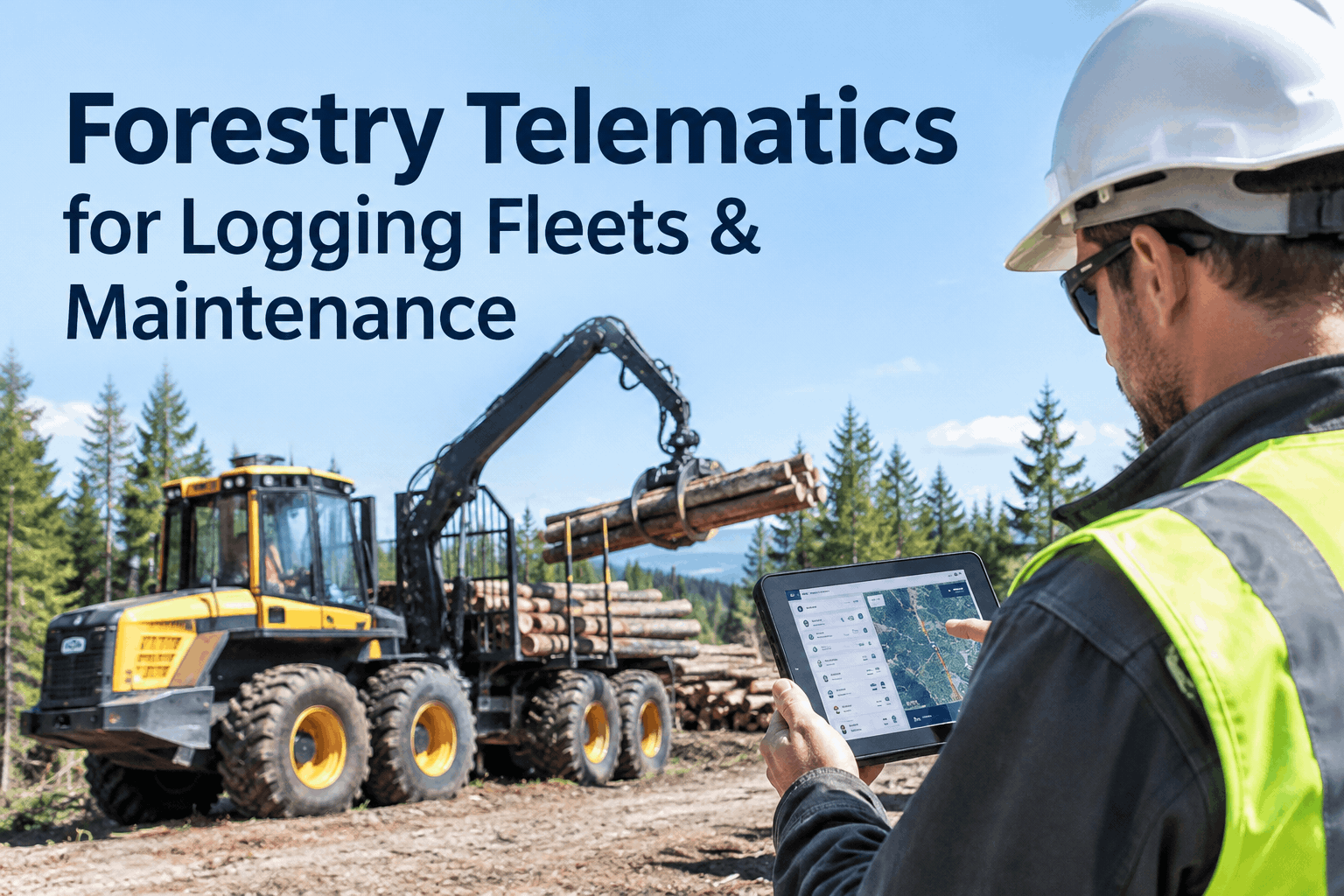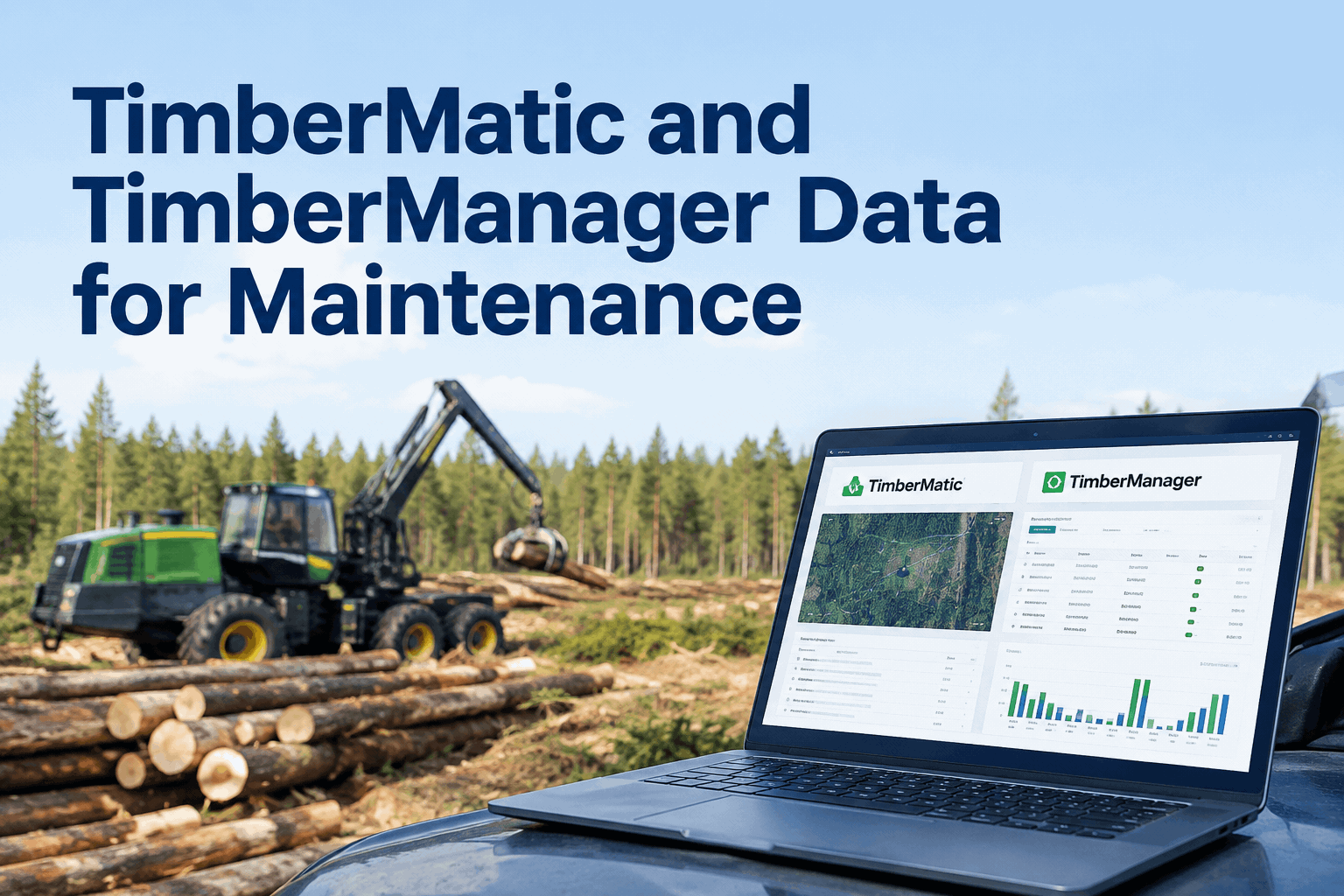
Your John Deere 1270G harvester has been feeding TimberMatic Maps all week — stems cut, volume moved, where every pile sits — and your office has watched it roll up in TimberManager. It's a clear picture of what the crew produced. What it isn't is a picture of what the machine needs. A TimberMatic and TimberManager integration takes that production and machine data and turns it into servicing, work orders and a maintenance record, so the data that tracks output also protects the machine making it. Book a demo of John Deere forestry data driving your PM.
Take the production, utilisation and jobsite data your John Deere harvesters and forwarders already send to TimberMatic and TimberManager, and run scheduled servicing, work orders and a full repair record off it.
John Deere built TimberMatic and TimberManager to connect the woods to the back office — the machine shares what it's doing, the manager sees it live. That same connection carries everything a maintenance team needs, if something is there to act on it. A TimberMatic and TimberManager integration adds that missing maintenance layer on top of the data you already trust.
How the TimberMatic and TimberManager integration layers upmachine to cloud to maintenance, without re-keying a number
John Deere's system is already two layers — the machine and the office. The integration simply adds a third: the maintenance workflow that turns all that data into action. Explore how HVI's integrations layer sits on top of what TimberManager already streams.
The data never gets re-typed. It flows machine → cloud → maintenance, so a busy foreman isn't copying hours into a spreadsheet at the end of a shift. Book a demo to see the maintenance layer in action.
Why John Deere production data is a maintenance signalthe same number, read two ways
The stems-cut and volume figures TimberManager shows your office aren't just a productivity scoreboard. Every one of them is also a measure of wear. HVI reads the same data the second way.
- Stems cut and volume moved this shift
- How much wood is at the landing
- Jobsite efficiency across the crew
- Head and saw cycles clocking toward a service
- Forwarder load cycles driving bogie and crane wear
- Real utilisation that should advance the PM clock, not the calendar
A harvester that cut heavy all week is due for attention sooner than the calendar says — and the production data already proved it. That's the difference between a machine that gets serviced on real use and one that's serviced on a guess. Book a demo to see production advance the PM clock. For the wider workflow, read our forestry CMMS guide for logging fleets.
John Deere forestry machines the integration coversevery unit that reports through TimberMatic and TimberManager
TimberMatic and TimberManager span the full John Deere forestry line, so your whole fleet lands in one maintenance view rather than a mix of tracked and connected units.
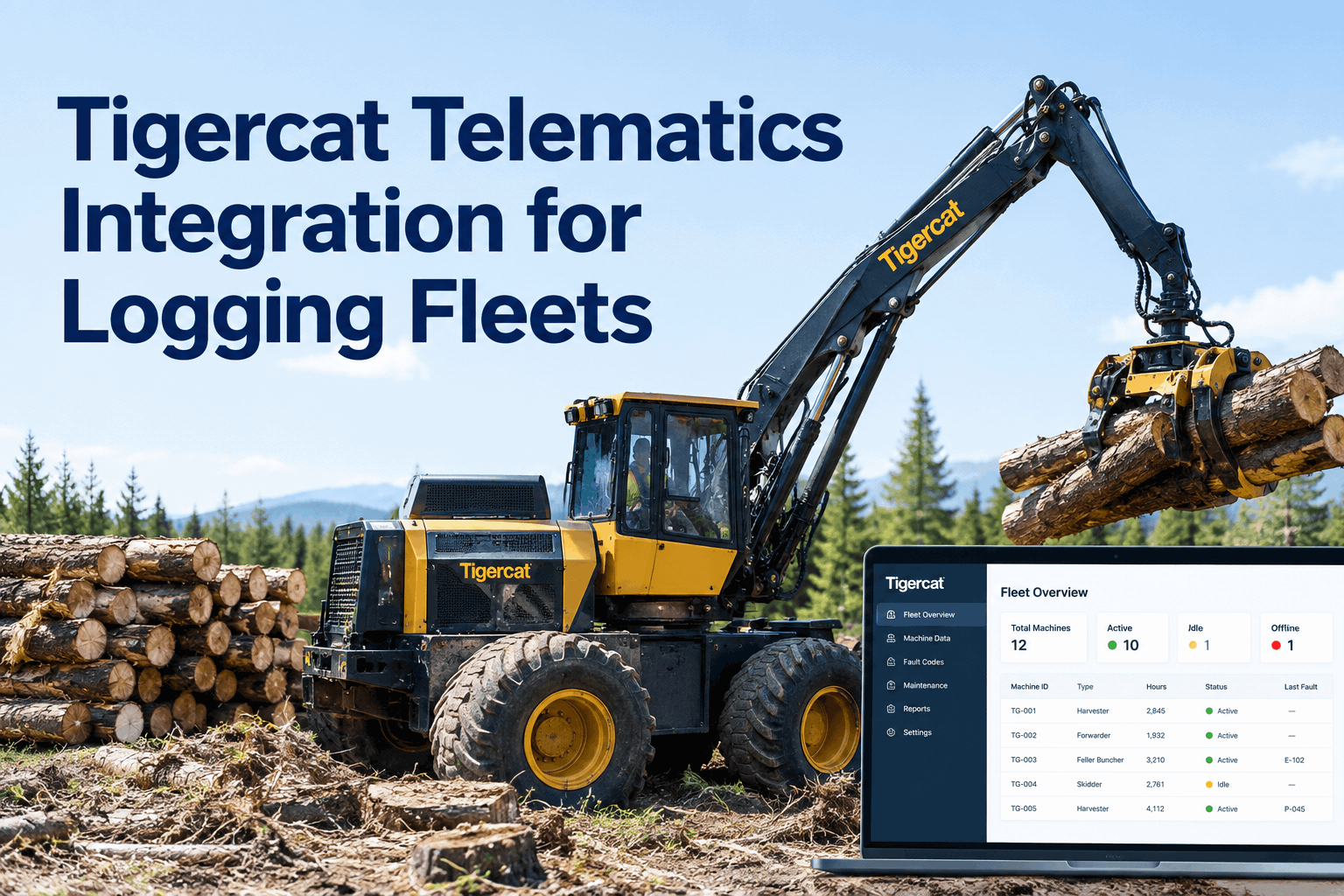
Running other brands too? HVI pulls them together — see the Komatsu Forest MaxiFleet integration and the Tigercat telematics integration landing in the same dashboard. Sign up free and load your John Deere fleet.
TimberMatic and TimberManager integration checklistthree phases from connected machines to auto-scheduled servicing
Connecting John Deere forestry data to your maintenance workflow runs in three short phases. Work through each with your dealer and your workshop lead.
Work through the three phases and your John Deere data starts driving the schedule. Book a demo to walk the setup with our team.
A forestry fleet manager on John Deere datafrom the office: tying production to the service schedule
TimberManager told me exactly what my crews were cutting — I lived in that screen. What it didn't do was tell me the harvester that had its best production week was also the one grinding closest to a head service. Once that data fed the maintenance side, the heavy weeks actually pulled the service forward instead of me finding out the hard way. We stopped servicing everything on the same calendar and started servicing on what each machine had actually done.
TimberMatic and TimberManager integration FAQswhat forestry fleet managers ask before connecting
Does HVI replace TimberMatic or TimberManager?
No. TimberMatic and TimberManager stay your John Deere production and jobsite systems; HVI adds the maintenance layer that turns their data into PM schedules, work orders and a repair record. You keep John Deere's tools and gain a workflow that acts on what they report.
What John Deere data can HVI use for maintenance?
Production and utilisation data such as stems cut, volume moved, load cycles and machine location shared through TimberManager. HVI reads that as wear — heavy production advances the PM clock and flags the machine for a service sooner than a flat calendar would.
Which John Deere forestry machines are covered?
Any unit reporting through TimberMatic and TimberManager — wheeled and tracked harvesters, forwarders, feller bunchers, skidders and swing machines. HVI lets you set the right PM trigger per type rather than one blanket interval across the fleet.
Will it work on a mixed-brand forestry fleet?
Yes. HVI brings John Deere together with other OEM feeds such as Komatsu Forest MaxiFleet and Tigercat RemoteLog into one dashboard, so you manage production data, utilisation and PM for every machine in one place instead of one portal per brand.
Do operators still run daily inspections?
Yes — production data reports what the machine did, not what an operator sees on a walkaround. HVI's daily operator reporting captures visual defects like a cracked guard or a weeping fitting and pairs them with the machine data, so one record covers both.
Turn your John Deere forestry data into servicing that happens
Stop letting production data stay a scoreboard. Let TimberMatic and TimberManager feed the numbers and let HVI book the service, raise the work order, and keep the record that follows every harvester and forwarder.
- TimberManager production + utilisation ingest
- Production data → advanced PM clock
- Per-machine-type PM triggers
- One record, offline field DVIR