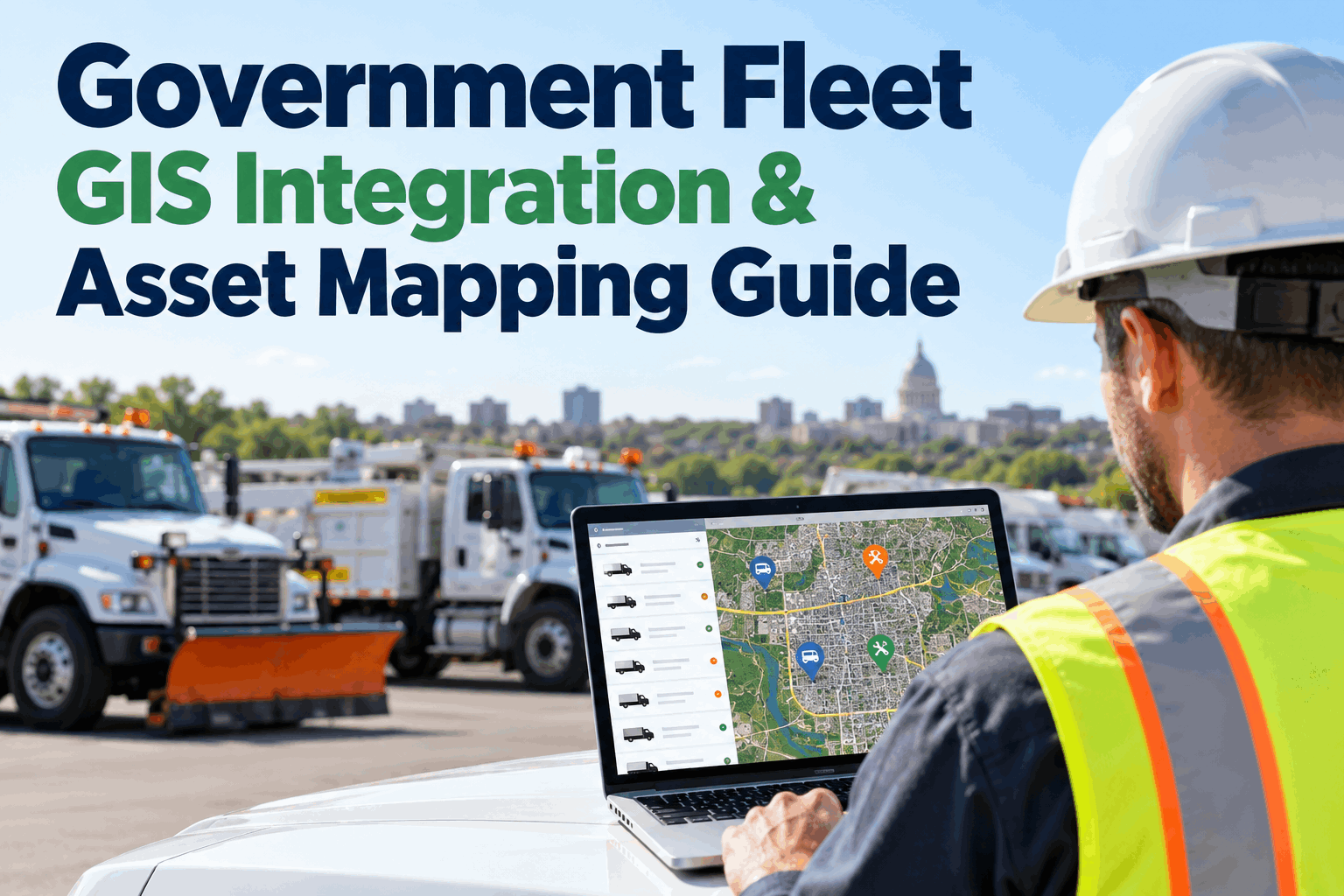
Government fleet GIS integration connects vehicle and maintenance records with the geographic context public works teams already use. When fleet systems and municipal maps operate separately, staff may know which equipment needs repair but not how that affects depot coverage or service areas. A practical integration starts with consistent asset IDs, reliable location sources and a clear plan for moving data between systems.
Connect Fleet Maintenance Records with the Places Your Crews Serve
Map equipment assignments, combine maintenance status with public works districts, and plan a GIS data workflow your IT team can support.
What Government Fleet GIS Integration Actually Solves
GIS answers where an asset, route or service area is; a fleet maintenance system explains which vehicle it is, its condition, and what work is due. Combining those records gives public works teams a more useful operational picture.
Where is equipment assigned?
Associate vehicle IDs with depots and service districts to identify uneven equipment distribution and potential response gaps.
Which assets need attention?
Join PM due dates, inspections and repair status to an existing GIS asset layer for planning and coordination.
Which area needs resources?
Analyze equipment availability alongside snow routes, sanitation districts, utility zones or road-maintenance areas.
A Practical Municipal Fleet-to-GIS Data Architecture
A sound integration separates the systems that own maintenance records from the system that owns geographic features. Use a durable asset identifier as the join key, then define where coordinates or service-area assignments originate.
HVI Fleet Records
Asset ID · vehicle class · department · inspections · PM · work orders
Validate & Match
Stable IDs · date formats · permissions · coordinate checks
Map & Analyze
Depots · zones · locations · service areas · spatial reporting
Conceptual architecture, not a claim that HVI provides a native ArcGIS connector. Export formats, API access and automation should be confirmed for your deployment.
Which Fleet Fields Should Be Mapped?
GIS joins fail when departments use different names for the same equipment. Agree on the primary key and the owner of each field before importing anything.
| Data field | Typical source | GIS purpose | Quality check |
|---|---|---|---|
| Asset ID | HVI asset register | Join key | Unique, stable, nonblank |
| Department / depot | Fleet master data | Assignment and coverage | Controlled naming |
| Equipment type | Asset register | Filter map layers | Standard categories |
| PM due / repair status | Maintenance records | Operational overlays | Timestamp and status meaning |
| Latitude / longitude | GIS or GPS provider | Map location | Coordinate system, age, accuracy |
| Service district | Municipal GIS | Spatial grouping | Boundary version |
Example schema. Actual HVI export fields and integration availability should be validated during implementation.
See how fleet records can support this workflow: Book an HVI demo to discuss asset data and export options →
Choose the Right GIS Integration Method
Not every municipality needs real-time synchronization. The correct method depends on how often information changes, the consequence of stale data and available IT support.
Scheduled file export
Export asset and maintenance data, validate it, then join it to GIS features by asset ID.
Best for:Monthly planning, static equipment inventories and pilot projects.
API or middleware
Where supported, automate field mapping, authentication, updates and exception logging.
Best for:Recurring operational reporting across several departments.
Telematics plus GIS
Use an authorized GPS provider for time-stamped positions and route history; combine with fleet condition data.
Best for:Field deployment and location-sensitive operations.
Connect Your Fleet Data Before Building the Map
Review HVI's asset, inspection and maintenance records with your municipality's GIS integration goals.
A Six-Stage Public Works GIS Integration Plan
Start with one measurable use case—such as depot equipment availability—rather than a citywide rollout. Each stage should have a clear acceptance test.
Choose the decision
Define the question the map must answer and who will act on it.
Inventory sources
List HVI, GIS, telematics and departmental records.
Normalize IDs
Resolve duplicates and agree on field ownership.
Pilot the join
Test a small depot or equipment group and review unmatched rows.
Secure the flow
Set permissions, refresh schedules and error alerts.
Measure value
Track coverage, record freshness and decision time.
See how fleet records can support this workflow: Book an HVI demo to discuss asset data and export options →
Example: Mapping Municipal Snow Equipment Readiness
Consider a public works department with plow trucks assigned to several depots. The GIS team maintains snow-route boundaries; fleet maintenance manages vehicle inspections, defects and service schedules.
Two disconnected views
The map shows service districts, while a separate maintenance report lists trucks with open repairs. Staff manually reconcile which district may have reduced capacity.
One planning view
Asset IDs link depot assignments to maintenance readiness. Managers can identify where an unavailable plow may affect coverage and plan substitutes.
These are illustrative outcomes, not an HVI case study or a guarantee of real-time mapping. GIS data must reflect current assignments, and maintenance status should come from an authoritative operational record.
Government Fleet GIS Integration Readiness Checklist
Use this list during planning meetings with fleet operations, GIS, IT and procurement. A successful pilot should satisfy both technical and operational needs.
Data readiness
✓ Unique asset IDs for each vehicle
✓ Consistent departments and equipment classes
✓ Defined location source and timestamp
✓ Known missing or duplicate records
Technical readiness
✓ Confirmed export / connector method
✓ Agreed refresh frequency
✓ Field mappings and coordinate reference system
✓ Error handling and integration ownership
Governance readiness
✓ Role-based access and data minimization
✓ Retention and security policies
✓ Named data steward and change approvals
✓ Pilot acceptance criteria and KPIs
Where HVI Fits in a Government GIS Workflow
HVI can serve as the structured operational record source for fleet equipment, inspections, work orders and maintenance history. A GIS platform remains responsible for spatial layers, geographic analysis and map presentation.
Vehicle Management: establish consistent fleet asset identities and department assignments.
Inspection Records: bring condition and defect evidence into operational planning.
Maintenance History: connect work completed, work outstanding and PM status to specific assets.
Telematics Integrations: HVI documents supported GPS providers that supply location and usage data.
Reports and Exports: prepare operational datasets for review and, where compatible, downstream mapping.
Keep the vehicle record traceable
Confirm the precise integration path with HVI and your GIS administrator before committing to automated workflows.
See how fleet records can support this workflow: Book an HVI demo to discuss asset data and export options →
Government Fleet GIS Integration FAQs
What is government fleet GIS integration?
It is the process of associating fleet assets, maintenance information and operational data with geographic features such as depots, routes and service districts. GIS supplies mapping and spatial analysis while fleet systems supply vehicle condition and maintenance context.
Does HVI have a native ArcGIS integration?
HVI publicly documents GPS and telematics integrations and operational reporting, but a native ArcGIS connector was not verified for this guide. Ask HVI to confirm available APIs, export formats, licensing and implementation requirements for your GIS environment.
Can fleet assets be mapped without live GPS?
Yes. Static assignments such as home depots, service zones or designated operating areas can be mapped from an asset register and municipal GIS. Real-time vehicle positions require an appropriate location source, such as GPS telematics.
Which field is most important when connecting GIS and fleet records?
A stable, unique asset identifier is the most important join key. Teams should also standardize departments, asset types, timestamps, status definitions and geographic coordinate formats.
How should municipalities begin a GIS fleet integration project?
Choose one use case, identify source systems, clean the asset register, agree on a data exchange method and test a small pilot. Confirm refresh schedules, security, error handling and who owns ongoing maintenance of the integration.
Make Fleet Records Ready for Better Public Works Decisions
Organize the vehicle, inspection and maintenance information your GIS team needs for reliable mapping and reporting. Explore the integration options appropriate to your agency.