Every municipal fleet starts the same way: a plow truck misses an oil change because nobody tracked its hours, a pump fails mid-route, and suddenly maintenance is all reaction and no plan. Building a municipal fleet preventive maintenance schedule is how you get ahead of that — and it is more straightforward than it looks once you break it into steps. This guide walks through it, and shows where software takes the manual tracking off your plate. Book a demo to see a PM schedule built on real units.
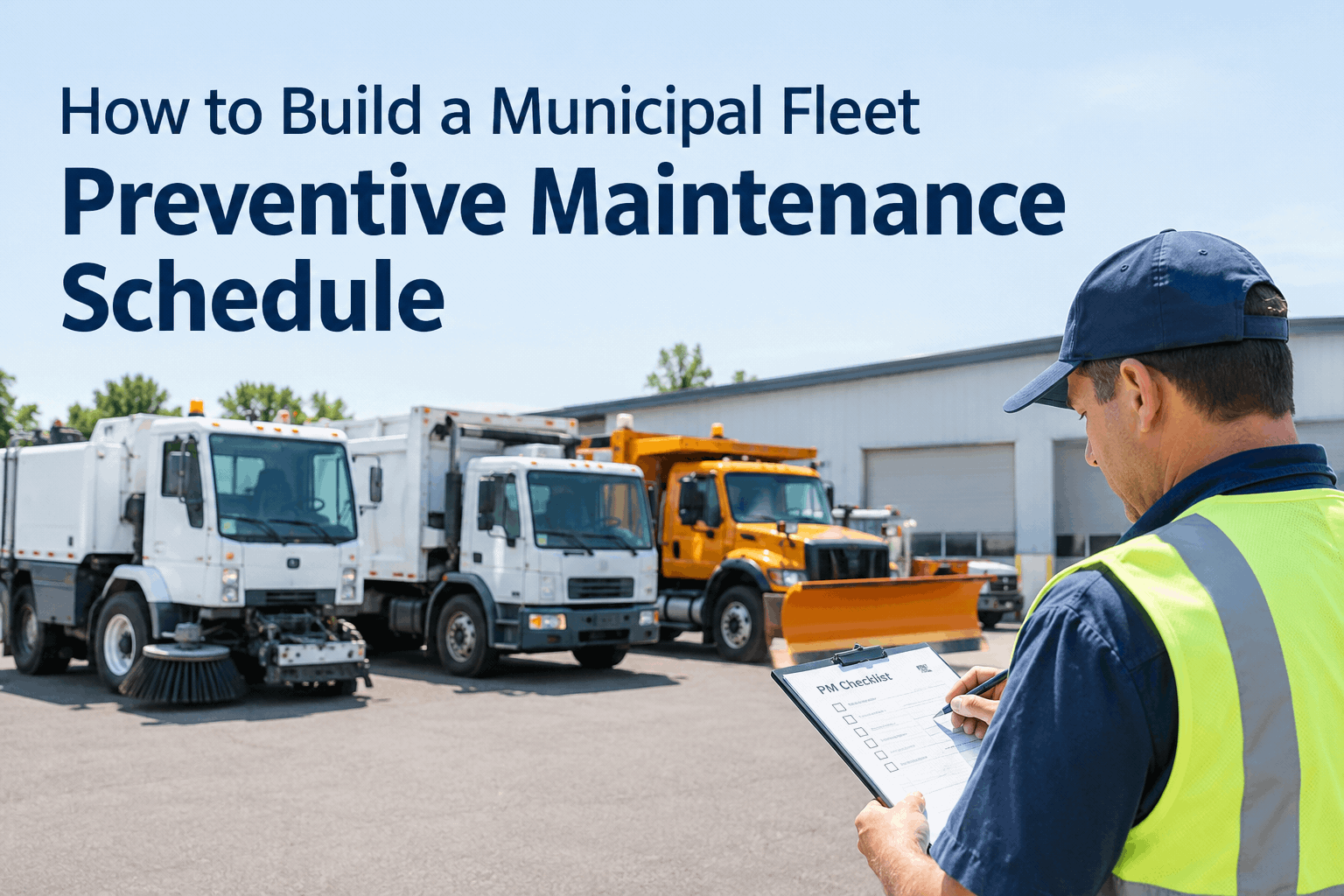
How to Build a Municipal Fleet Preventive Maintenance Schedule
Five steps from a mixed public-works fleet to a working PM plan — service intervals set by mileage or engine hours, ownership assigned, and overdue tasks you can actually see.
A municipal fleet is harder to schedule than a trucking fleet because it's mixed: plow trucks, refuse packers, sweepers, pickups and off-road equipment, often split across departments, each with its own duty cycle. A one-size calendar won't fit. The way through is to build the schedule unit by unit around the right usage metric, then let the system flag what's due. Here are the five steps.
Build a PM schedule in 5 stepshow to build a municipal fleet preventive maintenance schedule that holds up across departments
Inventory every unit and how it's used
List each vehicle with its make, model, year, current mileage or engine hours, and department. A seasonal plow truck and a daily refuse packer need very different plans — the inventory is what tells them apart. This is the foundation; a schedule is only as good as the asset list under it.
Set service intervals by the right metric
For on-road units, schedule by mileage; for equipment that idles or works stationary, schedule by engine hours; for low-use units, fall back to calendar. Start from the manufacturer's guidance, then tighten for hard municipal duty. This is the crux of the whole plan — and the next section breaks down which metric fits which vehicle.
Assign ownership for every task
A schedule with no owner is a wish list. Name who inspects, who approves the work order, and who closes it — by role, so it survives staff turnover. In a mixed fleet spanning departments, this is where most plans quietly fall apart, so make responsibility explicit from day one.
Trigger PM from inspections and meters
Tie the schedule to live data: a mobile inspection that flags a worn part, or a meter reading that hits the interval, should raise the work order automatically. That's what turns a static spreadsheet into a schedule that actually fires on time instead of waiting for someone to remember.
Review overdue tasks every week
Set a standing weekly check of what's due, what's overdue, and which units are drifting. The point of a schedule isn't to file it — it's to catch the one plow truck that's 400 miles past service before it strands a crew in a storm.
Steps three through five are the ones that break down on paper — which is exactly what preventive maintenance scheduling software is built to carry. You can book a demo to see the five steps set up on a sample municipal fleet.
Mileage or engine-hour intervals?the decision that makes or breaks a municipal PM schedule — pick the service-interval metric that matches how the unit works
Best for units whose wear tracks distance traveled.
- On-road refuse and recycling trucks
- Pickups, vans and light utility trucks
- Dump trucks on regular haul routes
Best for units that run hard while barely moving.
- Street sweepers and flushers (brooms, pumps)
- Loaders, excavators and backhoes
- Plow trucks idling long hours in a storm
Best for low-use and seasonal units.
- Standby generators and pumps
- Seasonal equipment in off-season storage
- Anything that sits more than it runs
The real answer for most fleets is a mix — and the best systems let you set a combination trigger, so whichever comes first (the mile mark or the hour mark) fires the service. For a single-asset worked example, see our wheel loader municipal PM schedule built on engine hours.
Municipal PM interval starting pointstypical vehicle service intervals to build your schedule from — then tighten for your duty cycle
These are common starting intervals, not rules — always set yours against manufacturer guidance and how hard the unit actually works. Swipe to see the full table on a phone.
| Vehicle type | Primary metric | Typical PM interval | Watch-items |
|---|---|---|---|
| Refuse / recycling truck | Mileage | Every 4,000–6,000 mi | Hydraulics, packer cycle, brakes |
| Street sweeper | Engine hours | Every 150–250 hrs | Brooms, conveyor, water pump |
| Snow plow truck | Miles + hours | Whichever comes first | Hydraulics, cutting edge, cooling |
| Loader / backhoe | Engine hours | Every 250–500 hrs | Hydraulics, filters, pins & bushings |
| Light truck / van | Mileage | Every 5,000–7,500 mi | Oil, tires, brakes |
Once the schedule is running, the next move is tuning these numbers to your own data — our PM interval optimization guide covers moving off OEM defaults, and the DPW fleet maintenance best practices cover the wider program around it.
PM schedule launch checklista readiness checklist for your municipal fleet preventive maintenance plan — run it before the schedule goes live
Setup
Ownership
Review
Tick these and your plan is ready to run. A free trial lets you build the schedule on your own units and work through the list as you go.
Running your municipal PM schedulewhat a live municipal fleet maintenance schedule looks like once it's working for you
That single view is the payoff of the five steps, and it feeds straight into fleet cost and PM compliance reporting — the same records that answer a budget question or a DOT inspection records request for your CDL units.
From a public works fleet manager who built one from scratch
We ran on a spreadsheet for years, and it was fine until it wasn't — a sweeper would blow a pump because nobody noticed it had crossed 200 hours. Building a real schedule felt like a big project, but it was really just the five steps: get the list right, set hours for the equipment and miles for the trucks, name who owns what, and review the overdue list every Monday. The first winter after, we didn't lose a single plow to a missed service. That alone paid for the whole thing.
Municipal fleet PM schedule FAQs
Should I schedule PM by mileage or engine hours?
Use mileage for on-road units like trucks and vans, and engine hours for equipment that works while stationary, such as sweepers and loaders. Many fleets set both and service on whichever comes first. Book a demo to see combination triggers.
What's the first step in building a PM schedule?
Inventory every unit with its make, model, current mileage or hours, and department. A schedule is only as reliable as the asset list under it, so get that complete before setting any intervals.
How do I handle a fleet split across departments?
Assign ownership by role, not by name, so the schedule survives staff changes, and keep every unit on one system regardless of department. Book a demo to see role-based assignment across a mixed fleet.
Can software raise work orders when PM is due?
Yes — when a meter reading hits the interval or an inspection flags a defect, the work order is raised automatically and routed to the shop. That's what keeps a schedule firing on time instead of relying on memory.
How do I track whether the schedule is actually working?
Review overdue tasks weekly and watch PM compliance and cost per unit in one view. Rising overdue counts or costs on a specific unit are your early warning. Start free to see the compliance view.
Build your municipal fleet PM schedule the easy way
Set each unit's intervals by mileage or engine hours, assign ownership, trigger work orders from inspections, and review overdue tasks in one view — the whole preventive maintenance schedule, running on HVI instead of in your head.
No hardware · Mileage, engine-hour & calendar triggers · Built for mixed public-works fleets