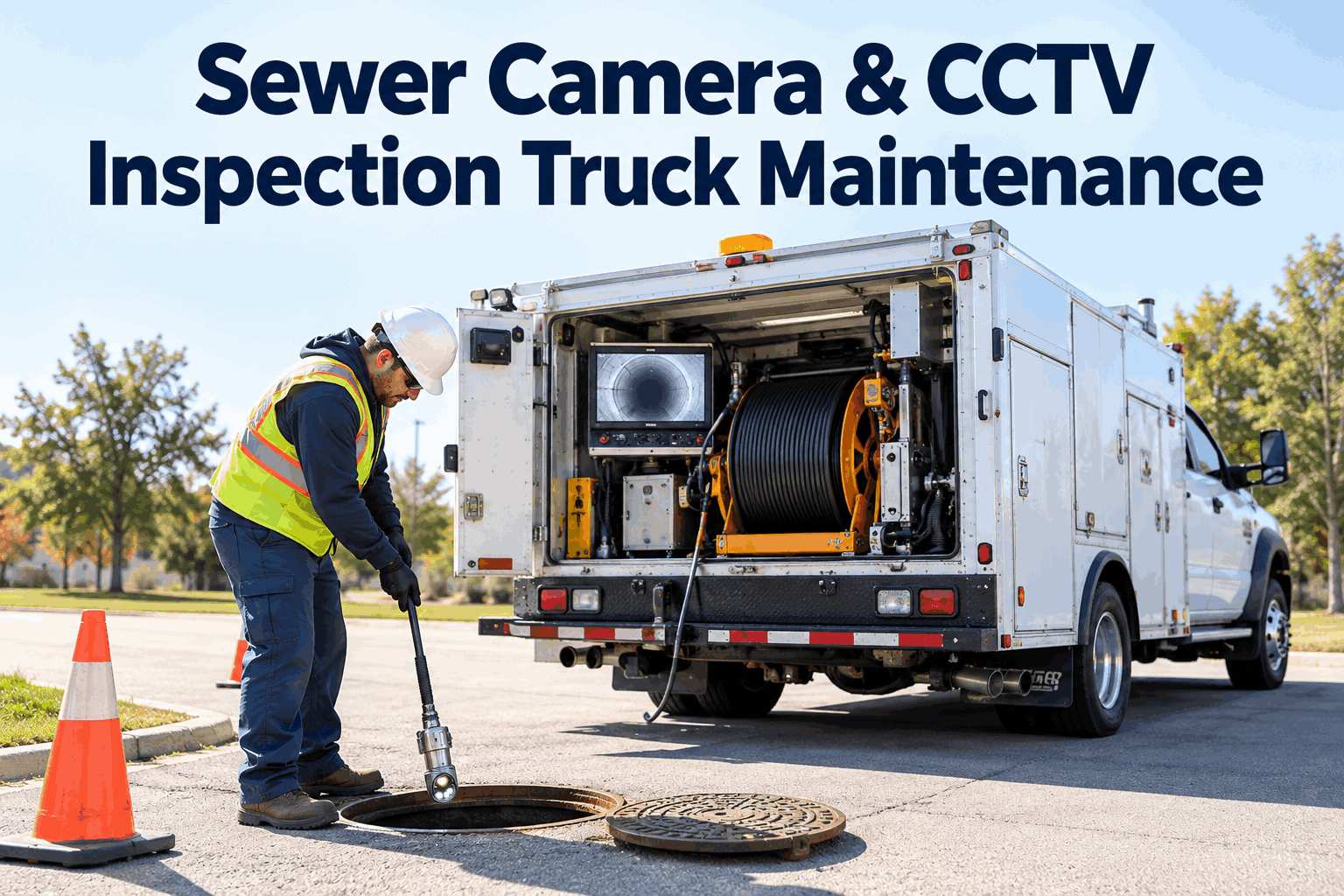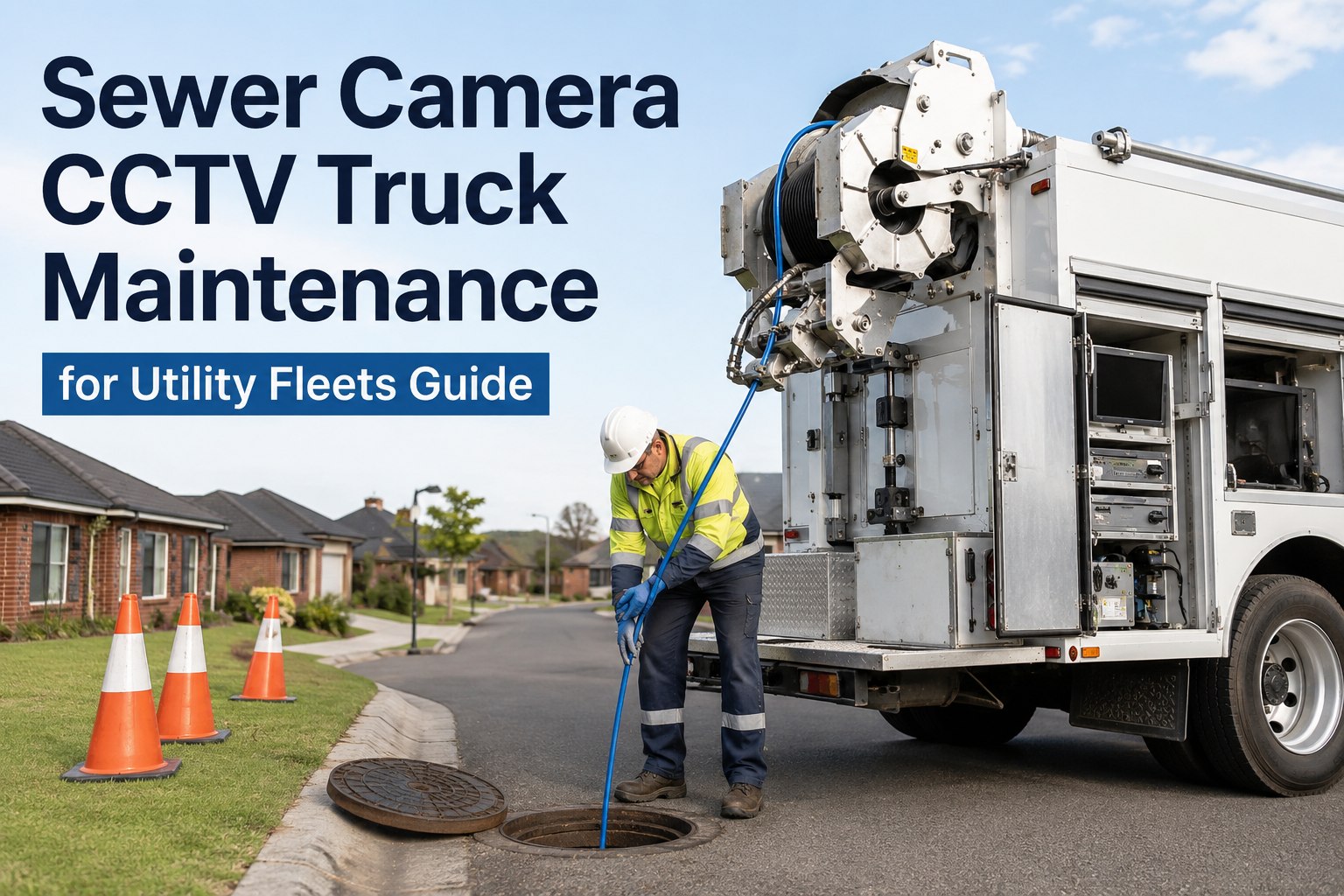
Your CCTV crew is 40 minutes into a 900-foot main line when the picture drops to static. The operator reels in 800 feet of push cable by hand, finds the pigtail connector soaked and green with corrosion, and the truck is done for the day. A sewer camera truck is a rolling electronics lab — Cues, Envirosight or Rausch, you are carrying $150,000 or more of cameras, crawlers, cable and computers on a four-wheel platform — and yet most fleets still track that equipment on the same whiteboard they use for the pickup trucks. The cable assembly alone runs $8,000 to $15,000 to replace, and it is the number-one failure point on every CCTV sewer inspection truck ever built. This guide breaks down the maintenance schedule that actually keeps these units earning, from cable spool cycle logs to 500-hour camera calibration, and shows how fleets are moving it all into a CMMS — you can see it running on your own camera trucks in a 30-minute demo before you change a single process.
CCTV Sewer Inspection Fleet Maintenance
What kills a sewer camera truck faster — the chassis, or the $150K of electronics riding on it?
The chassis will run 200,000 miles with basic PM. The camera system dies in 18 months if nobody is logging cable spool cycles, connector condition and calibration hours. Here is the schedule that separates the two outcomes.
What Poor CCTV Truck Upkeep Actually Costs
The real numbers behind sewer camera truck downtime
Every figure below is money out of your budget — either as a repair invoice, a lost production day, or a contract penalty when the PACP deliverable is late.
Component by Component
CCTV sewer inspection PM schedule: what to check and when
A Cues K2, an Envirosight ROVVER X and a Rausch system share the same anatomy: cable and reel, camera head, crawler, and the control electronics. Each fails differently, and each needs its own interval — not one generic "monthly service."
| Component | Failure mode | PM interval | What to log |
|---|---|---|---|
| Camera cable & reel | Conductor breaks, jacket cuts, kinks at the termination | Every spool cycle + full inspection weekly | Spool ID, footage run, re-terminations, resistance test result |
| Cable connectors | Corrosion, bent pins, water ingress at the pigtail | Weekly visual + dielectric grease | Pin condition, seal condition, photo of the connector face |
| Camera head | Focus drift, dim LEDs, pressure seal leaks | 500 operating hours: calibration & bench test | Hours at service, lux output, seal pressure test |
| Crawler / transporter | Worn wheels and tracks, motor brush wear, chain stretch | 250 hours or monthly, whichever first | Wheel diameter, motor current draw, chain tension |
| LED light head | Gradual output loss — footage goes dark before anyone notices | Planned replacement at 3 years (ROVVER X spec) | Install date, hours, output reading vs baseline |
| Monitor, DVR & software | Corrupt recordings, failed backups, version drift | Monthly backup + software update check | Backup confirmation, software version, storage health |
| Chassis & PTO / generator | Standard truck PM plus generator hour-based service | Chassis by mileage, generator by hours | Oil, filters, belts, generator hours at each service |
The pattern to notice: the chassis runs on miles, but everything above the floor runs on hours and spool cycles. If your preventive maintenance schedule only triggers off the odometer, the entire camera system is effectively unscheduled. Fleets that book a walkthrough of hour- and cycle-based PM triggers usually find two or three components already past interval on the first truck they check.
The #1 Failure Point
Camera cable PM: the spool-cycle log that saves you $12,000
Ask any CCTV supervisor what kills their trucks and the answer is always the same: the cable. It gets dragged through 800 feet of abrasive, chemically hostile pipe every single run, flexed on and off the reel dozens of times a day, and terminated and re-terminated until the conductor count finally gives up.
Assign every cable a spool ID
Not "the cable on Truck 4" — a unique ID per cable assembly. Cables move between trucks, get swapped after failures, and sit on the shelf as spares. Without a spool ID, the history walks away the moment the cable does.
Log every spool cycle and footage run
Each deployment is one cycle. The operator logs footage run against the spool ID at the end of the shift — ten seconds on a phone. After 90 days you can see exactly which cable has 400 cycles on it and which has 40.
Weekly connector inspection, with a photo
The pigtail connector is where water gets in and where pins bend. A weekly visual check with dielectric grease and a photo of the connector face catches the green corrosion stage — the stage where a $0 cleaning saves a $1,400 re-termination.
Retire on data, not on failure
When a spool ID shows rising re-termination frequency and dropping resistance test results, retire it to backup duty before it dies 600 feet down a line. A planned cable swap costs the part. An unplanned one costs the part, the crew day, and usually the survey.
A worked example: one municipal fleet, one year
Take a city wastewater department running four CCTV trucks. Without cable tracking, a typical year looks like three emergency cable replacements at roughly $11,000 each, plus about nine lost crew-days while trucks wait on parts — call it $33,000 in parts and $10,800 in lost production. With a spool-cycle log and weekly connector checks, the same fleet catches two of those cables early, re-terminates instead of replacing, and plans the third swap during a scheduled down week. Parts spend drops to roughly $14,000, lost days drop to one. Net saving: about $28,000 a year, on four trucks, from one log. That is the entire business case for tracking spool history instead of guessing.
Paper vs Platform
Why the whiteboard loses: sewer inspection fleet records compared
Most CCTV operations run the camera side on the manufacturer's software and the maintenance side on memory, sticky notes and a spreadsheet someone made in 2019. Here is what that split actually costs you when something fails or someone audits.
The whiteboard & binder way
- Cable history lives in the operator's head — and leaves when they do
- 500-hour calibration is tracked on a sticker nobody reads
- Connector checks happen "when someone remembers"
- Audit or insurance claim means a day digging through binders
- No idea which truck, crawler or camera head actually costs the most to keep alive
The HVI way
- Every spool ID carries its full cycle and repair history, truck to truck
- Hour-based PM triggers fire automatically at 500 hours — due and overdue alerts included
- Weekly connector inspection is a phone checklist with forced photo capture
- Any record — timestamped, photo-backed — pulled up in seconds
- Cost-per-asset reporting shows exactly which camera head is eating your budget
The gap between those two columns is not software features — it is the difference between knowing a cable has 400 cycles on it and finding out it did when the picture goes dark. If you want to see the right-hand column on your own fleet, you can start logging inspections free and have the first truck's schedule built this week.
Built for Mixed Utility Fleets
How HVI keeps CCTV sewer trucks earning
HVI is a cloud and mobile inspection and maintenance CMMS — one platform for the camera truck, the jet-vac, the crane truck and the pickups. Four capabilities matter most for a sewer inspection fleet.
Digital inspections with photo proof
The weekly connector check becomes a 60-second phone inspection with a forced photo of the connector face. Defects convert to work orders instantly — no more text-message photos that vanish.
PM triggers by hours, miles or cycles
Set the camera calibration at 500 hours, the crawler service at 250, the LED head at 3 years. HVI fires due and overdue alerts automatically, so interval drift stops being a memory test.
Sub-asset history for spools and heads
Track each cable spool, camera head and crawler as its own asset with its own ID, hours and repair log — even as it moves between trucks. This is the spool-cycle history the brief calls the number-one gap.
Cost-per-asset analytics
See uptime, PM compliance rate and cost per truck, per camera head, per spool. When a ROVVER X crawler starts costing more to keep than to replace, the report tells you before the budget meeting does.
Everything runs on any phone or tablet in the yard or at the manhole, and every record is timestamped and audit-ready for DOT, client, safety and insurance reviews. Book a 30-minute demo and we will load one of your actual trucks into the schedule live.
See your own cable spool log running in HVI
Bring one truck's failure history to a 30-minute demo. We will show you the spool ID tracking, the 500-hour calibration trigger and the photo-backed connector checklist — on your fleet, not a slideshow.
Rolling It Out
A 4-week rollout for a sewer inspection fleet
You do not need a six-month implementation project. Most utility fleets get their CCTV trucks fully scheduled in about a month, one step per week.
Asset intake and spool IDs
Register every truck, crawler, camera head and cable spool as an asset with its own ID. Record current hours, cycle counts where known, and install dates for LED heads. This is the afternoon job that everything else hangs on.
Build the PM schedules
Create the interval templates from the table above: 500-hour calibration, 250-hour crawler service, weekly connector inspection, monthly DVR backup, 3-year LED head replacement. Attach each to the right asset class so new equipment inherits the schedule automatically.
Train the crews in one shift
Operators learn two things: log the spool cycle at end of shift, and do the weekly connector check on their phone. That is genuinely it. Technicians learn to close work orders with photos. Plan for one hour of training, not one week — if you want to walk through the crew workflow on a live demo first, do it before this week.
First report and baseline
Pull the first PM compliance and cost-per-asset report. This is your baseline — the number you will quote in twelve months when someone asks whether the software paid for itself. Most fleets find at least one overdue calibration in this first report.
Key Takeaways
Sewer camera truck maintenance, in four lines
The cable is the truck
Camera cable is the number-one failure point and an $8K–$15K replacement. A spool ID with a cycle log turns emergency replacements into planned swaps.
Hours and cycles, not miles
Everything above the floor — camera head, crawler, LED light, reel — wears by operating hours and spool cycles. An odometer-only PM schedule covers none of it.
Small checks, big money
A weekly connector photo and a 500-hour calibration alarm cost almost nothing. Skipping them costs re-terminations, rejected MACP footage and dead crew-days.
One platform, whole fleet
The CCTV truck, the jet-vac and the pickups belong in the same CMMS. When every asset's history lives in one place, audits take seconds and budget cases write themselves.
The fleets that keep sewer camera trucks earning are not doing anything exotic — they are just logging the right three numbers per asset, every week, without fail. The only question is whether that log lives in someone's head or in a system. Sign up free and build your first truck's schedule today, or book a demo and watch it built for you.
I used to find out a cable was done when the screen went black 600 feet into a job. Now I pull the spool history every Monday — I can tell you cycle counts on all six cables off the top of my head, and we have not had an emergency cable replacement in over a year. The 500-hour calibration alert alone paid for the system the first time it caught one my sticker chart missed.
Dan Whitfield — Maintenance Manager, municipal wastewater collections contractor
Common Questions
Sewer camera truck maintenance FAQ
How often should a sewer camera cable be inspected?
Log every deployment as a spool cycle and do a full visual inspection weekly — jacket cuts, kinks near the termination, and the connector pins. The weekly connector check with dielectric grease is the single highest-value habit in CCTV maintenance: corrosion caught early is a cleaning, corrosion caught late is a $1,400 re-termination or a $12,000 cable.
What is the 500-hour camera calibration rule?
After roughly 500 operating hours, a camera head needs bench testing and calibration — focus, light output and pressure seal integrity. Past that point, footage quality drifts enough that PACP or MACP survey deliverables can be rejected by the client. Track it by hours on the head itself, not the truck odometer, because heads move between trucks.
How long does CCTV camera cable last?
It depends entirely on cycles and pipe conditions, which is exactly why the spool-cycle log matters — two cables of the same age can be 300 cycles apart. Fleets that track cycles and re-termination frequency retire cables to backup duty before failure; fleets that guess replace them mid-survey at $8K–$15K plus a lost crew-day.
Can one CMMS track both the truck chassis and the camera system?
Yes — that is the right way to do it. The chassis runs on mileage intervals while the camera, crawler, reel and LED heads run on hours and cycles, so you need a CMMS that triggers PM off both. HVI handles this by treating each spool, head and crawler as its own sub-asset with its own schedule; book a demo to see the mixed-interval setup on a real unit.
What records do I need for a CCTV fleet audit or insurance claim?
Timestamped inspection records with photos, PM completion history per asset, and repair logs tied to specific components — especially cable spools and camera heads, since those are the expensive claims. A digital CMMS produces these in seconds; a binder produces them in days, if at all. You can start building that audit trail free with your first truck.
Stop losing $12,000 cables to a missing log
Put every spool, camera head and crawler on its own schedule with photo-backed inspections and automatic hour-based alerts. See it on your own fleet in 30 minutes — or start free and build it yourself today.
Free to start · Works on any phone · No card needed