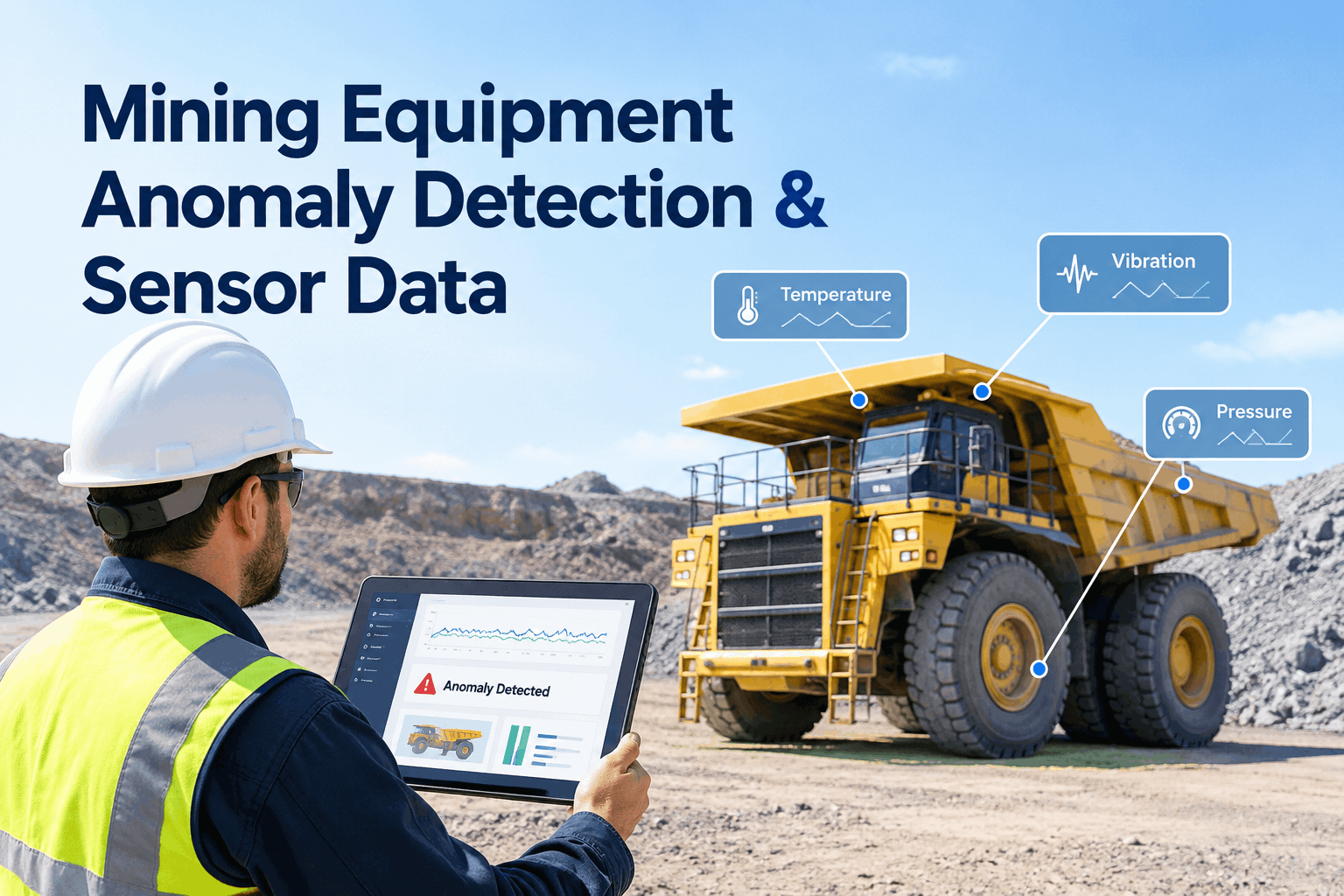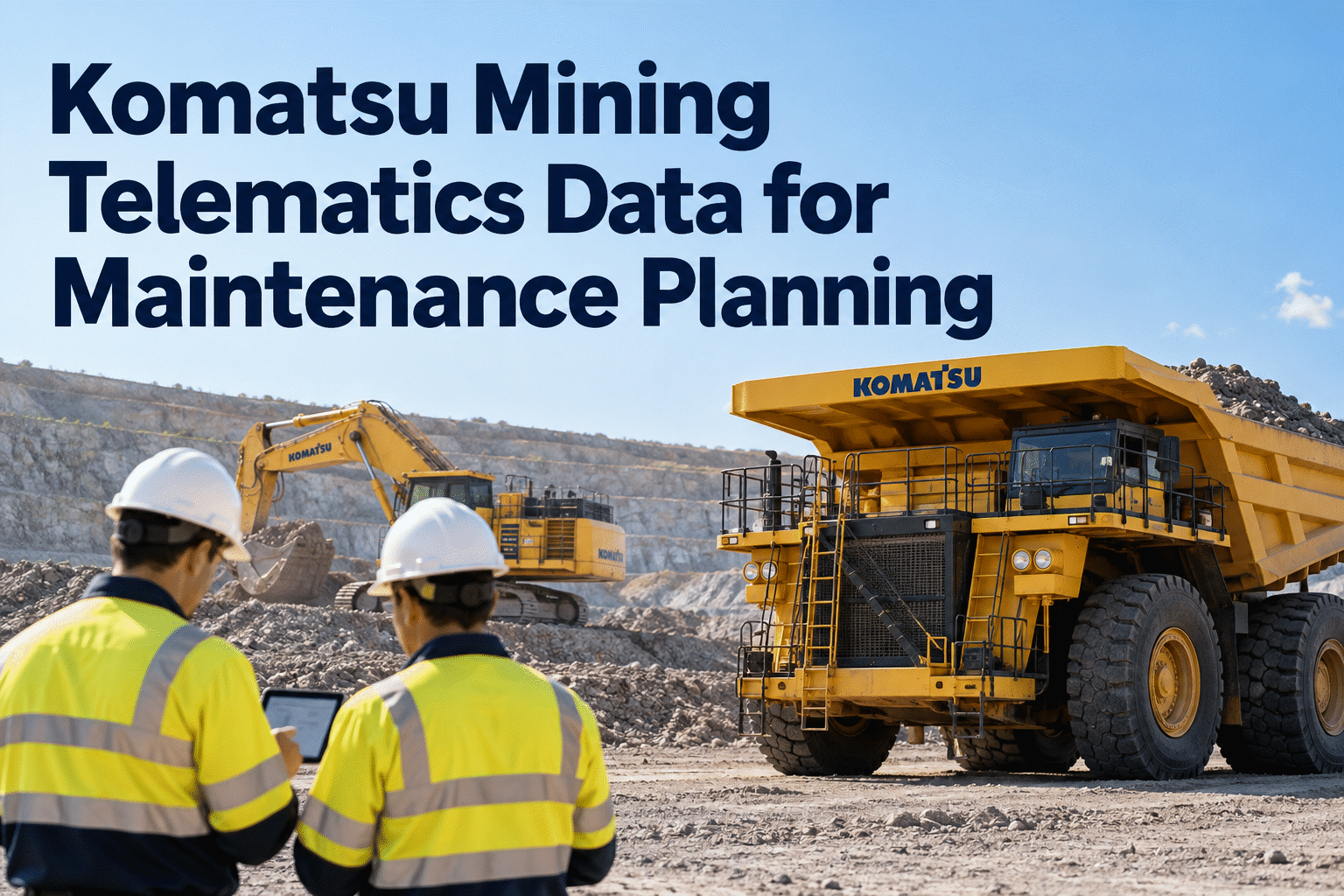
Liebherr telematics can help mining maintenance teams understand equipment utilization, operating hours and machine events, but useful maintenance planning requires more than collecting readings. Teams must confirm what data their specific machines provide, how reliably it reaches them and how each finding becomes a documented inspection or repair.
Make Liebherr machine data useful beyond the dashboard.
Connect reliable operating information with maintenance decisions, service planning and repair history—while keeping OEM data access and integration requirements clear.
Start with the source—not the integration promise.
“Liebherr telematics” can refer to different digital offerings, data services and equipment-specific monitoring capabilities. Liebherr's mining digital ecosystem includes names such as IoMine, while Data View and Data Services terminology can appear in different product contexts. Access, coverage and available fields should be confirmed against the exact mining machine, installed systems, contract and current OEM documentation.
For maintenance managers, the practical question is whether the available information can improve inspection timing, preventive maintenance and fault investigation. Book a demo to see how HVI supports the maintenance records that follow those decisions.
How mining telematics becomes a maintenance record
The integration pathway has distinct ownership and validation steps. A diagram should not be mistaken for a verified live connector. Book a demo to review HVI maintenance-record workflows alongside your Liebherr data requirements.
Excavators, haul trucks and other eligible machines produce operating information.
OEM SOURCEData transfer depends on hardware, network coverage and configuration.
VERIFYReview information through the relevant Liebherr services and authorized methods.
ACCESS RIGHTSConfirm asset IDs, timestamps, counters and event definitions.
QUALITY GATEDocument inspections, PM tasks and completed work in HVI.
WORKFLOWSix data types worth evaluating for maintenance
Use only fields that are actually available for your equipment and that your team can interpret reliably. Start free to organize inspections and maintenance records informed by verified machine data.
Operating hours
Check verified hour counters against OEM service intervals and recorded maintenance history.
Utilization
Identify heavily used machines and realistic maintenance windows without relying on calendar time alone.
Events and alerts
Investigate repeated warnings with OEM guidance and technician inspection rather than assuming an automatic diagnosis.
System indicators
Where supported, use available temperature, pressure or other indicators as context for condition checks.
Performance changes
Look for meaningful changes over time, accounting for operating conditions and data quality.
Service history
Compare machine signals with inspections, previous repairs, parts and recurring defects recorded in HVI.
A mine is not a perfect network.
Open pits, underground areas, remote sites and network interruptions can delay or prevent transmissions. A missing update is not proof that a machine stopped operating.
Four failure points to plan around
Coverage gaps: Confirm connectivity at the actual operating location and whether delayed upload is supported.
Stale timestamps: Identify when the machine last reported before scheduling service from the reading.
Asset mismatches: Keep machine serial numbers and maintenance asset IDs aligned.
Different counter definitions: Distinguish engine hours, working hours and other metrics as defined by the OEM.
From a service-hour reading to a completed work order
Example values below demonstrate a decision process, not a live Liebherr report or a guaranteed maintenance interval. Book an HVI demo to explore preventive maintenance scheduling and work-order records.
Planned service at 12,500 hours
Planner reviews the upcoming operating schedule, confirms the applicable OEM maintenance instructions and arranges the service window.
Close the loop in HVI
Confirm equipment and service task
Schedule or create maintenance work
Record technician findings and parts used
Close the work order and update service history
Keep your mining maintenance records organized with HVI.
Connect your team's review of equipment data with inspections, planned maintenance and documented repairs.
Questions to resolve before connecting OEM data to a CMMS
Technical feasibility depends on permissions, supported interfaces, field definitions and the systems already in use. Book a demo to discuss your mining fleet's maintenance documentation needs and integration questions.
Ask the Liebherr data provider
- Which machines and models are supported?
- What data is accessible under our subscription or agreement?
- Is there an approved export, API or other data delivery method?
- How often are values updated and how are outages handled?
- What are the data rights, security and support terms?
Ask your maintenance system team
- Which asset IDs and service counters must match?
- Who validates alerts before creating a work order?
- Which fields are needed for PM planning and records?
- How are duplicate events and bad readings handled?
- Is any proposed connector actually available and supported?
HVI supports preventive maintenance and equipment service records. Do not assume a native Liebherr connector, automated data ingestion, fault-code diagnosis or automatic work-order creation without product-specific confirmation.
A four-week way to test maintenance value
Choose the machines
Select a small set of trucks or excavators and map their IDs, available data and service needs.
Validate readings
Check hour counters, timestamps, alert definitions and site connectivity.
Run the workflow
Turn verified findings into inspections, PM tasks or technician reviews.
Review results
Measure service completion, repeat defects and repair turnaround rather than dashboard usage alone.
What should a maintenance team actually track?
Review whether data-informed maintenance produces measurable results. Sign up to start organizing equipment service history and maintenance activity in HVI.
| Metric | What it tells you | Useful review |
|---|---|---|
| PM completed on time | Whether usage-based planning becomes scheduled service | Weekly by asset class |
| Repeat defect count | Whether the same problems return after repair | Monthly by machine |
| Repair turnaround | Time between documented issue and return to service | Weekly by work order |
| Data freshness | Whether readings are recent enough for decisions | At each data review |
Turn reliable equipment information into a clearer maintenance plan.
See how HVI supports preventive maintenance and service records. Discuss your Liebherr data needs and confirm integration options before planning a deployment.