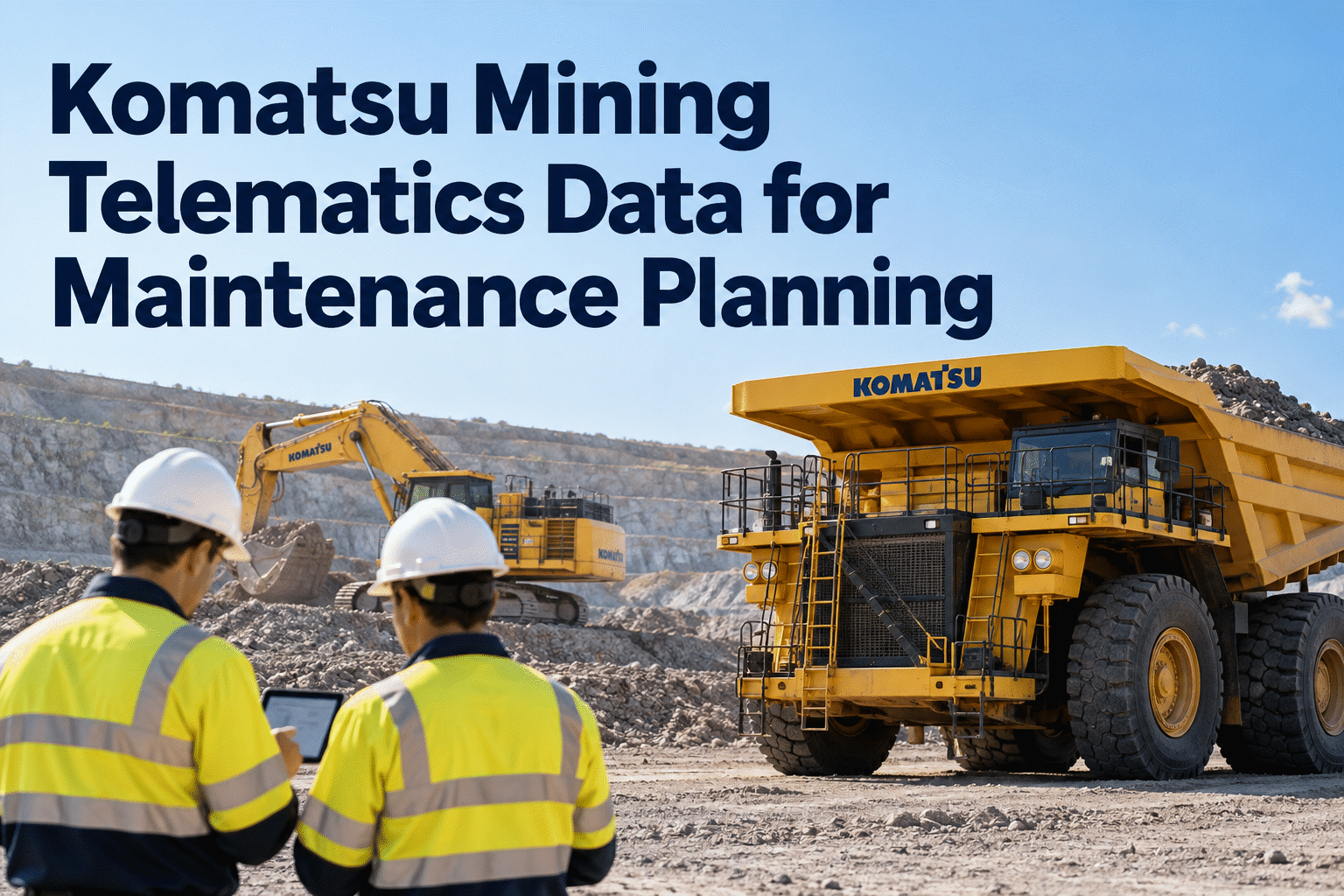
Komatsu mining telematics can help maintenance teams understand how haul trucks, excavators and support equipment are being used—and when a closer inspection or service review is needed. Operating hours, machine alerts and condition trends are most useful when they lead to verified decisions, documented repairs and a reliable maintenance history. This guide explains how to connect those steps without assuming every machine or system provides the same data.
From Komatsu machine signals to maintenance that gets done.
Use KOMTRAX and KOMTRAX Plus information to prioritize the next inspection, service window and repair—while keeping the equipment record clear.
What does Komatsu mining telematics actually provide?
KOMTRAX and KOMTRAX Plus are associated with Komatsu equipment monitoring, but the data available to a particular mine depends on machine family, installed systems, market, connectivity and service access. My Komatsu may provide a customer-facing route to available machine information and services.
Depending on the setup, maintenance planners may be able to review operating hours, utilization, equipment events and component or machine-condition information. The correct starting point is an asset-by-asset data inventory—not a promise that every truck, excavator and dozer exposes identical signals.
For a maintenance record that follows the machine after the OEM report is reviewed, book an HVI demo to review inspections and work-order tracking.
OEM machine data
Hours, available events, usage and machine-specific condition indicators.
Maintenance interpretation
Technician review, OEM instructions, severity and operating context.
Completed maintenance record
Inspection findings, service activity, parts and work-order closeout.
Know when an hour reading should trigger a service review
A meter reading is a planning input. It needs the correct machine, verified timestamp and applicable OEM service interval before a work order is scheduled.
Illustrative difference between current hours and a planned review threshold.
Confirm the actual interval, meter type, machine configuration and OEM instructions.
Use an inspection or PM work order to record findings and completed work.
All values above are hypothetical teaching examples, not live KOMTRAX readings or recommended Komatsu service intervals.
Four machine types, four maintenance questions
Is the truck ready for the next haul cycle?
Compare available hours and machine events with inspection findings for braking, cooling and driveline systems.
HVI record: inspection + corrective workAre recurring symptoms being investigated?
Review utilization and available condition signals alongside hydraulic-system checks and prior repairs.
HVI record: defect + service historyDoes the duty cycle justify earlier inspection?
Consider hours and work severity when reviewing undercarriage, cooling and scheduled service needs.
HVI record: PM schedule + inspectionAre repeated repairs revealing a pattern?
Compare event history, technician findings and replacement-part records to identify recurring problems.
HVI record: work orders + parts usageA maintenance decision route—not another unread alert list
Use a repeatable path that gives every significant finding an owner, a verification step and an outcome.
Review the signal
Find the relevant hour change, event or condition trend.
Check context
Confirm asset, freshness, OEM meaning and severity.
Plan the action
Inspection, diagnosis, PM or an urgent stop-use decision.
Record the repair
Capture work, parts, findings and follow-up.
A reliability engineer checks the event definition and recent operating conditions. A technician inspects the relevant system and documents the result. If a repair is required, a work order records the action; the team then reviews whether the symptom returns. An event is not itself a diagnosis.
Make maintenance records as useful as machine data.
HVI helps teams organize equipment inspections, preventive maintenance and repair work orders after a telematics finding has been evaluated.
KOMTRAX / KOMTRAX Plus
Available machine information, subject to access and model support
HVI equipment records
Inspections · preventive maintenance · work orders · service history
What a KOMTRAX-to-maintenance workflow must verify
OEM data access and HVI maintenance functionality are separate questions. Even where an integration is proposed, teams should verify exactly which fields are supported, how frequently they update, and what happens when connectivity is lost.
✓ Equipment identity: map serial numbers and asset IDs correctly.
✓ Data definitions: confirm hours, units, event codes and timestamps.
✓ Access and rights: verify the OEM subscription, API/export availability and permissions.
✓ Failure handling: define manual review for missing or delayed records.
✓ Operational ownership: assign who validates and closes each finding.
Book a demo to confirm current HVI KOMTRAX integration options and discuss the data fields your mine actually needs.
Integration note: HVI's current KOMTRAX connectivity, supported models, automatic synchronization and field coverage must be confirmed with the HVI team. This diagram describes a target workflow, not a verified live connection or an OEM endorsement.
Separate urgent hazards from routine maintenance signals
The correct response depends on the actual OEM alert definition, safety procedures and qualified technical judgment—not a generic color assigned by software.
Safety-critical or stop-use condition
Follow the mine's safe-isolation and escalation procedures immediately when a confirmed condition requires it.
Recurring or worsening machine condition
Check event history, symptoms and previous repairs; prioritize technician diagnosis.
Approaching a planned service interval
Confirm meter values and OEM guidance, then align PM with the production window.
Normal operating variation
Retain useful observations and watch for a meaningful pattern rather than creating unnecessary repairs.
Measure the maintenance outcome, not just the number of alerts
PM completed on time
Whether verified machine hours translate into completed scheduled service.
Repeat defect frequency
Whether the same symptom returns after corrective work.
Repair turnaround
How long the asset stays unavailable between defect reporting and release.
Data freshness
Whether the readings used for decisions were recent and reliable.
For a clearer view of inspections and repair records, start free with HVI to organize mining equipment maintenance.
Put one Komatsu equipment group through a four-week test
Inventory the signals
Confirm machine IDs, supported data fields and the team's access.
Verify data quality
Compare selected meter readings, event meanings and timestamps.
Link to maintenance
Turn a small number of verified findings into inspections or PM tasks.
Review results
Check work-order completion, repeat issues and reporting gaps.
Connect useful equipment insights with accountable maintenance.
See how HVI supports inspection records, planned maintenance and work orders. Ask our team to verify the KOMTRAX integration options relevant to your equipment.