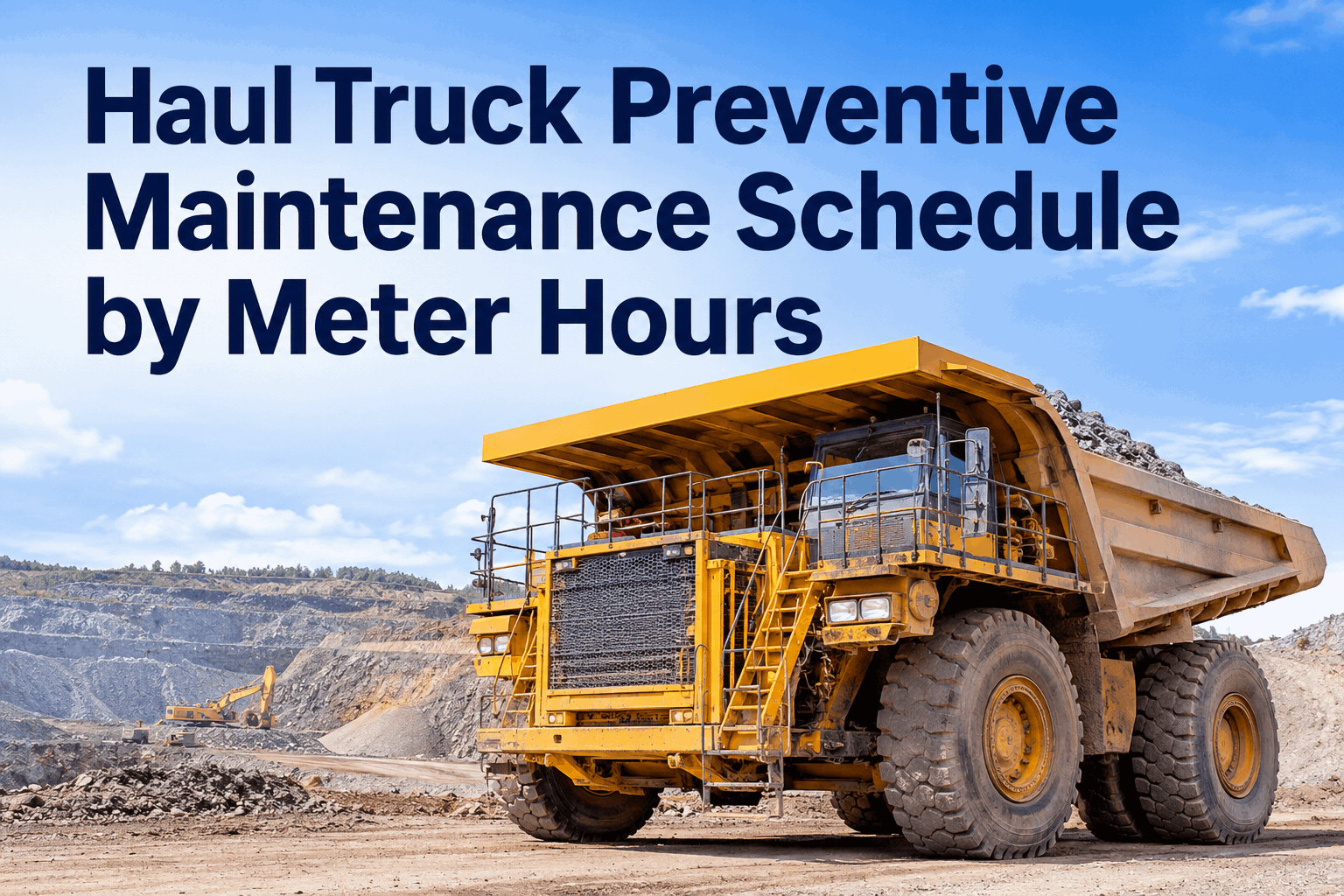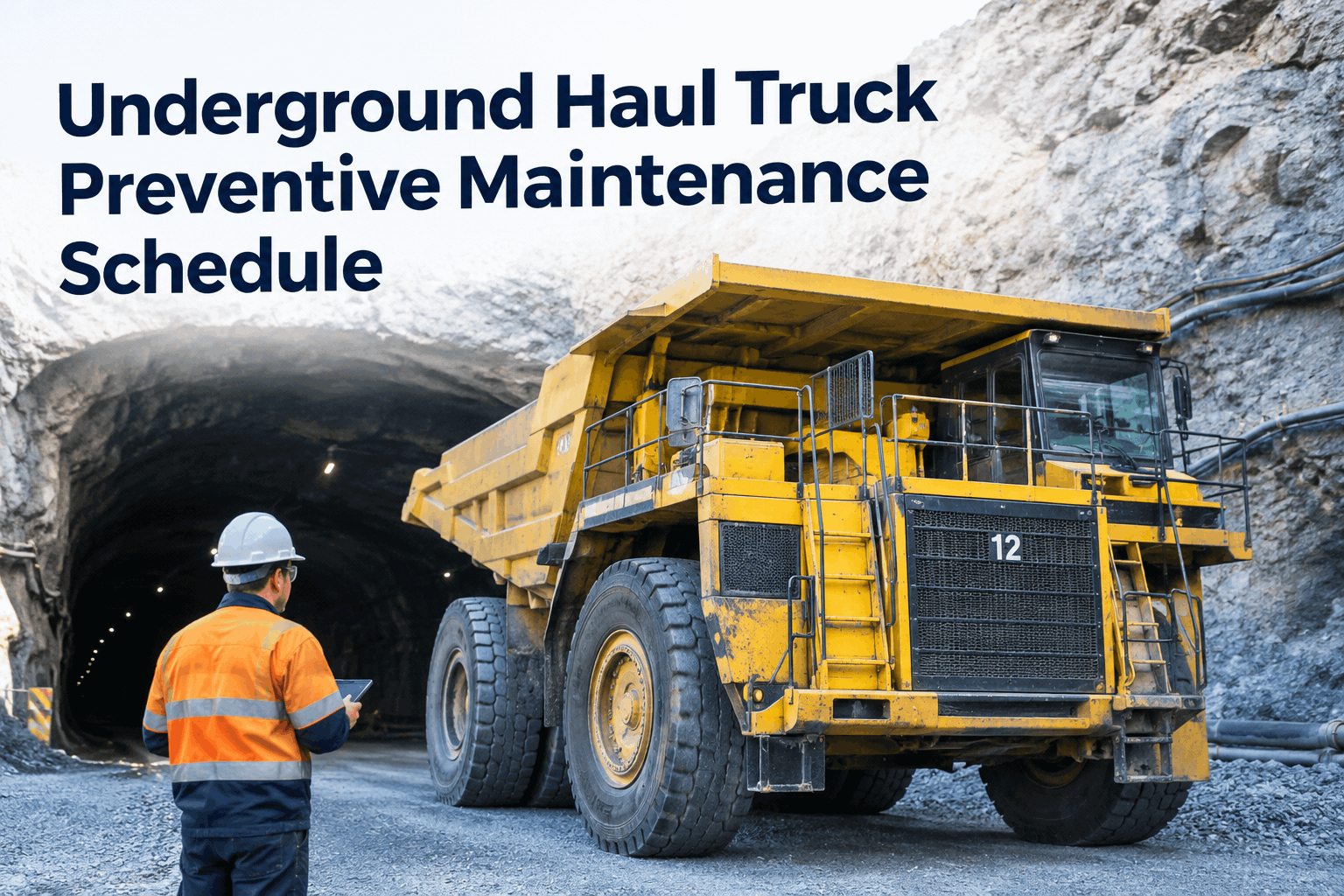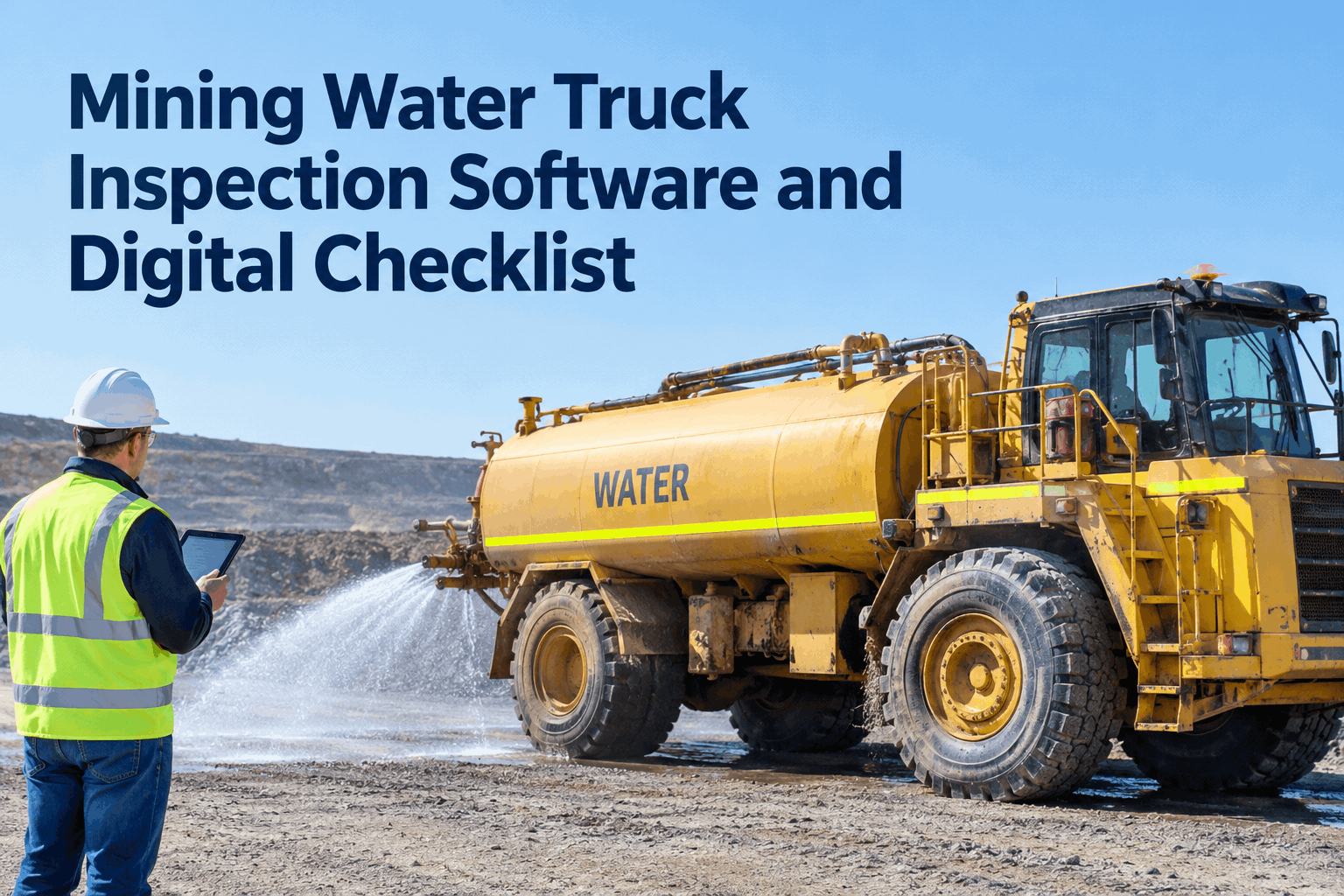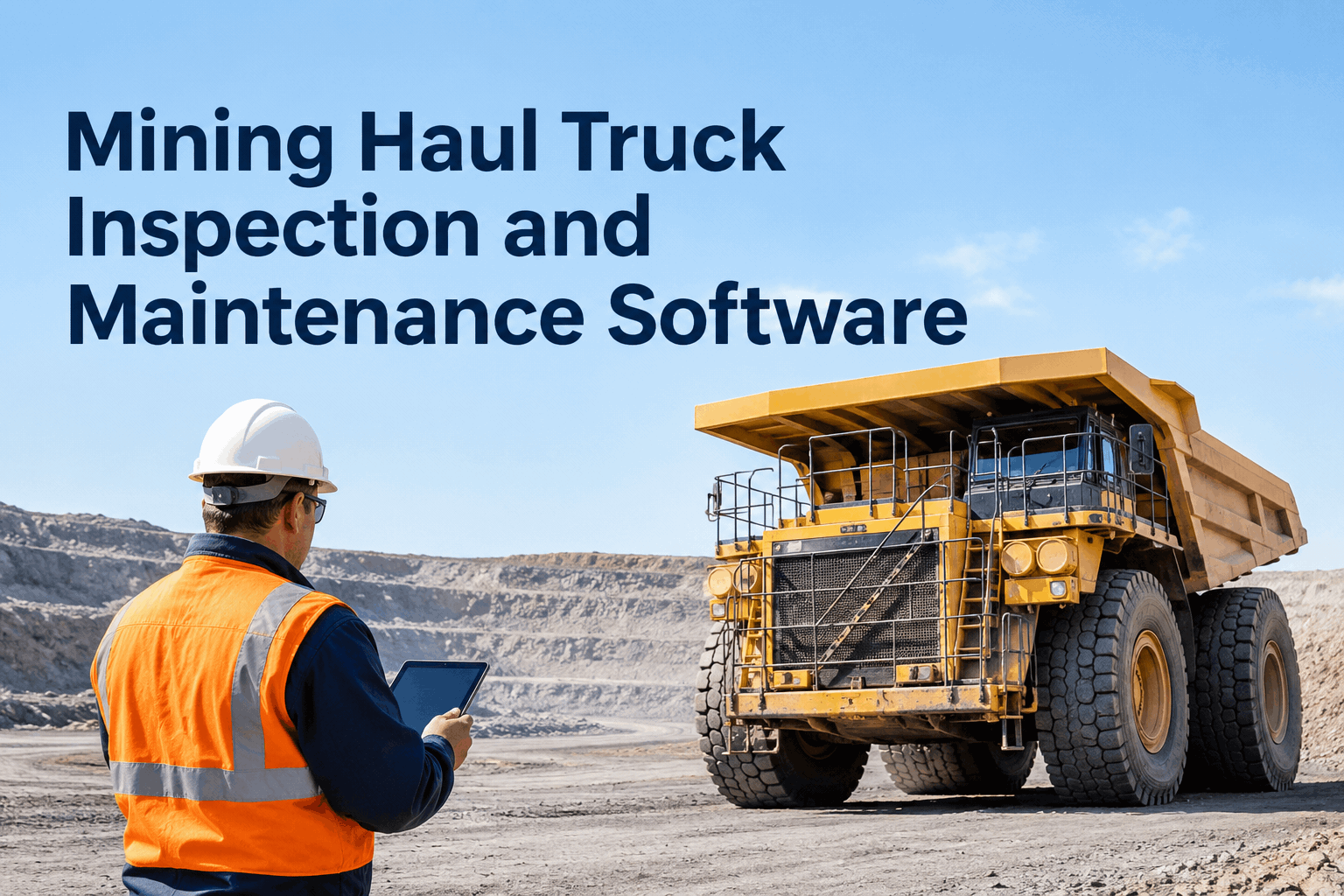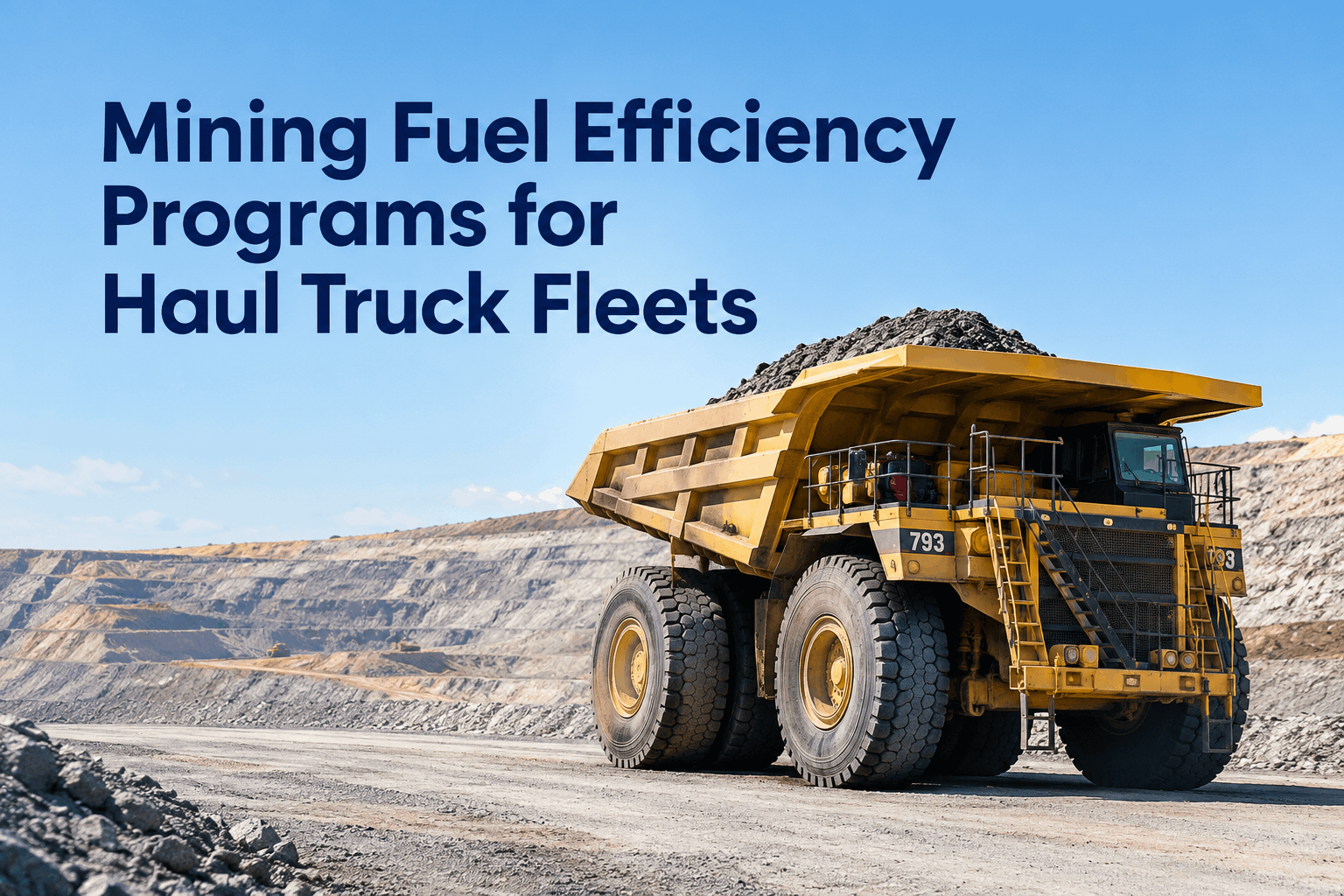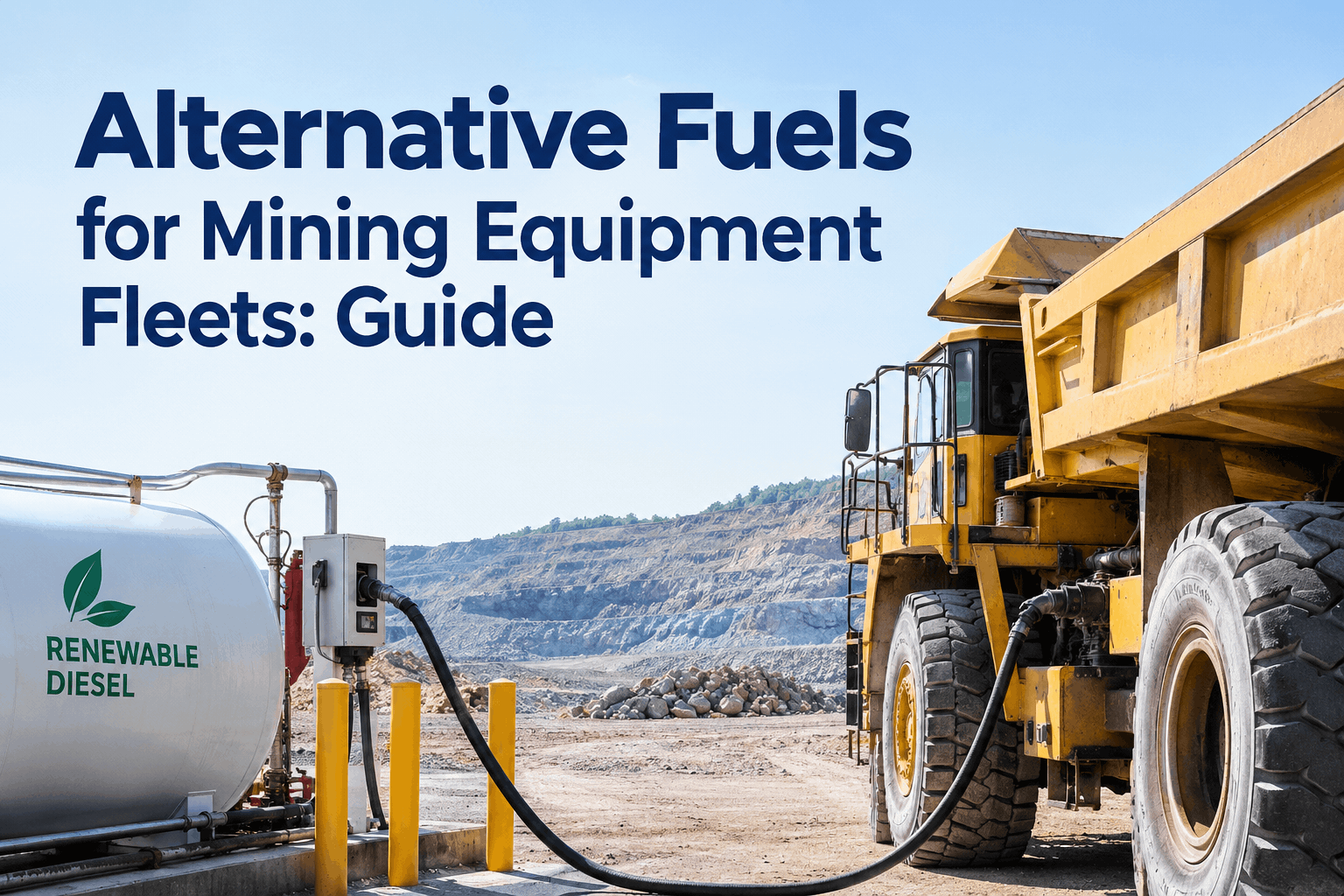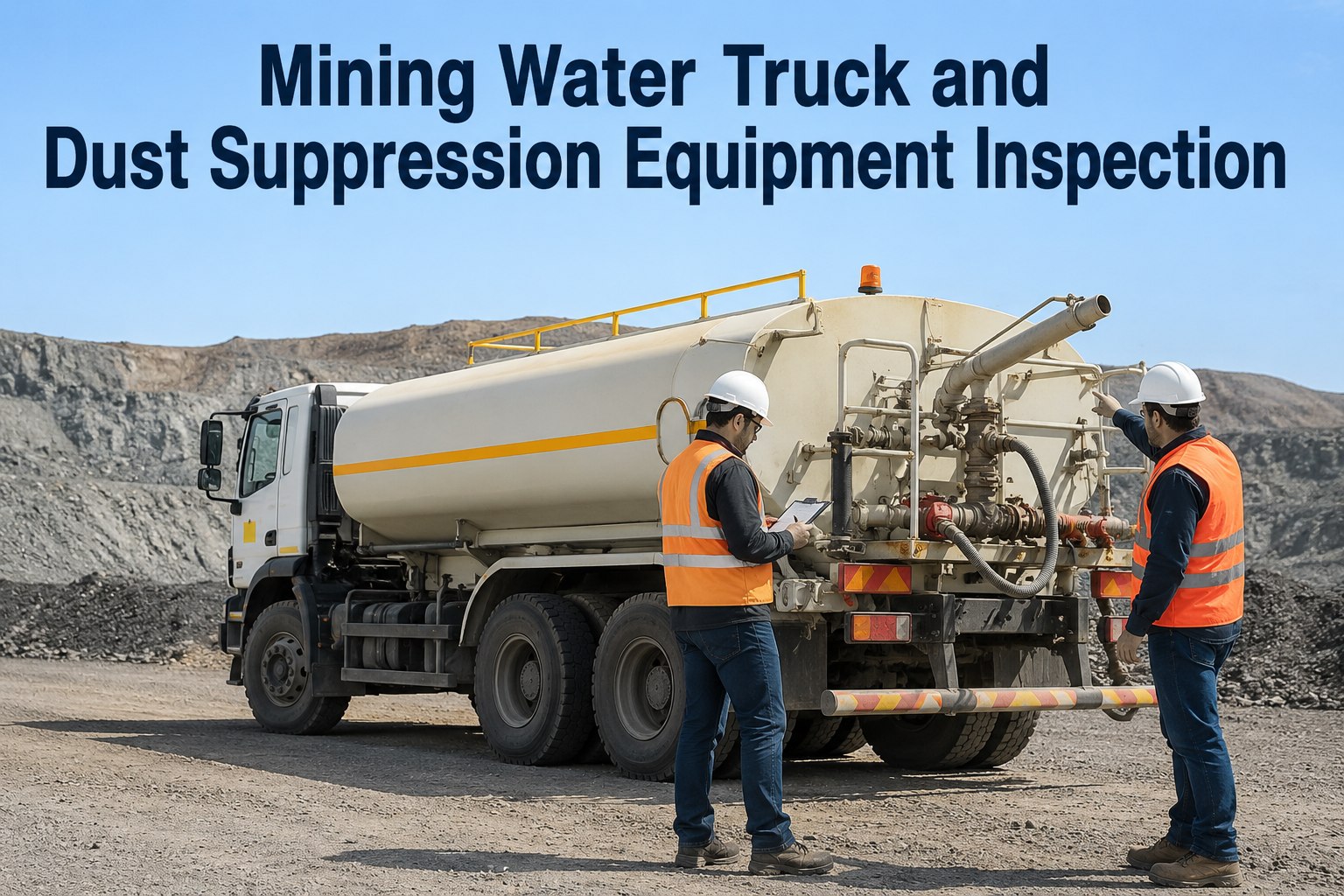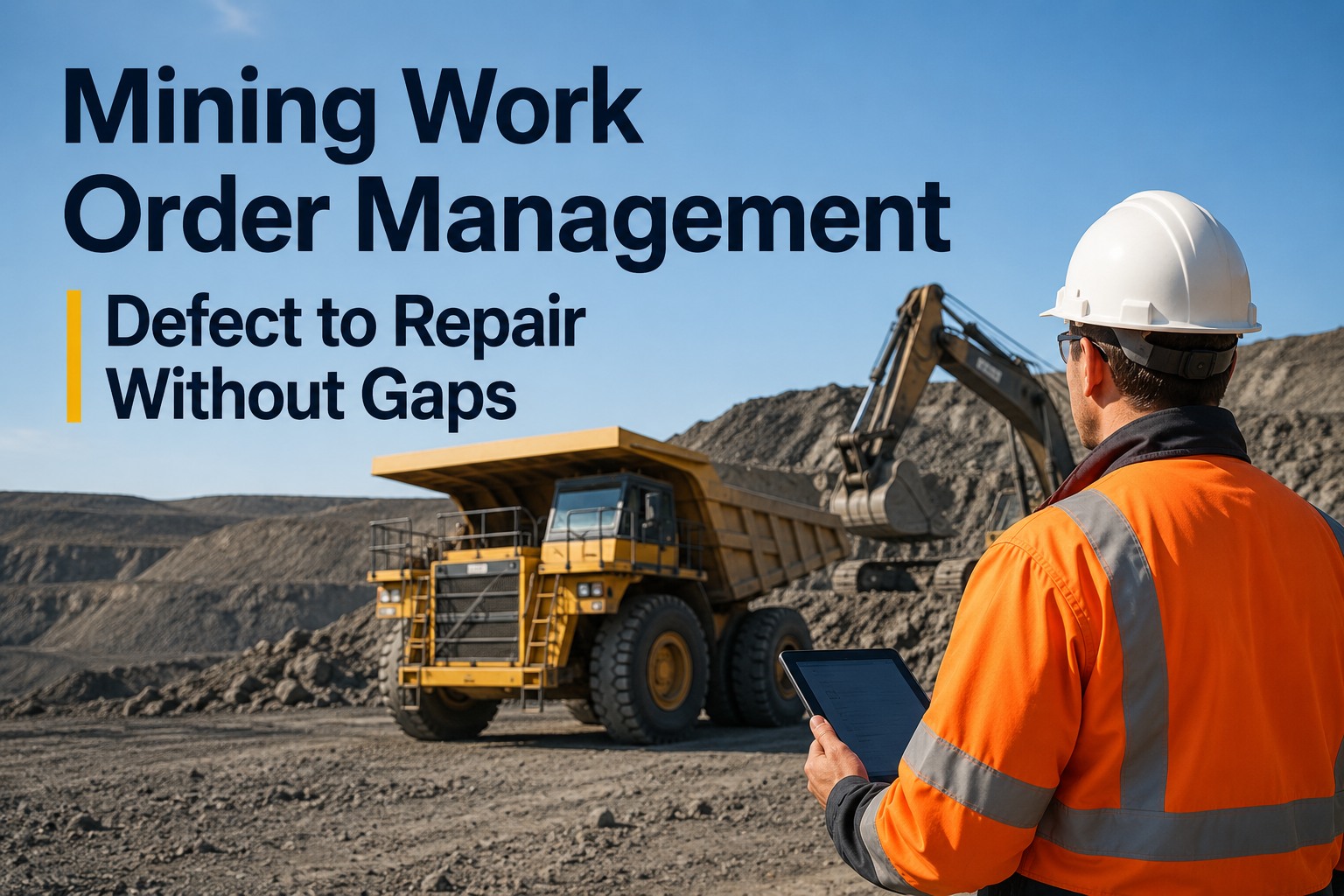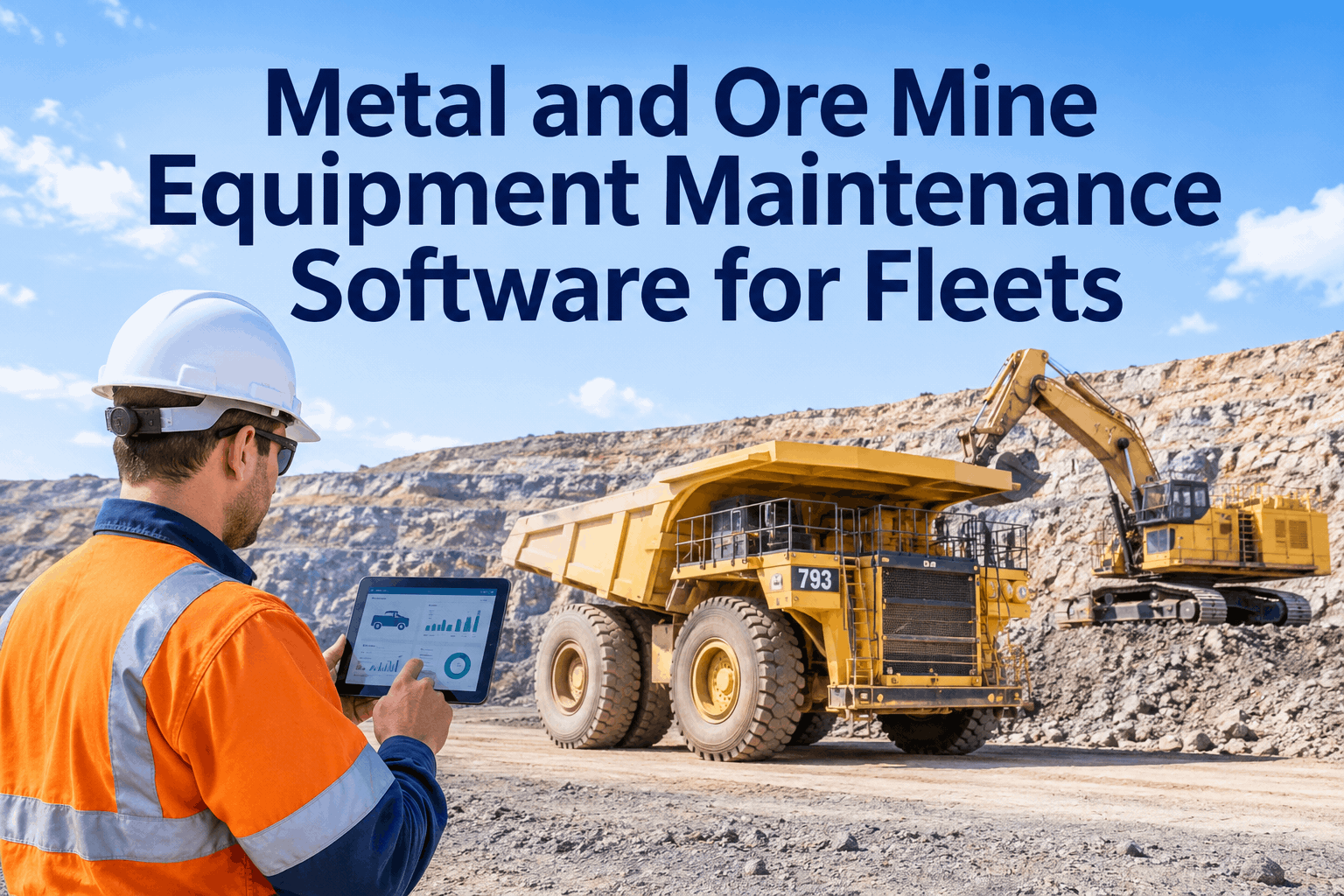
A metal and ore operation doesn't run one kind of machine — it runs five or six, and every one of them fails in a different place. An ultra-class haul truck, a hydraulic shovel, a wheel loader, an underground LHD and the water truck keeping the haul road from eating air filters all live on different hours, different intervals and different wear points. Metal and ore mine equipment maintenance software puts that whole mixed fleet on one platform, so each machine class gets the schedule it actually needs.
One mine, five machine classes, five different ways to fail
HVI manages inspections, meter-based PM, work orders, parts and repair history for every machine class on a metal or ore site — haul trucks, shovels, loaders, LHDs and water trucks — in one platform that works offline at the face.
- A class-specific inspection for every machine type
- Meter-based PM tuned to each unit's real hours
- Whole-fleet availability on one screen
The trap in a metal or ore operation is treating the fleet as one thing. A hydraulic shovel digging at full load 24 hours a day burns through its service interval far faster than the calendar suggests, while a support loader under lighter duty does not — and running them on the same schedule over-services one and strands the other. Each class needs its own inspection, its own meter-hour clock and its own wear focus, which is exactly what a meter-based maintenance platform built for mixed fleets delivers — you can book a demo to see it set up for your metal or ore fleet.
Five machine classes, five wear storieswhere each one fails, and what the inspection has to watch
Different equipment classes fail in different places, so the schedule has to weight different systems for each. Here's the mixed metal/ore fleet mapped by where the hours actually land — and why a single generic checklist misses most of it.
HVI ships a class-specific inspection for each — the hydraulic shovel gets structural-fatigue and hydraulic checks, the LHD an underground pre-shift with brake tests — all feeding one fleet view. You can start free and set up each machine class today .
The machine everyone forgets takes down the ones they don'twhy support equipment belongs in the same program
Here's the cascade that catches metal and ore operations off guard. The water truck is often the lowest machine on the maintenance priority list — until it's down. A dry haul road throws dust that clogs haul-truck air filters, cuts visibility, and quietly pulls service intervals forward across the whole production fleet. The support machine nobody tracks ends up driving failures on the machines everyone does.
That's the whole case for one platform instead of five spreadsheets: when every class lives in the same system, the support machine gets the same discipline as the production fleet — because its failure is a production failure too. Book a demo to see every machine class on one fleet view
Why one platform beats five spreadsheetswhat a mixed metal/ore fleet gets from a single system
When each machine class lives in its own sheet or binder, nobody sees the fleet — and the gaps between systems are exactly where overdue work and surprise downtime hide. Pulling every class into one platform changes what a supervisor can actually do.
One fleet view
Every class and unit on one screen — who's ready, who's due, who's got an open defect, before the shift starts.
Right schedule per class
Meter-hour PM tuned to each machine type's real duty, so nothing is over-serviced or quietly overdue.
One record, audit-ready
Inspections, work orders, parts and repair history per asset in one place — ready for internal reviews and regulatory inspections.
On a fleet of machines where ultra-class truck downtime alone runs $5,000–$20,000 an hour, the visibility a single platform buys pays for itself the first time it catches an overdue service before a breakdown. Book a demo to see your mixed fleet in one view
From the walkaround to the work orderhow a defect on any machine moves through the platform
Class-specific inspection
The operator runs the pre-shift digital inspection built for that machine — shovel, LHD or truck — with defects flagged by photo, even offline at the face.
Defect becomes a work order
A flagged cutting edge, hydraulic leak or brake fault routes straight to a work order — assigned, prioritized, with the machine's history attached.
Parts staged, repair logged
The right part comes from inventory, labor is logged against the asset, and cost-per-hour stays real instead of estimated.
History & availability update
The closed job writes to the machine's permanent record and the fleet availability view — audit-ready for internal and regulatory reviews.
Same loop for every class, so a 40-unit mixed fleet runs on one consistent record instead of a shelf of binders. Book a demo to walk a real defect through the platform
What to set up per machine classthe checklist for standing up a mixed-fleet program
Build each of these once in preventive maintenance and every machine class runs on its own clock inside one fleet view. For the deeper fleet-management playbook, see the mining heavy equipment fleet management guide.
On five spreadsheets, each of these depends on someone remembering. In HVI, every class runs on its own schedule inside one system — and every service writes back to the machine.
Set Up Your Fleet Free in HVIFrom a mine maintenance superintendent
We had trucks in one spreadsheet, shovels in another, and the loaders and water trucks basically lived in people's heads. Nobody could tell you fleet readiness without walking the yard, and the water trucks got ignored until a dusty road started killing truck filters.
Putting every class into one system was the unlock. Each machine type has its own inspection and its own hour schedule now, but I see the whole fleet on one screen before shift. The support equipment finally gets the same attention as the production fleet — which is where half our hidden downtime was hiding.
Frequently asked questions
What does metal and ore mine equipment maintenance software do?
It manages inspections, meter-based preventive maintenance, work orders, parts and repair history for every machine class on a metal or ore site — haul trucks, shovels, loaders, LHDs and water trucks — in one platform, with fleet-wide availability on one screen.
Can it handle different machine classes with different intervals?
Yes. Each class gets its own inspection and its own meter-hour PM tuned to its duty cycle, so a hard-digging shovel and a lighter-duty support loader are each serviced on their real usage instead of one generic schedule.
Does it work offline at remote mine sites?
Yes. Operators can record inspections and report defects from mobile devices with offline workflows, so a remote pit or underground face captures everything and syncs when back in coverage.
Why include support equipment like water trucks?
Because a down water truck means a dusty haul road, which loads haul-truck air filters and pulls service intervals forward across the fleet. Tracking support machines in the same system prevents that cascade from hitting production equipment.
How long does it take to get set up in HVI?
Most mines are live across their fleet in under two weeks. You set up a class-specific inspection and interval for each machine type once, and every unit runs on its own schedule inside one fleet view from there.