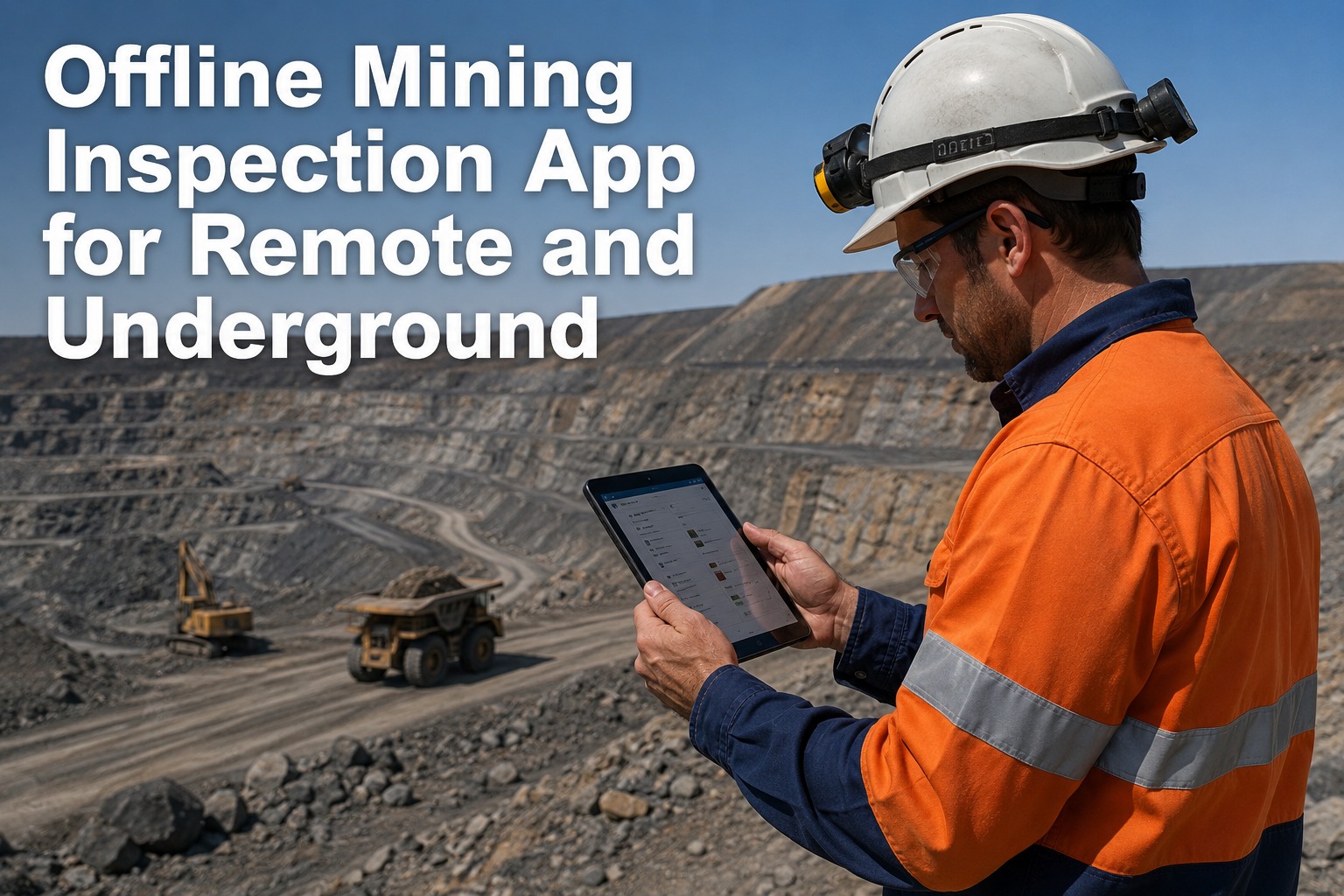
You're 400 metres down a decline with a loader that needs its pre-start inspection, and the app on your phone just spun a loading wheel for the third time. No signal underground, none at the far end of the pit, and by Friday your crew is back on paper because the "digital" rollout died the first week it met a real mine. A genuine offline mining inspection app doesn't cache a login screen and hope for the best — it completes the full inspection with photos, defect recording, GPS where available and a signature, all with zero connection, then syncs every record automatically when coverage returns. That's the standard this page holds to: what real offline capability requires, the environments that break most apps, and how to defend the decision internally when IT asks hard questions. If you'd rather see it running on your own units than read about it, book a 30-minute walkthrough and bring your worst coverage scenario.
The inspection app that works where your trucks actually work
Underground headings. Remote pits. Satellite gaps. HVI completes every inspection offline and syncs when you're back in range — no lost records, no paper fallback.
The numbers that kill digital rollouts in mining
Connectivity is the assumption that sinks most inspection software in mining. These are the costs that show up when the app can't keep up with the site.
What genuine offline capability actually requires
Most apps claim "offline mode" and mean they cache a login screen. Real offline capability for mining means the full inspection workflow runs without a connection — and nothing is lost when it syncs.
Full checklist completion
Every item on the inspection — pass, fail, N/A, notes — must be completable with zero bars. If the app blocks a step because it can't reach the server, your crew stops trusting it by Tuesday.
Photo capture offline
Defect photos are the evidence that turns a note into a work order. They must attach to the inspection record locally and upload automatically when coverage returns — not sit in a camera roll.
Signature capture
The operator signs on the screen at the end of the inspection, underground, with gloves off for ten seconds. That signature is timestamped and stored locally until sync — no "sign when you're back at the office."
Zero-loss sync
When the device reconnects — at the surface, at the camp, at the fuel bay — every inspection, photo and signature uploads automatically. No manual "sync now" button, no duplicate records, no gaps.
The environments that expose weak offline mode
Three real mining scenarios where connectivity fails and most inspection apps fail with it.
Underground headings
You're 400 metres down a decline. No cellular, no Wi-Fi, no satellite. The loader operator does a pre-start inspection at the face, finds a hydraulic leak, photographs it, signs off, and the record sits on the device until the truck returns to surface at shift change. If the app can't hold that record locally and sync it automatically, the defect never reaches the shop.
Remote surface mines
The pit is 80 kilometres from the nearest tower. Coverage is patchy at the bench, non-existent at the far end. A haul truck driver completes a DVIR at the start of shift, flags a tire issue, and the app queues it. When the truck returns to the fuel bay — the one spot with a signal — the record syncs and the work order is waiting for the night crew.
Satellite-gap areas
Fly-in fly-out sites in northern Canada, the Pilbara, the UAE desert. Satellite coverage has gaps, and the gaps move. An app that depends on any connection — even satellite — will fail at the wrong moment. Offline-first design means the inspection completes regardless, and sync happens when the device finds any network, not a specific one.
Design considerations for gloved hands and harsh light
An app that works in a conference room fails at a mine site. These are the design decisions that matter when the user is wearing gloves, standing in dust, and reading a screen in full sun or cap-lamp light.
Large touch targets
Buttons and checkboxes sized for gloved fingers, not stylus precision. If the operator has to remove a glove to tap a 6-pixel checkbox, the inspection slows down and shortcuts start.
High-contrast interface
Readable in full sunlight at a surface pit and in low light underground. Dark text on light backgrounds, clear pass/fail colour coding, no subtle grey-on-grey design trends.
QR-triggered checklists
Scan the QR code on the asset and the correct checklist loads — even offline. The app stores the checklist library locally, so the operator doesn't need a connection to start the right inspection for that unit.
Minimal typing
Dropdowns, toggles and photo capture instead of free-text fields. Typing a paragraph with gloves on a dusty screen is where data quality dies. Structured inputs keep records clean and fast.
See HVI running offline on your own units
Book a 30-minute demo and we'll show you the full offline workflow — inspection, photos, signature, sync — on a scenario that matches your site.
Offline capability built for mining fleets
HVI (Heavy Vehicle Inspection & Maintenance, by JRS Innovation Inc.) is cloud + mobile Vehicle Inspection and Maintenance Work Order CMMS software. These four capabilities solve the offline problem directly.
Full offline mode on iOS and Android
Complete inspections with photos, GPS where available and digital signatures — all without a connection. The record lives on the device until sync, so nothing is lost underground or at the far end of the pit.
Automatic sync on reconnection
When the device finds coverage — at the surface, the camp, the fuel bay — every queued inspection uploads automatically. No manual sync button, no duplicate records, no gaps in the audit trail.
QR-triggered checklist loading offline
Scan the QR code on the asset and the correct checklist loads instantly — even with zero signal. The checklist library is stored locally, so the operator always starts the right inspection for that unit.
Interface built for mining conditions
Large touch targets for gloved hands, high-contrast design for variable lighting, minimal typing with structured inputs. The app works the way your crew works — fast, with gloves on, in dust and sun.
How to defend this decision when IT asks hard questions
You're the fleet or safety manager who has to justify this rollout. Here's the case you make when IT or finance pushes back.
What to remember about offline mining inspection apps
Three things that separate a real offline mining inspection app from a cached login screen.
Offline means full completion. Photos, defect recording, signature capture — all without a connection. If any step requires a signal, the app fails underground.
Sync must be automatic and lossless. No manual button, no duplicate records, no gaps. The record uploads when coverage returns, and the audit trail stays intact.
Design for the conditions. Gloved hands, harsh light, dust, minimal typing. The interface has to work the way your crew works, or they'll revert to paper by Friday.
"We tried two apps before this one. Both worked fine in the car park. Both died the first week underground. The difference with HVI is the offline mode actually completes the inspection — photos, signature, everything — and syncs when the truck comes back to surface. I track one number: inspections completed per shift. It went from 60% on paper to 98% on the app. That's the number I show the GM."
Offline mining inspection app FAQs
Does the app work completely offline underground?
What happens to photos taken offline?
How does sync work when coverage returns?
Can the app load checklists offline?
How long does it take to roll out to a remote site?
Stop losing inspections to dead zones
HVI completes every inspection offline and syncs automatically when coverage returns. See it running on your own units — or start free and test it yourself.
Free to start — Works on any phone — No card needed